Type of device* : wacom one
Brand and version of the device:
System** : windows 10
* graphics tablet/display tablet/2-in-1 laptop/Android tablet
** Windows/Linux/Mac/Android, + version (you’ll find it in Help -> Show system information for bug reports)
Description of the issue (you can include screenshots):
ive been working on a large piece and just recently the blending brushes arent working, well they are but theyre not blending and its just creating flat color, and ive restarted and tried to change the brushes. all of the smudge brushes are doing that and the air brushes. when i go into another document it works fine but i want to see if theres anything i can do before i scrap this piece
Bear in mind If you are using them on separate layers they don’t usually pickup the colours on layers below unless the Overlay option is active in the brush settings. (If they are RGBA brushes I don’t think the Overlay option is available- they only work well with blending on same layer). Color Smudge Brush Engine — Krita Manual 5.0.0 documentation
Right…
It doesn’t change anything on my side too if there’s no alpha
it means there’s something related to this document…
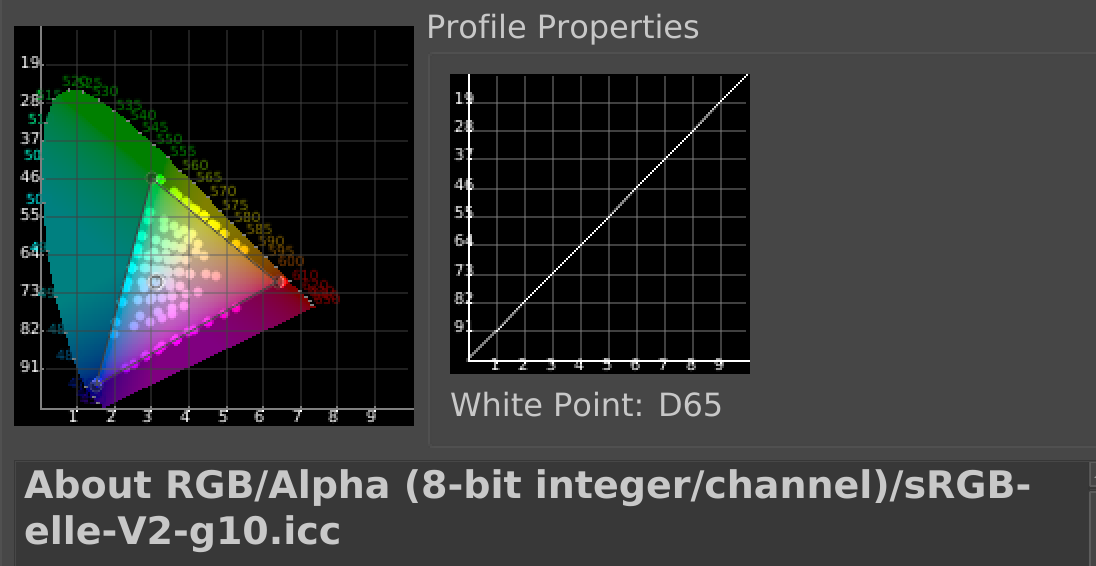
I’ve tried to test a document with the same colorspace than your document (sRGB-elle-V2-g10.icc), it seems to generate more “flat band” like this:
I’m not really sure about problem.
I can see what happen on your video
I had difficulties to reproduce it (need to unlock alpha channel to get something similar you), but I’m not sure that what i get is the same than you
Here what I have:
Using another color profile solve problem on my side but if on your side it didn’t change anything…
Need to wait for someone else with better knowledge about blending brushes to take a look here I think
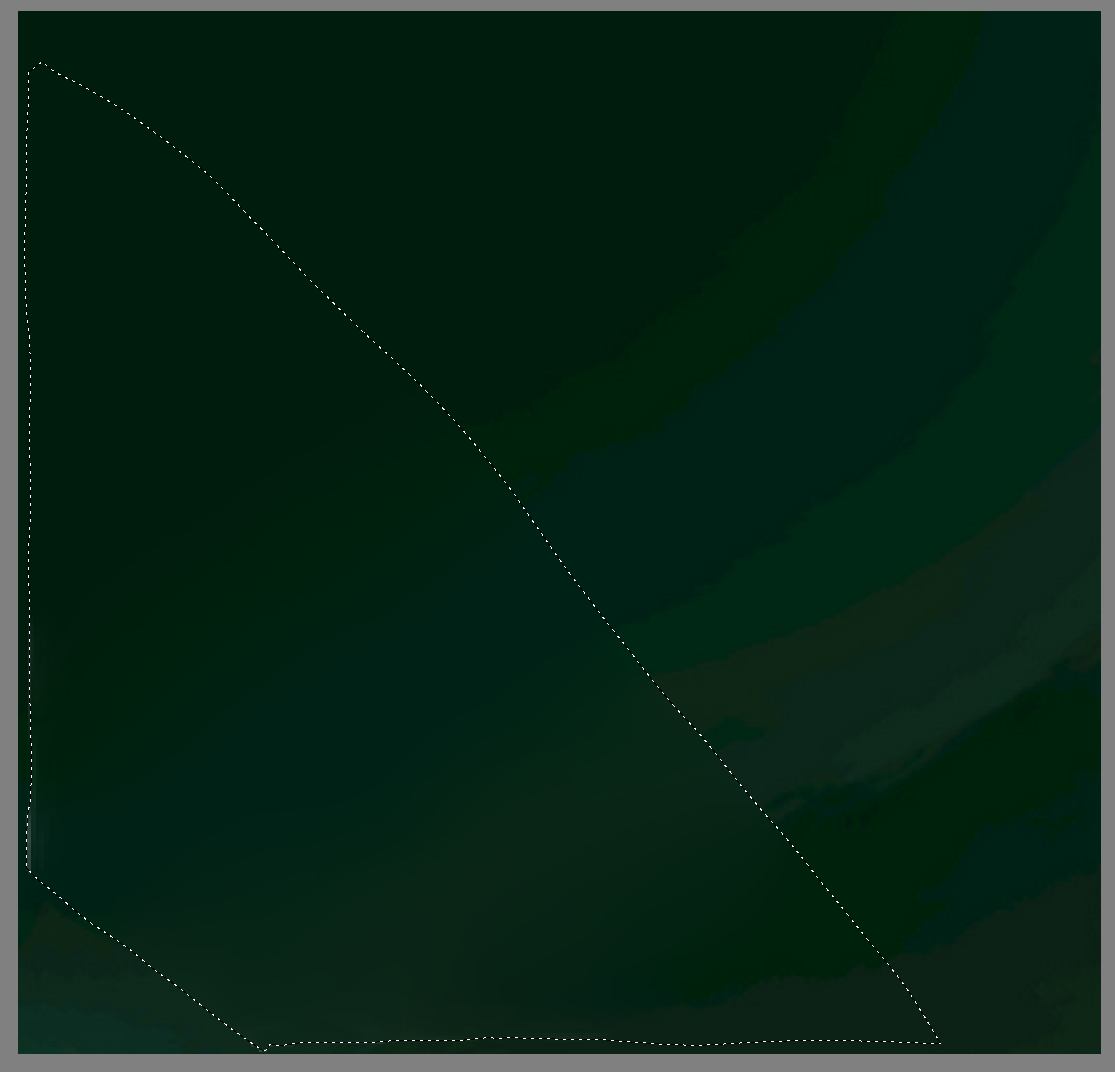
Hi, my guess (from the second screenshot you shared) is just a case of seeing the limit of RGB 8bit integer at work, and getting banding. It happens when trying to blend from very dark to … dark.
Workarounds:
You might want to try to use a blending brushe that has a texture so you can manually dither the color from one into another.
You might decompress your low values, RGB 8bit has 255 levels, and if your average mid-values are a bit higher, you’ll get more room to go darker; and so, more level for the blending tool to do its work.
If the shade of dark are two distinct from your eyes; it might also come from an uncalibrated too bright monitor that amplify the difference between similar dark shade.
I hope it will help.
Linear color profiles (g10 suffix, that’s a bit cryptic for “gamma 1.0”, which means linear) are unsuitable for 8-bit/channel, they will inevitably have banding at darker colors.
That’s because our eyes are not linear either, if they were, they’d be unable to cope with the extreme brightness differences we’re faced with every day.
8bit integer means that there is only 256 levels of any of the three colors red, green and blue mixing together. In standard gamma-corrected profile (srgbtrc-elle) it’s not a problem because there is enough to cover whole gamut. But if you use the g10, it means it’s a linear profile (gamma = 1.0), there is plenty of values in the light areas but only a few in the dark areas (because of how humans have non-linear perception of light (and sound and probably other things too)).
the “Perceived (linear) brightness” shows you 10 levels of brightness in gamma-corrected profile
the “Physical (linear) brightness” shows you 10 levels of brightness in linear profile (and you see? the second level is already very bright. You would think there should be more levels between them. The colors you have on the canvas are probably very very close mathematically too, so there is no way to blend them together, but to your eyes they look very different).
There is not really much use in using linear profiles with 8bit/integer profile. If you want to use linear profile, use 16bit float or 32bit float. It might be a bit slower though, and the images will be bigger. If you don’t need linear profile, just use the gamma-corrected one. It will save you a few headaches (also with exporting pictures in a way that other programs can see the colors correctly, etc…).