(continued …)
This time, additionaly, I need to click on the “global config” head of the tab in the left colum to get the right contents associated to this screen :

The head of the tab in the left colum is now dark grey and the right content is displayed.
But now, I’m trapped. If i drag laterally the “global configuration” icon (dark grey), i only can access to the “setups manager” with the wrong contents". Unable now to reach again the “brushes” screen.
I can of course close the windows, and start again.
That’s the folk ! 
I hope it can help to debug.
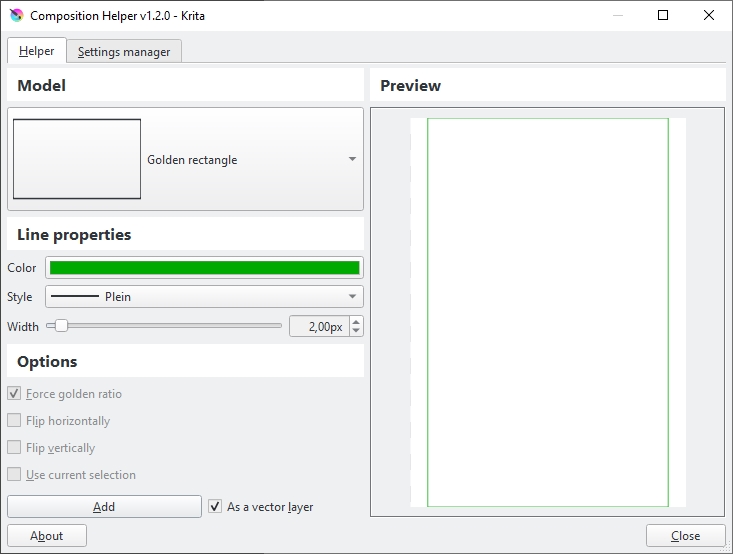
I installed the composition helper plugin. It seems to work perflectly. But the UI is different : classical tabs :
Whatever the results, i really appreciate your help !
Take care
Francis (Bordeaux)