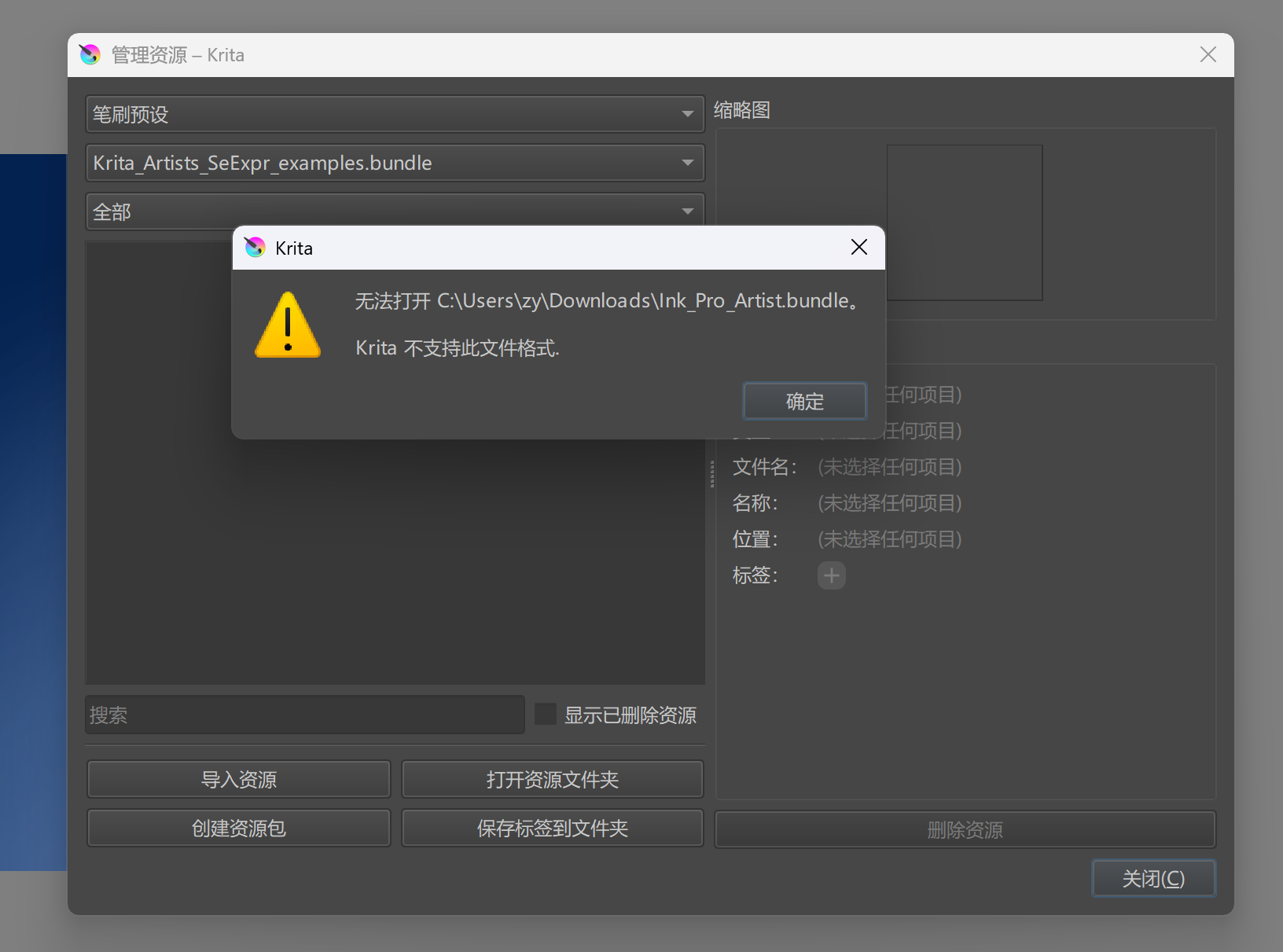
Hi @arain
Are you attempting to open a bundle or install a bundle by using the “import resources” button? I translated your post title but maybe I got it a little wrong.
(I moved your post out of the general forum and into a support category and added an English translation for you.)
 Hello @arain, and welcome to the forum!
Can you tell us from where you got this file, perhaps give us a download address if it is free available, that way we could check it for corruption? Because to me this bundle seems unknown, and I know at least a lot of them.
Michelist
我就是在这个论坛里面获得的
Moderator edit:
“I got it from this forum.”
已经尝试过了,但是依然没有结果
Please add the English translation yourself and don’t rely on moderators to do it.
Your file doesn’t look like a proper bundle file.
A link to the forum topic would have been a good and helpful thing to provide.
A download link for the Ink_Pro_Artist.bundle file is available here:
I downloaded it then installed it with no problems using:
Settings → Manage Resource Libraries →+ Import

For me these bundles install without issues, and although a bundle should be importable via the dialog your screenshot shows, the usual way is the following, that is one step deeper down in the menu where you called the dialog from your first screenshot:
A bundle is installed in Krita via the menu ‘‘Settings’’ >> ‘‘Manage Resource Libraries…’’ and in the opening dialog you have to click the button + Import in the next dialog browse to the downloaded bundle, select it and confirm the selection. Now Krita imports that bundle, and you can use its content, so the brushes in case of this bundle.
In case this BUNDLE comes in an archive-file, like ZIP or RAR for instance, then you have to unpack the archive to get the BUNDLE-File it contains, then you can proceed as described above.
Michelist
So, it’s not the Ink_Pro_Artist.bundle …
I had no problem downloading then installing those three Watercolour bundles.
I remembered that I had to unpack the downloaded .zip file in order to extract the three .bundle files inside it.
Here is the link to that topic if anyone is interested:
