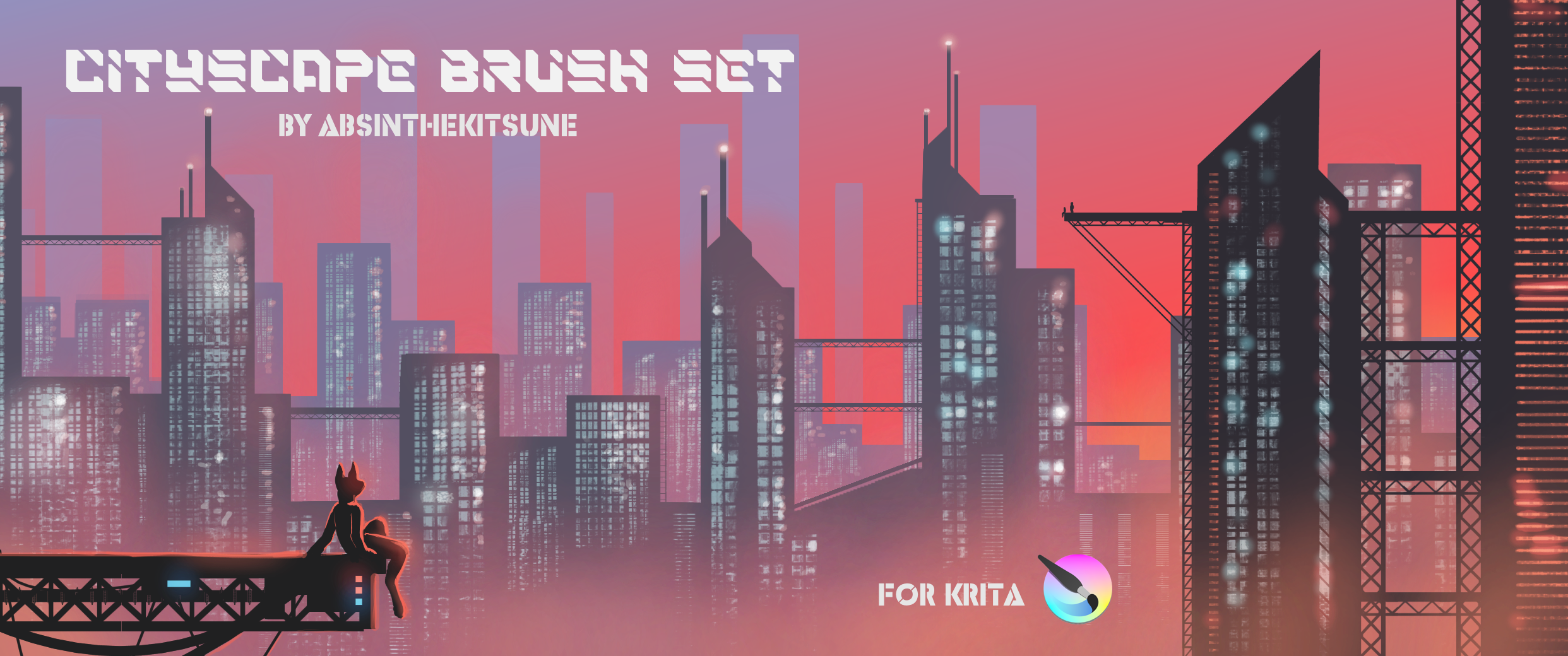
I made these brush presets to streamline the repetitive elements when making urban landscapes, especially the windows and iron supports.
Have fun! 
I made these brush presets to streamline the repetitive elements when making urban landscapes, especially the windows and iron supports.
Have fun!
 Hello @AbsintheKitsune, and welcome to the forum!
Thank you for sharing your work with us.

Michelist
Awesome!! Thank you ^^
Greatness.. ty!!
This is what exactly I’ve been looking for! Ahh I always get struggle with cityscape drawing. Gonna try it soooon  thank youu
This is a fantastical set. My only suggestion would be adding a tag for all the included brush tips; as they are it takes a bit of work for hunting down all of them inside one if users want to, for example, filter and see only your brush tips. It took me about 10 mins because I have so many brush tips scattered on my untaggeds. Still this doesn’t detract from the fact these are super useful, i’m very thankful you shared these!
It is so easy to add tags to them yourself. I’m doing it with every bundle I import directly after importing if the bundles resources are not tagged.
Here you can read up how:
Michelist
The tags worked when I tested the set, but I’m still using the previous version of Krita and have been dragging my feet with updating. I’m not sure how the tags were lost, but I will update the downloads once I get the newest version of Krita.
I’m glad that you are enjoying the brushes, even though the tags went MIA. :3
I’ve updated the brush presets for Krita5.3.2.1!
Version 1.1:
-Added horizontal and vertical structures for better work-flow
-Added new eraser presets for more texture options
-Increased brush preset icon size for better clarity
-Fixed tags to work with most recent version of Krita
There was some frustration, but I figured it out eventually. There was a compatibility issue with the brush presets carrying over into the latest version.
The following is for my fellow Krita tool makers: Older versions of brush presets functioned as brushes in the update, but failed to be written into the new bundle. The fix is relatively simple: edit the brush settings(ex. change size, spacing, etc.) and have the newest version of Krita overwrite the save of the brush setting. The overwritten brush should now work and show up in the bundle.
Happy painting! :3
Hello! Thank you for the brush set! I just downloaded it however it doesn’t seem to be working 
I can see it in my list of brushes but its all in grey and unusable, not sure what i’ve done wrong.
I’m not sure what could be the issue, but I restored the previous Cityscape.bundle for Krita 5.2.15. That one had some issues with tags, but it has all the essential assets that make up all the brushes for Cityscape1.1.bundle.
You just need to go back to your purchase, and the download link should be available. I hope that the previous version works until we figure out what’s going on.