Hello,
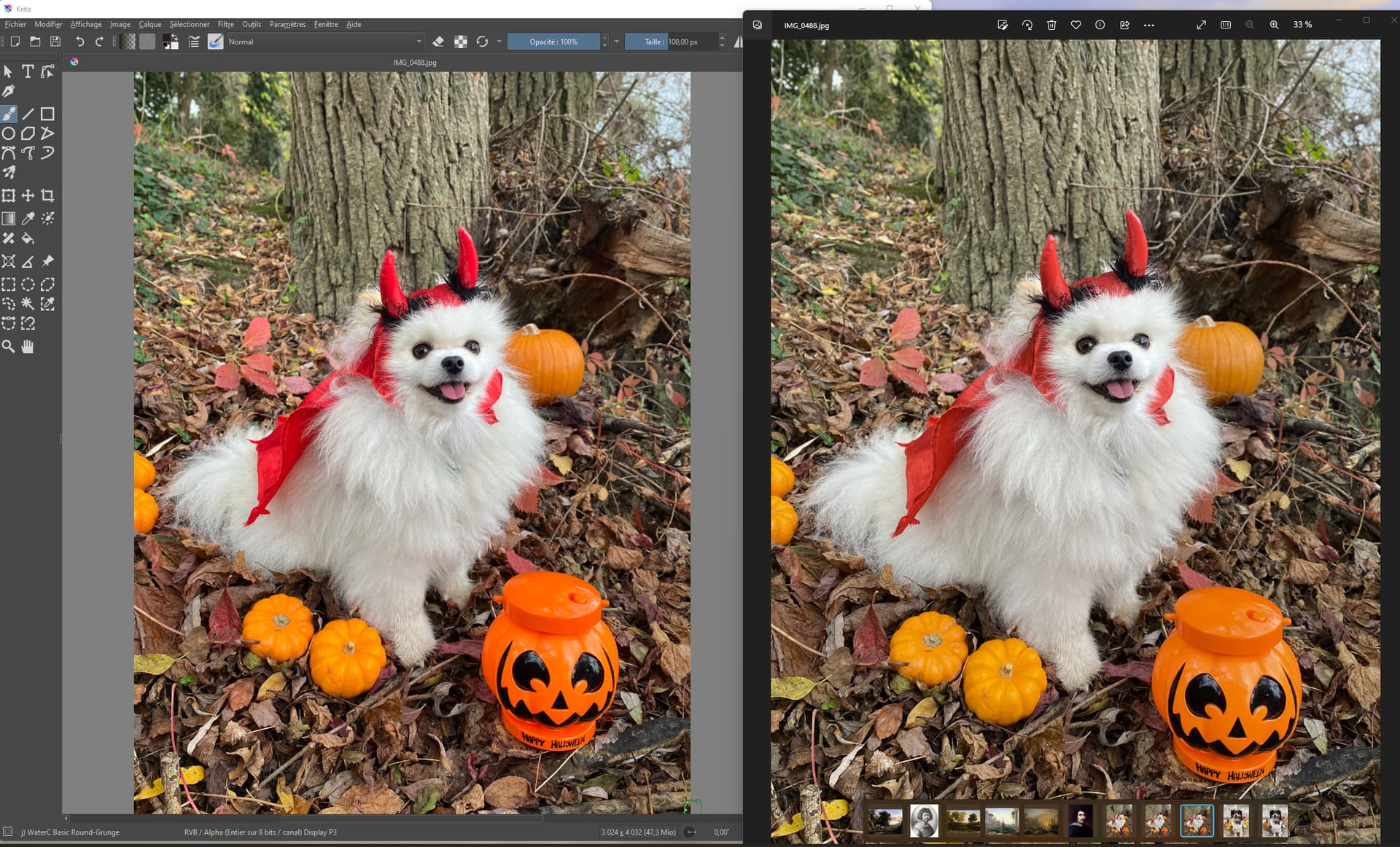
I’m a digital artist since a few years and since the beginning I have krita and I noticed a color display problem. I make all my drawings on krita and when I export it (in png, jpg or tiff it doesn’t matter) the colors are always less vivid than on krita. I tried to import a photo on krita and the same problem occurred: the colors became ultra saturated. But when I open any of my drawings or photos on my iphone, on photoshop or in the gallery app (on the same computer as krita) they appear normally (with the same range of colors everytime).
Is there a solution to this problem?
It’s always a big problem of mine since when I work on my photos or drawings I can’t have the result that is showed on krita… I always have to edit my drawings afterwards to try to have the same result that I worked on on Krita.
I’ve attached a screenshot of the same file (.jpg ) of a drawing I made on krita opened on krita and on the computer’s gallery app.
Can you try opening this in apps other than imageviewer. You can try GIMP for testing it is free. Some imageviewer do not have colour management. Also when you export do you embed the colour profile?
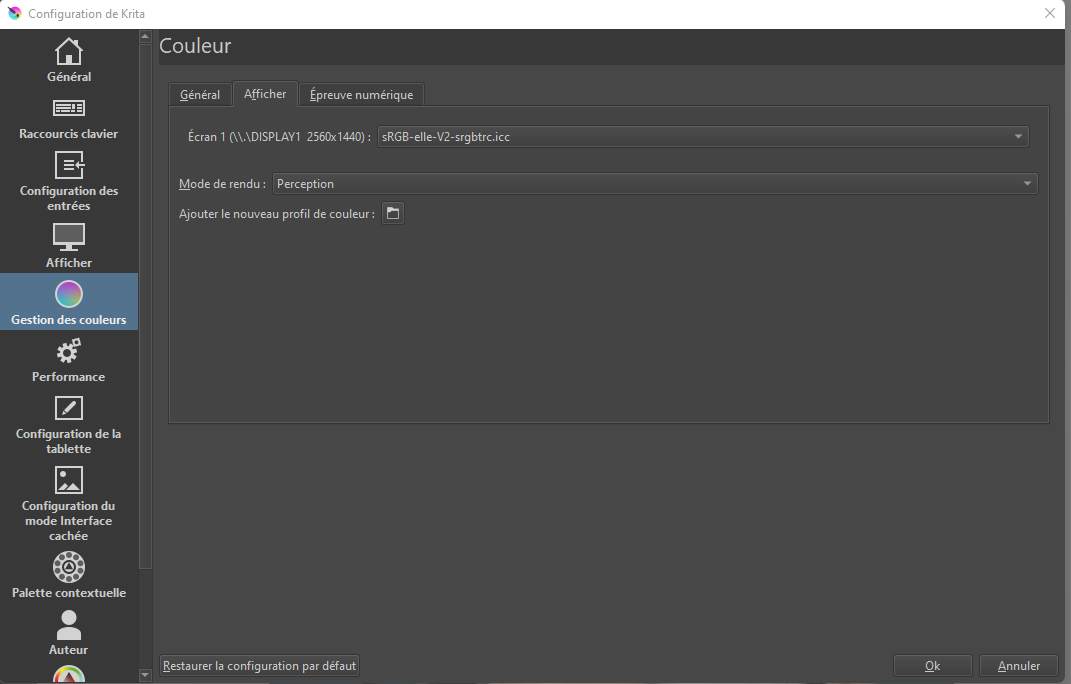
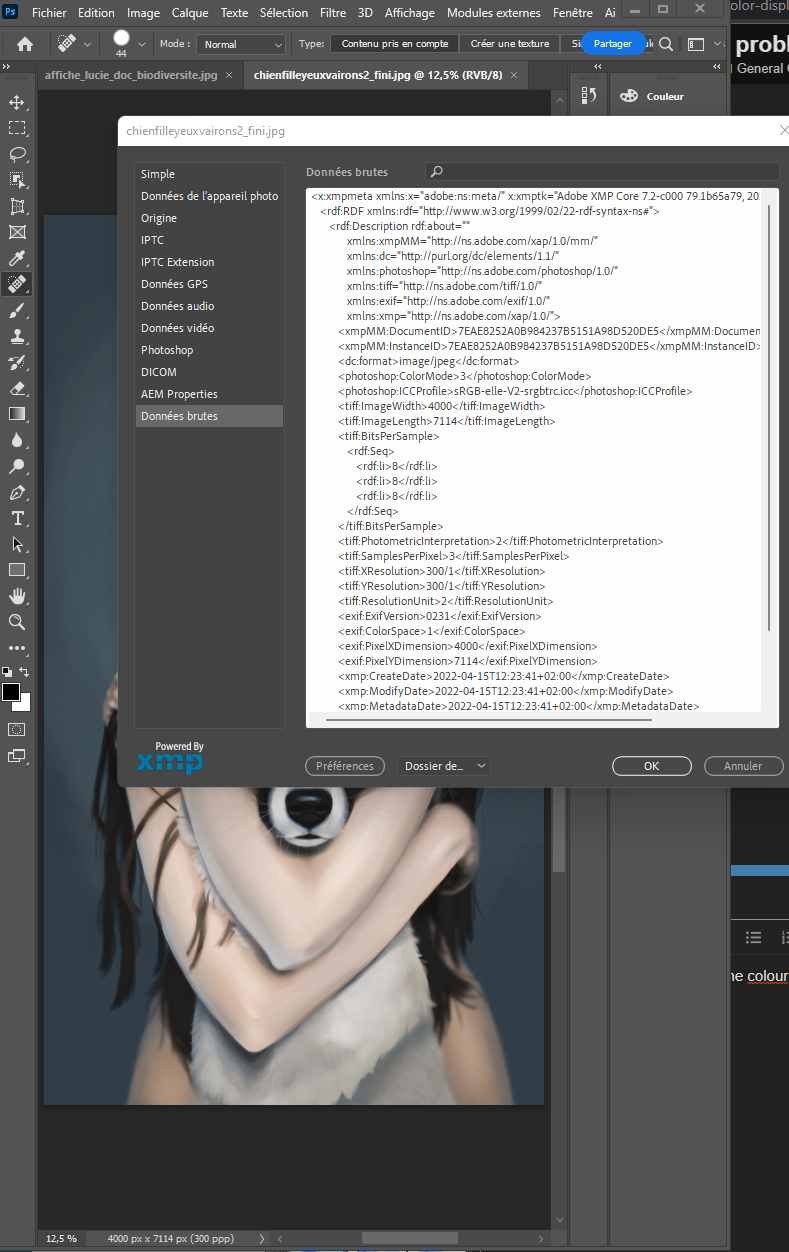
Originally I had the defaults settings, but I’ve tried to change it to sRGB built-in in absolute color but it didn’t change anything. Also I’ve tried to export a drawing without the colour profile and it did the same thing too
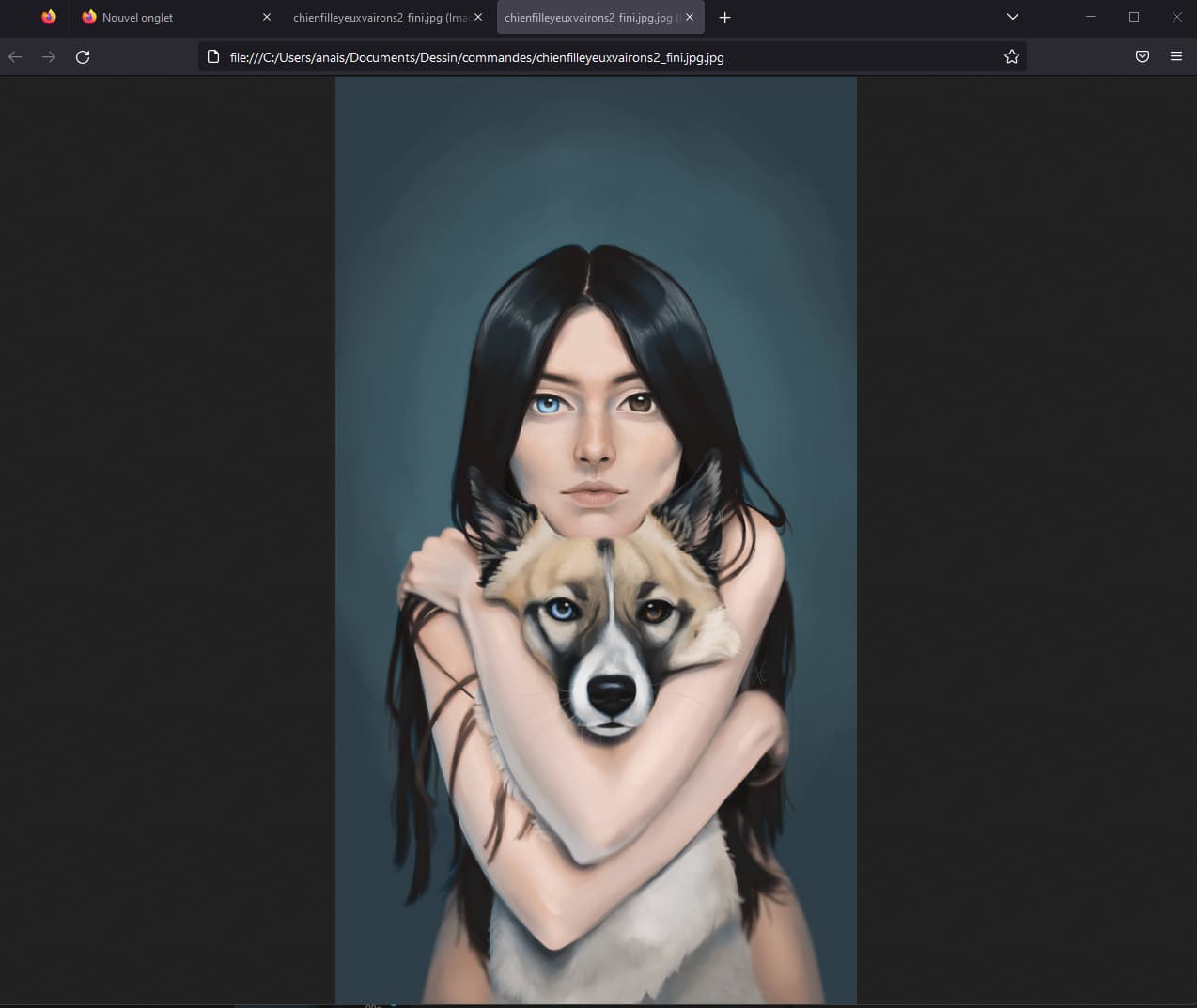
This image that you have attached look similar to the one you show in krita in your screenshot on my machine both in browser and krita. So may be something other apps are finding trouble in colour profile. I will let other members answer and try to help. Sorry I couldn’t be more of help to you.
one last test can you check the image in firefox and chrome.
Personally I stopped including the ICC profile on export for sRGB-Alpha images because some image viewers seem to have problems with it (even when they shouldn’t) and mess it up for some reason. Especially on windows it feels like a lottery because it doesn’t have native color profile management.
That’s wierd, I’ve tried to open the drawing that is without the colour profile in Firefox and the color ar correct this time ! but the image with the color profile is faded like the others. In Chrome the one with the color profile and the one without it appears faded
I remember reading about the color profiles in web browsers not really working like you would expect them. I just can’t remember where. I think it was even a link I found on this forum somewhere. From what I remember from the article the rendering engines of different browsers are implemented differently and have som issues with profiles as well as applying some post processing to the image to make them look consistent across devices but you can’t really turn it off and it will always alter the display of your image.
My monitor has normal color management (it’s the same as my iphone) ; I think I have an issue with the colour management in krita as it does the same with photos
the photo appears everywhere else (on every devices other than my computer) like the right one (also it was these colors in real life)
So I think Krita has a colour managment issue
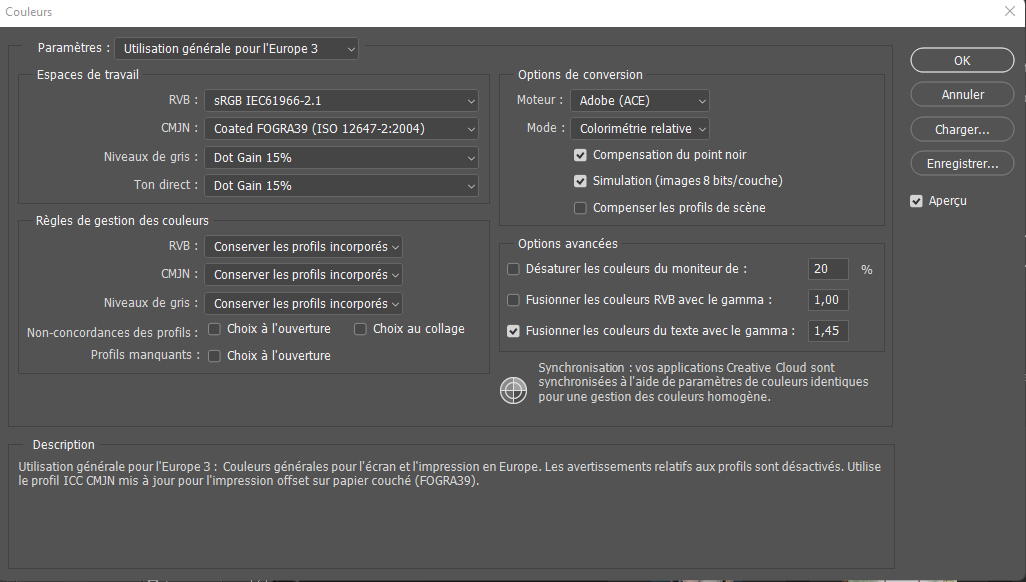
To really compare with photoshop you should provide a screen capture of photoshop’s color settings dialog (Edit->Color Settings), because there is an option to change how the color profiles are imported.
Also I’m pondering if this problem is reflected ‘internally’ as even screenshots capture the difference. What I mean is if the color picker will give other results depending on the program.
I do not have any answers to you, I do not think it is krita issue because others would have reported this. For me it works correctly as expected. I will ask one of my friends on windows to test this.
This happens all the time here is a similar issue on adobe forum. Either Windows image viewer is not colour managed properly or your display is not colour managed properly and no iphone or any smartphone is not a good indicator of colour accuracy