I am so new at this and use Krita to minimally edit images. I create my images in Design Space and then screenshot and then edit in Krita (mainly background removal).
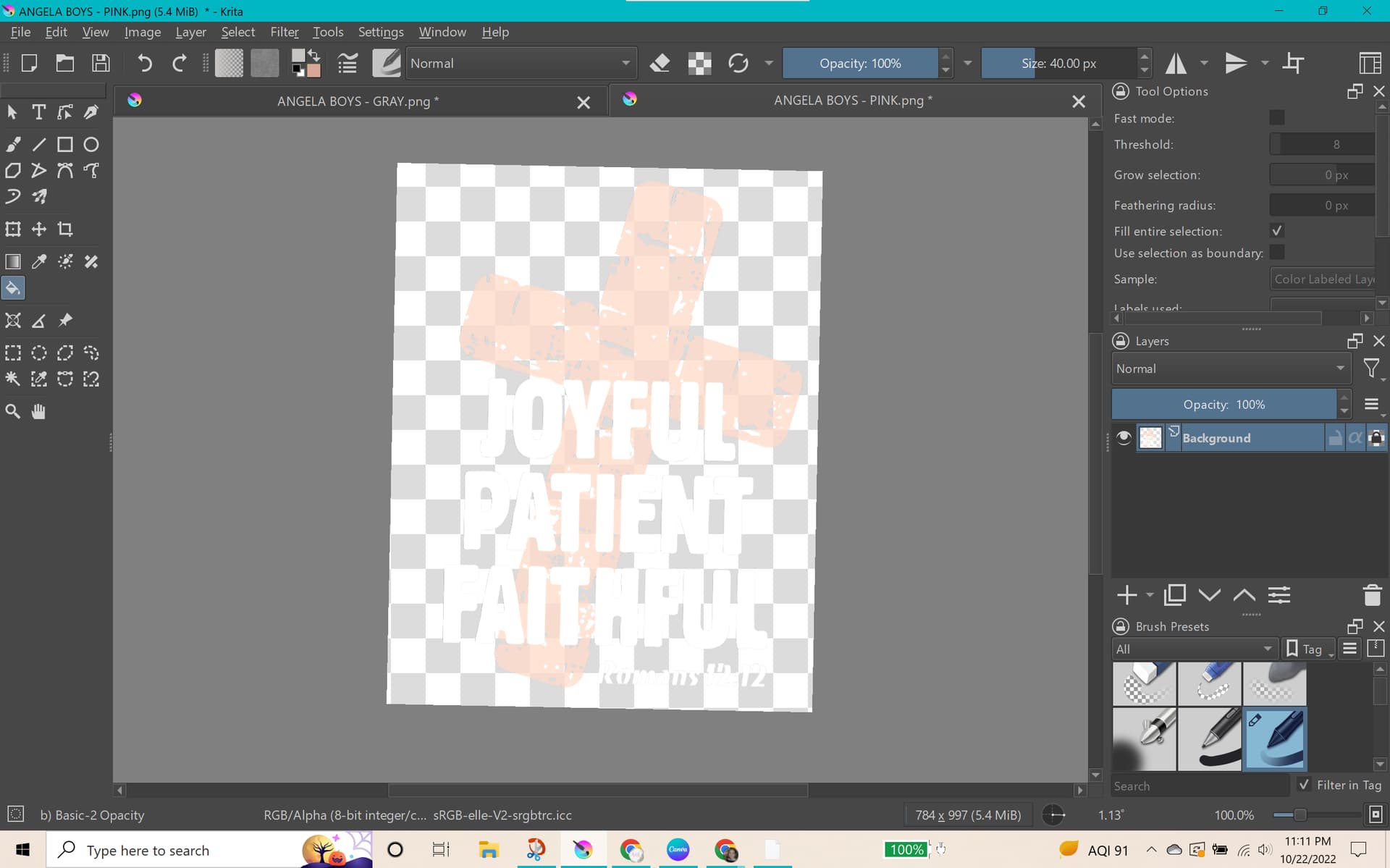
I usually used color to alpha to remove the white background around my images. It makes them somewhat transparent but not too bad.
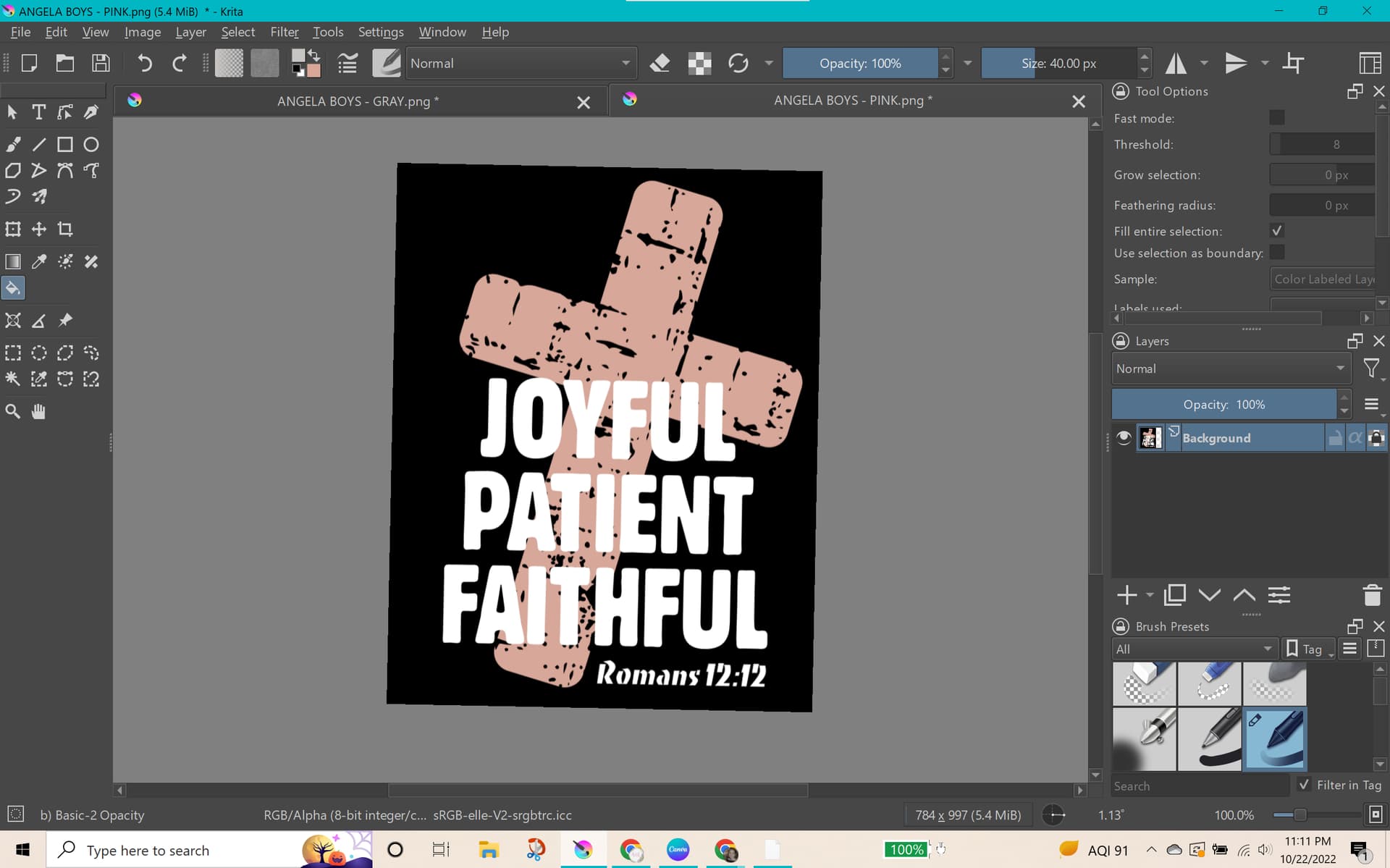
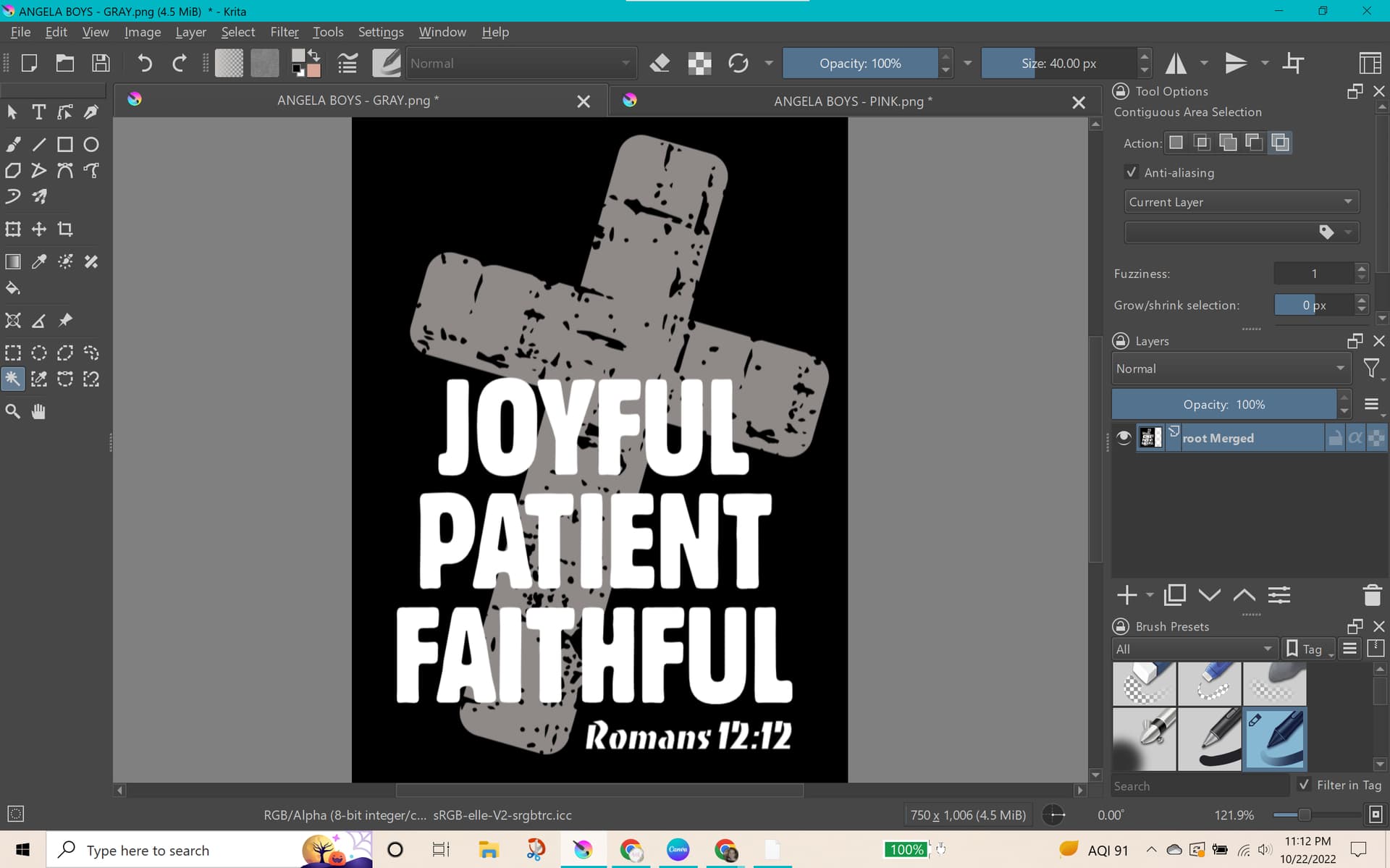
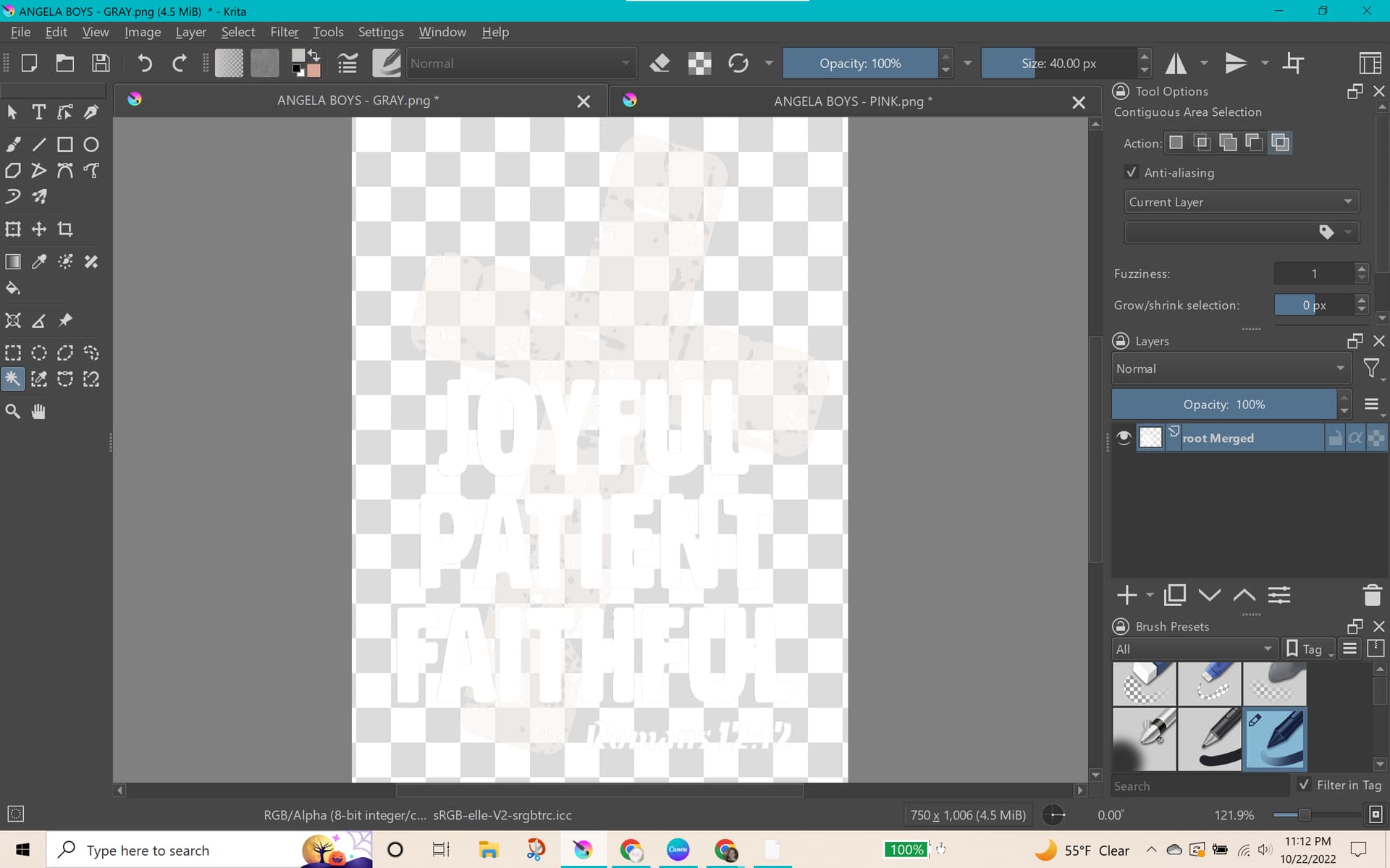
The current image I’m working on is on a black background and it has me stumped. I cannot get the colors to stay when I try to change black to alpha. How do I fix this?
The colour to alpha filter in GIMP does have more detailed control. If you’re not used to GIMP then it shouldn’t be too difficult to learn how to use it for colour to alpha.
If you duplicate the layer that has the partially transparent result on it then that will reduce the transparency of the final result. You can try a few duplications and merge those layers.
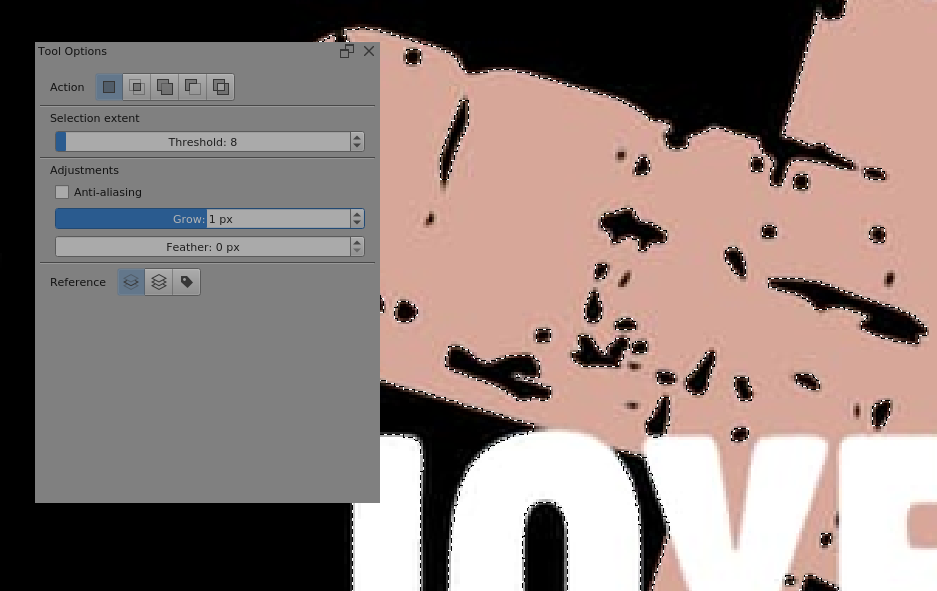
For images with such distinct and definite colour regions, I’d use the Similar Colour Selection Tool to select the black and then delete it.
You’re working with what looks like a .jpg image and that’s always messy but you can get reasonable discrimination:
Then you can pick up any little bits that got missed with another pass, but maybe not with Grow used on those.
Then you can get something like this, shown over a bright green background to reveal any residual transparency, of which there is none:
In this case, the best way would be to create the image already containing the transparent background…or, at least, put a totally different color from the others, in the background: this way it becomes easier to select it and edit.
I just tried color to alpha on the first screenshot with black as color and 65 as threshold and it kind of worked. You can also try the “select-replace color” filter in G’MIC.