it’s not opening 
Here it could be unpacked without issues. How did you open the archive?
Michelist
I just extracted it with 7zip. Did you complete downloading?

For me, it works. Okay, it dislikes a few plugins, but beside that I have no issues.

Michelist
it’s not opening for me, strange
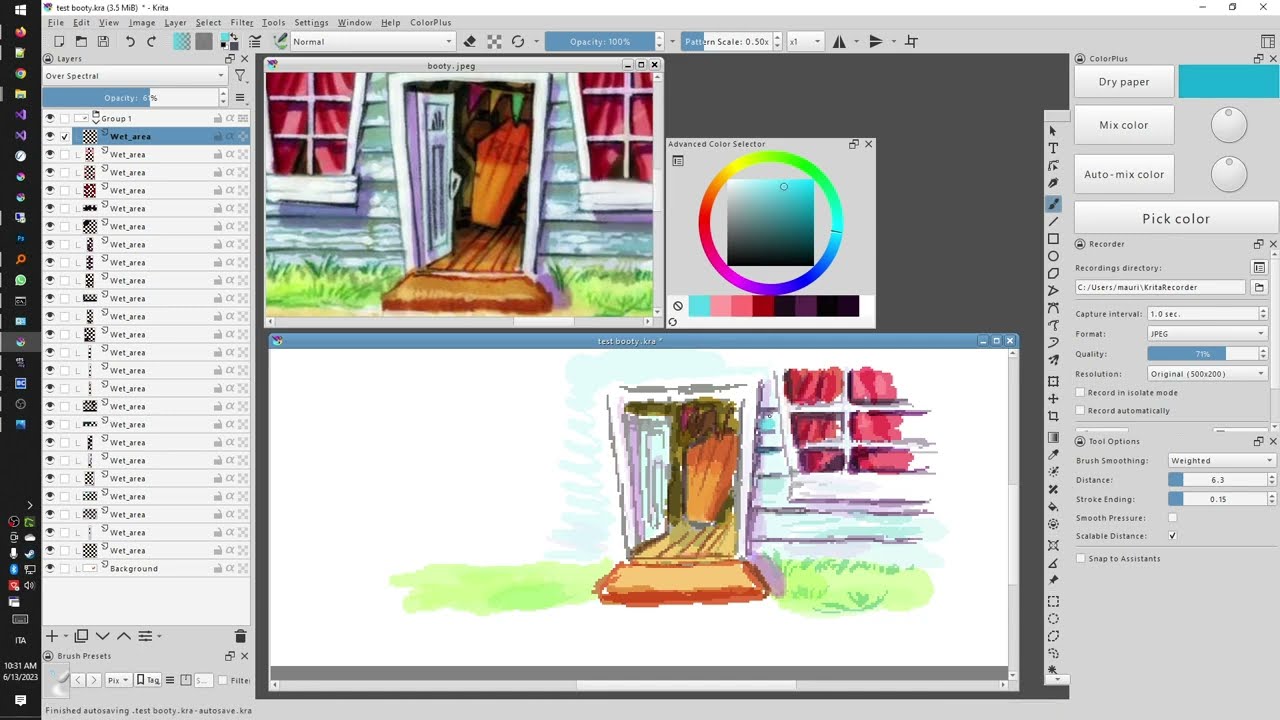
Here is a new video (no audio) illustrating how I use ColorPlus with Spectral blending. Basically, now that transparent layers look more saturated, it becomes useful to have layers which are very transparent. So the workflow is: make a stroke; adjust the layer opacity via shortcuts until the color is just right; do other strokes. When you’ve finished a layer, move the stylus out of the canvas and then back in; and a new layer is created. Repeat 

In this new style, you don’t need the “mix color” shortcut anymore. You finetune the opacity of the current layer, in order to mix colors.
5 Likes
very cool
1 Like
Here is a study done with the plugin:
3 Likes
(deleted)
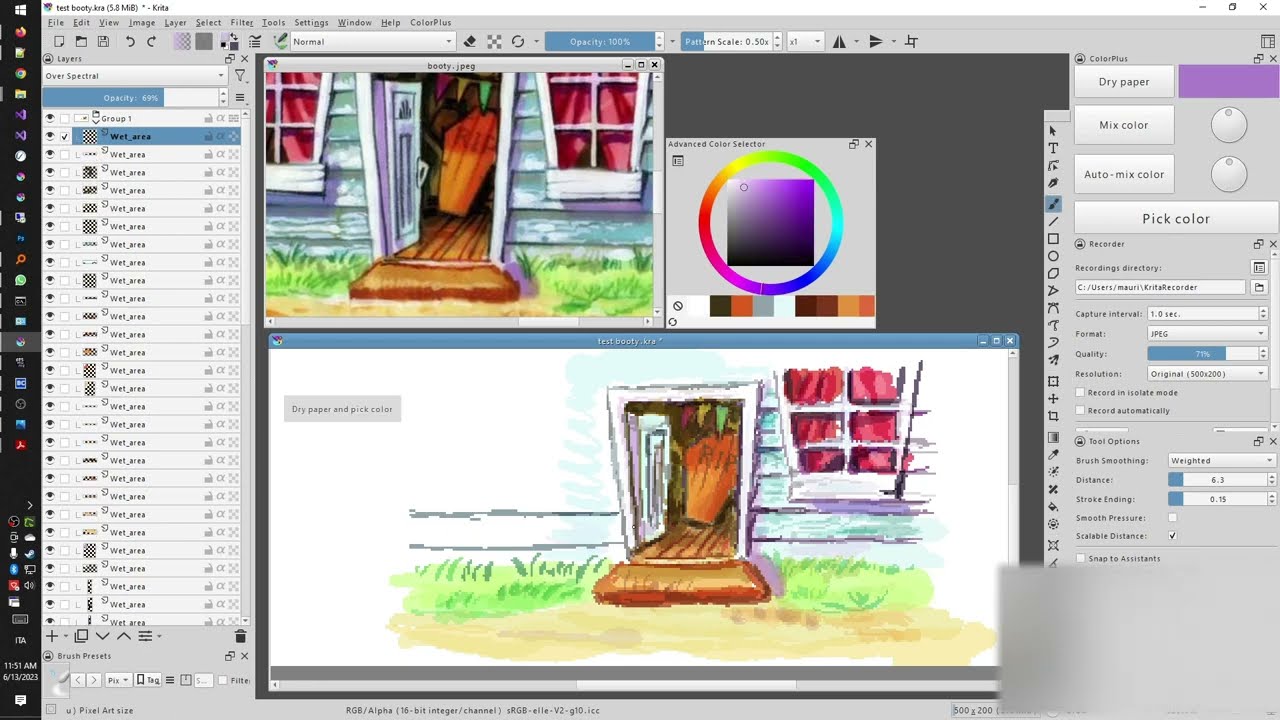
Continuing the study with more details… (2/n)
2 Likes
Dear folks, I am proud to announce a new version introducing yet another color mixing technique.
Introducing "color post-correction" 

In short: you choose a color; you paint a few strokes; you realize the color is off; you press the mix button, telling the plugin the color must shift towards that other color; and the plugin changes the color of the strokes you just made. (And you can continue painting with the new color.)
Here’s a longer video: the first few seconds illustrate the technique; then I apply it in a real background:
(hi-res version now available)
The action that changed behavior is called “mix color because it is wrong”. I have assigned it to the “X” key.
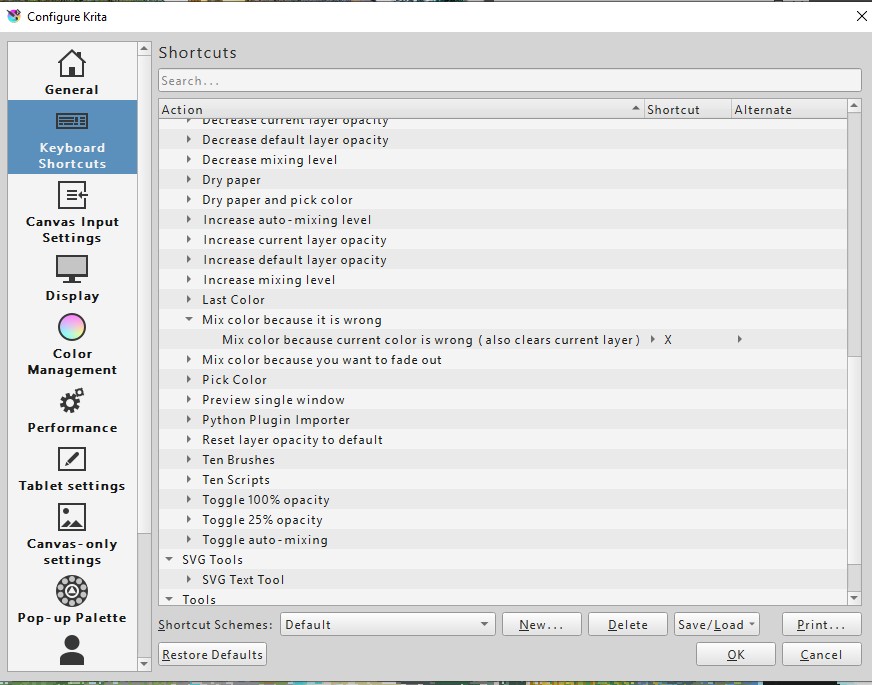
The previous version of the action would delete the strokes you had already made–but then you had to make them again.
Compared to the previous technique of making a stroke and then adjusting the layer opacity: this new technique is similar, but now you can paint with low (or no) transparency and still adjust the colors as a post-correction. So you don’t really need the modified krita version (as the layer transparency is low anyway)!
Apart from this, I also fixed a major bug: sometimes layers would stop being automatically created, after a while.
And I also fixed a bug with the “show fullscreen” action, in case you didn’t have any always-on-top window.
3 Likes
The hi-res version of the video is now available ( same link)
2 Likes
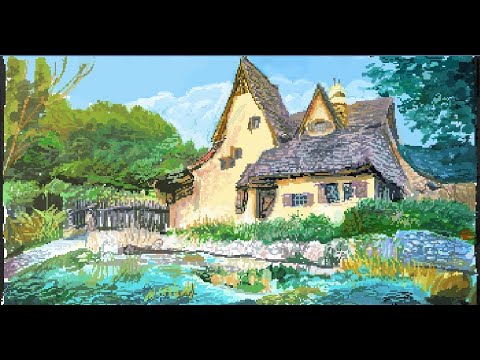
Here’s another bckground done with this plugin. If you slow down a lot, you can see color post-correction: I choose the wrong color, paint a few strokes, adjust the color with X, and continue painting. I’m still getting the hang of it myself
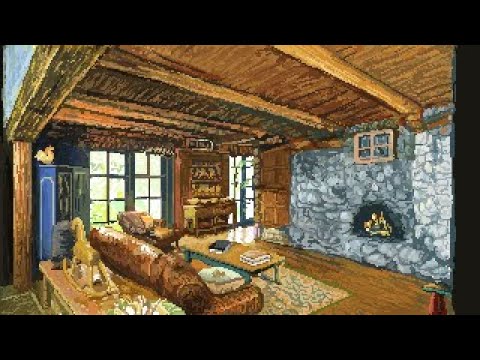
So everything is done with 100% opacity, and spectral mixing logic, with unmodified Krita (5.1.4).
5 Likes
I know, I know, I’m necroing an old thread. But! It’s for a reason!
I got some finds that might expand this plugin and/or Krita’s functionality in general, but since this thread already exists, I opted for adding this knowledge here.
I haven’t forked the plugin yet but I do plan on doing so in the future [ in case it wasn’t clear ] when I have more knowledge on python overall, since I’m still very behind in comparison to all the other awesome plugin creators here. The knowledge is basically:
- is it possible to have the plugin read the data from images in krita’s “pattern” library?
- if yes, can it read the included metadata? Can the metadata influence/interact with Krita through plugins, or would it have to be included with the base soft code?
- Could Krita potentially interact in more ways with the “heightmap” of a texture, to simulate color spreading/ washes?
Other things:
- the plugin doesn’t seem to interact very well with the current Krita ver, but it might be me missing something and misusing the plugin
- “dry/wet layers” seem to duplicate seemingly INFINITELY whenever I boot up Krita with it enabled, but again, might be me missing something [ small correction - it starts with about 10 layers but quickly can get out of hand ]
- the plugin doesn’t seem to be actively maintained [ which is completely fine btw!!! I don’t blame seguso for that ], so I hope to sit down and fork it after I’m done with the plugin side of the Brushporter.
4 Likes
Hey everyone,
I’m happy to announce that I’ve just released a new version of the ColorPlus plugin. This is a completely rewritten version. In addition to fixing many (huge) bugs, I’ve added an important feature, the dirty brush. Here’s a quick video showing this feature.
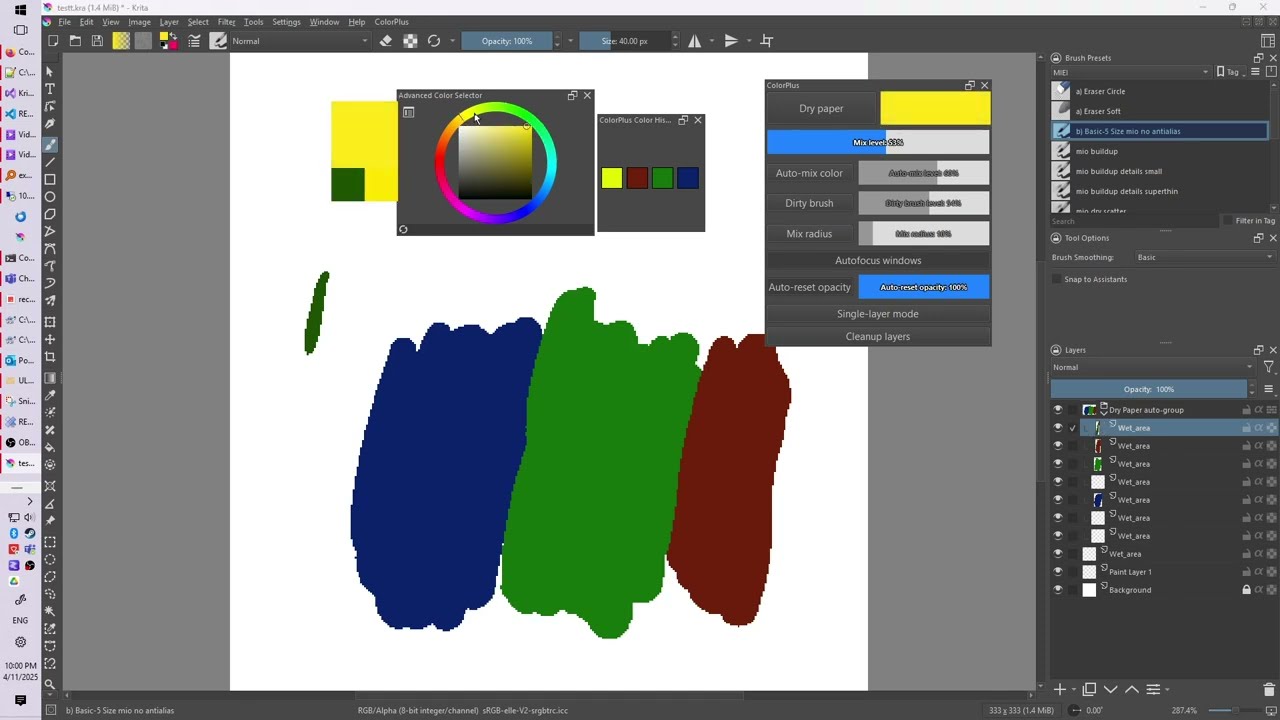
I’ve also rewritten the document that illustrates the various features. You can find it here: GitHub - seguso/KritaColorPlus: Krita plugins providing shortcuts to mix color, get last color, and pick color
To download the plugin, go to the same address.
More videos of all the features will follow as soon as I can manage it. 
PS: tested with krita 5.2.9
Best regards!
12 Likes
Hi, I’ve just updated the plugin again, fixing some important bugs and importing the latest version of Spectral (thanks to @rvanwijnen ! ).
Here are a couple of videos showing how I use the plugin. (It’s worth mentioning that I’m still learning how to use it myself :))
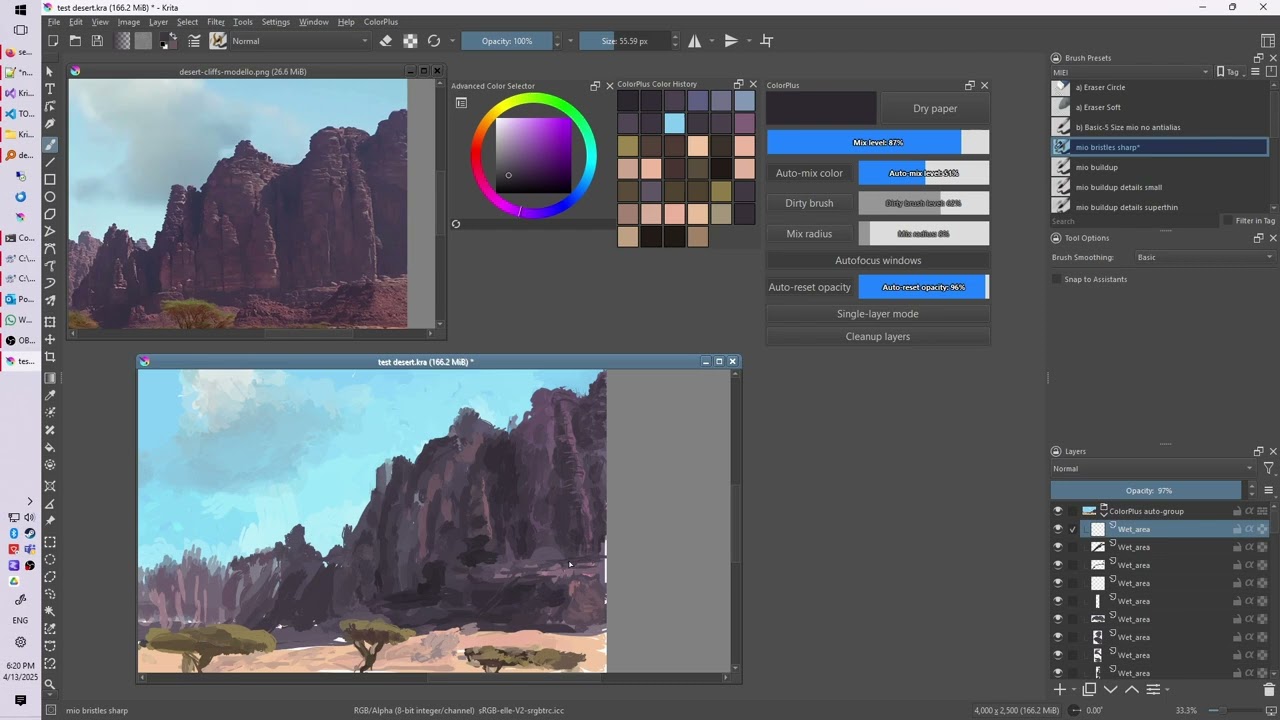
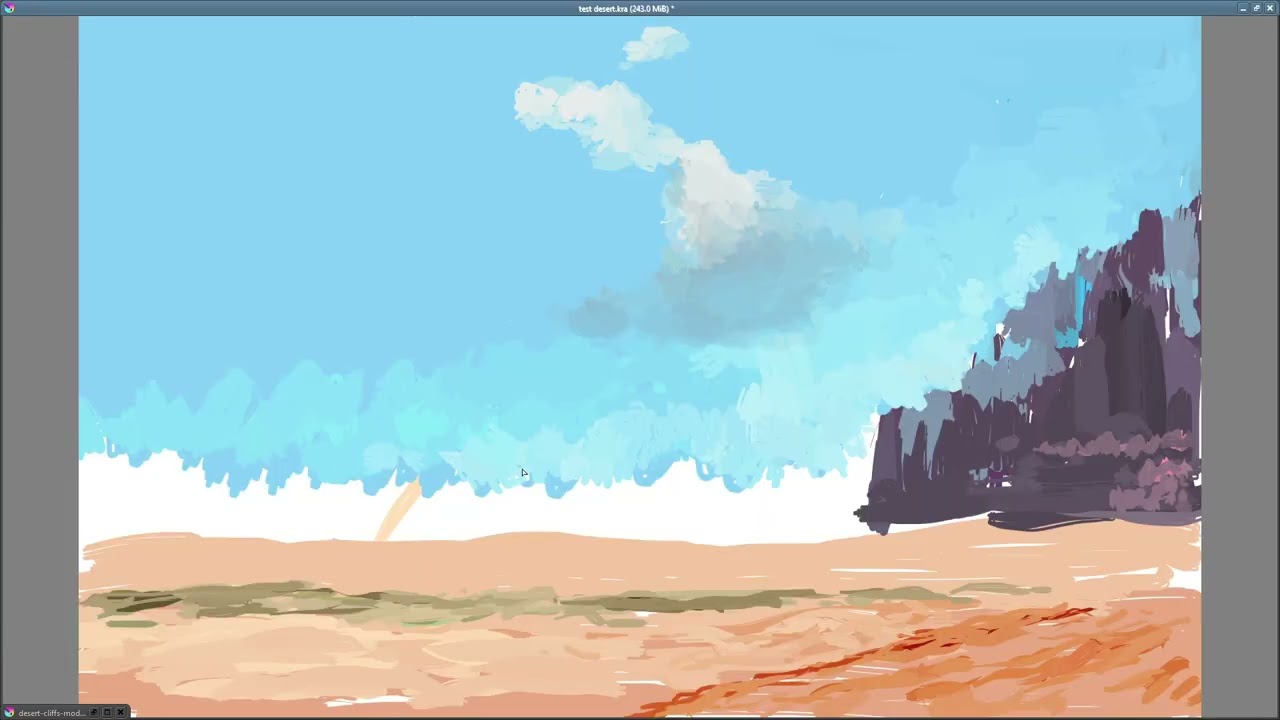
2 Likes
What latest version? I haven’t released it yet
By latest I mean the one from 2 years ago
I’m really looking forward to the new one!
2 Likes
I’ve just added a new feature: auto-cycling brushes. At each brush stroke, the brush will be automatically switched, allowing you to achieve more variety in your painting.
You can either cycle automatically with each stroke, or manually with a configurable shortcut.
Here’s a short video that illustrates this:
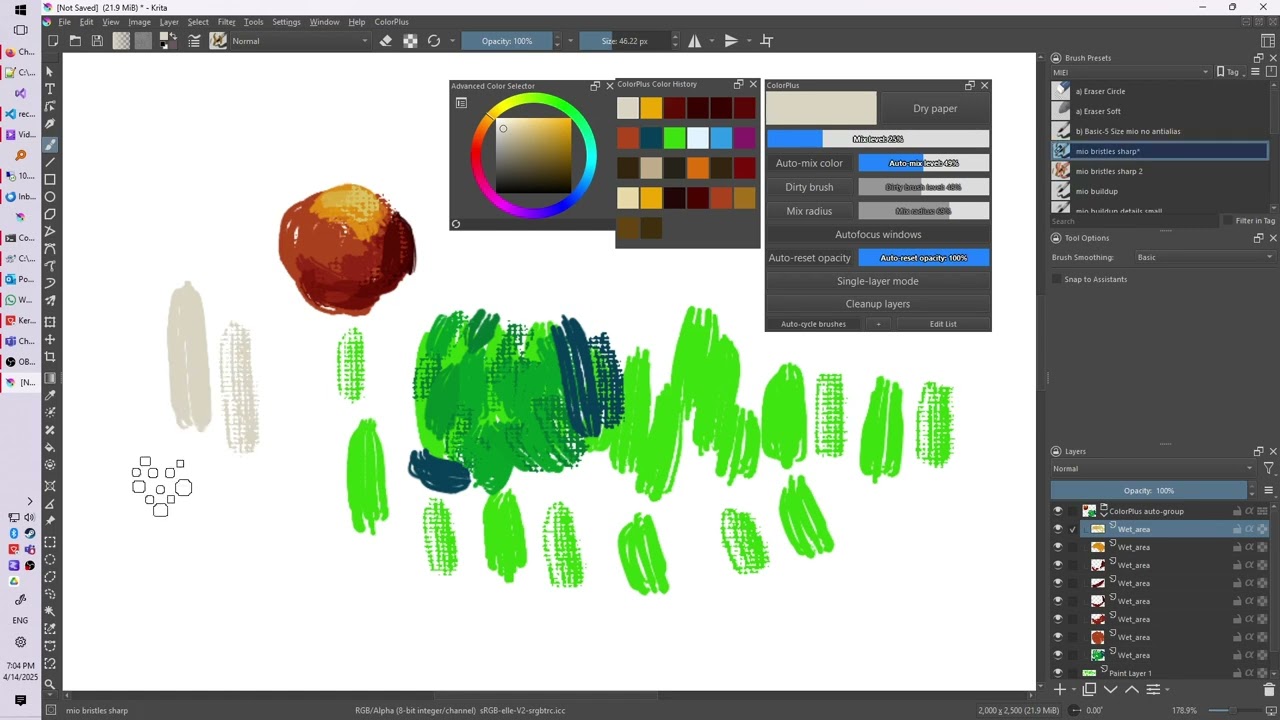
If you resize your brush, all brushes in the cycle will be automatically resized. Hope you enjoy this
3 Likes