I am unsure if I may have done something incorrectly, thus I thought this would be thr best place to post this instead of a bug report.
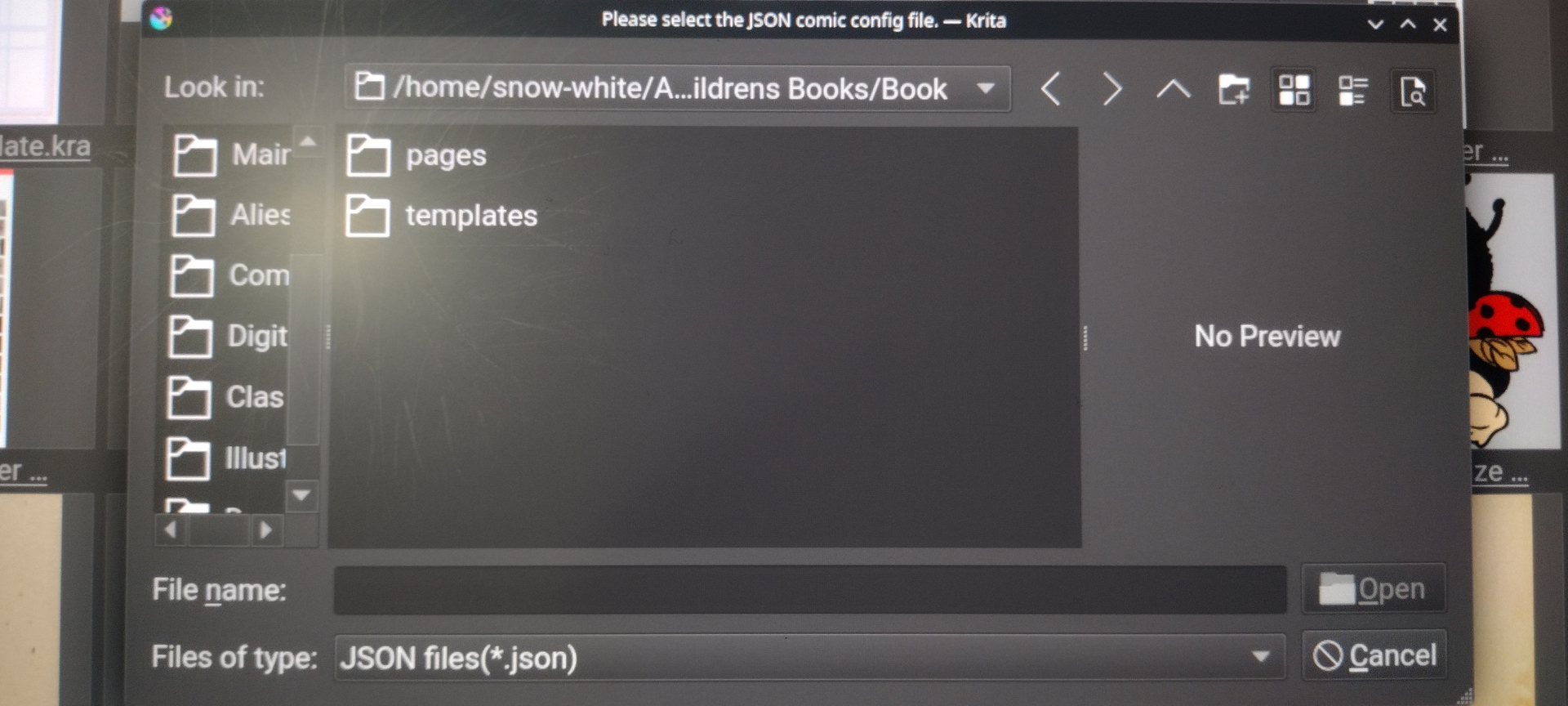
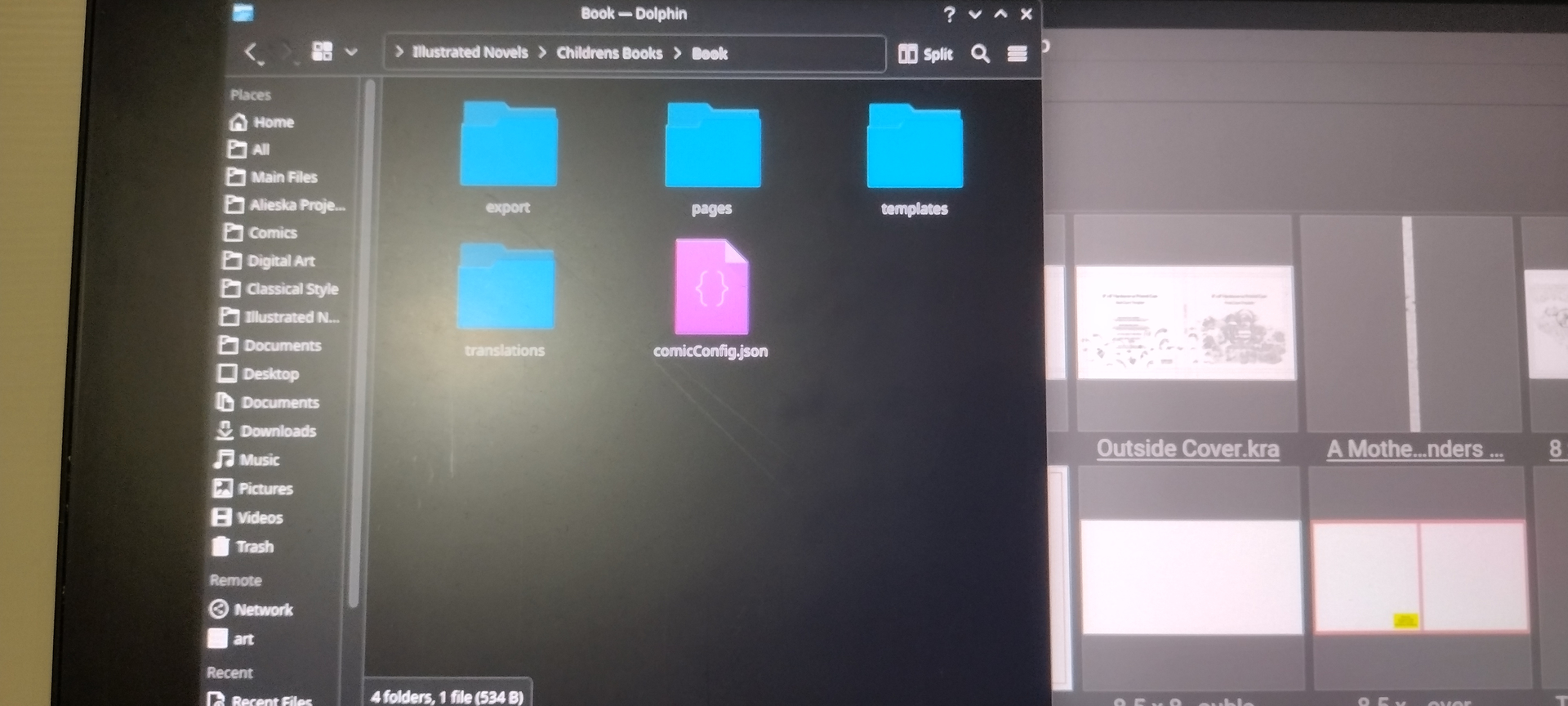
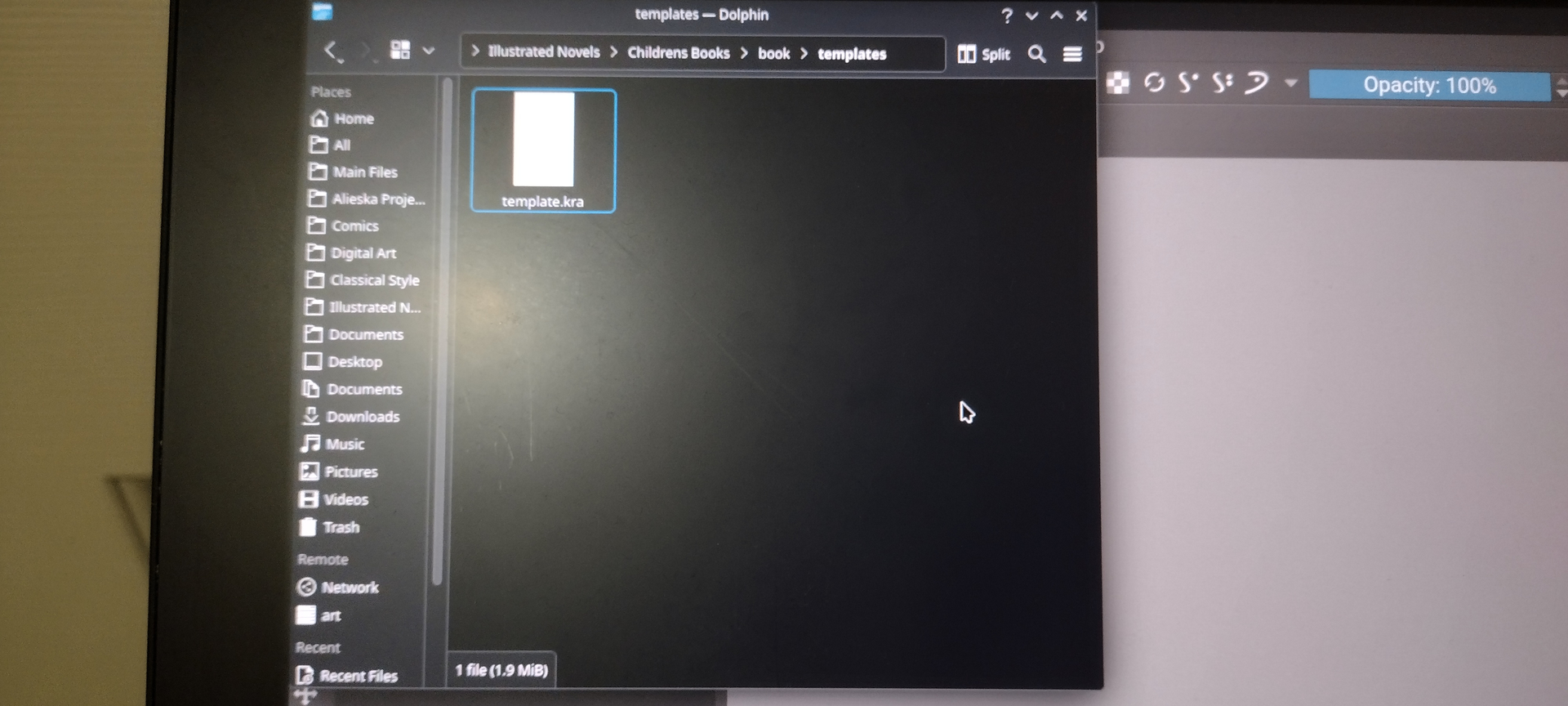
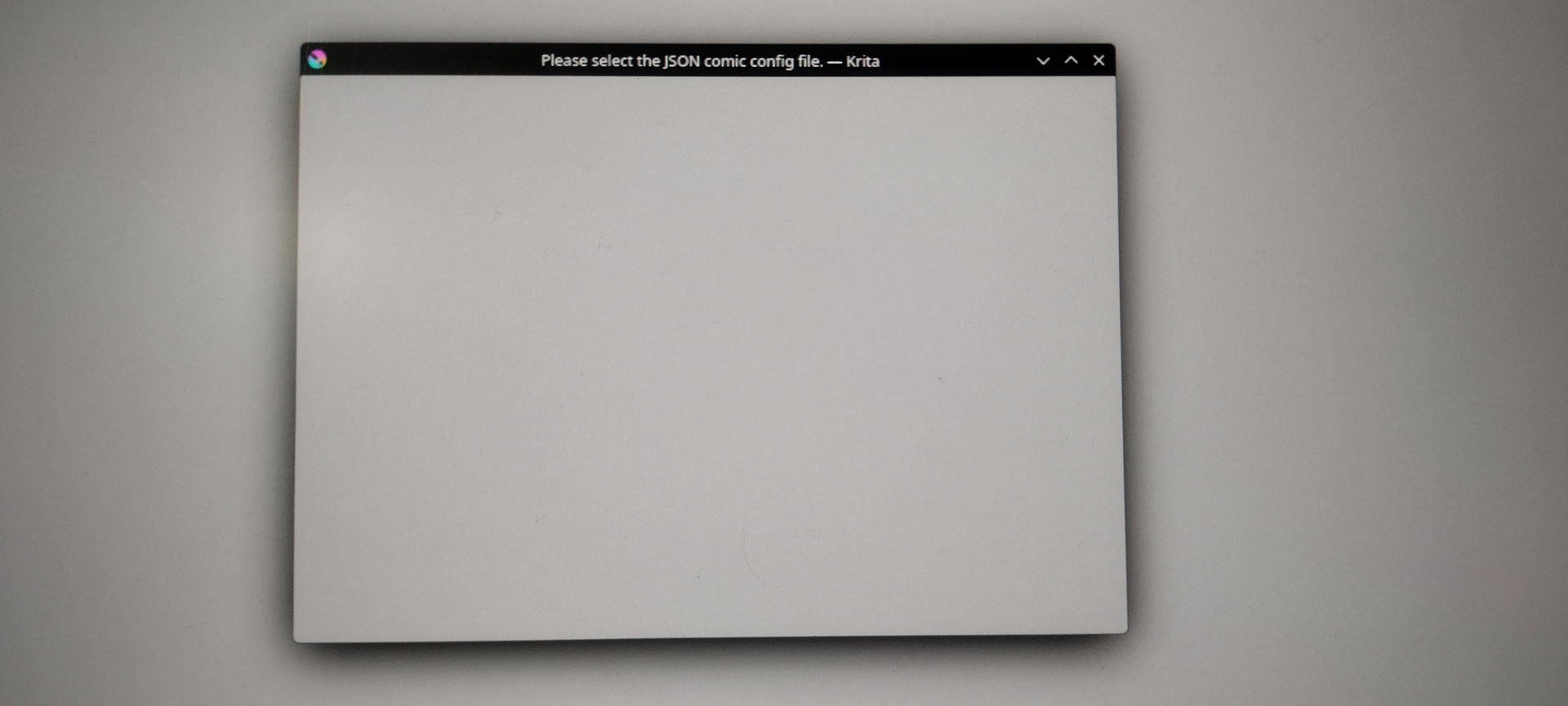
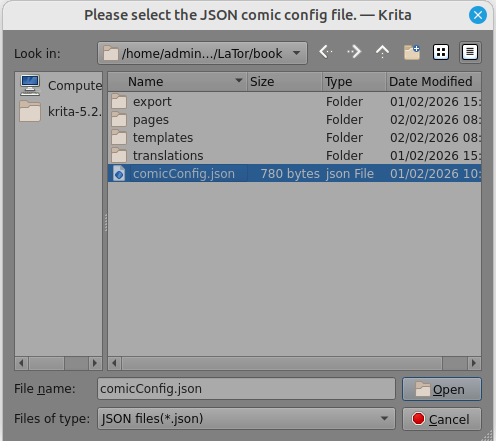
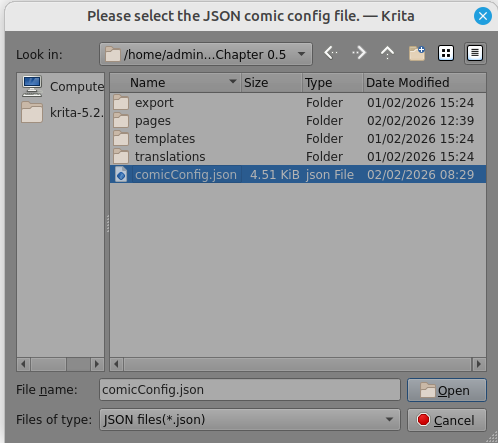
I open the docker Comic Manager, I click on the New Project button, a new project is successfully created. After this, I close Krita, and open it again. I click on Open Project, and go to the folder, once I click on the folder; it takes about 5 minutes to enter the folder, there the comic.json file in Krita does not appear. In Dolphin, it does appear.
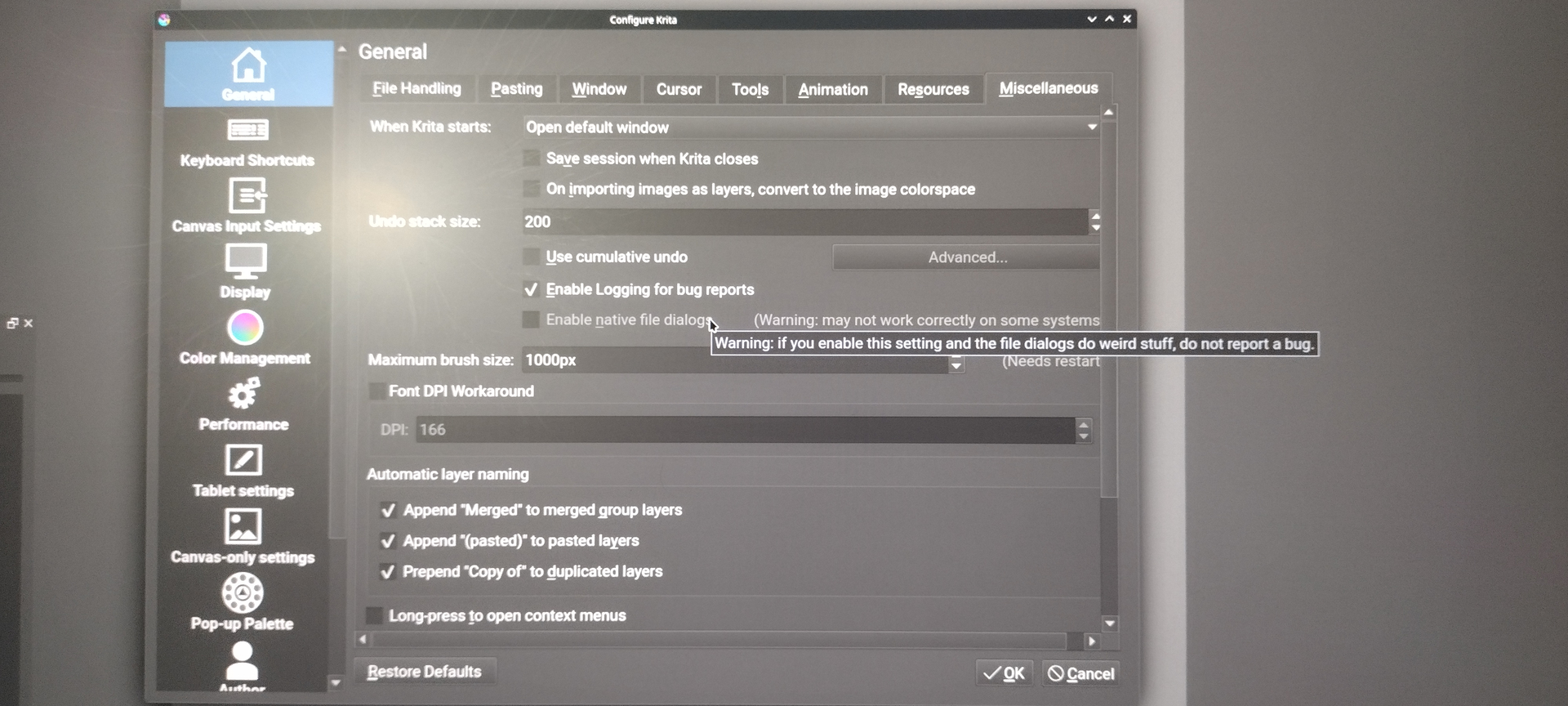
Does the AppImage allow you to select the setting Enable native file dialogs under Settings > Configure Krita > General in the Miscellaneous tab? If so, this may solve your problem, provided it is accessible. Unfortunately, this does not apply to every OS/Krita version.
No, it is not available in every Krita. My issue is always to remember which versions of Krita can use it and which can’t.
Unfortunately, I don’t have any other ideas where you could apply leverage to get Krita back on track and make it usable again in terms of the comic manager.
Although…
Are you willing to import the Buli Commander plugin into Krita in the hope of at least bypassing Dolphin for displaying the complete file system structure?
Buli Commander is a full-fledged file manager for Krita, built like the good old Midnight Commander. It is integrated into Krita and allows you to preview your KRA files in thumbnails of your specified size, which of course also applies to all other image formats registered in your operating system.
It can be downloaded from this post, where I offer a patched version that makes it compatible with current versions of Krita again, and it is described in detail in this thread, but the link provided there does not lead to a working version, so download the patched version from my cloud.
If you want to patch it yourself, you can find the code and instructions here.
But that only helps to see/access it from Krita again, it won’t speed things up.
I also have the Enable native files dialogs option greyed out. I think it’s a Windows only thing.
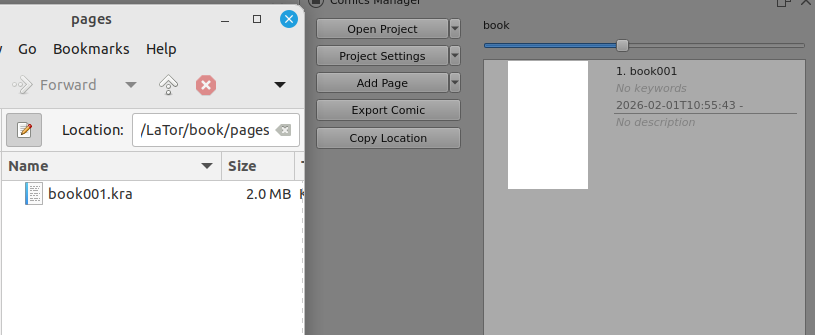
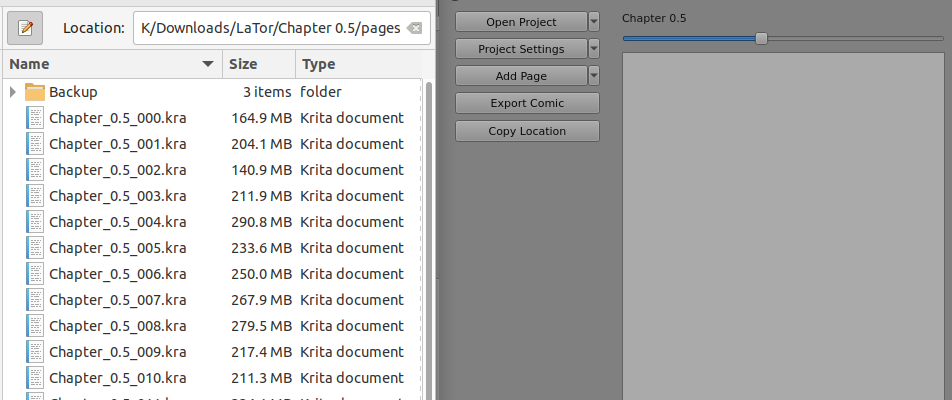
@LaTor In the second screenshot of your first post, it looks like you have a Comics Manager docker open with quite a few pages showing.
Does this mean you’ve used it before with no problems?
Have you recently changed to a new version of krita?
Can you open an old comics project with no problem?
In the first screenshot of your first post, the file dialog window shows the pages and templates folders but does not show the export and translations folders. So, even more strange.
Using 5.2.15 and the 5.3.0-prealpha of 26th January I have no problems seeing and opening the .json file in a comics project folder.
Did you work through the entire set up process for a New Project in the Comics Manager, such as defining a Template name and adding a Page?
I did have problems opening a project with error messages if I didn’t do that.
Creating a template does seem to take a long time so you may have skipped or interrupted that.
I followed your steps, with having a template created and a page added before restarting Krita, and the Comic Manager is not showing the comic.json file still.
The files in the second picture of my first post are the Krita recent files and were not created with the Comic Manager.
A long time ago, I did create files with the Comic Manager, and now I’m a bit afraid to open those old files in case something ends up corrupting due to this. I do not remember if the comics I created using the manager was back when I was in Windows only or if I created one with Linux.
The Krita appimage version I am using is not new nor too old. On my computer, it says I downloaded it on December 4, 2025.
Thank you for your help, but I don’t know what else to do.
I suggest that you use the 5.2.15 appimage for this purpose until the problem is sorted out
It’s also not showing the exports or translations folders.
Does Dolphin or Buli Commander show them?
Make a backup copy of an old comics folder in case of accident.
Does the old comics folder have all four folders and the .json file in it as shown in krita and in Dolphin/Buli?
I have attempted to use 5.2.15, but I have the same problem.
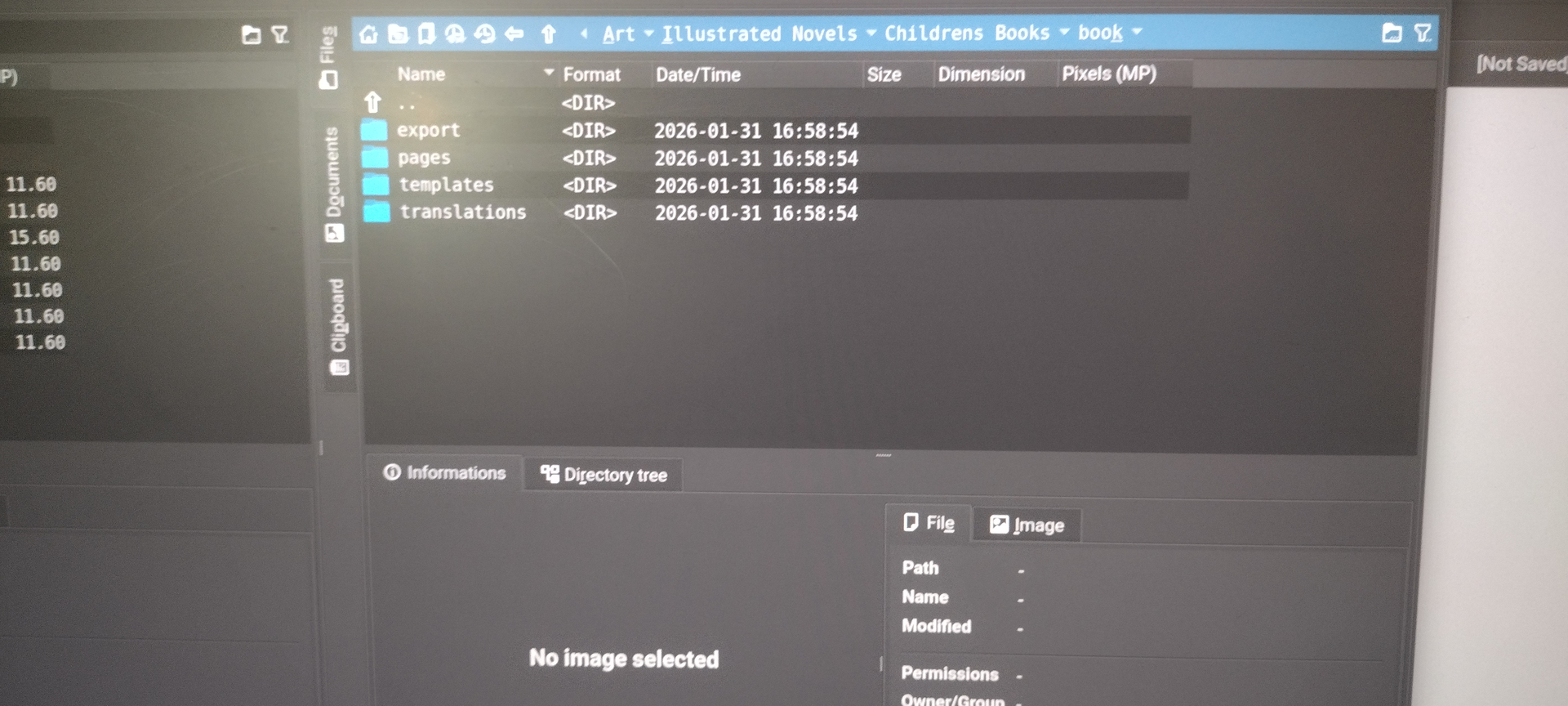
In Dolphin, the comic.json file is visible and selectable, but in Buli Commander it does not show up, just like in the Comic Manager.
I clicked on Open Project and selected a previous comic project that, when I was originally working on it, I the comic.json file was visible in Comic Manager. Attempting with that old comic now, the Comic Manager does not see the comic.json file. It appears the same as with the new comic, neither the comic.json file nor the export or translation folders.
Please do that for the new (failing) comic folder and the old (previously working) one so we can see if there is a difference.
Also, do you have access to another computer that you can use to install krita 5.2.15 and copy those comic folder over via a usb stick, then try on that.
Linux will read and write to NTFS partitions if a Windows computer is all you can get hold of.
(Windows does not offer the same courteous facility for read/write to ext4 partitions.)
Or you could use a FAT32 partition because both Linux and Windows can read/write that.
Both @Michelist and myself are not having this problem so it could be your Linux OS or something to do with how the krita appimage interacts with it.
When opening Krita 5.2.15, a pop up appears where it says that the resources are different and Krita will make a backup of my resources.
With Krita 5.2.15 opened, I use Open Project to open the new file and comic.json is not visible. After trying with the old comic, this is now what it looks like.
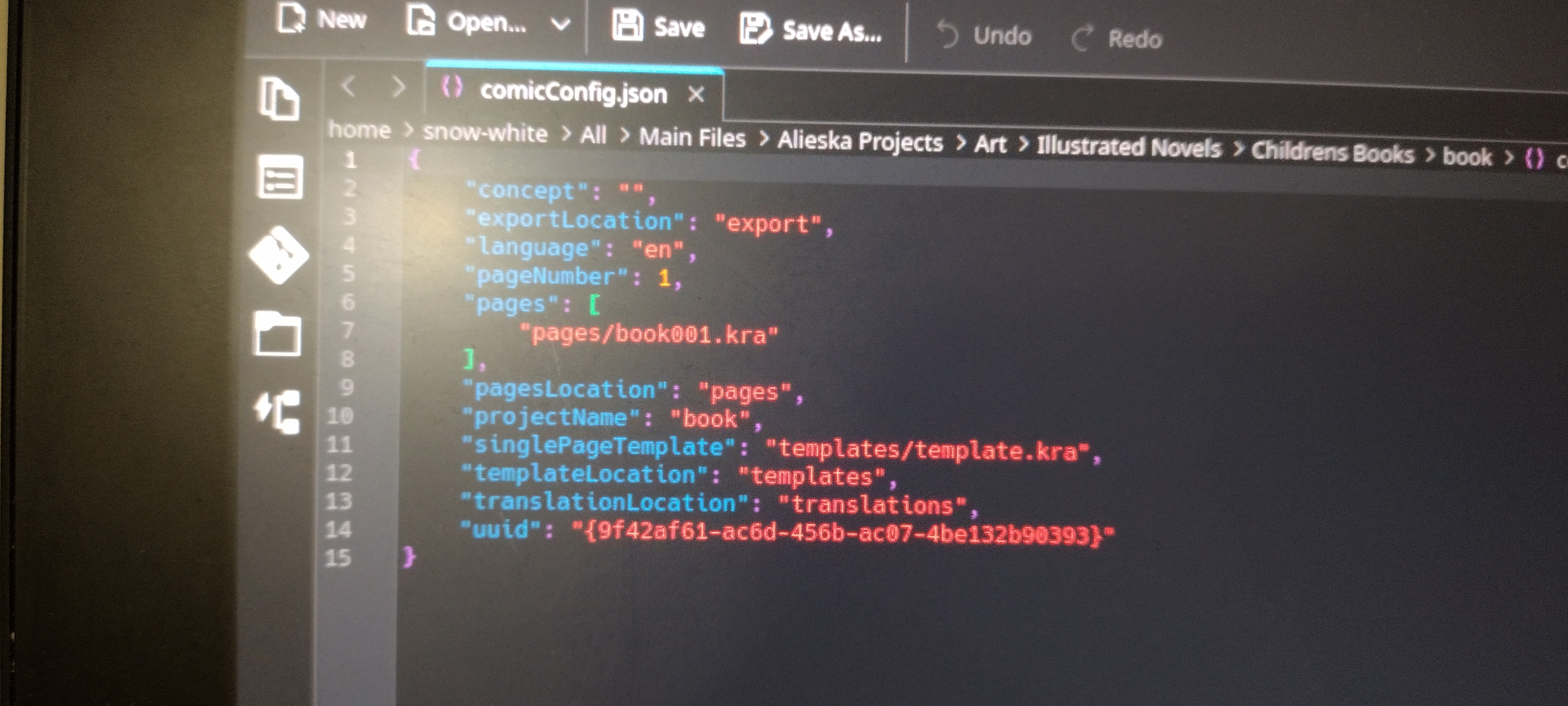
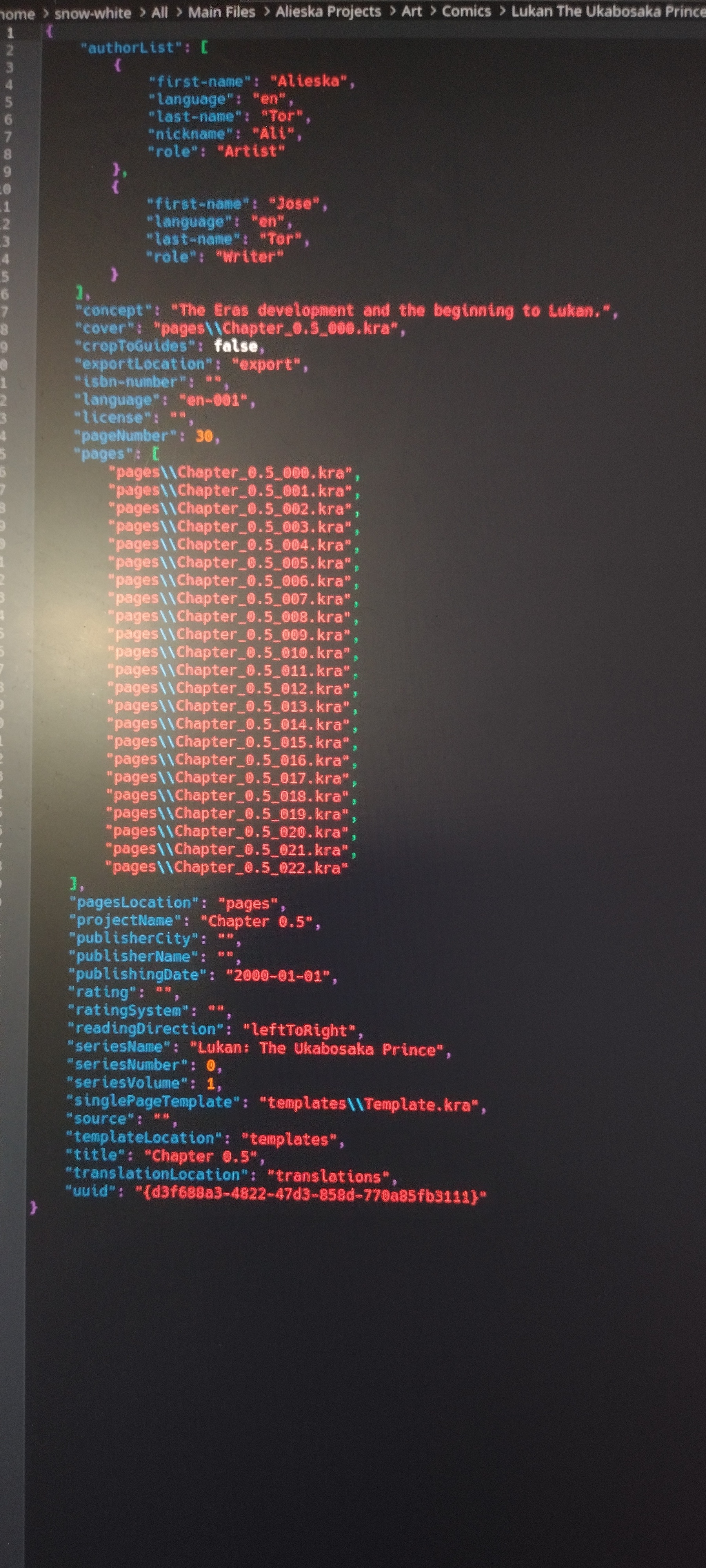
The .json files seem to be ok inside. The old one has lots of metadata (author, etc) but that should be ok. The new one has the concept string as empty but that doesn’t affect things for me.
Yes, every now and then a new version of the resources database is used and the old database has to be updated. Going back with a version number has a similar effect.
Can you see your resources (brush presets etc.)?
Does Quit then restart change the situation?
Please take the new (always failed) comics folder including all its contents and the old (used to work) comics folder with all its contents and package them up into a .zip file.
Then make that available using a file sharing link (no login or registration requirements please).
If the contents are confidential then instead of making them public here you can send me a DM with the file sharing link.
Do you think you have much chance of using another computer to try that as well?
Correct. The only thing the internet is used for is the News column on the start page, if it’s enabled, and I believe that the auto-updating appimage (something to do with the -.appimage.zsync file) uses the internet to update itself but I’ve never used that one and don’t intend to.
I’ve had a chance to look at the comics folders you sent me and the results are as follows:
With many different krita versions, including 5.2.15, the krita internal file dialogue can see the .json files:
So, my Linux Mint running krita 5.2.15 appimage has no problem with seeing the .json files and opening them. I can also see the other folders in there and they contain what seems to be the correct contents. (See my comment later about the ‘Chapter 0.5’ pages content.)
The pages folder had 23 .kra files in it.
It also had 23 .kra~ backup files in it which doubled the amount of disk space needed for the folder.
It also had a folder called backup made on 01-Feb (yesterday) that had two copies of the .pages .kra files in it.
Also, the .json file said that there were 30 pages as you can see from your own screenshot when there are actually only 23 .kra page files there.
I corrected all those inconsistencies but that did not make the Comics Manager show the pages for the 23 .kra files. I don’t know why that is.
The good news is that your .kra files open ok and show content that seems to be ok.
They are very large though and one of your page .kra files used 7.0 GB of RAM.
The entire thing is a big load.
It’s a long time since I played with the Comics manager so I’ll try to find time to refamiliarise myself with it and try to figure out what may be going wrong here.
Regardless of the puzzle about why the ‘Chapter 0.5’ pages are not showing, there is some kind of problem with your Linux system in combination with krita that messes up the reading of the Comics folders, not showing the .json file and not showing some of the folders.
I am at a loss to understand why that could be.
Would it be possible for you to fit a new (or old spare) drive and install Linux Mint to try that?
It’s the only thing I can think of