Bundle files are imported with Settings → Resources → Manage Resource Libraries → Import.
Your .bundle file does not contain any brushtips, only brush presets (.kpp files)
You may have made the brush presets using the brushtip files on your krita installation but those brushtips are not included in the .kpp files, only a name reference to the brushtip file.
If that brushtip file is not made available in krita’s database, on someone else’s computer, by being imported and registered there, then the .kpp file defaults to having an Auto tip.
You need to remake the .bundle file and include the brushtip (.png) files in addition to the brush preset (.kpp) files when you make it.
Edit:Add: The puzzling thing is that the .bundle file manifest.xml file does have the brushtip files specified in it. A developer might be able to explain that.
Thank you so much for your research, Ahab. I thought I had followed all the steps needed to create the standalone bundle. I will try to fix it while some developer solves the .xml mistery.
Downloading the .bundle file from the from the google drive link gives a .bundle file with no brushtips inside it, only brush presets.
Have you uploaded the new .bundle file to your google drive storage and updated the link in your first post? It doesn’t look like your initial post has been updated with a new link.
Yep, I updated the file and link (as the name is the same, Google Drive provided the same exact link).
I don’t know what I am doing wrong, it should be pretty straightforward but it doesn’t work. I’ll have to investigate it a bit more.
Now that I’ve looked at the meta.xml file, I can see that it was updated today.
That’s interesting and worrying because it could lead to safety and security threats from people with bad intentions.
When you made the bundle file, are you sure that you selected the brush tip files and added them to the bundle in Settings → Manage Resource Libraries → Create Bundle → Choose Resources → Brush Tips part?
Can you think of why there would be seven brushtip files listed in the manifest.xml when you only provided five brush presets?
If you can’t find out what is going wrong, can you take the required brushtip files, zip them up into a .zip file and make that .zip file available via a file download link?
You could make them available individually, if you prefer, instead of in one.zip file.
I think it’s a Krita bug creating bundles, I had problems too with not included stuff.
@Tayete, you could try with Krita to edit the bundle from file, that maybe works differently, or maybe is better what suggested by @Solution-Beast, putting the brush tips in a zip file.
I apologize if I mention things you already know; I write them just to be complete and to help others who might be facing the same problem
If you have experience with zip files, you could also put yourself the folder with brush tips, in the bundle, because it’s a zip file itself.
(You could rename the “.bundle” file adding “.zip” at the end of the filename, while you fix things, and removing it at the end of the work).
Some info:
The brush tips have to be in the “brushes” folder - in the bundle and in your Krita resource folder (Krita Menu > Settings > Manage Resources... - At the bottom > Open Resource Folder)
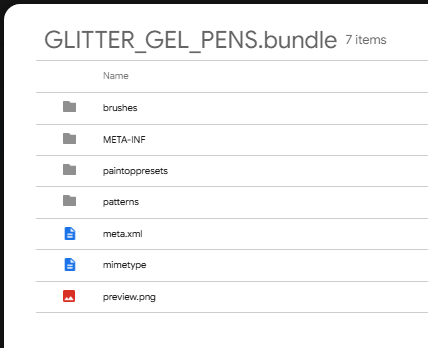
Here you can see that in your bundle the “brushes” folder is not present:
I think that making the brush tip files available that way would be the quickest and easiest way to enable people to try the brushes that @Tayete has created.
It’s the way it was done before bundle files and the resources database were created.
Then, people with experience of making bundle files in krita could try to make a new bundle from the brush presets and the brush tips, to see if they also have problems making a .bundle file using those items.
@Skess01 Thank you for your detailed guide. I tried to follow the steps and created the bundle again, created the brushes directory in the ZIP, manually amended the .XML manifesto (for some reason it keeps showing 7 brushtips instead of 5 - the bundle creator clearly states that 5 brushes and 5 brushtips are going to be packaged!!!) and reuploaded again. *** NEW LINK AT THE 1ST POST ***
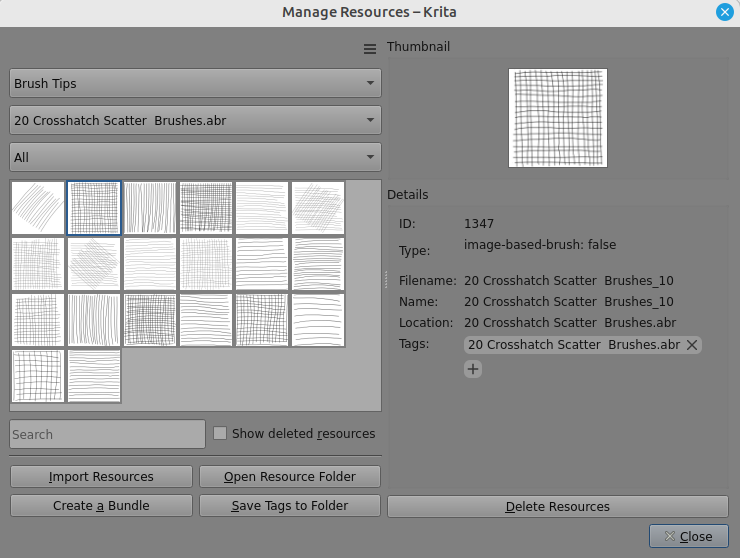
If I understand it correctly, the .abr file contains brush tip images that can be used by brush presets via the brush editor and so their name will show in the brush editor.
But those brushtip images do not exist as separate independent image files in krita. As such, they cannot be incorporated into a bundle file as brushtip images in the ‘brushes’ folder.
Now that I’ve had my lunch, I can report as follows:
When making a bundle, the individual named brushtip images from inside the .abr file can be selected for addition to the bundle but when the bundle is created/saved then there is no ‘brushes’ folder inside it.
Even if the .abr file is forced into the bundle file by manual editing, the .abr file is not imported if the entire bundle is Imported via Settings → Manage Resource Libraries. Further, if that is done, the .abr file can then be imported via Settings Manage Resources but an error message is shown due to the existence of the brush presets that were imported via Manage Resource Libraries.
The .abr file must be imported directly from the .abr file when it is outside of the bundle:
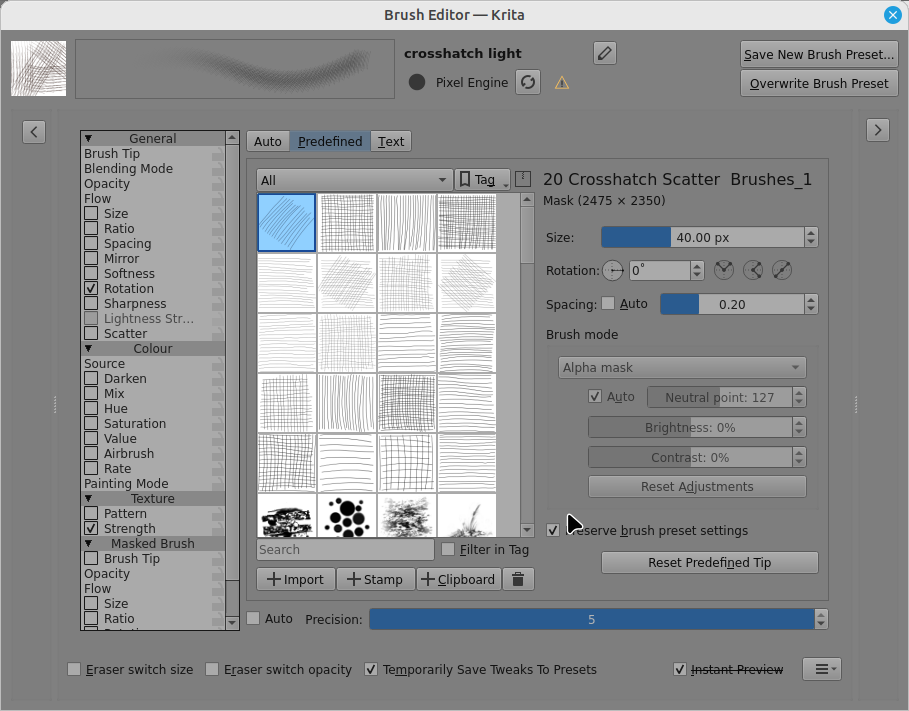
Even then, the reference from the brush preset to the individual abr brushtip image has been lost. The brush editor must be used to reallocate the brushtip in the Predefined tab:
ABRs can be imported the same way as bundles and Krita sees them as such, in older versions of Krita, Krita even stored ABRs imported that way in the bundles folder, but they don’t work put into a Krita bundle. And bundles that are supposed to use ABRs for the brush tips have to be imported after the ABR was imported, not the other way araound.
Here are your brush tips in the order they were in the ABR, I unpacked them using abrViewer.NET, you can use them to add them as regular brush tips:
Thank you so much @Solution-Beast for your research. I hope it can help in next versions of Krita to update the bundle creator.
And thanks @Michelist for extracting the tips.
LINK UPDATED
I think everything should be fine now. The bundle has the brushes folder with the brushtips inside, so let’s cross our fingers.

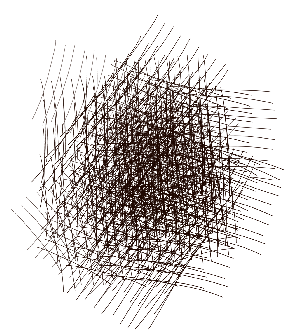

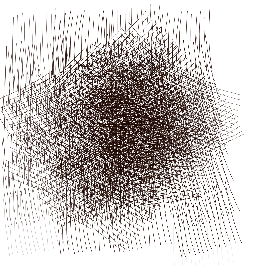

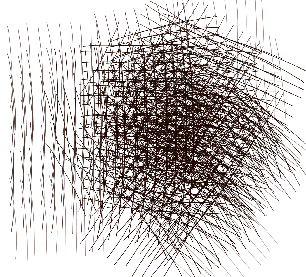

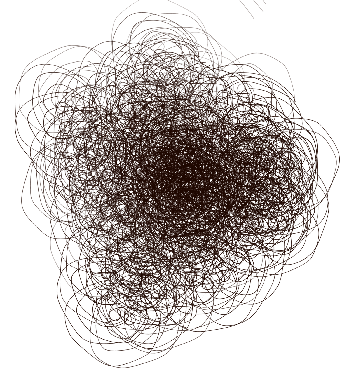

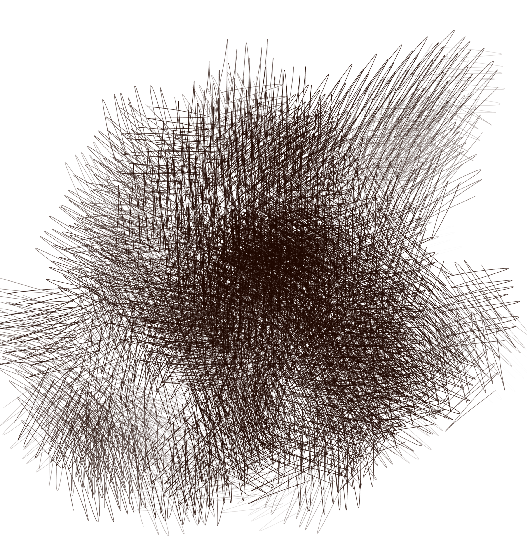
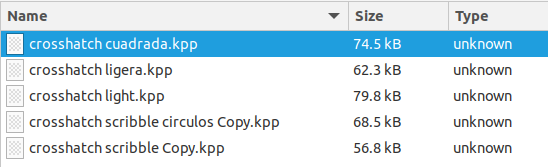


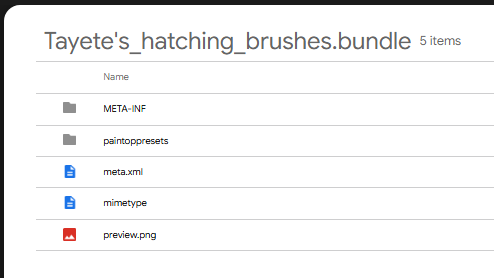
 )
)