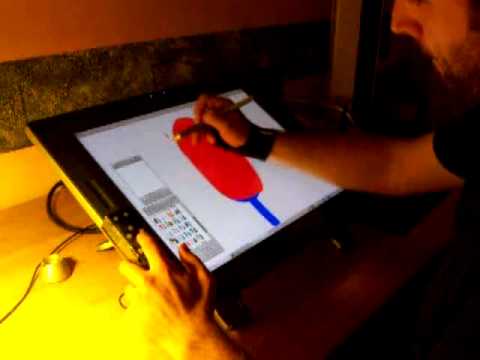
I have been wanting to develop a plugin for Krita for a while that allows a joystick to control various things. The first thing I wanted was the ability to rotate the canvas.
I wanted to post and get a little feedback on how useful others might think it would be. Right now it is good enough for what I wanted but it is really just a hacked together solution.
If others are interested, I would try to make it into a real plugin. But there will probably be some litmitations to what a joystick can control in Krita.
I used to have a keyboard with a joystick. I set its behavior as the shortcut key in krita, and it can also control the canvas. For example, “turn left” is “Ctrl + [”, so I can narrow the canvas.
Generally speaking, this kind of keyboard should have its own driver to set this kind of things, and a variety of schemes can be set for different software. So I don’t quite understand what Python can do.
Very cool. I hope in future there will be more peripherals like this. And maybe a scroll wheel built into a stylus would be nice.
I do like products like Razer gamekeypad that has thumb stick and scrolled build in.
I did the plugin as a quick proof of concept to see if there was any interest. And to see if I liked using it.
Any joystick supported by the OS can be used. I tested with a off the shelf logitech, a playstation gamepad, and custom built joystick.
I am using Kubuntu 21.10 so this has only been tested there. And is really likely only to work in Linux. There is no joystick support at all in the Krita distributions so it had to be hacked in.
For at least part of the demo I was using a custom made joystick that was based on a Adafruit FeatherM4.
Since it was a quick proof of concept. I piggybacked the plugin on top of Timer Watch
I installed that plugin and then modified it to have rudimentary joystick support.
But I abandoned with the years; sometime it was hard to get the package, the systray icon of the gamepad was also not well integrated in the system and I had to redo the complex setup on each machine I was using (eg. laptop).
But an integrated solution to support gamepad/joypad directly in Krita sounds really appealing.
I see you made your own device (on the video), that’s nice.