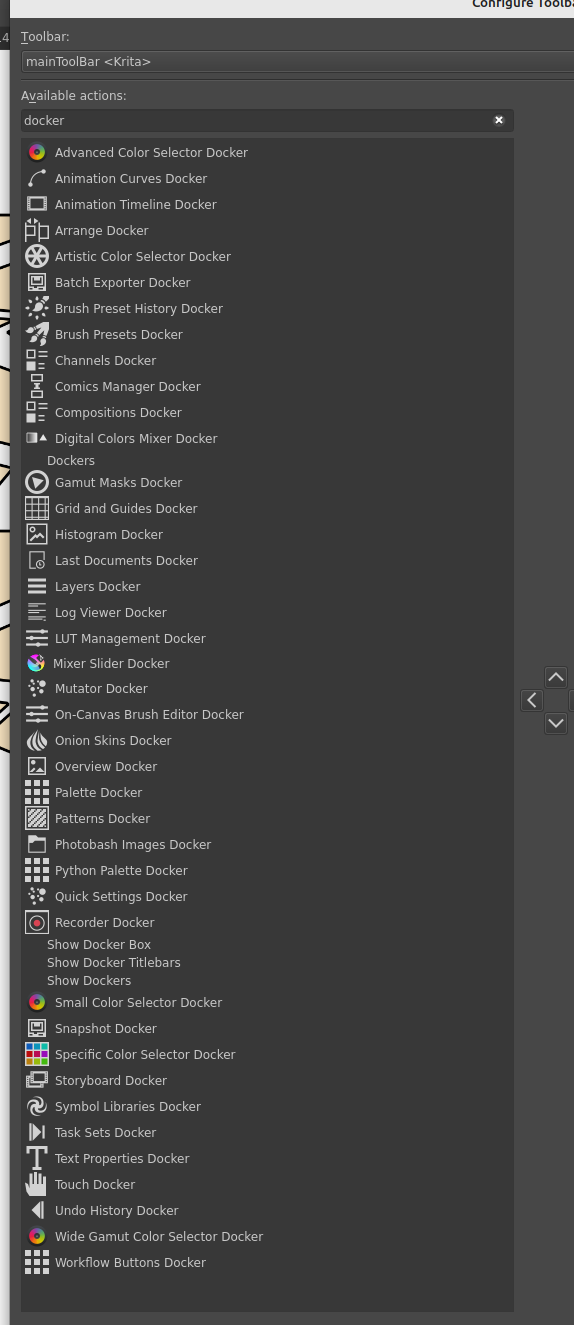
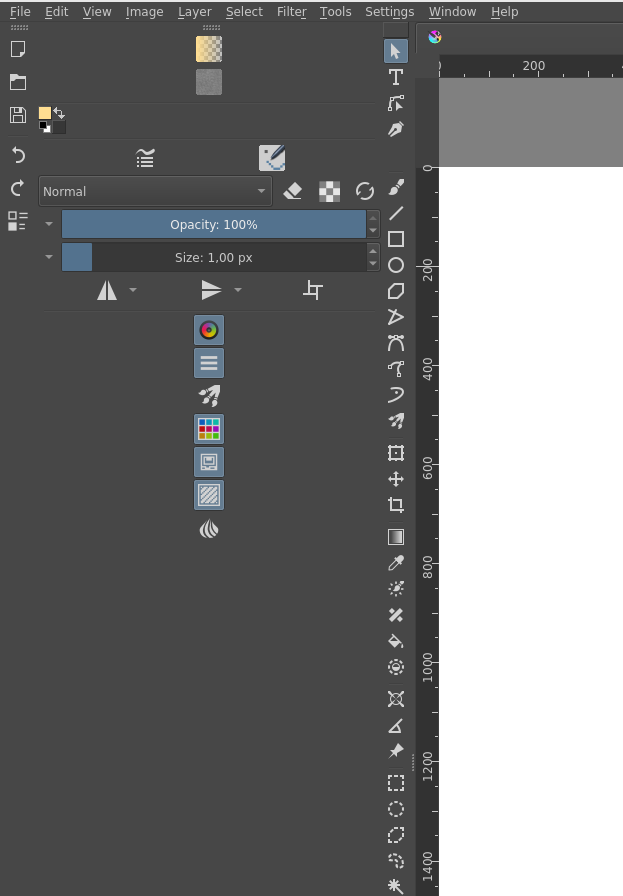
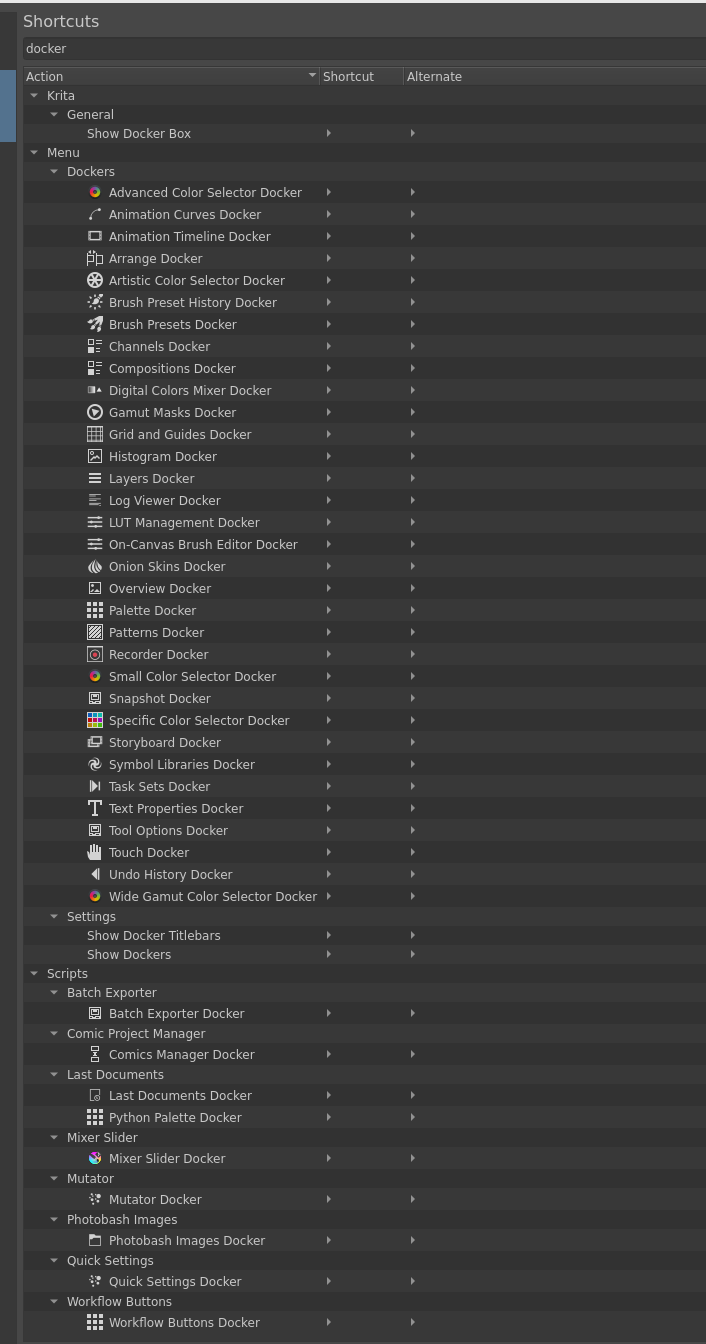
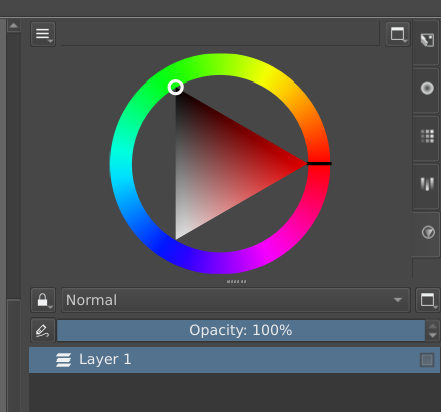
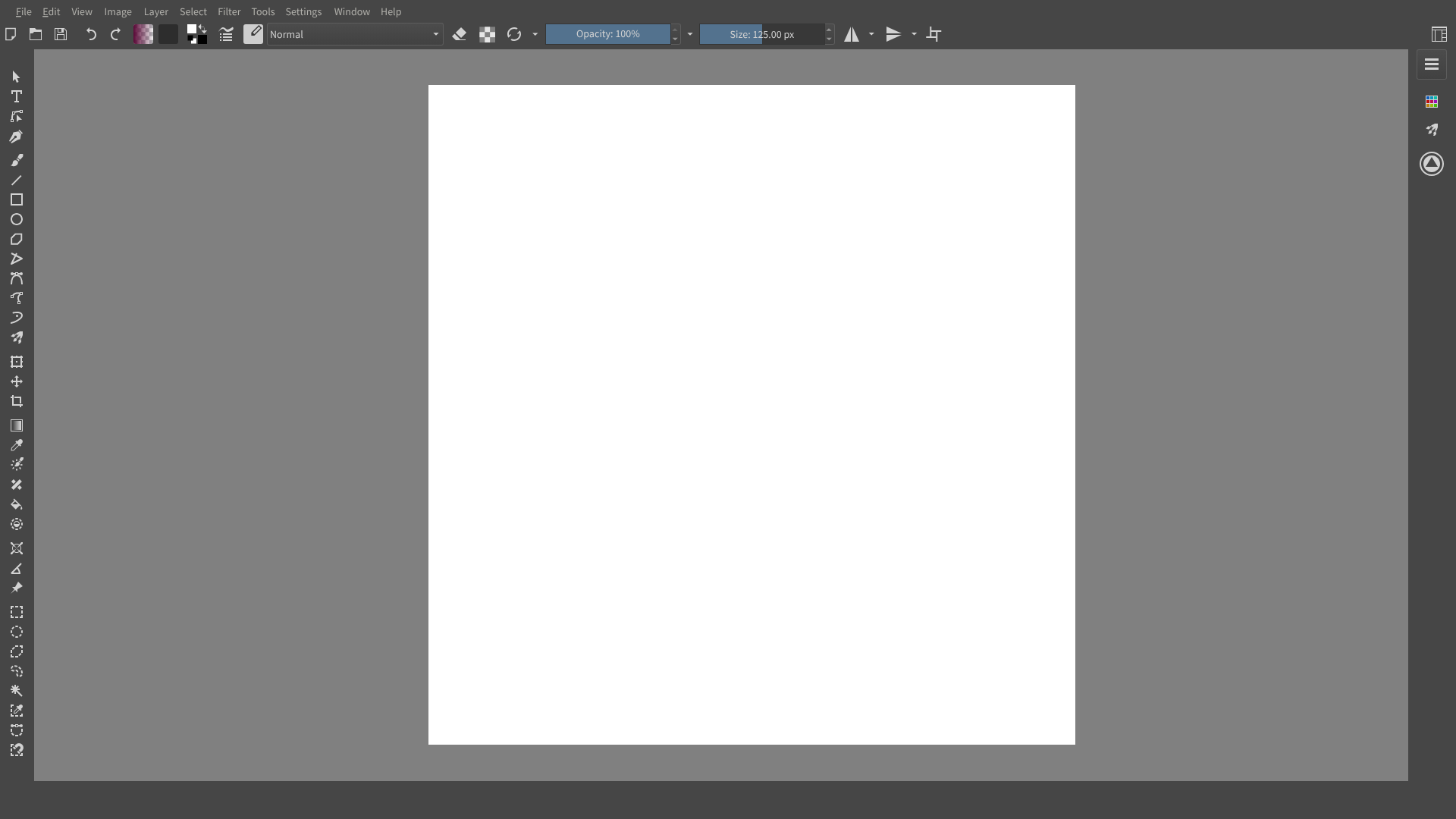
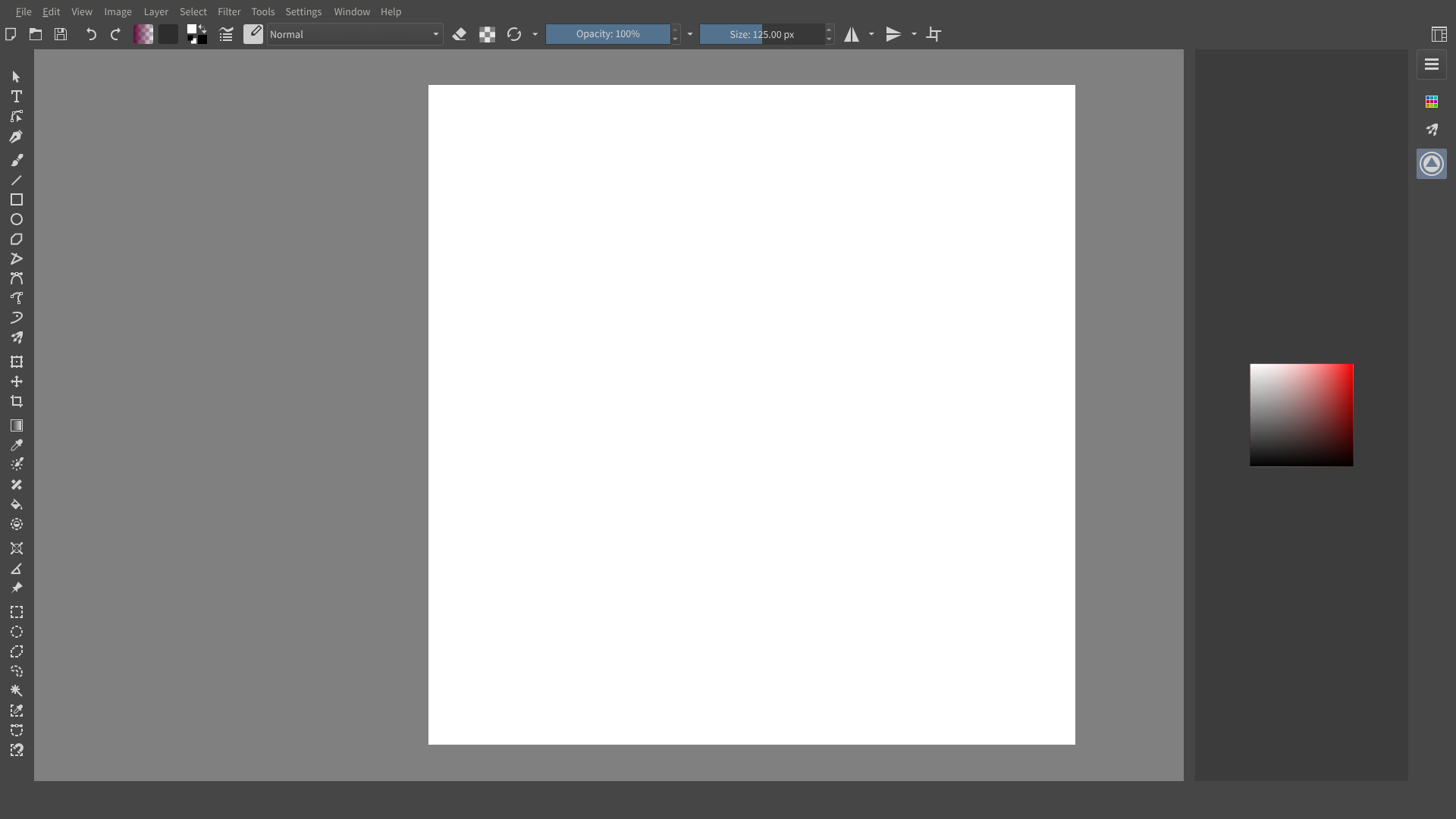
I made it mostly because it should be easier to use dockers on Android. You could add just the ones you frequently use to the toolbar, have them hidden but very easily accessible.
Ngl, I like it! Specially as someone that has a bit too many dockers at once but likes a cleaner interface (lol)
I’d say that, if it’s summonable with shortcuts, then it’d be actually extra handy!
Either way, looks awesome!
Totally agree with you!
This is something that is missing on android devices and would be useful to have on the desktop version as well. The only thing I would like is a vertical docker so that there isn’t a lot of compressed space at the top and bottom.
As for the search command, I personally don’t see it as very useful, but it could really benefit new users if they can learn about this feature from the very beginning with Krita.
Hmm, neat little feature. I get an inkscap(e)y feeling from this but I don’t know if I would use it on my tablet
I would more likely use the distraction free mode on a small screen sized tablet and the popup-palette.
Although I have to go out of this mode if I wanted to switch tools as the popup-palette only shows when using a brush, but that is another feature request.
I think I would use it, if I had an extra toolbar available, which I then could place next to the dockers. I have not found way to add my own toolbar btw. Is there a way?
I would activate the docker, make my changes and start to draw and would expect, that the docker hides when I tab to draw or change to another docker. That is how it is generally done in other software for tablets
For the Icons… I don’t know if we could incorporate Lucide Icons, which is also an open source project
Or there is someone of our community who creates some, we would need a design preference for the icons to look coherent when many people contribute. I would also help with contributing icons to krita.
Would help me with some dockers I rarely use but still often enough that it annoys me to look for them. For when the toolbar is already crowded I wonder if it would be better to have them as vertical tabs on the docker sidebar itself, similar to how it’s in blender.
I do think though that I don’t have a lot of space leftover in the toolbar for the docker buttons. Therefore, I hope that one day this could be expanded to a docker which only contains the buttons for collapsed dockers (but not closed) as a sidebar, which then expands a docker as you click on it. That said, I do understand that it’s more involved and I am already really happy that this allows me to search for dockers by name and open them that way.
You mean a vertical toolbar? Yes, I’d like to have it too.
EDIT: They are vertical, or easily made vertical. Just go to Settings, uncheck Lock Toolbars, grab it by the handle, and make it vertical next to the tools.
That one has sliders on them so it’s wide, but the one on the very left is thin. I’ll try to add two more toolbars so it’s more flexible, but I’ll have to fight with xmlgui.
But it’s 41 dockers. I think with those three solutions (none of them implemented yet):
a vertical clean toolbar you can add your buttons to
icons on tabs
vertical tabs
it would fit your requirements just the same. If you want to have a docker in a tab like that, just open it. If you don’t want to open it, or maybe have all the dockers there, use the toolbar.
And the toolbar could have two display modes, one with a text label and one without. Might make it easier for some to distinguish between the docker icons at first. But that’s an extra if it’s easy to add, it’s not that important.
Are some icon with colour on purpose while others are monochrome? Looks a little inconsistent. The colour dockers and the recorder docker are the only non-monochrome ones.
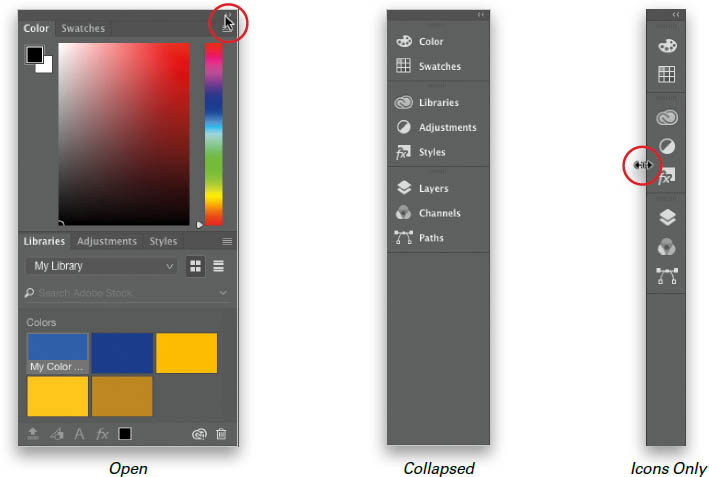
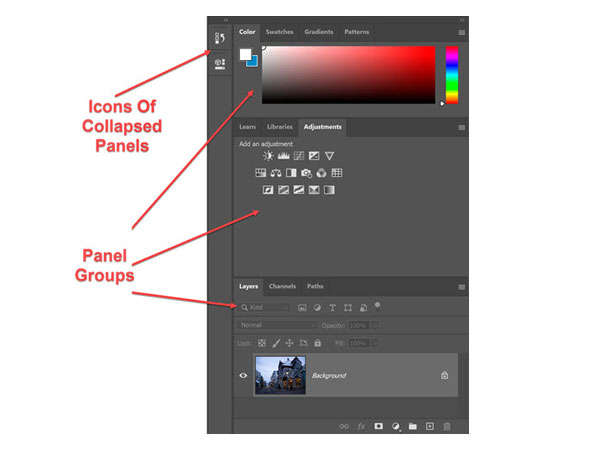
Just noting here that Photoshop has several of these vertical toolbars that can expand. That way, you could have your layers and overview dockers in one ‘docker column’ and click a double arrow to collapse the ‘docker column’ and you’ll only see the small icons of either. This makes it easier to show and hide multiple related dockers while only using one out of two or three of these ‘docker columns’.
Those are not custom icons but reused ones from other parts of the application. It would be good to have custom ones, but that’s 41 icons to make… so we’ll see.
To me it looks like only the coloured icons have to be remade to be monochrome. All the other icons in Krita aren’t coloured either. But I get the point
But that is possible. Okay, currently I do not understand how it works, but @Grum999 did it with BuliCommander, so it is possible. He referenced it via *.qrc and *.rcc files, but that plugin is too complex for me and my abilities.
hello! I really like the idea of having docker icons, and so I made a few mockups (just for the ones with color - minus the mixer slider), and I’d be happy to make more for this. I’m still rather new to Krita’s forms, so I hope it’s alright if I offer.
The mockups I made are 32x32, though I’m not really sure if that’s the right size for icons. I’d be very happy to redo them in the right resolution if they look fitting.