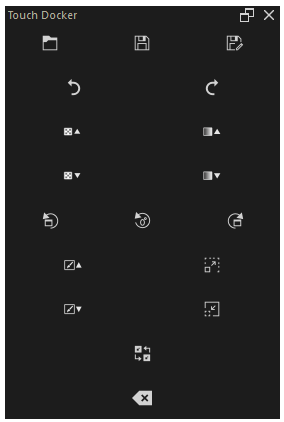
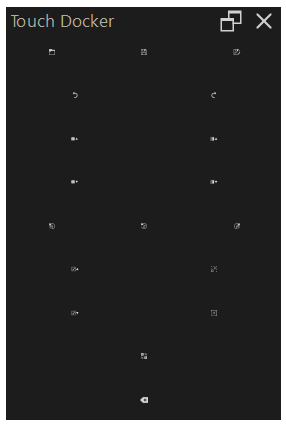
Hello to whoever reads this, I’m in need of some help please.
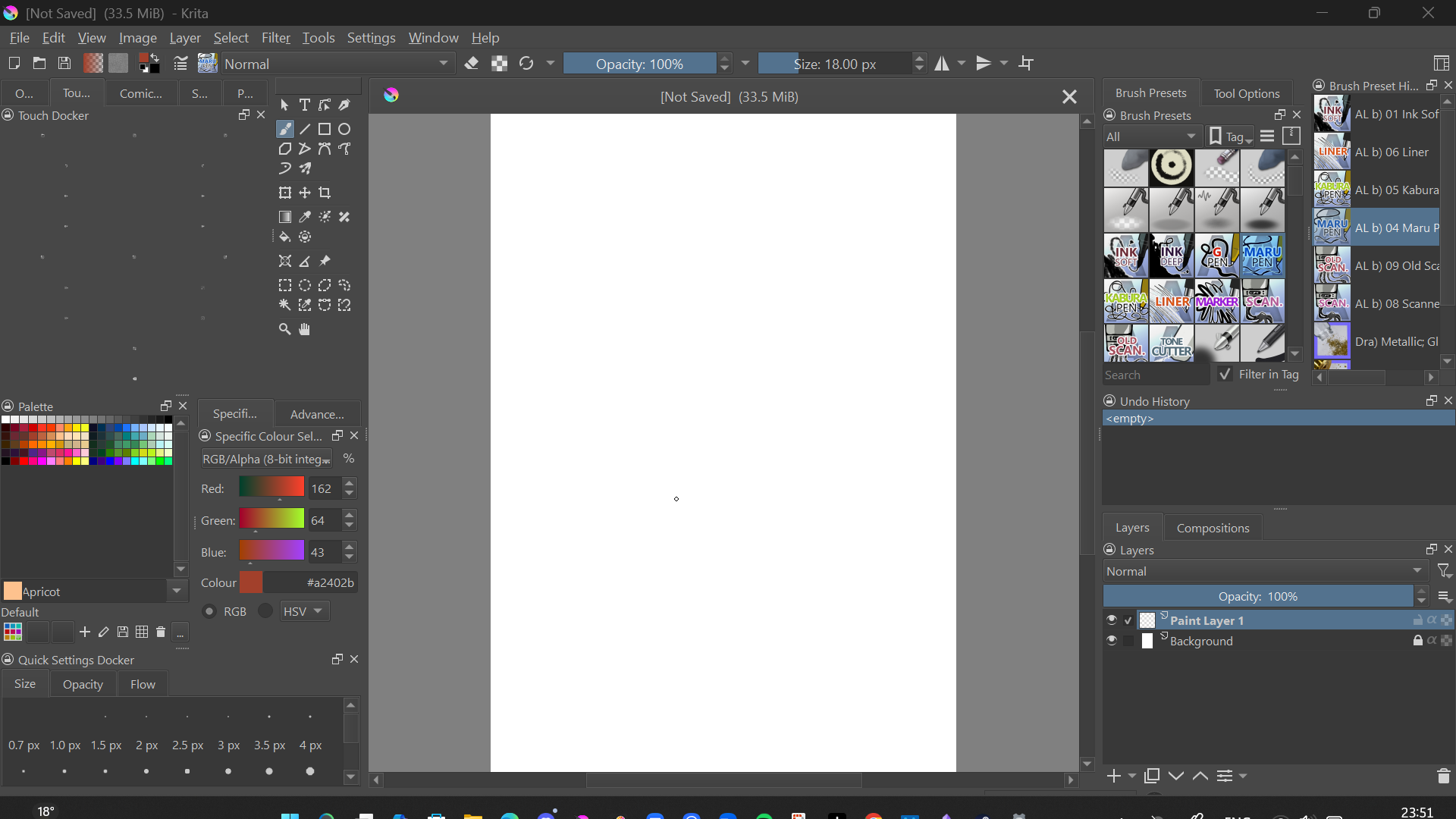
The icons on my touch docker (on the left side on my screenshot below) are awfully small, so small that I can’t even see what button is for what function.
This is what my screen looks like when the HiDPI-support is already enabled on Krita. I tried to also enable the function just below the HiDPI in the settings : after I restarted Krita, the icons were still super small. I tried to disable the HiDPI support at all : still small icons.
I’d really appreciate it if someone could help me make those icons look bigger on my screen. I wish I could use Krita more often. However, I need to be able to use the touch docker in order to use Krita more. Sadly, I can’t see the touch docker correctly for now.
That’s unusual. Normally, the Touch Docker scales depending on how far you pull it open, and at the size you’ve shown (estimated relative to the Krita interface on my monitor), the icons should at least be clearly visible to the naked eye. But not as tiny as they are for you.
You could try detaching the Touch Docker from its dock position, scaling it to normal size, AND then closing it, restarting Krita, and calling up the Touch Docker again. I can’t promise that it will then be available in the usual size, but I can’t think of anything else to do after two days of testing, and I can’t reproduce your situation.
And actually, you can also integrate all the actions provided by this Docker into your toolbars, then you wouldn’t need this Docker (but I realize that you’re not considering this). And if the three toolbars provided by Krita aren’t enough for you, I could show you how to use more than these three.
In principle, you are absolutely right, but on the other hand, the icons shown here should be much larger than they currently are. I have tried older versions as well as nightly versions, and of course the current release version, and always have a significantly larger display than the OP in such a multi-tab, multi-docker environment. I don’t know what else to do here.
I suppose @niqo_hoshizora has Windows layout scaling about to 150%, anyway more than 100%, in my tests seems that the icons of this docker become smaller with higher scaling…
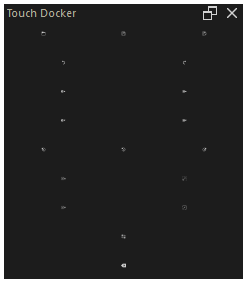
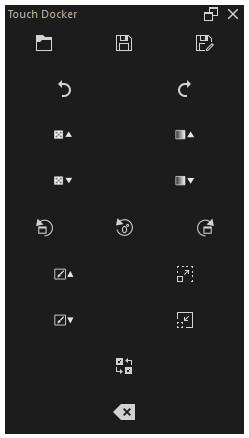
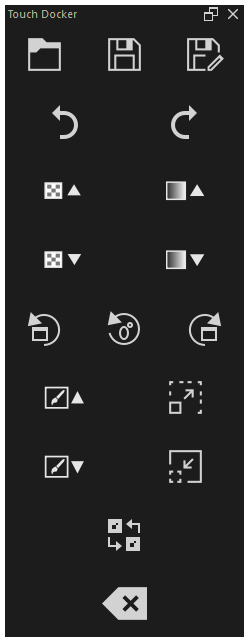
With Windows scaling at 100% - same docker width but different heights, I have this:
Good find, that may be the reason. Probably it is very different from machine to machine, the renderer (OpenGL/DirectX) may be another cause of different behavior. And if your hint helps anything is fine, because who helps is right!