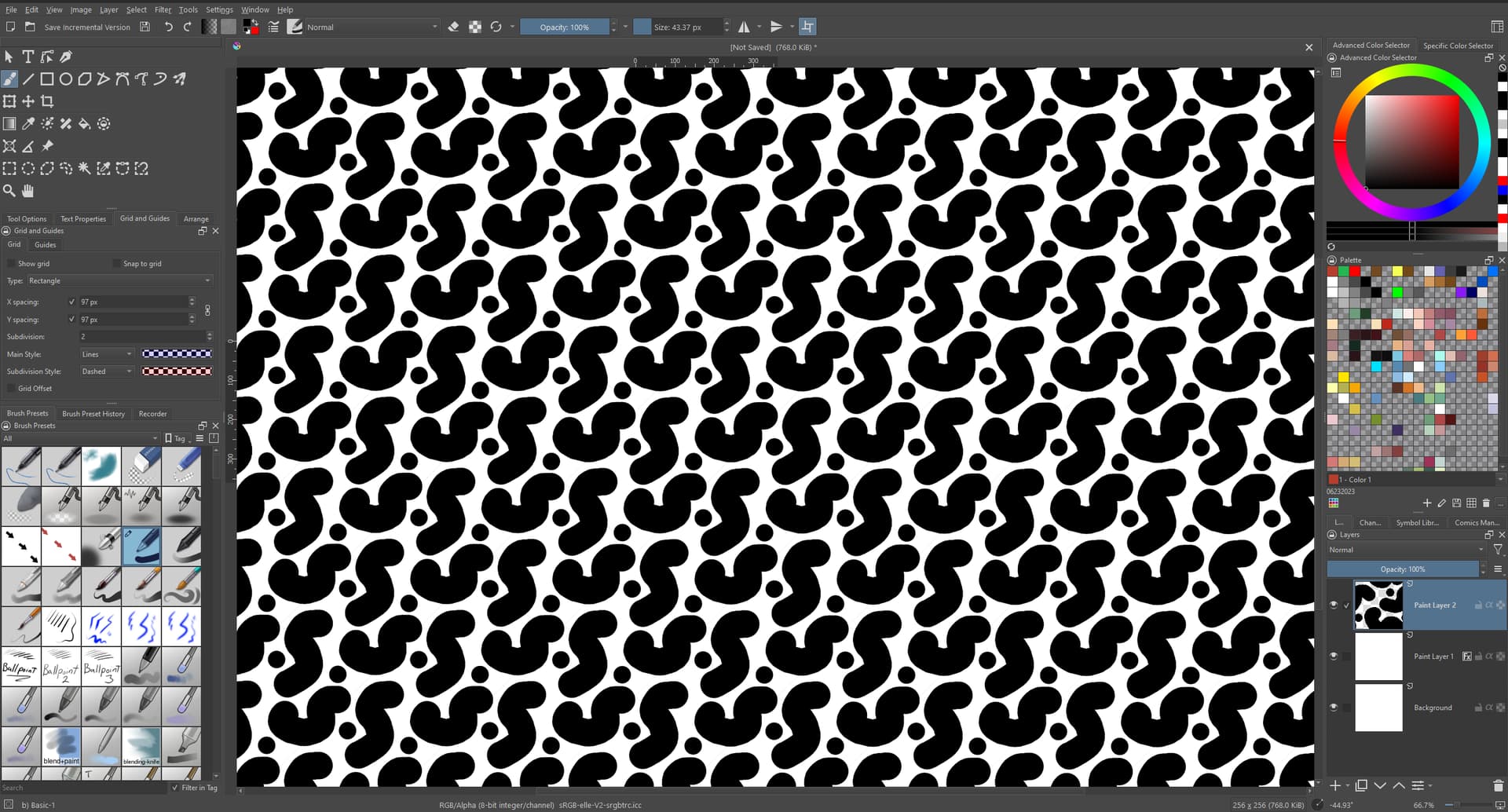
i know that one can making tiling patterns using the wrap around tool and/or the offset image tool.
but I was wondering if there were also a way to automatically create NON rectangular patterns in Krita?
say, of repeating hexagonal (or pentagonal, octagonal, etc) or even triangular tiles?
that is nice, but i am already aware of this… i specifically want something that is hexagonal shaped that tiles like hexagonal tiles (every row/ column offset by 1/2)
ah… no sadly i don’t think this will work for what I want
I want to be able to actually draw a tiling pattern within a hexagon and have it be able to cross over and repeat across tiles, this looks like it just squishes/melds larger, more abstract patterns into shape and blends to make it repeatable….
i think there’s a little confusion between krita’s use of “pattern” to mean “background texture”
and my use of “pattern” to mean a “semi representational drawing of a thing or groups of things drawn in such a way that it can make a larger seamless drawing when placed next to/above or below itself”
i’ve added some examples of what I want to do to the OP
Due to the limitations of computer graphic images always being square, based on the pixel grid they’re made of, all the shapes you can make (although the patterns don’t have to be) always need to be on square tiles (at least with common raster graphics formats).
This Internet Archive book covers these Arabic geometric designs. You’ll find them starting on page 51. If you zoom in closely, you’ll see details about the pattern construction scheme.
thank you, I am well aware of the principles of design and geometric design in particular.
I could 100% do it by hand if I wanted. I was asking about the availability of a tool to make the drawing out of said designs easier and less of a faff, not how to actually do it.
I understand. For regular patterns, I prefer to build them in a vector program, like Inkscape. On the official website, they had an extension to facilitate pattern construction. I didn’t download or install it, as I liked to vectorize the patterns manually to learn the basics of their construction.
Maybe this is what you’re looking for. Unfortunately, I don’t know if it’s still available, as many extensions are no longer supported by new versions of the program… but you can search the website or register on the official forum to find out more.