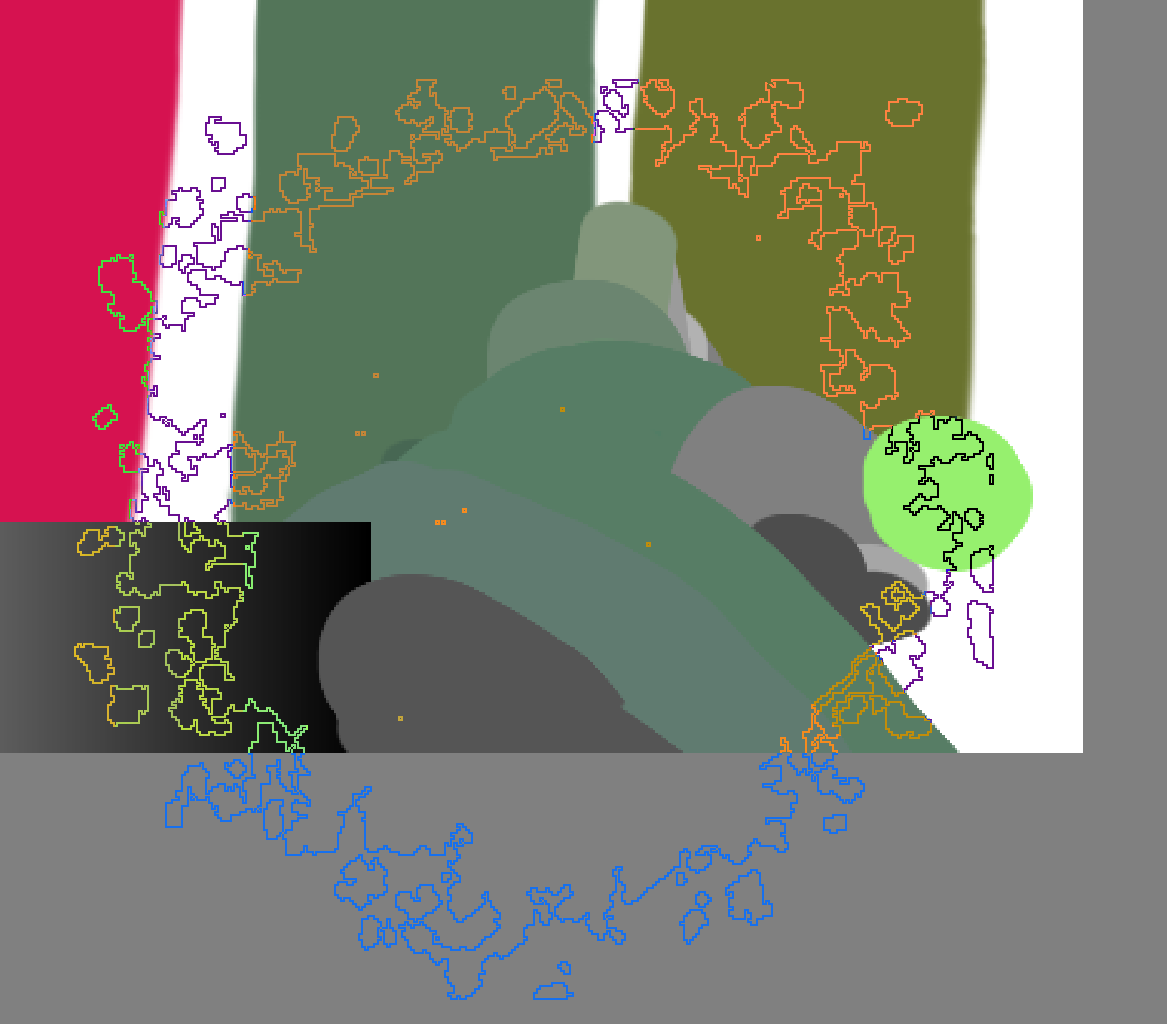
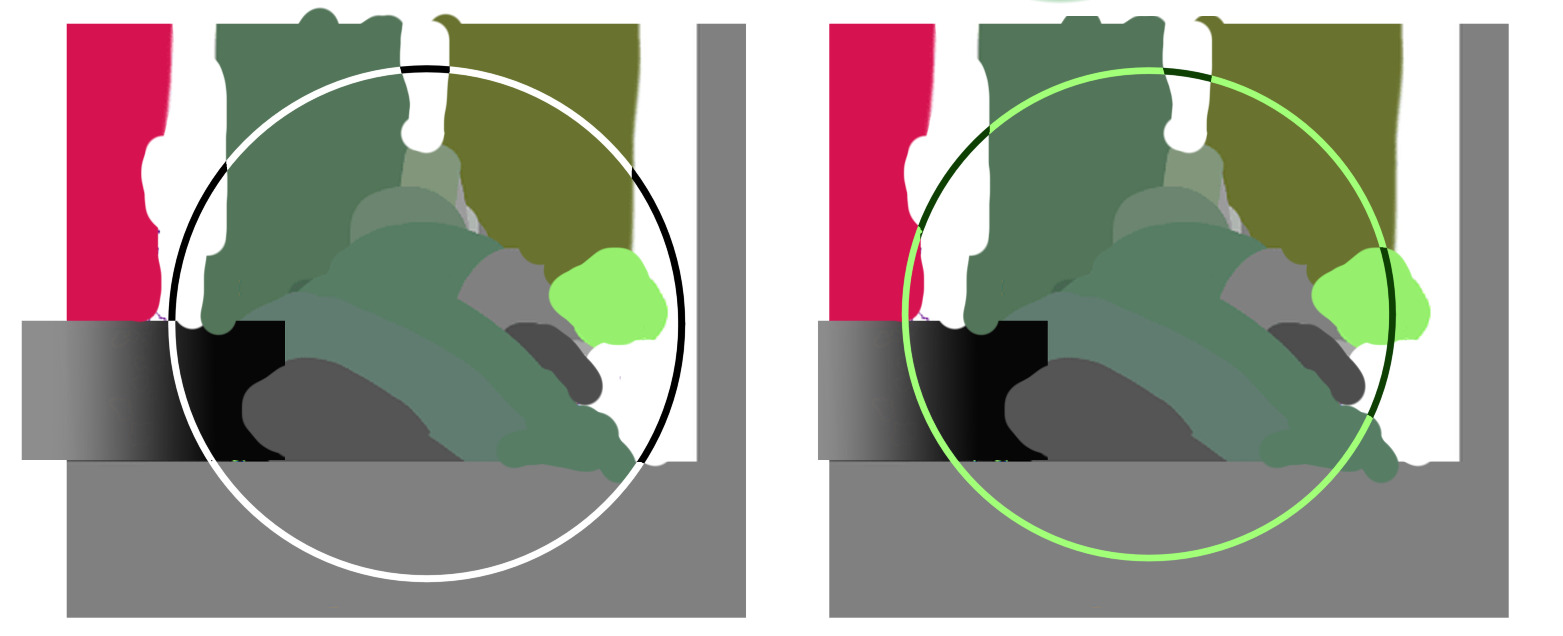
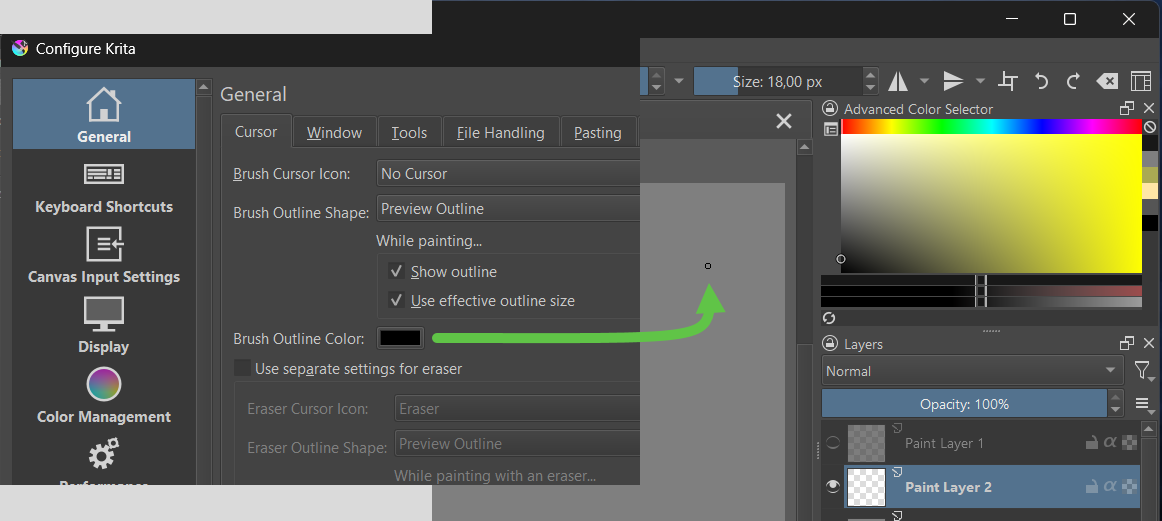
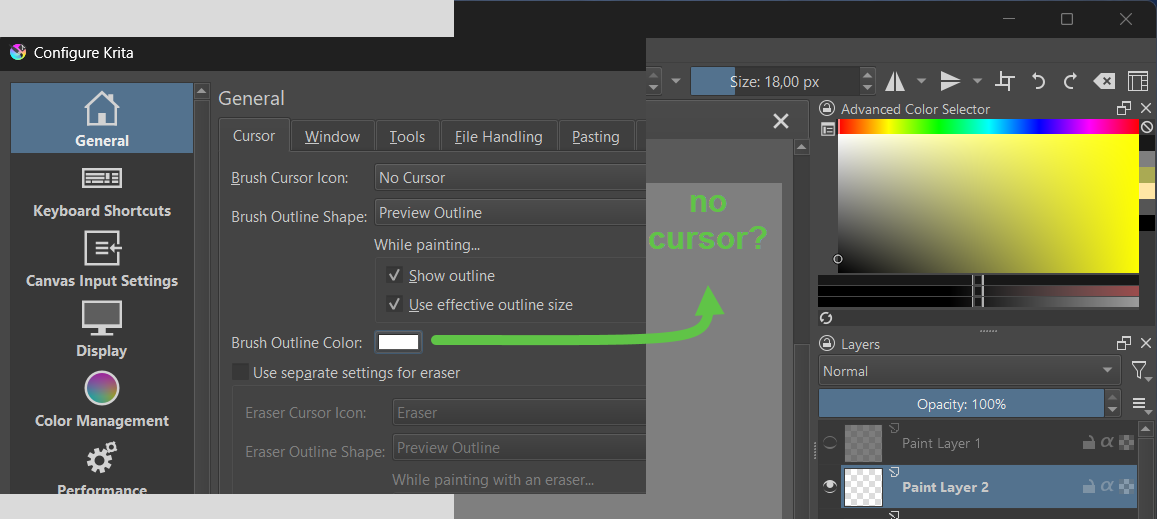
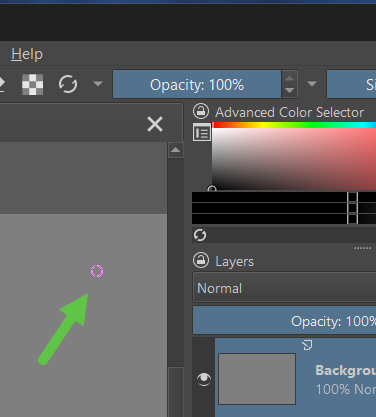
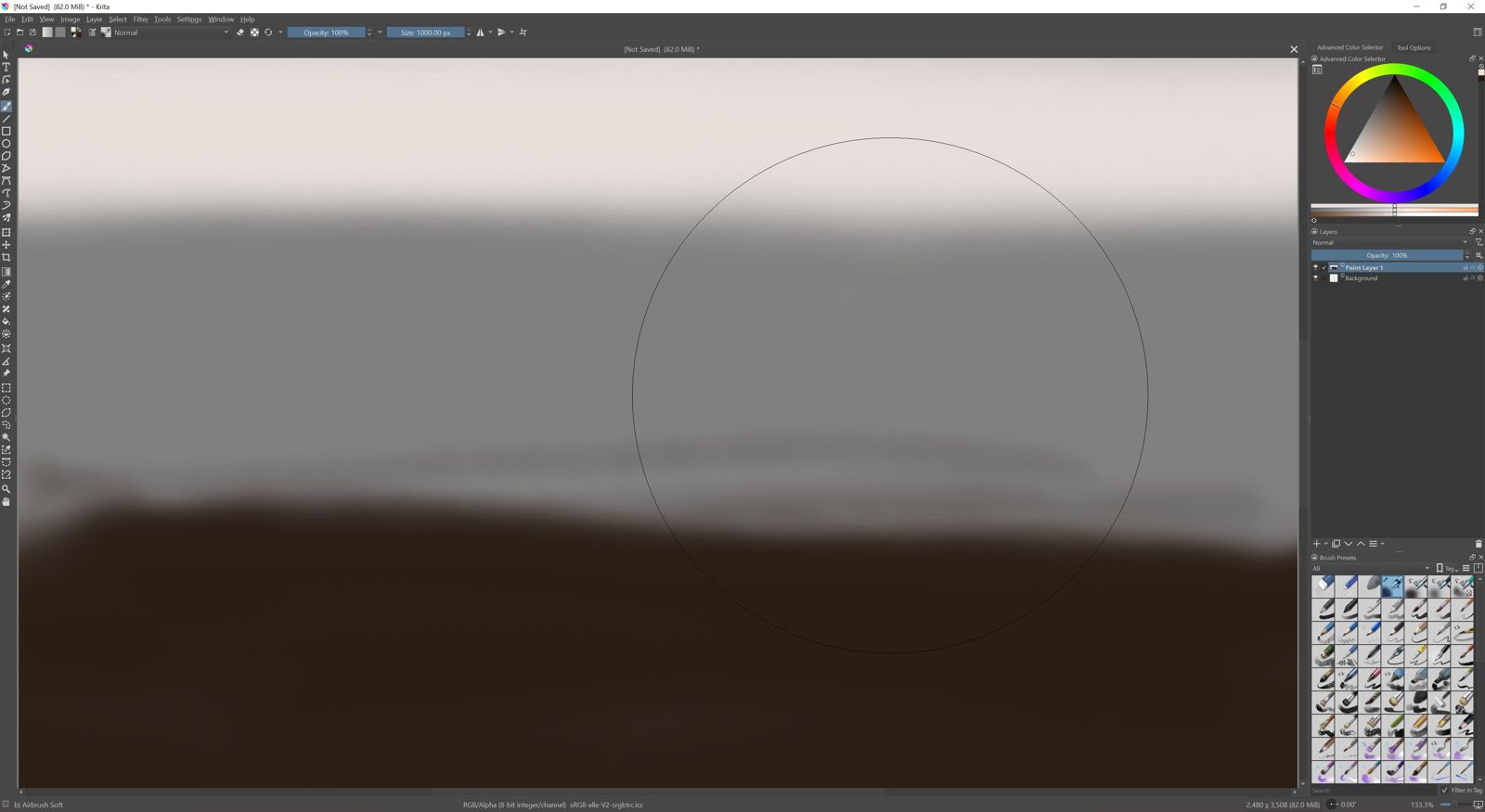
As @Kronos mentioned below, some people with migraine find the dynamic cursor color in CSP troublesome. So the current Krita behavior should be kept as an option.
Well, we can take advantage of this thread to stablish what would be the best way of painting the brush outline, something that any user can experiment with (like you just did) just by making images or analyzing other software, without having to actually code anything. When that is stablish, I’m sure any developer could make it work in a matter of days.
(Yes, that was the long way of saying that users can contribute in a productive way to making Krita better without having to code).
I have some example from an old Photoshop copy.
Works quite different, but visable IMO.
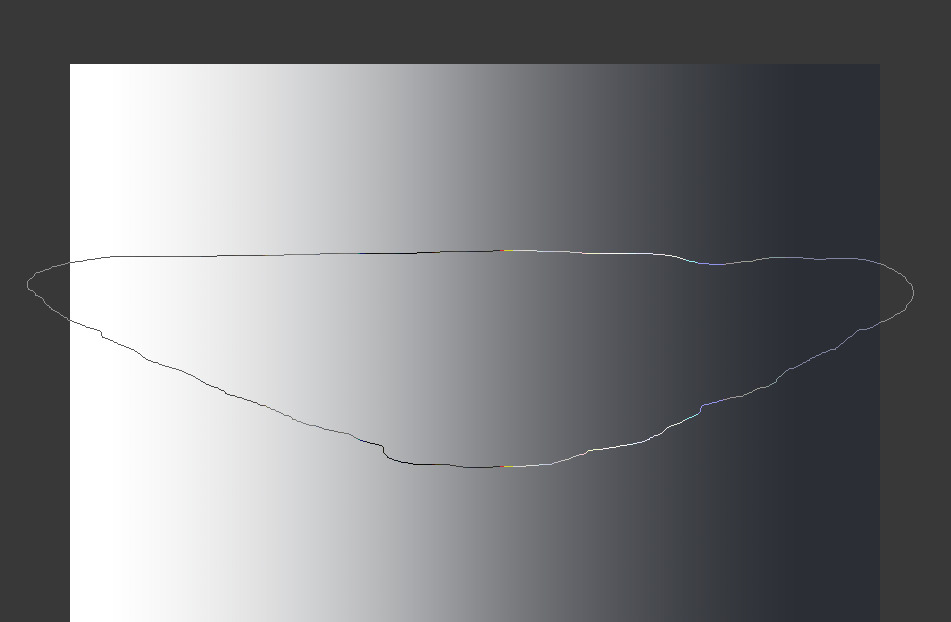
It only have black and white color, and draw some shadow-ish inverted color (or just grey?) around the outline.
You can see the outline invert color depending on the center, when background value 53~54%
brush outline upon gradient example
Off topic thought:
When testing, I just found photoshop seens to make brush outline as a system cursor, which will go out of canvas and onto other docker, and even go onto Windows toolbar. It only switch to normal cursor (arrow) when brush center (true cursor position) touching dockers or Windows toolbar.
It also cannot be capture via windows build-in screenshot tool.
I guess this is the reason why photoshop don’t have much brush outline delay.
But yeah, this is another topic to figure out.
I upvoted this post because I feel like this should get more attention. Having users set only one cursor color is bad UX because e.g. the default color (#80ff80) makes work with shades of green quite uncomfortable.
Yes, it would be nice to have the color shift, to ensure visibility. There have been times where I had to go into the settings just to the color manually, per drawing. I can’t recall needing to do this with other applications.
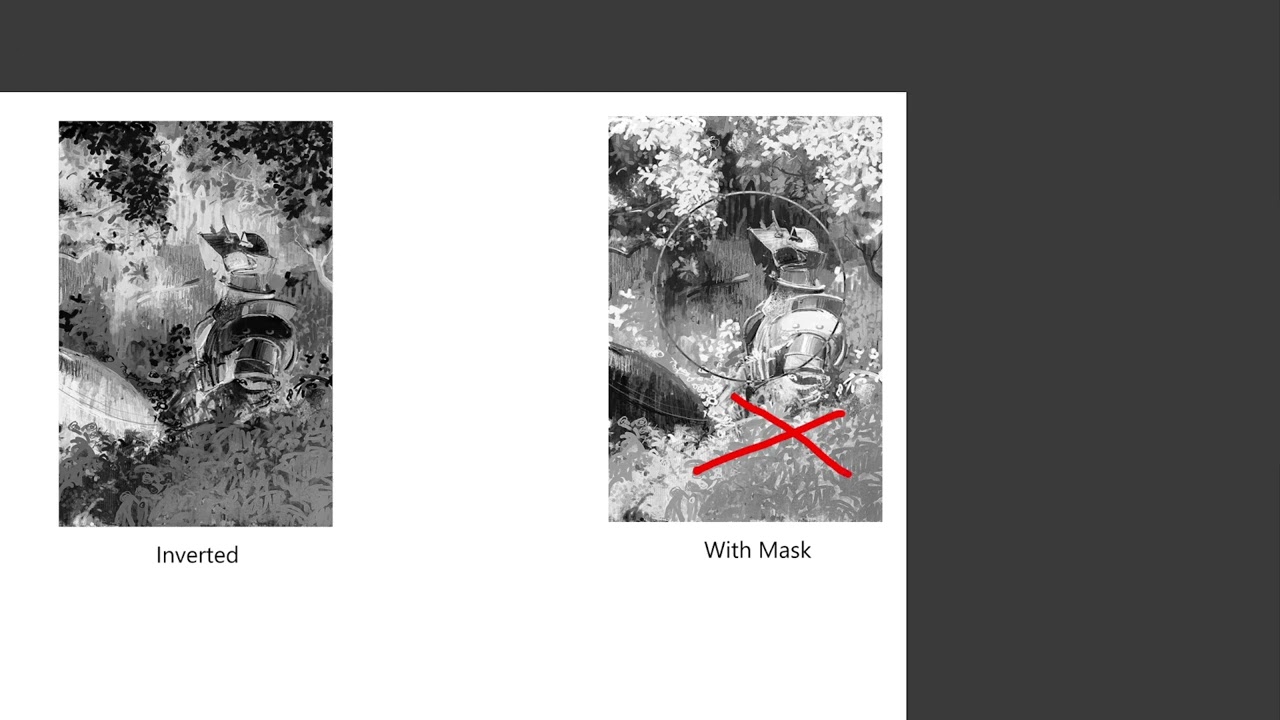
Krita seems to already have dynamic cursor colors. But in certain places it just is not invisible. It really looks like Krita is inverting the image and then multiplying that with the selected brush color. That will not work though for greys because an inverted grey is still grey (or with certain greens if your cursor is green).
Best option i think is to do a threashold filter first. Then invert the threashold and with that there cant be the same color as before.
Hey, not sure if you’ve noticed, but this is only an issue for hardware acceleration canvas rendering. If you switch to software rendering mode (disable “canvas graphics acceleration” option), you will notice that the brush cursor outline behaves as expected.
In software mode this is using a XOR operation (RasterOp_SourceXorDestination in Qt), which works nicely with any color.
I’d have to do more digging to fully understand what led to this decision, it doesn’t seem to me like blending is equivalent to a XOR, but maybe there were other issues this tried to solve. Off the top of my head, logical ops don’t work with floating-point formats and are unsupported on OpenGL ES (so Android, for example). ANGLE likewise implements an OpenGL ES abstraction, but I think logic ops are present there as an extension.
As a quick proof of concept, I added the use of XOR on Windows with OpenGL rendering, and it trivially worked:
nice, find! that would fix the issue of the disapearing outline. I would prefere a black and white or light and dark color with the same Hue though. Imo that would be visually more appealing.
The nice property of a XOR is that it’s a very simple and performant solution. I believe it’s also how CSP does it (based on the colors of the cursor). Alas, it seems we can’t easily support it on all platforms. Going forward (I believe) ANGLE will be the only GL library, meaning maybe we could get it supported via ANGLE, but based on a cursory read of the docs, GL_ANGLE_logic_op is meant for internal use rather than for the apps.
Probably the safest and portable option is to go back to the previous implementation, where the canvas FBO is sampled and the cursor color blended in the shader. That way we can implement it with full flexibility. However, this is a heavier solution performance-wise than the current fixed-function blend (it should still not matter practically, I feel like).
The bottom line is we need developers to weigh in whether it would be OK to go back to a more complex solution to improve the visibility of the cursor (@dkazakov ?).
@dkazakov Hello, I hope that any further development of the brush cursor color option will not result in the brush cursor dynamically changing color when the cursor color “black” is selected.
Otherwise, I would ask to please also include the option to select a fixed and unchangeable brush cursor color that never changes, regardless of the color underneath it on the canvas.
Reason:
EDIT: My thread linked to above (six posts in sum) has been merged with this thread, see beginning with third post below.
In this forum I have read requests of people to change the Brush Cursor Outline Color behavior in future versions of Krita to resemble the behavior of that in Clip Studio Paint Pro, meaning to always change color to the opposite one that the cursor outline is hovering over on the canvas.
Therefore, I would like to express a simple request concerning the Brush Cursor Outline Color options:
Dear Devs, if you ever decide to implement that option into a future version of Krita (Brush Cursor Outline Color behaving like in CSP), then PLEASE do NOT REMOVE the option to choose the Brush Cursor Outline Color AS IT IS CURRENTLY ESTABLISHED AND IMPLEMENTED IN KRITA!
A main reason why I now prefer to paint in Krita over working in CSP or PS is that in Krita I can choose that the color of the circle outline of the Brush Cursor is completely BLACK and simply remains BLACK, no matter what color is on the canvas below it! I find it highly irritating and distracting if the brush cursor outline constantly changes colors while painting with fast hand movements and Krita is currently the ONLY painting program I am aware of that allows the user to choose and fix its color to black: Fully black, and not being rimmed with further white outlines as in several other painting programs, not constantly “blinking” back and forth between being black or white like in PS, not constantly changing colors back and forth to the opposite color of the canvas below like in CSP. And I am really very happy with and grateful for that.