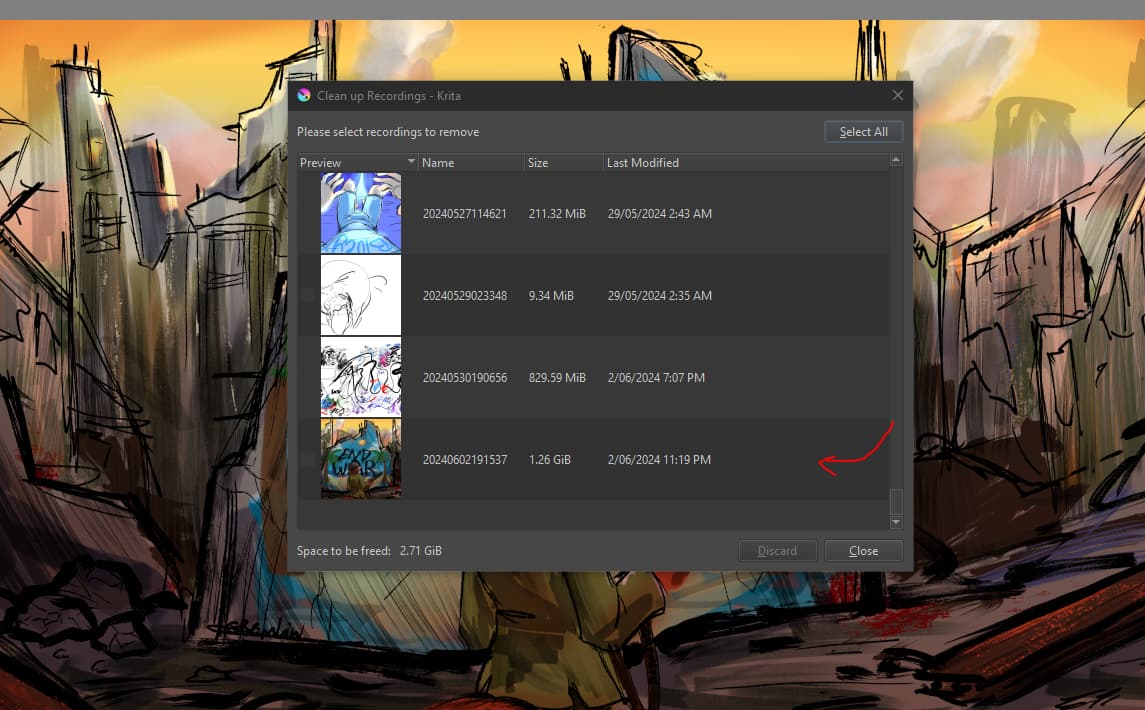
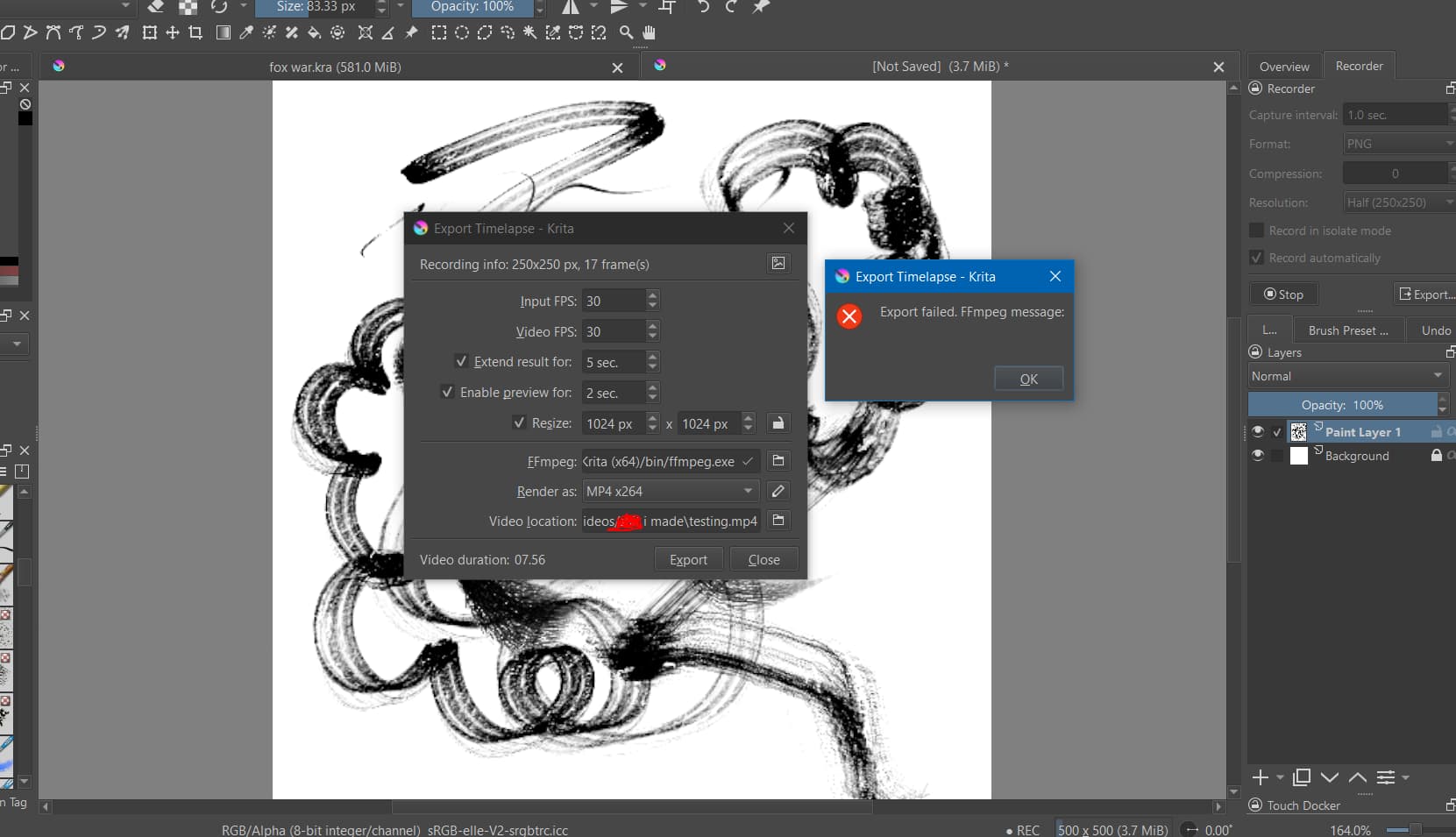
these are the error code varieties I’m getting, I cannot find any solution on how to fix this that I haven’t already tried.
I cannot export my time-lapse’s, the recordings directory can still access the files, they are all still present and uncorrupted.
nothing i change fixes the issue, no old or new time-lapes’s can be exported.
Edit:Add: I use the Gyan ffmpeg 6.1.1 essentials build on Windows 10 and have no problems with timelapse exporting.
I know 7.0 had problems and that has been replaced by 7.0.1 but I haven’t tried it yet.
You can try 6.1.1 from here if the krita built-in version has problems: https://www.gyan.dev/ffmpeg/builds/packages/ffmpeg-6.1.1-essentials_build.zip
@ImKuelllGremlin In the second screenshot you show, there are no files to export so the error message is to be expected.
Note: For future screenshots, please make sure that you do not display offensive words. It’s not difficult to give file and folders names that are ‘ordinary and inoffensive’.
hi thanks for replying, i have tried using different ffmpeg files and it has not changed, and the thing is i do have files to export, it just cannot find them for an unknown reason
Is it from Gyan?
Is it version 6.1.1? (It should be).
Are you using OneDrive in any way?
If you are, disable it then do a full power down restart and check that it is still disabled.
Your screenshot shows that you have captured 17 frames at 1.0 sec capture interval. Does that match your expectations in terms of painting for 17 seconds?
Lets redo everything with a new document as follows:
Make a folder on your desktop called TestRecorder.
Set the Recorder docker recordings directory to be that folder.
Make the exported video location be on your desktop.
You have not dragged the bottom edge of the Recorder docker down to show its entire contents. Please do that.
Your screenshot does not show the entire application window.
Please try again.
You are capturing at Half resolution. Please capture at Original resolution.
You are Exporting with Resize enabled up to 1024 x 1024.
Please disable the Resize option.
You are Exporting with Input and Video FPS = 30.
Please set them both to = 1.
Other people, including me, have no problems with recording and exporting timelapse paintings with version 5.2.2 on Windows 10 so we need to find out why your situation is different.
I’m trying to keep this simple and direct with no complications.
im using from Download FFmpeg
thus far its been relyable since i started using krita years ago. and i’ve been on the latest version for months now before all these issues started
From your recent screenshot, you have the Recording directory in your OneDrive folder.
That usually results in a different kind of error message.
The current error message is associated with using a ‘bad’ ffmpeg such as version 7.0 or 7.0.1 or by using a ‘faulty’ codec that is not suitable for whatever ffmpeg you’re using.
So, are you sure that you’re using the Gyan 6.1.1 ffmpeg?
Use your Desktop folder which is at C:\Users\Vissi\Desktop