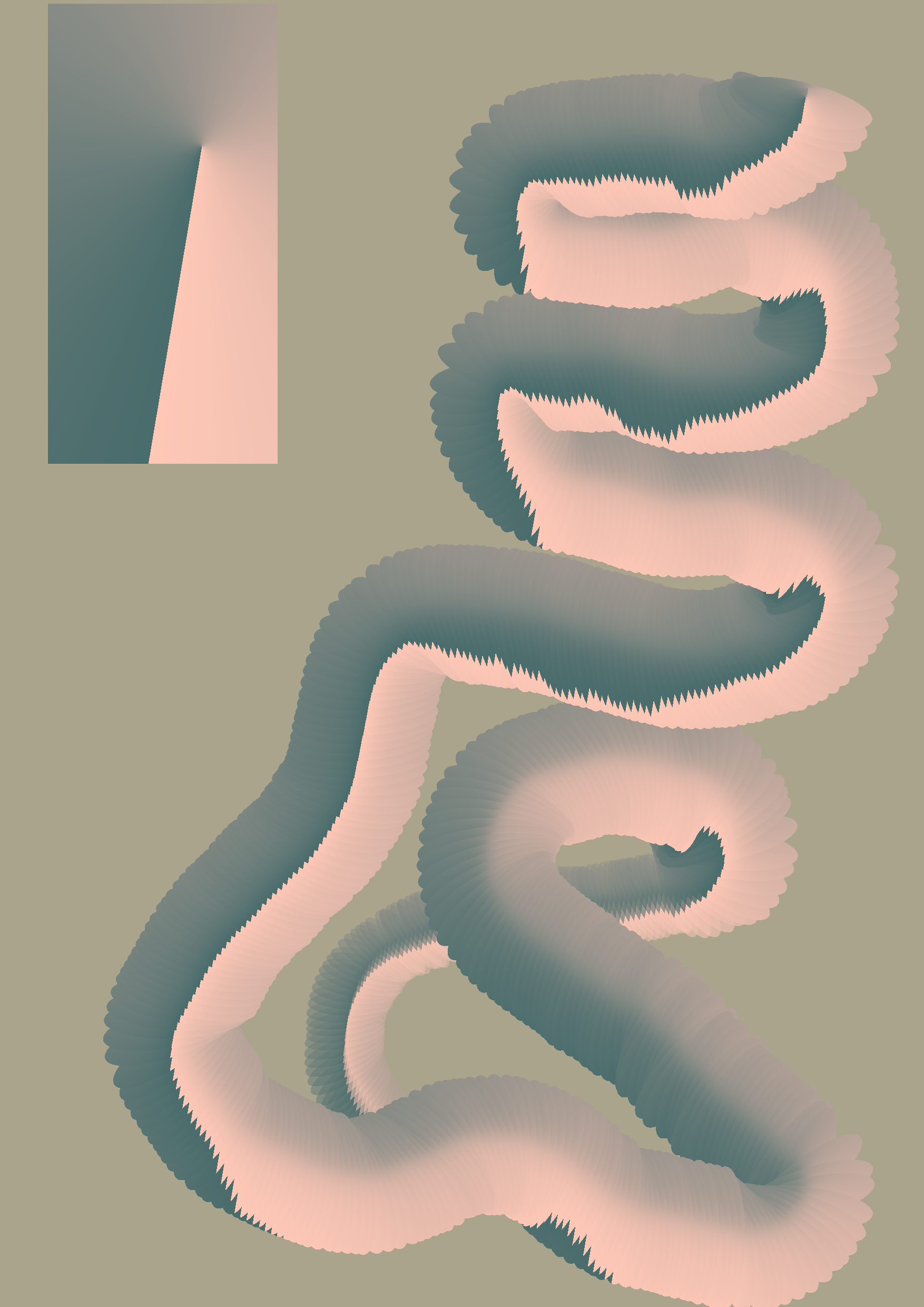
EDIT: This was originally posted on the request feature thread Use alpha channel in brush tips, or add an overlay tip and as such the phrasing in it may make more sense in that context.
Thanks for all the work done on this feature @Voronwe13 and @dkazakov !
This last feture @Voronwe13 put forward about the brush using two different colors can become very useful! I’ve just made a similar post on the last update to the Krita YouTube channel but I think here is the best place for it.
PS: Everything that I’m suggesting here might have already been implemented and I just don’t understand it. If that is the case, I’m sorry.
Feature request: to use two or more colors at the same time at the same brush tip.
Why: Traditional media painters normally mix two or more paints to get the color they want. But they don’t always bother to mix them perfectly (specially contemporary oil and acrylic painters) so to simulate that effect of imperfectly mixed paints this feature could be useful.
EDIT:: Why 1.5 : when using thinned down paint a similar effect happens, that I believe could be well represented by this function.
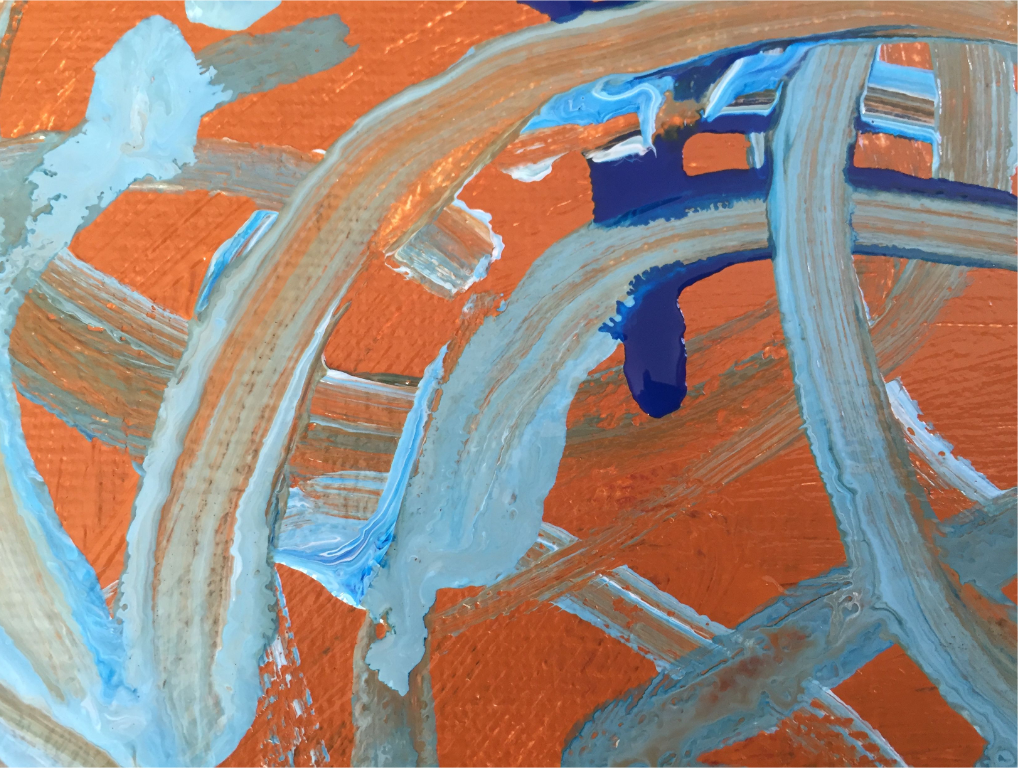
Traditional example: a painter mixes red and yellow to form orange, but doesn’t bother to do a good job at it so when the brush is applied to the canvas parts of the brush will be loaded with more yellow and parts of the same brush will be loaded with more red. When the stroke is pulled it leaves streaks of yellowish orange in some parts and redish orange in others.
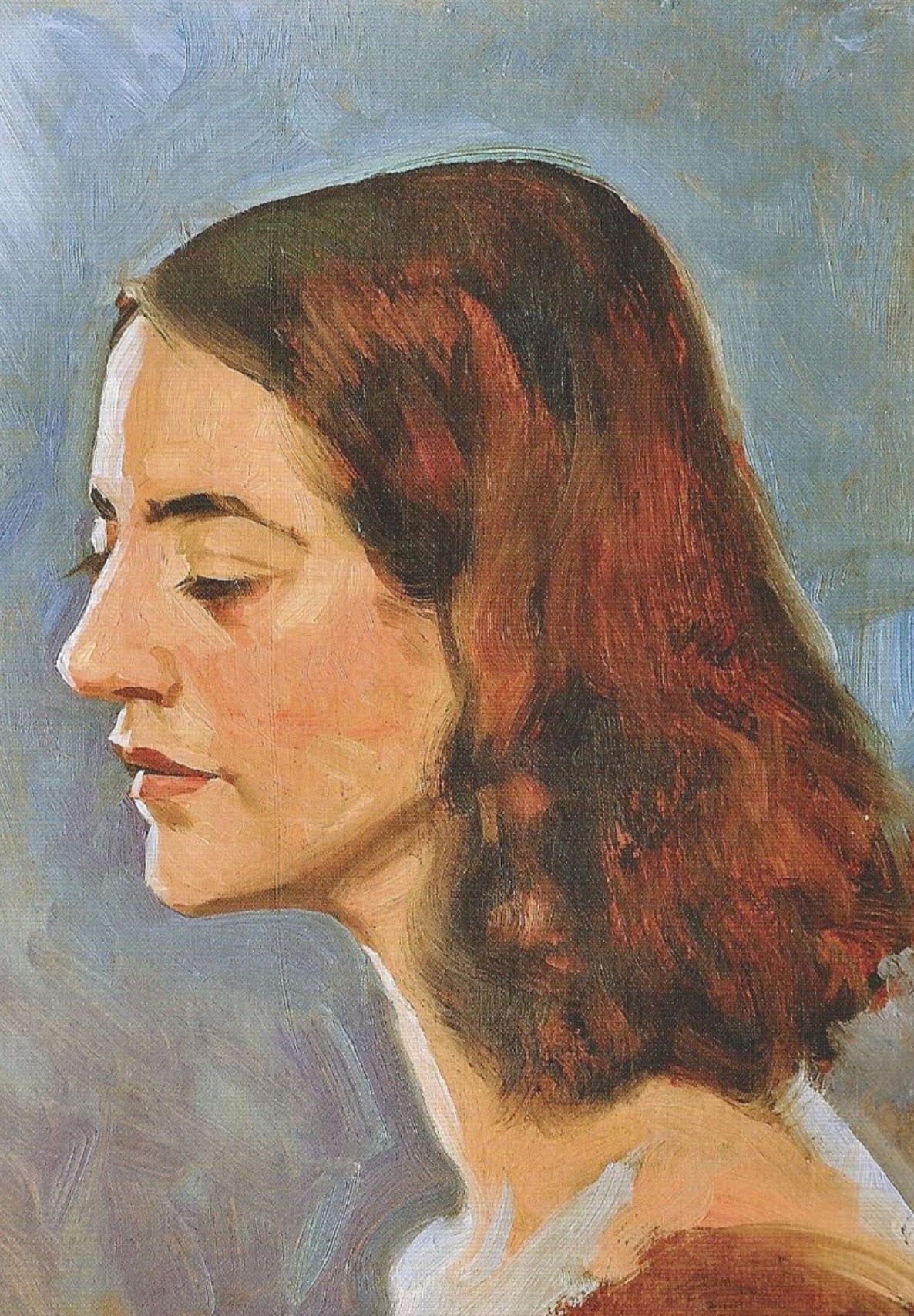
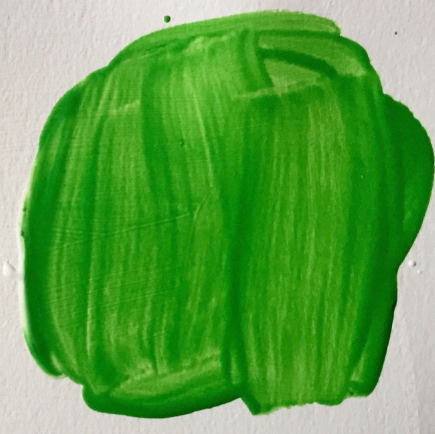
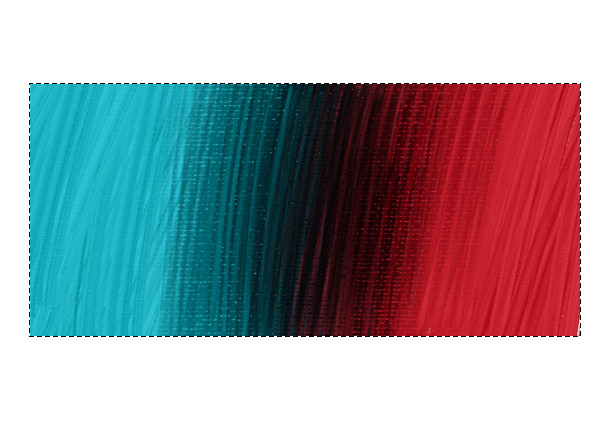
Why 2: Because as I see the examples [edit: in the original thread] right now they simulate only the impasto effect of the light making things more white in the parts it hits directly and more black in the parts it puts in shadow. The thing is that light doesn’t really works that intuitively with colors it normaly also represents a change in hue and not only in value. For example:

So even if they are representing the light hitting the paint streek hue should also be changed and not only value.
Guesswork:
How I (a complete noob) think this may be implemented (and I could be far of base here - if so sorry  ) [take in consideration that I don’t really understand how it works under the hood so I’m reaching here]:
-
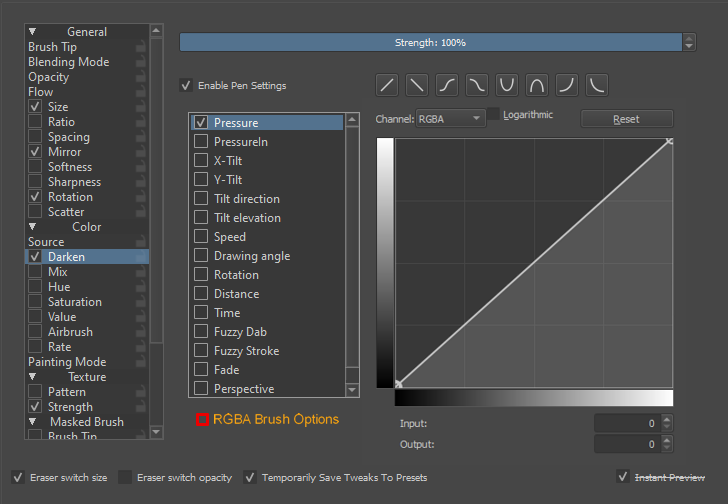
Create a new option similar to how we can have control over the Color part on the brush engine (darken, mix, hue, saturation, value etc.) for the color to be controled not only by the pen pressure but relatively to the lightness of it too. For example I use some brushes with 5%
“S” curve for hue variation on fuzzy dab or fuzzy stroke deppending on the brush to give the painting a more traditional feel. If the same idea could be applied not only to the pen settings but for the different lightness regions of the brush (my idea would be a gradient or a curve to control how much variation we could get in the lightness aspect of it.) -
Since it’s apparently going to use “Grayscale AND the alpha channel” to paint maybe this effect could be generated with mixing the two colors that are always selected for the brush (foreground and background) [That is why I think this may fit here -edit: previous thread - and not a completely new request thread since you have just used something similar on the way you’ve dealt with texture brushes.]
-
Create a new option on the brush engine settings under Color>Source to use a internal gradient map, but that would need to be realtive to the colors selected in the foreground since painters are not normaly trying to make strange efects but just add some flair to one particular color they are trying to represent.
Advantages: Customizable. This would have the benefit of loading multiple colors in the brush at the same time maping them to a complex gradient.
Disadvantages: Too Customizable. Difficult to create brushes for. Maybe too resource intensive. This would need a partucular gradient maped for each brush and that gradient would take advantage of the many ways it can be customised but would need to make the changes relative to the selected colors because if the user had to remake te gradient map every time they changed color that would be impractical.
PS: Going only by the name of the function that Rámon Miranda @RamonM has put on YouTube [RGBA brushes] would it - theroretically - be possible to map 4 diferent colors to the brush tip? One to be translated for each of the 4 channels. (I don’t think that would be awfully useful to the end user but that could open the door for some cool features in the future.)

 Not going to respond to everything, but I’ll use it all as reference as I work on these features. Thanks!