$Use of external font files that are not installed.
By specifying a file with the following extension, you can specify the font in that file. .ttf, .otf,.tte,.ote,.eot,.woff,*.woff2
etc.
This font file will not be installed in Krita.
$Make it possible to specify a font for each character type.
Hiragana, Katakana, Kanji, Korean, Chinese, Symbols, Numbers, English, etc.
I would like to be able to specify the font for each character type.
This is because some free fonts contain only hiragana, katakana, or other specific character types.
$In order to support special font data, the
Specifying the font character encoding
$Real-time preview of text editing characters
Not in the text editing window, but in the
It will be reflected in the actual string layer.
Since this is a preview, if you close the dialog without saving, it will return to the state before you opened the dialog.
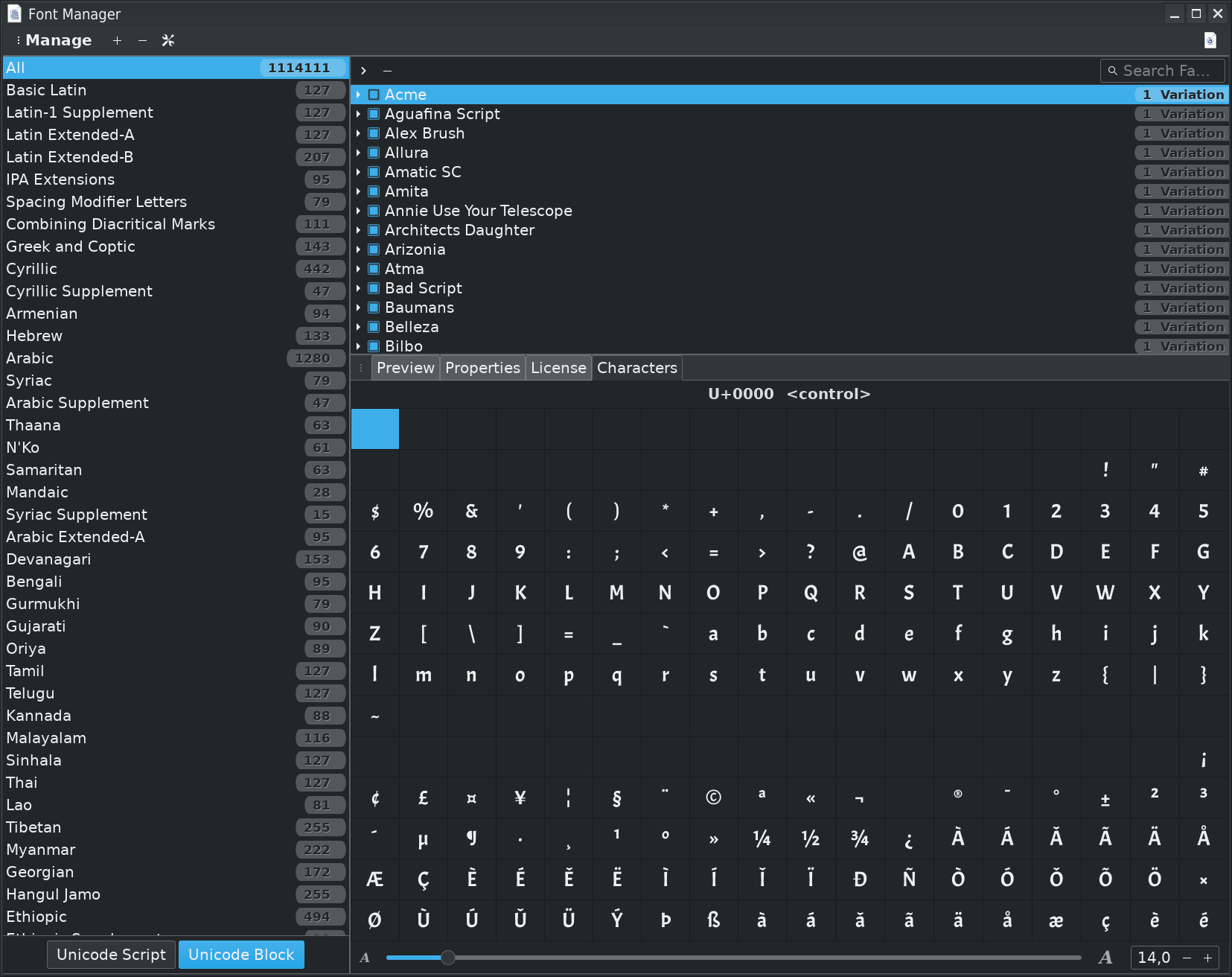
No Font-File will be installed in Krita, Fonts are provided from the operating system you use, so if you want to use a Font in Krita you have to install the Font in Windows, Linux, macOS, Android, Chromebook.
If any of the Fonts you named is installed in the OS you can use and place them in Krita, the first letter in Kanji, the second in Katakana, the third in Hiragana and so on, every letter a different Font if you like, but as said it has to be installed in the OS first not in Krita.
The only thing is, Krita’s text-functionality is not very nice, there are several topics about it and the developers know this and it is planned to improve Krita’s text tool in the future, but the future is endless…
Perhaps you want to try @KnowZero’s “Lazy Text Tool” Plugin for Krita instead?
it can be downloaded from here, you have to click on the green Code button on that site and select “Download ZIP”:
If I remember correctly, it is also capable to handle vertical fonts, but therefore you should ask @KnowZero.
Krita manage UTF-8
So special character encoding is already taken in account
There’s currently a plugin for that, @Michelist already gave the link.
That’s a prototype implemented for testing before a native integration in Krita I think.
There’s also already some tasks for improvement of text editing in Krita.
ShapesAndLayers plugin lets you load up fonts that are not installed. You can even hotload them realtime by specifying a directory.
As mentioned, QT supports only certain formats. You can convert them pretty easily.
There is really no such thing as a character type. Now there are character ranges, but every font is different and not all follow standards, especially symbol fonts. Not to mention there are languages, full width characters and etc.
This seems more like something you’d have in a plugin then adding officially.
 Hello
Hello