Hello!
Could the Krita stabilizer in the future have a function to fix the ‘sharp’ shapes of the brush while drawing?
Cheers!
Hello!
Could the Krita stabilizer in the future have a function to fix the ‘sharp’ shapes of the brush while drawing?
Cheers!
Sharp shapes? Do you mean when a brush looks a bit pixelated when it shouldn’t?  Sorry if that wasn’t it…
No. I mean a traditional brush finish that ends in a point on the paper when you draw it. In other words, the tip goes from thick to thin.
If it is what I think it is, try going to the brush editor (while using the brush you paint with), go to the general section, check the Size if it isn’t, check Enable Pen Settings if it isn’t, and play with the curve (the Pressure one). If that’s not it, I’m sorry for my misunderstanding 
This thread desperately needs some screenshots showing what the problem is and how it could look once fixed. Right now I have no idea what this is about 
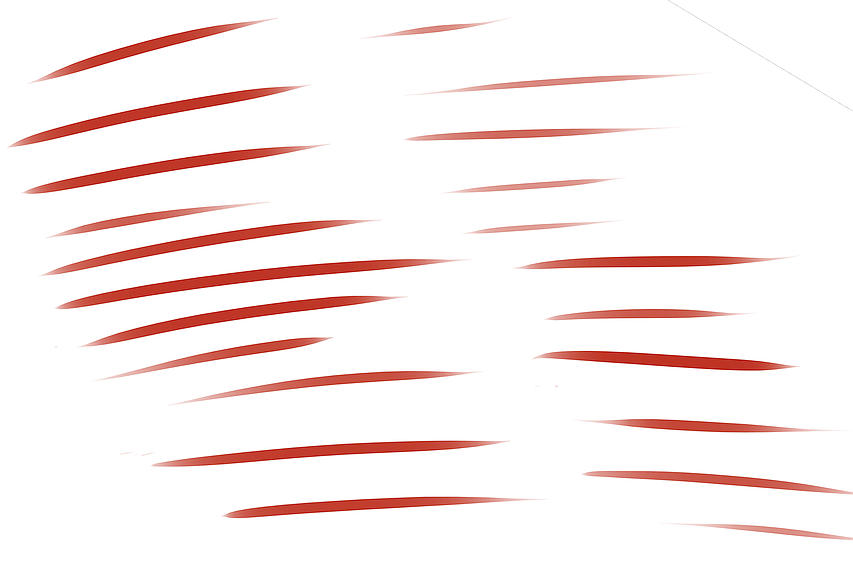
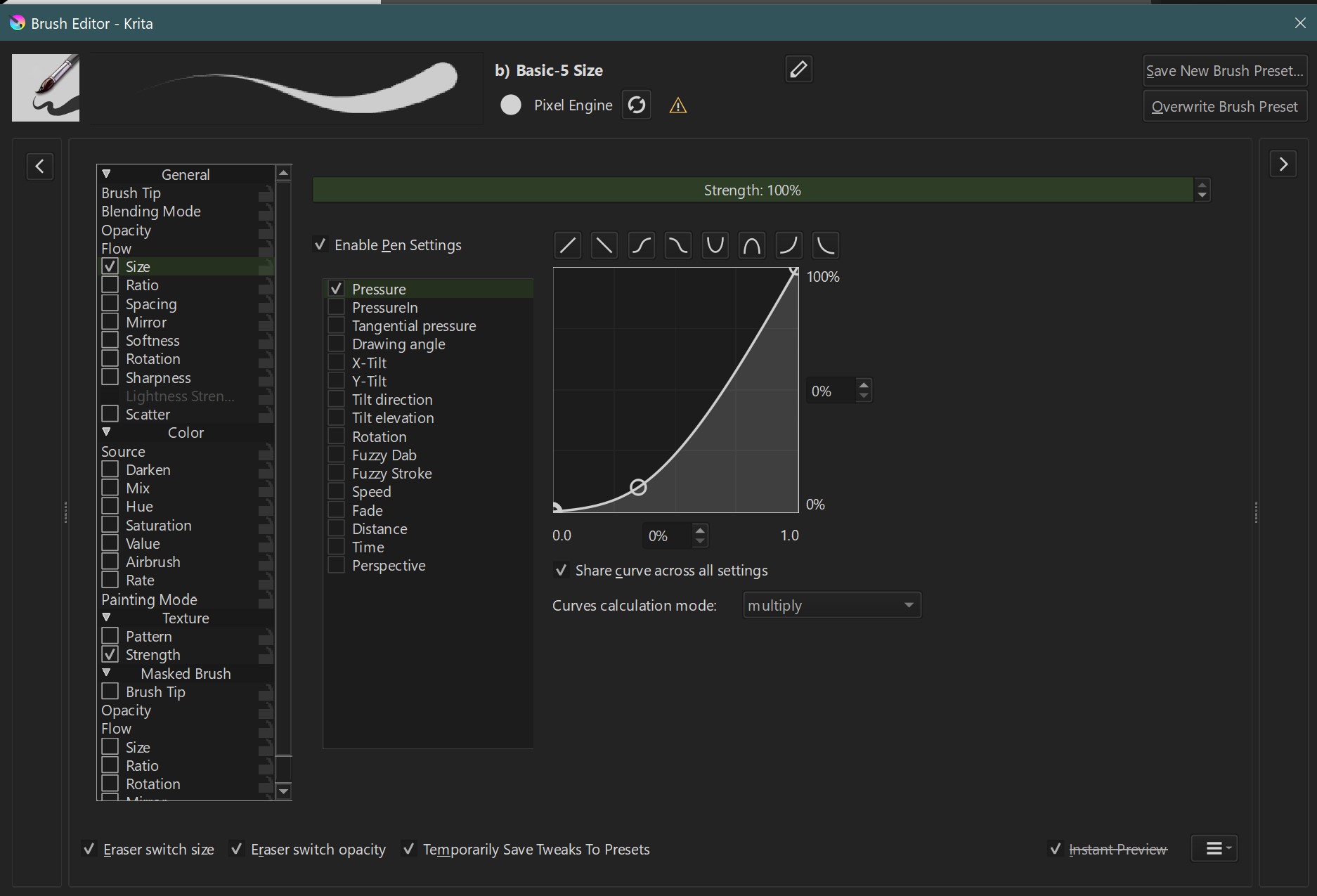
I guess it is about nice tapered strokes, instead of the shoelace like strokes many get. If I could only control my hand better the following strokes would be more neat than they are, but that is what I can get with my Huion Inspiroy New 1060P using the fairly simple brush b) Basic-5 Size Opacity:
If you want to see the full resolution KRA-File with these strokes:
If one is willing to invest round about €/$30 to solve this issue with an external software, then take a look at Lazy Nezumi, they claim to solve this issue with any tablet and any painting/sketching software if I’m not mistaken.
Michelist
Do you use a mouse for drawing? I simply do this by being more mindful with the pressure on my Stylus.
Hi, thanks for replying!
I use an Intuos and while testing with these brushes I saw that the start of the stroke is random. My question is, in the future will it be possible to make the beginning strokes the same as the end strokes? That is to say, to make a line stroke that starts the same as it ends as it does now. My strokes started from the bottom to the top.
Thank you very much!
Thanks for your help.
I don’t think it’s random. It’s how you use your stylus.
Most of your lines started as tapered, because you didn’t press as much at the start as with the others.
The “random start” is because of you and your handling of your stylus, it is a matter of training and settings. You dunk your stylus too hefty on the canvas initially, when the strokes start “round” like yours.
Maybe set your tablets’ response curve to a harder curve, so that you have to apply more pressure, at least initially.
That my strokes look so different from each other is due to a medical issue, I know such strokes are very possible in Krita, but it may take longer to learn how to apply them, because Krita does not “help” technically to achieve them like some other programs do.
Michelist
Have you tried playing with the Brush Smoothing feature?, I highly recommend you to explore this feature that appears in the Tool options when you select the Freehand Brush Tool.
I configured the smoothing but it’s still the same.
Deevad could you help me, please?
When pinging someone, you should put an @ in front, also, @michelist might already have explained your problem. Did you try it?
Hey, there is no secret option in Krita to get pointy line tails automated right now. It will be mostly managed by your ability to make the gesture, and the quality of your stylus hardware and tablet resolution.
If you use the pressure of your stylus and train to quickly release the stylus at the tail of your line, and it still fails maybe calibrating the pressure sensitivity (eg. with a more ‘firm’ profile) can help a bit. That’s what I’m using here mainly to get my brush stroke ‘accents’.
But sometimes, it can come from an hardware issue too: some tiny springs inside the tip of the stylus release with difficulties or are tired and it’s hard for the tablet and software to get enough resolution of informations to understand the quick tail movements at the end of your brush stroke. The spring must release itself while the pressure is still non zero to record an input; so recording a last point at less than 10% pressure before lifting the stylus. It can be tricky. You can also tweak the brush preset so the minimum size happens even if the pressure is between 0% to 10% …
Something built-in Krita that can slightly help is the tool options docker of the freehand brush tool, inside Stabilizer: it has a “Finish Line” and “Stabilize Sensor” checkbox. Activate them, they are useful especially if you find a good setting for the Sample Count (here I usually start at 100, and decrease 10 by 10 until I have a good ratio of smoothing and freedom of movements). By introducing an artificial lag with the Stabilization, it’s easier for Krita to have time and stabilize the pressure going from 100% to a low % and the “Stabilize Sensor” will smoothen the transition and make the pointy pattern even better.
Thank you very much for all your help.
Do you know if this option will be implemented in the future in krita?
I just want to know this.
Regards.
All the options you could possibly need are already there. However what you most likely are looking for is something like automatic post processing like CSP has which is unlikely to be a thing in Krita soon since both painting engines work completely differently. Currently in Krita you simply have to master your stylus and set it up correctly like David and others wrote.
In principle everything is there, you “just” have to learn how to use the options you have, how to set them up correctly, and you have to practice, practice, practice.
@Deevad wrote it, I wrote it before, but you are the one who has to do it!
Read thoroughly through the topic again, and implement the tips given.
Maybe you begin to set up your tablet in a way that you need more pressure, as we hinted.
Michelist
Honestly, I don’t get this obsession with the tapered line endings  It won’t make or break your artwork, I believe it will be almost invisible in the grand scheme of things. And I think I was having a deja vu, but you did ask about the same thing a few months back
Anyway, I also recall this thread, maybe the info here will be helpful too:
Get CSP-like tapered lines with Krita - Resources - Krita Artists (krita-artists.org)
I had a similar problem when I was using a Wacom Intuos pro 5 (2k pressure levels).
In Clip Studio Paint, the strokes were sharper because CSP “smooths” them out a bit, and I also liked the CSP stabilization better there than in Krita or Photoshop
Lazy Nezumi can help (I used to use it before when I was painting in Photoshop), but I don’t use it anymore when I switched back to Krita
First of all, to get the same stroke stabilization as in CSP, I started using the Dynamic Brush Tool instead of a regular brush
I use this setting, sometimes changing the “Mass” value:
To make the brush tips as pointy as in CSP, I change the curve in the brush preset settings a bit like this:
This is literally what CSP does, I think. I don’t apply this curve in the global Krita settings because I don’t want to change the settings of all the brushes
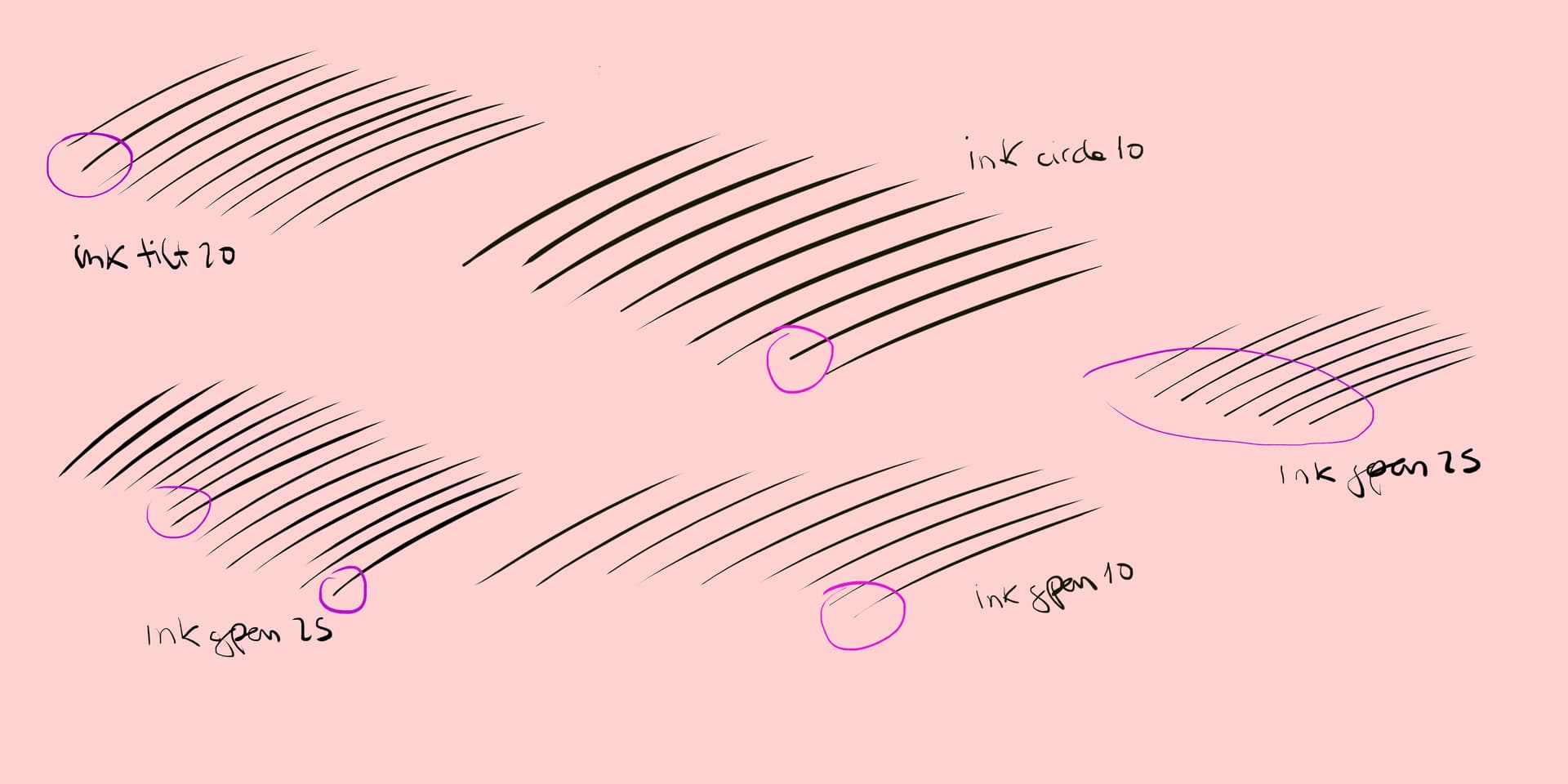
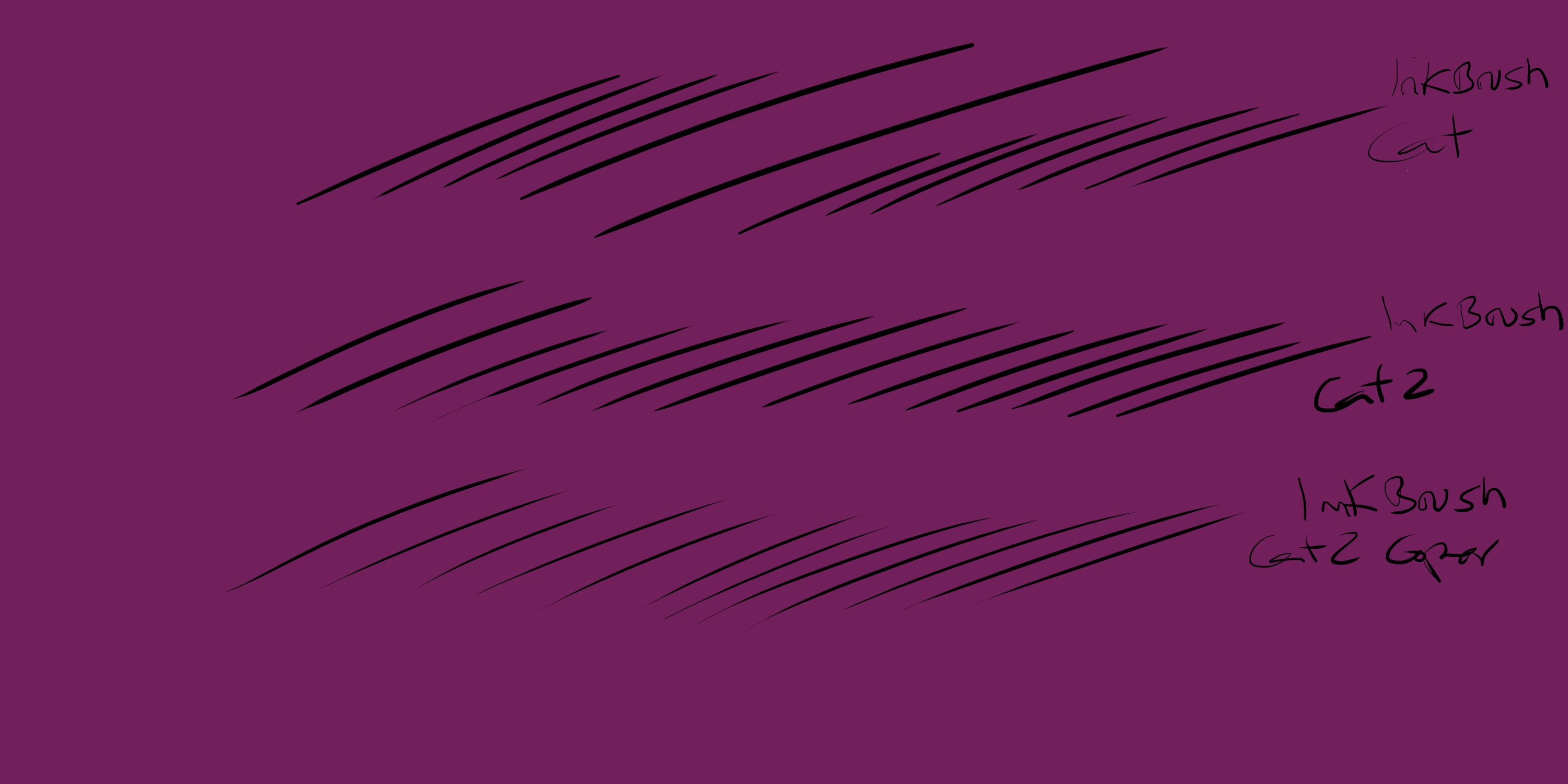
These are the kind of strokes I get:
PS: I changed my Wacom Intuos Pro with 2k pressure levels to the XP-Pen Deco 01-V2 with 8k pressure levels and my strokes got better, but I think it would work on less sensitive tablets too