I’ve made a set of gradients for Krita
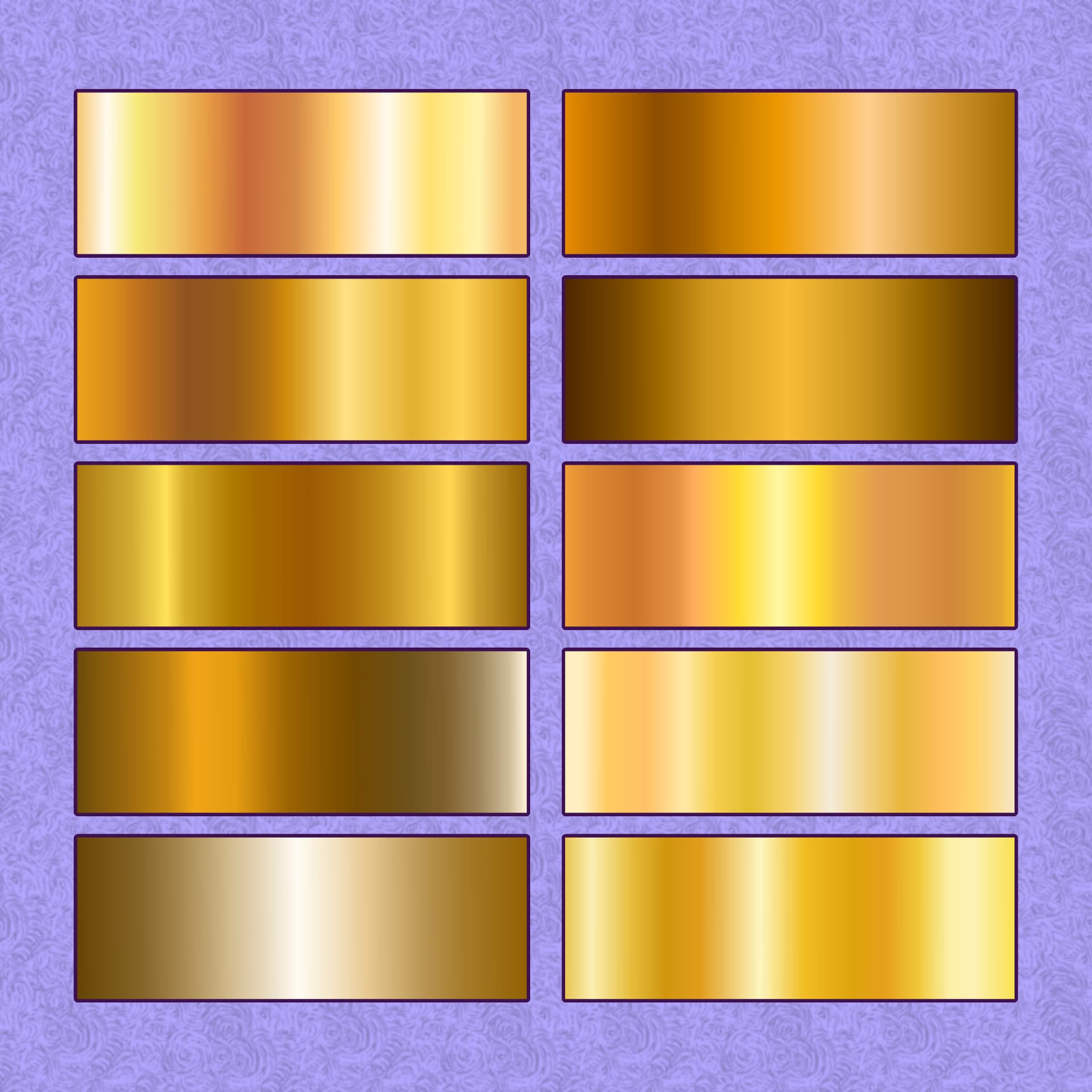
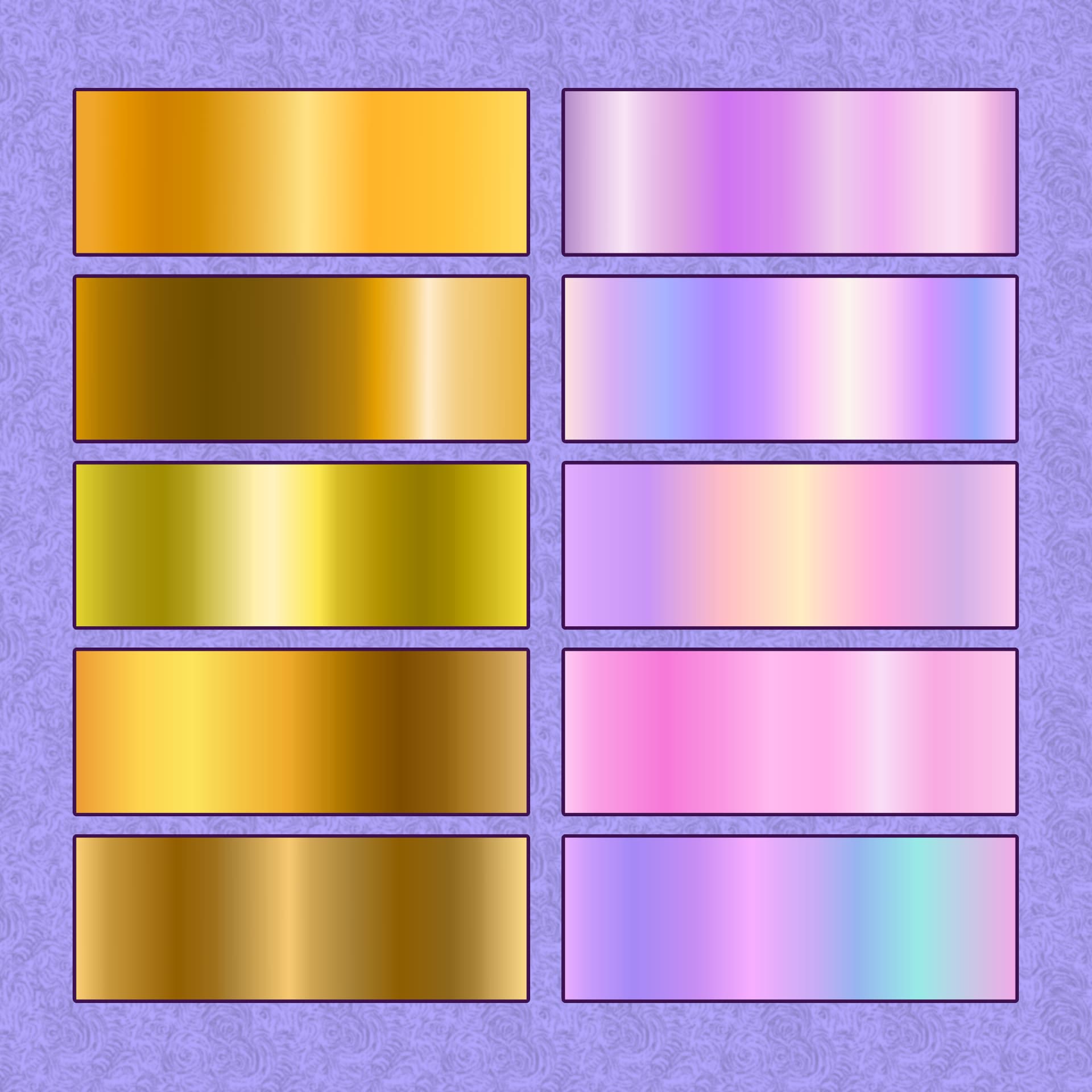
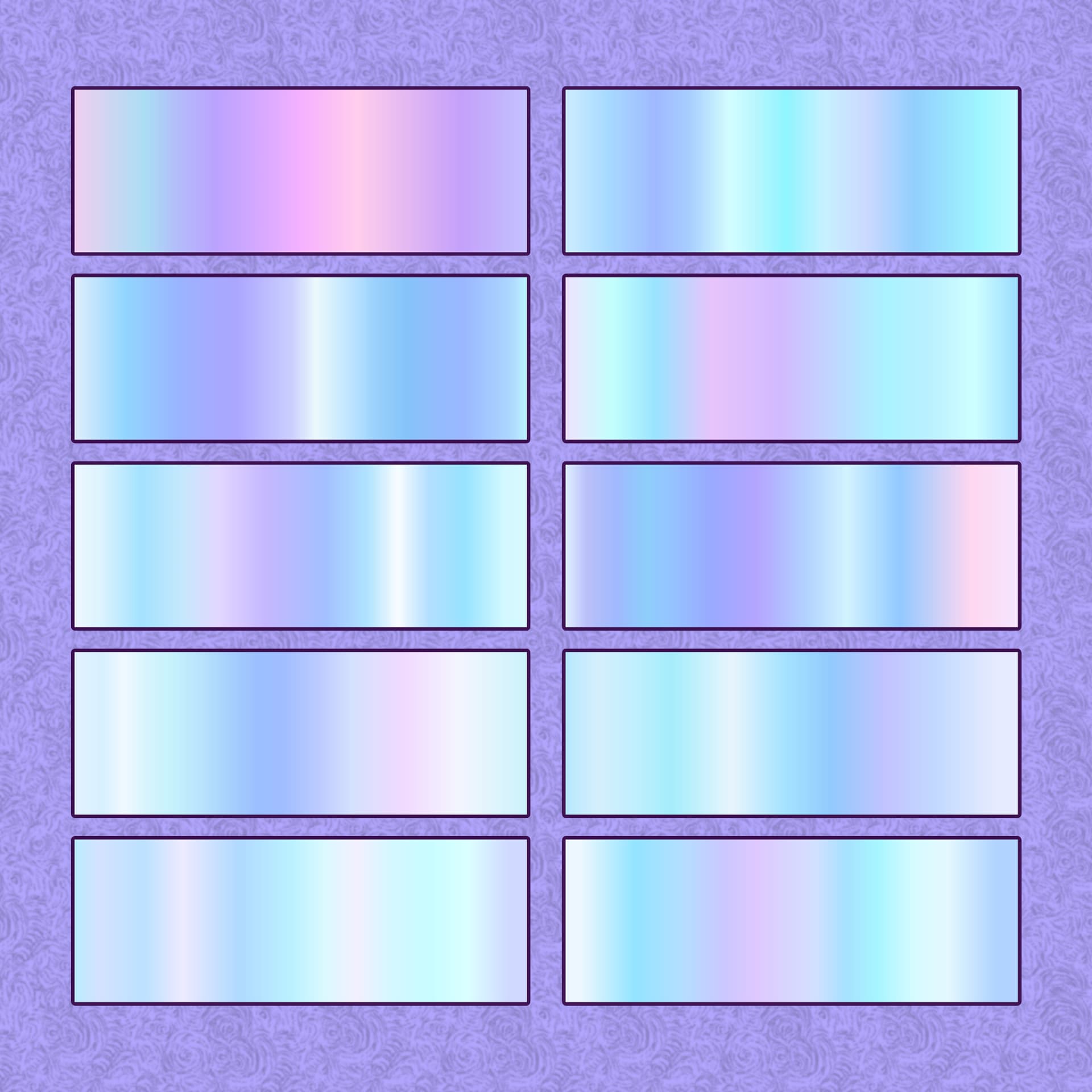
It includes 15 golden + 15 pearly gradients. Instruction on how to install this in the archive, as usual.
You can get here:
My Patreon shop: here
As there is no way of making items free in the shop I had to put the lowest price Patreon allowed me - 3 USD (also it is free for all members). So you can support me this way if you want.
Dropbox: here
Unfortunately, I can’t leave an ArtStation link as apparently I need to buy Pro account to list more free stuff in my store
Yep, gradients make fun when you have figured out how to make them, but till that moment I cursed them regularly.
And yours are a nice addition to my collection of gradients.
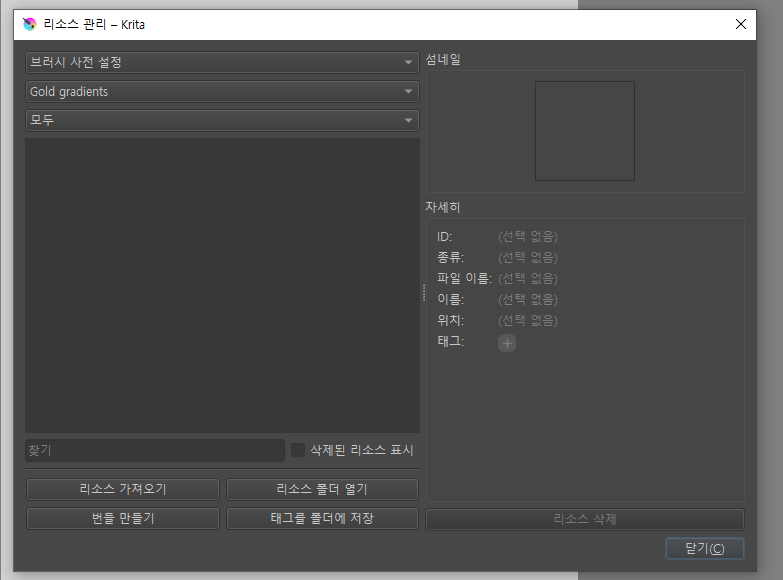
Hello @Lilly_Mist Thank you so much for sharing good resources. However, I’m leaving a comment because I have a problem with the installation process. I went ahead with the installation as you explained, but nothing pops up in the resources for me. Nothing pops up in both gold and pearl. Is there something I did wrong?
@Lilly_Mist, I even had already prepared a screenshot for it.
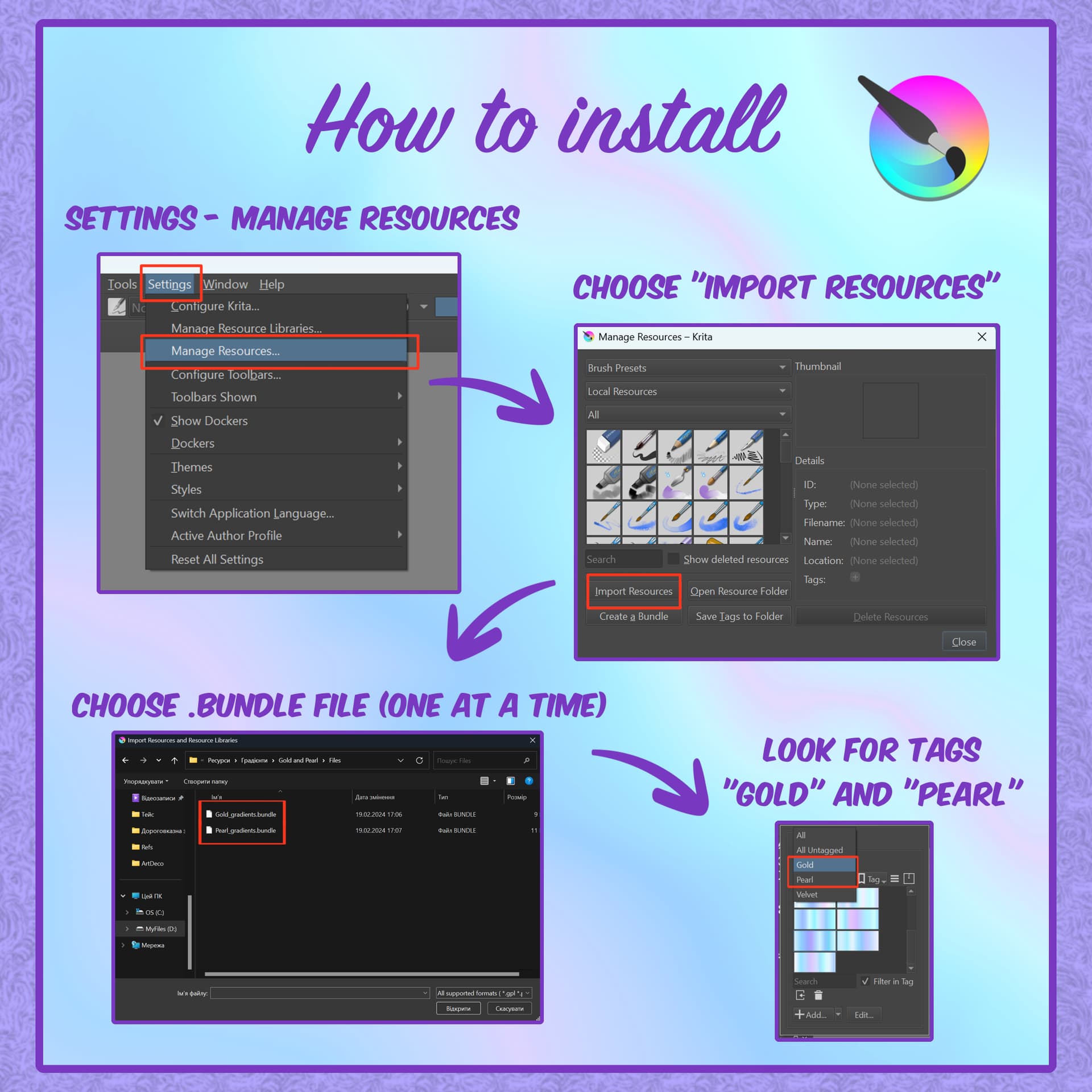
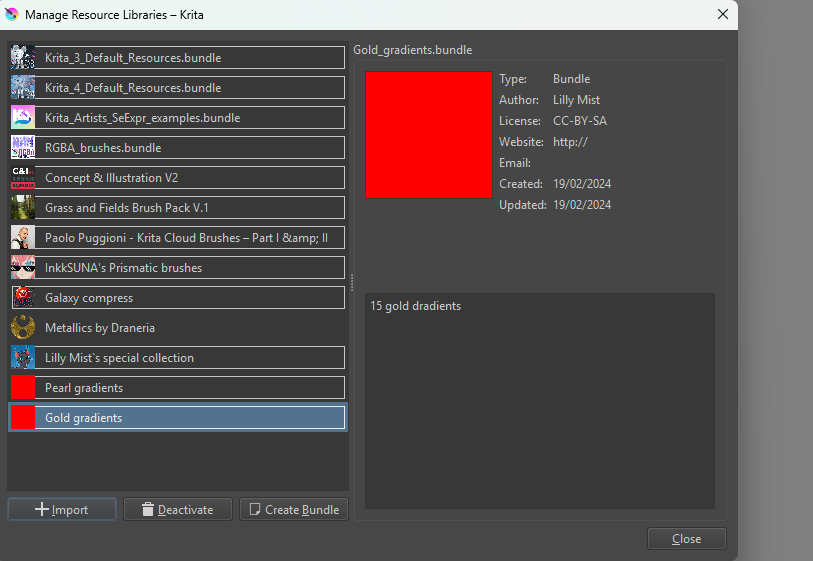
@teddyy: A bundle is installed in Krita via the menu ‘‘Settings’’ >> ‘‘Manage Resource Libraries…’’ and in the opening dialog you have to click the button + Import in the next dialog browse to the downloaded bundle, select it and confirm the selection. Now Krita imports that bundle, and you can use its content, so the gradients in case of this bundle.
In case BUNDLES come in an archive-file, like ZIP or RAR for instance, like these two bundles that came in a ZIP-archive, then you have to unpack the archive to get the BUNDLE-Files it contains, then you can proceed as described above.
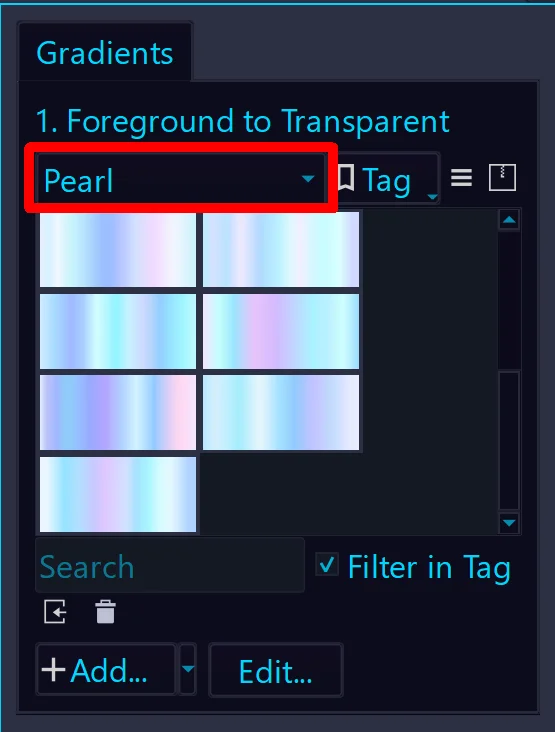
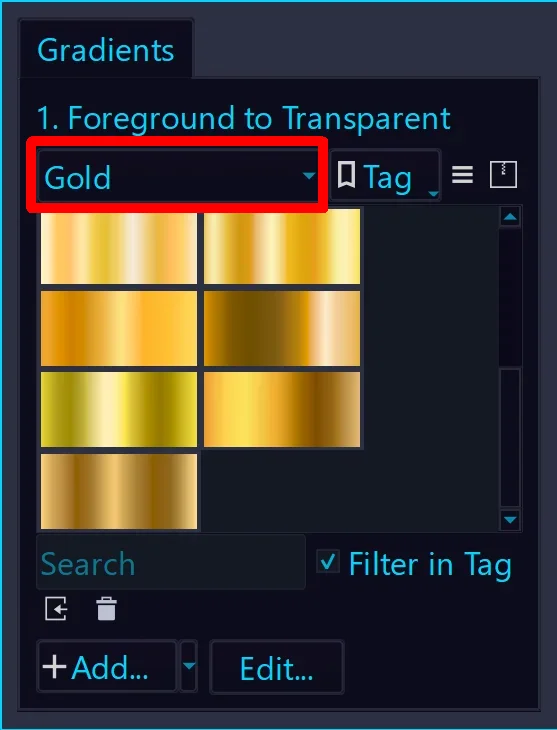
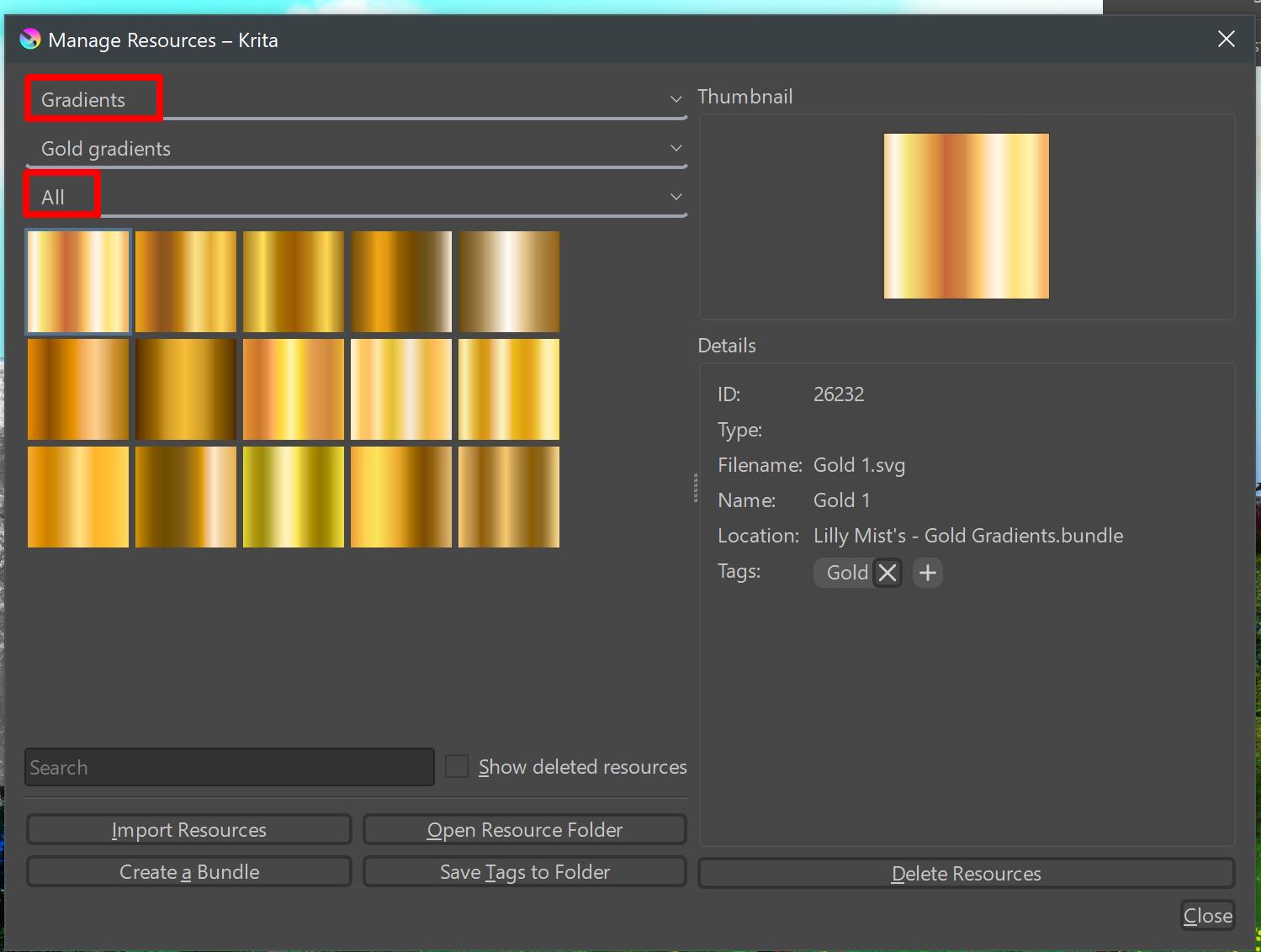
So if you have unpacked the bundles Pearl_gradients.bundle & Gold_gradients.bundle from this archive and installed them as Lilly_Mist describes it, or I describe it, then you should be able to see them in the dialog window you show. But not only do you have to select the bundle whose contents you want to see, you also have to select the resource type “Gradient” from the top drop-down menu, in the bottom drop-down menu you have to select “All” or, in this case, “Gold” to get only the golden gradients displayed that have also the tag Gold.
@Michelist@Lilly_Mist Wow, thank you so much. It was set to a brush, so it wasn’t visible. As you said, setting up the gradient looks normal. Thank you for sharing good materials, and I really appreciate your kind explanation!
Hello, I bought the brush pack and followed the instructions to import them into Krita, but they don’t show up in my resource library. when I try to open the files with krita it says the file type is not supported. I unpackaged the zip files already, do you know how to help? Thanks.
Did you restart Krita two times after importing the bundles into Krita?
It looks like the import has worked so far I can recognize that.
Have you tried searching for the gradients via their tags in the gradient selector drop-down?




 It was really fun to make.



 Hello
Hello