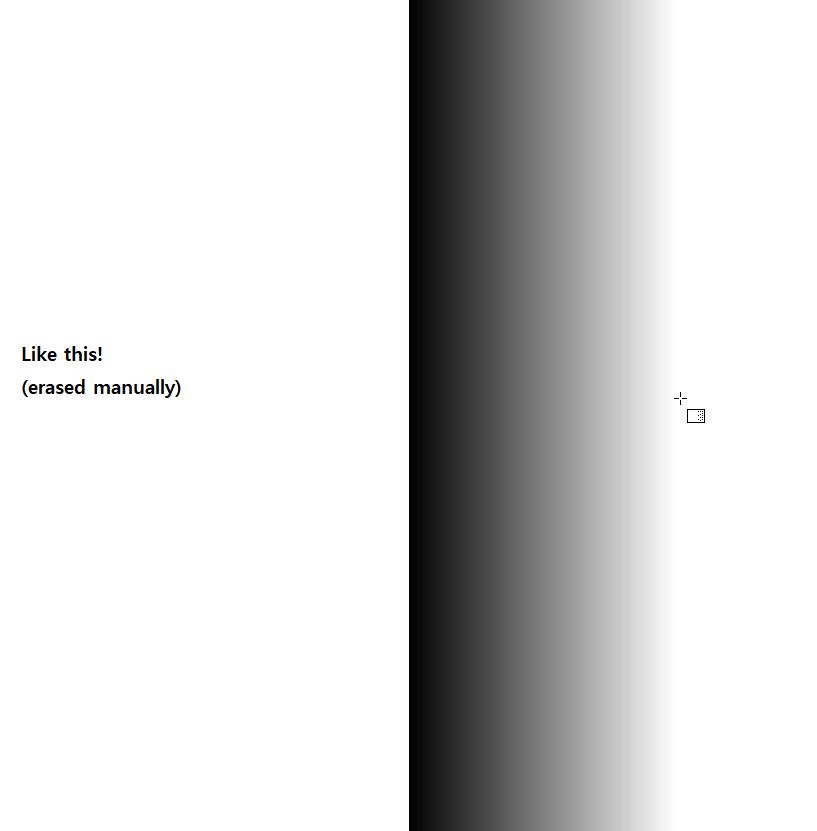
I would first make a selection with the rectangular selection tool to define the portions of the canvas where you want the gradient. You can then click on the gradient tool and it will only add the gradient within your selected area. Could this work for you?
Thanks, sooz!
Pre-defined area you mentioned could be an option.
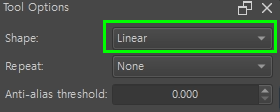
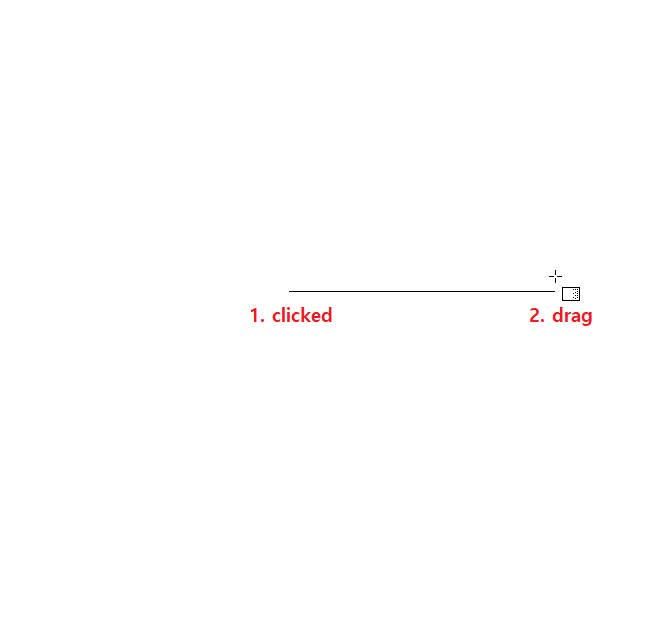
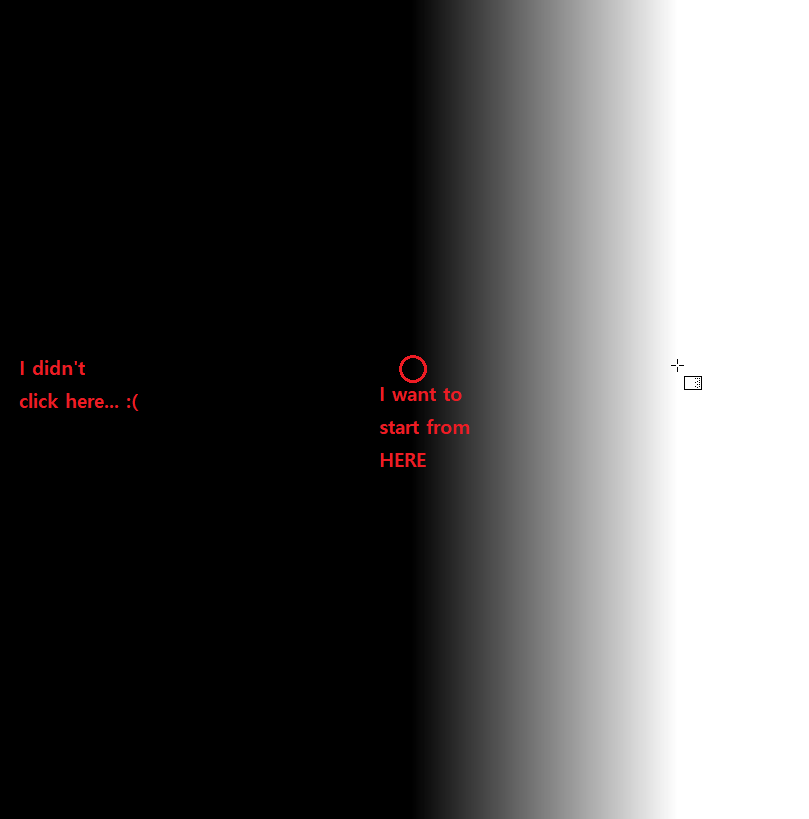
But I frequently use the gradient tool (in linear shape)… pretty arbitrary way.
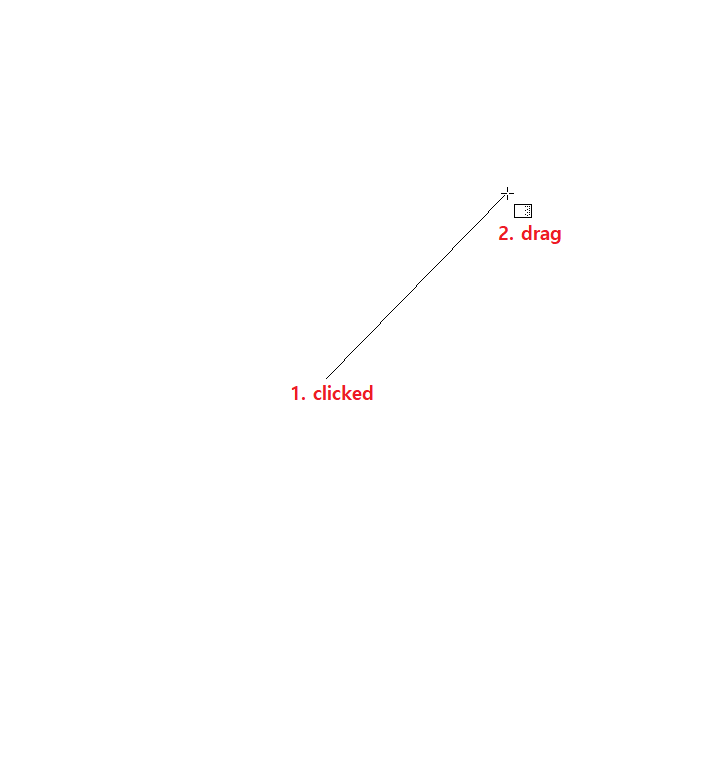
Like- stroking in diagonal directions,
and repeating the gradient tool so many times with a little opaque-value (and each stroke has their own directions).
I guess I’m using this tool more like the free-hand brush?
But, yeah… for now- the ‘selection tool’ seems to be the only way.