Hi, this might be a stupid question and I’m a bit embarrassed to ask lol. Krita is the first digital art program ive ever used after just painting traditionally, and I’ve only been doing this for a few months. Lately I’ve been trying to figure out how gradient maps work, and I’ve learned how to apply it through a filter mask but am having trouble with the brush tip tutorial. (Link- Gradient Map Brush Tips — Krita Manual 5.2.0 documentation)
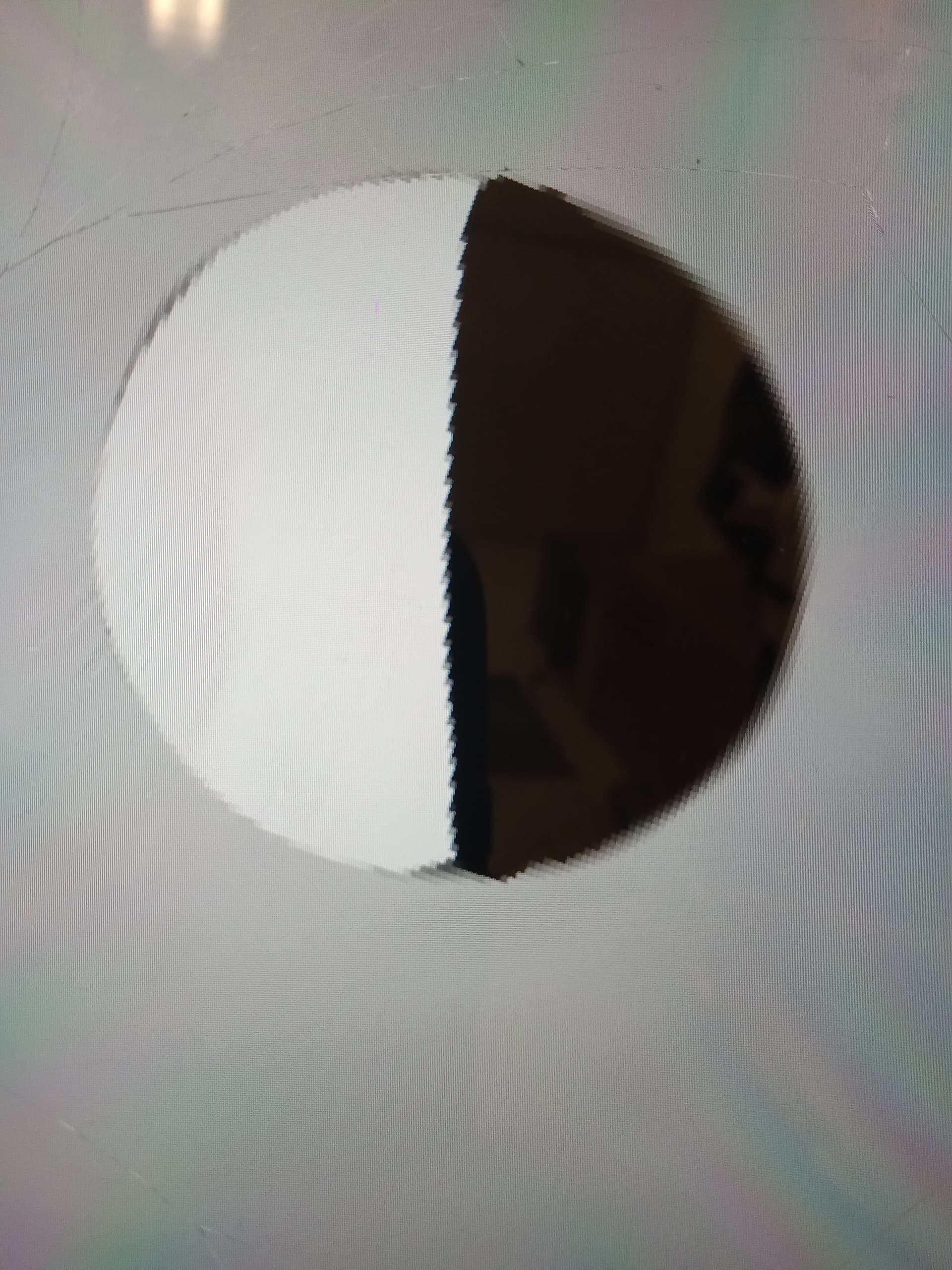
Basically my question right now is: when they say make a brush tip that is black on one side and white on another, do they literally mean something that looks like this?
Yeah, if that’s how you want it. However, their explanation seems a bit weird to me, especially the select all and the copy merged part… I also don’t think I ever clicked on +Clipboard, only did +Stamp. I might be a little inexperienced…
Also, make your brush tip on an empty transparent layer, and hide or remove the background, or else the background will be taken as part of the brush tip.
And to make your brush tip, it’s a good idea to either use the whole canvas, select your brush tip and trim to selection, or click on Image > trim to current layer, that way, you won’t risk having a teeny tiny brush tip!
Oh i actually just downloaded those not too long ago since i was really determined to figure out gradient maps somehow. Its a work in progress though for sure. But thx!
kinda, but not really, more like you want to create a shape that is a black and white gradient, however you want that arranged. (from one side to the other, radiating from the center vertically/horizontally, or radially, etc)
and like @Katamaheen said, you want the rest of the image to be invisible, or alpha, so ONLY the gradient shape part is visible.
I’ve actually made a handful of gradient tips for myself and I can post them here for you to look at/use if you would like.
{EDIT}
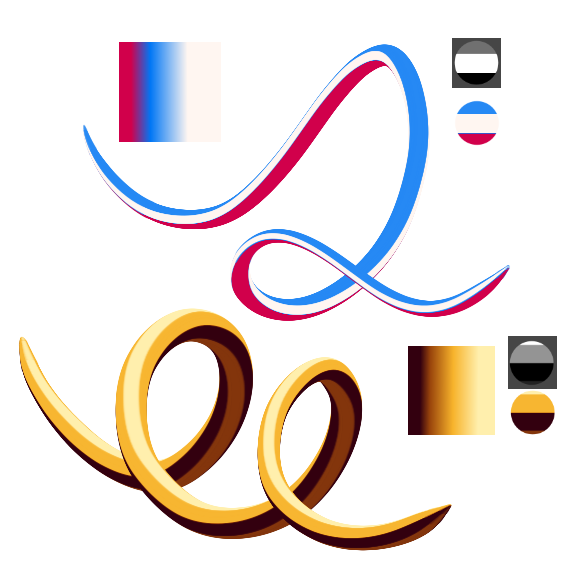
here’s the tips, the zip has all the individual png flies if you just want to poke them and play around, but also a bundle if you just wanna throw them right into krita
You can achieve a different effect with color blocks instead of gradients. The best way to find out what you want is to try different things, see how the brush looks, and most importantly, have fun!
I think I was more referring to the tutorial the op was speaking about which i think meant more of a black and white gradient (at least for a person’s “first” brush tip) but then even that page has some example tips with very interesting effects and patterns.