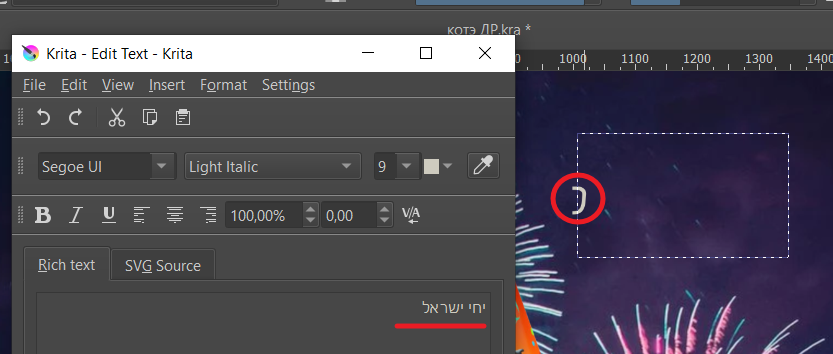
Hebrew text is not shown when I paste it to a text layer and save. Only a bit of it is shown.
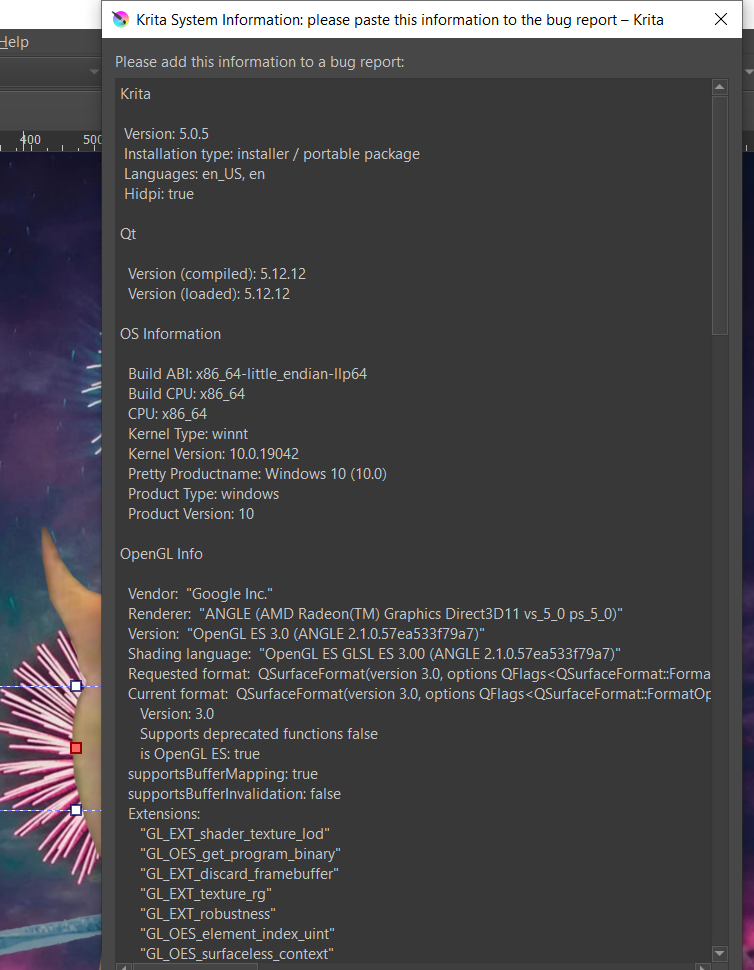
I tried to move it to the opposite site or to center - no effect. My version is 5.0.5
Am I doing something wrong?
 Hello @Iaroslav_Dzhurov and welcome to the forum!
It may be an issue with the font, are you sure the chosen font fully supports the Hebrew alphabet?
But it also can be a problem with Krita’s text tool which is known to have some issues here and there, and because of that it is revisited at the moment if I remember correctly.
Have you tried to use the “Lazy Text Tool”-Plugin from @KnowZero instead? This Plugin has some advantages about Krita’s original text tool, is more flexible at all.
It is downloadable at GitHub, just click on the green button named Code and chose “Download ZIP”.
Michelist
Hi,
Thank you for the response.
It may be an issue with the font, are you sure the chosen font fully supports the Hebrew alphabet?
It was Alef font, I presume it must recognize hebrew as I see from its preview
ok, i will try to choose different fonts or use this plugin.
or get the word as an image at all
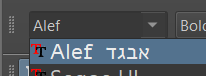
I meant it because of your first screenshot, it’s showing “Segoe UI” as chosen font.
Michelist