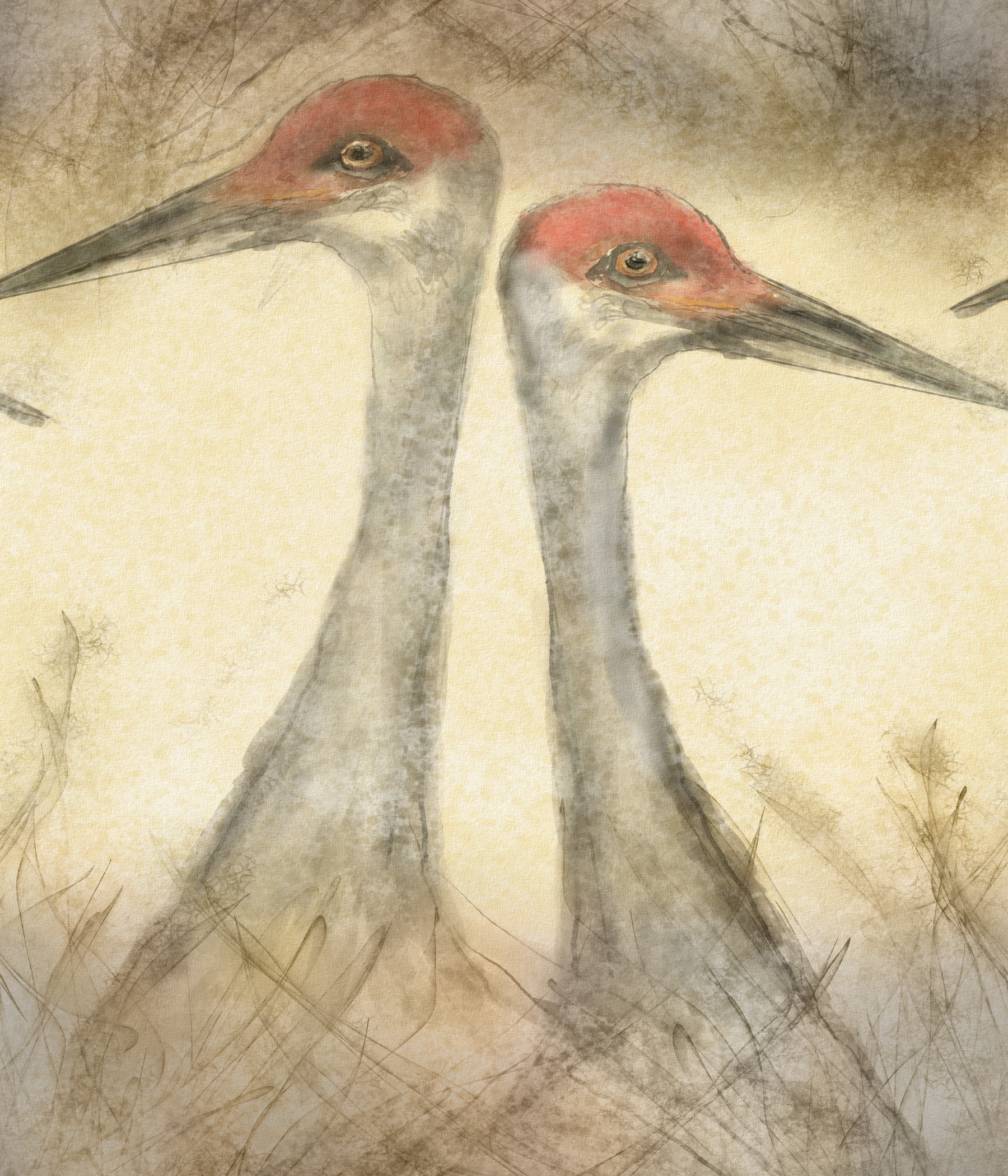
I have a picture that I was going to use as a either fabric or wallpaper so I drew it as a texture. When I got done I decided it just doesn’t work for either, but it would look good as a print, however there are overlaps on both sides (the beaks) that cut into each other. What is the best way to expand this so I can catch both sides? I could triple the canvas then crop but I an afraid it would not line up as well as some sort of array.Is the a snapping feature I do not know about? Horizontal array did not seem to work, it only gave me one picture. Mirroring does not work because of the way I drew it.
I’d use the wrap-around mode for that.
(Don’t mind the terrible pattern I made, I scribbled it quickly as an example)
Also, you can activate it with shift+w or with the last icon on my top bar if you have it there.
Thank you for trying to help.
I got it that way with rap around, you cannot crop from there. I am trying to expand the canvas, but still keep the wrap around. When I try and do small tiles leaves transparent edges. Nothing I have tried so far is working.
To create a longer image with this pattern, you can use Layer→Split→Clones Array
Also, tutorial by @lehko:
I figured it out. It is just to do and array on the x and crop the middle section. I don’t know how I made it so hard.