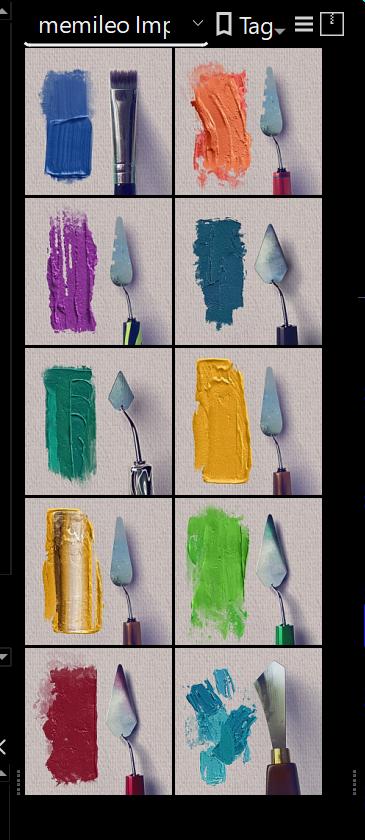
I’m super new and I can’t figure this out.
I look at these posts here that have brush sets and I download them but it’s always downloaded weird file types. Then it says that Krita doesn’t support those file types.
I just don’t know what I am doing wrong. Any help?
 Hello @darren_horve and welcome to the forum!
Can you name a brush or a bundle you downloaded from the forum, that way we can tell you way better what may be your issue?
Please tell us also, which version of Krita do you use and from did you download it, which operating system do you use?
Michelist
I don’t know which version of Krita - downloaded it this past January.
Windows, whatever the current one is.
Sorry - not very tech savvy oddly enough.
And thank you.
Okay, the one you named is installed in Krita via opening the menu ‘‘Settings’’ where you click on ‘‘Manage Resource Libraries…’’ and choose ‘’+ Import’’ in the opening dialog, then browse to the downloaded file then select it and click on the OK-Button, and it will be imported.
In case you downloaded single brushes. Often your browser thinks it has to rename the file name extension to PNG, that is wrong and must be re-named back to KPP, the original extension, the rest is quite similar beside the dialog to choose, and so you can import single brushes via ‘‘Settings’’ >> ‘‘Manage Resources…’’ >> ‘‘Import Resources’’, then browse to the file, select it, click the OK-Button.
In case you may have more questions, feel free to ask. But take your time, I’m away for at least half an hour, maybe more.
Michelist
I forgot, if you downloaded that bundle from Gumroad, you’ll probably first have to unzip the bundle from the archive they send it to you, if you downloaded it from Pling (free of charge!) you get it in the correct format and must not unzip it before importing.
Michelist
It would be useful if you can give the name of the downloaded file to help people to understand the situation you have.
The version number is given on the startup splashscreen image every time you start krita.
You can also do Help → About Krita to see that.
Hello @Michelist
Thank you so much!
So, once I have done the first paragraph - they are just there?
Theoretically, yes.
Look for these icons.
Michelist
Dude! Thanks so much for this!!