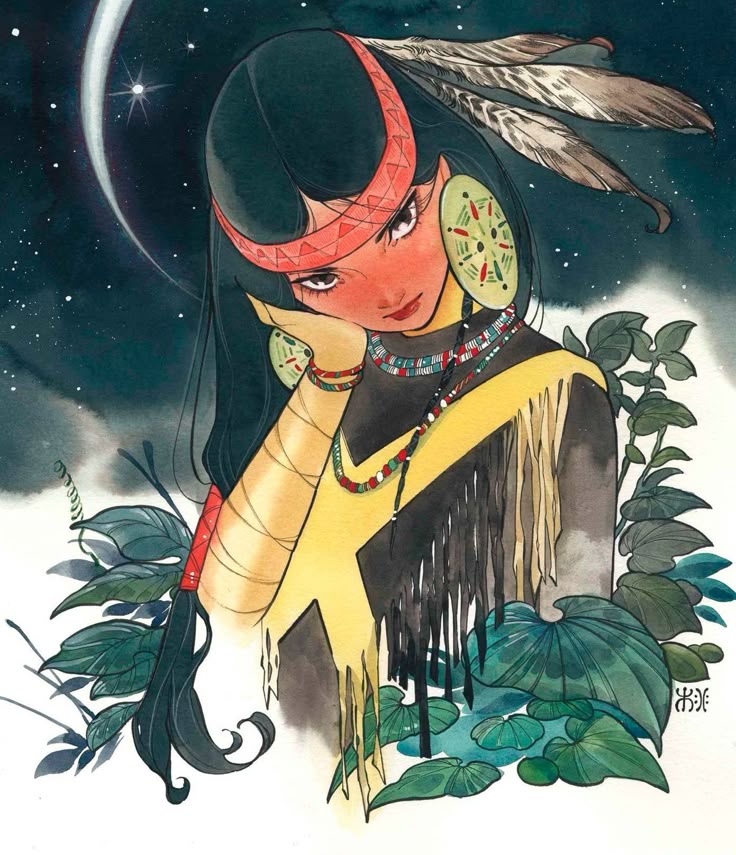
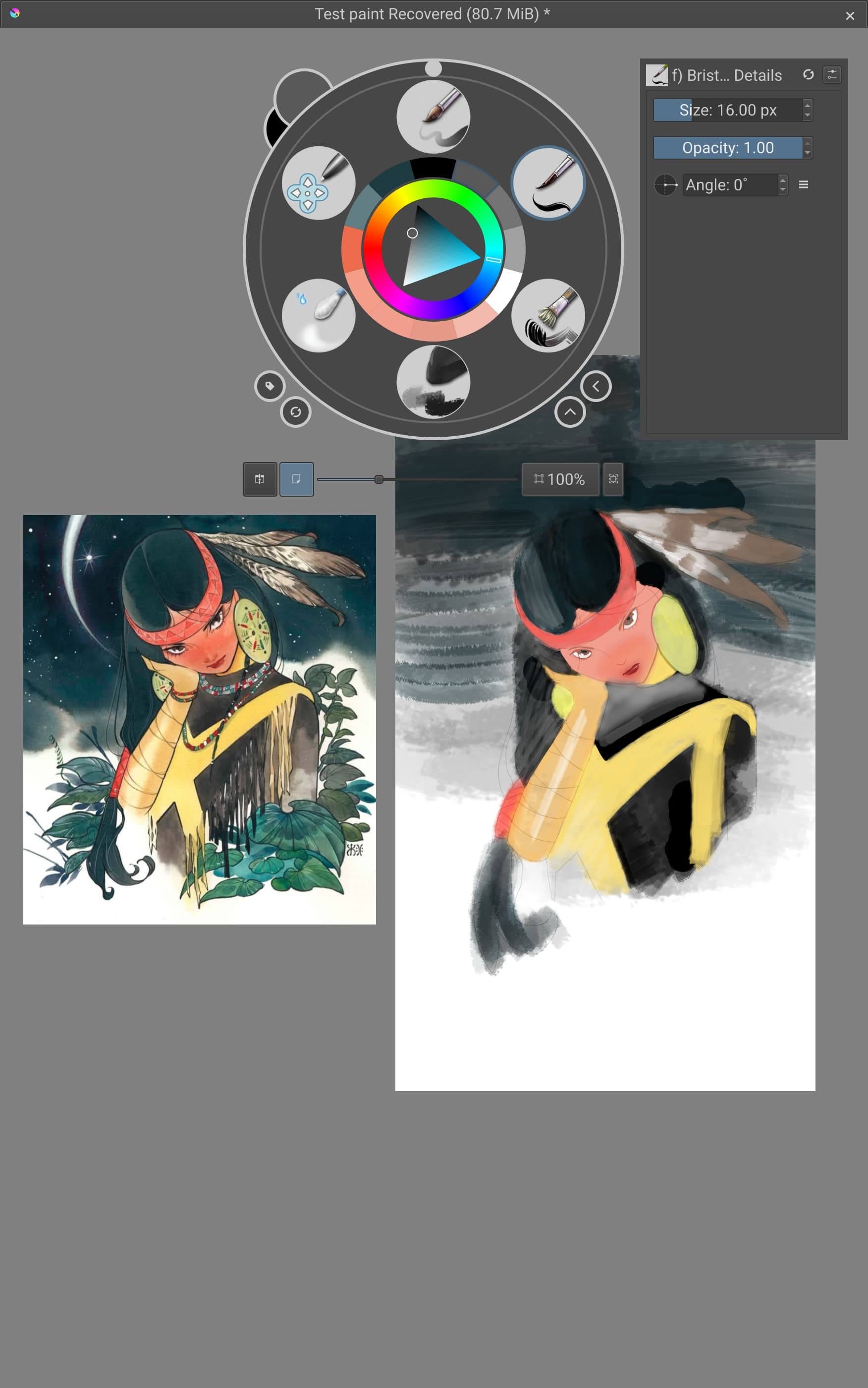
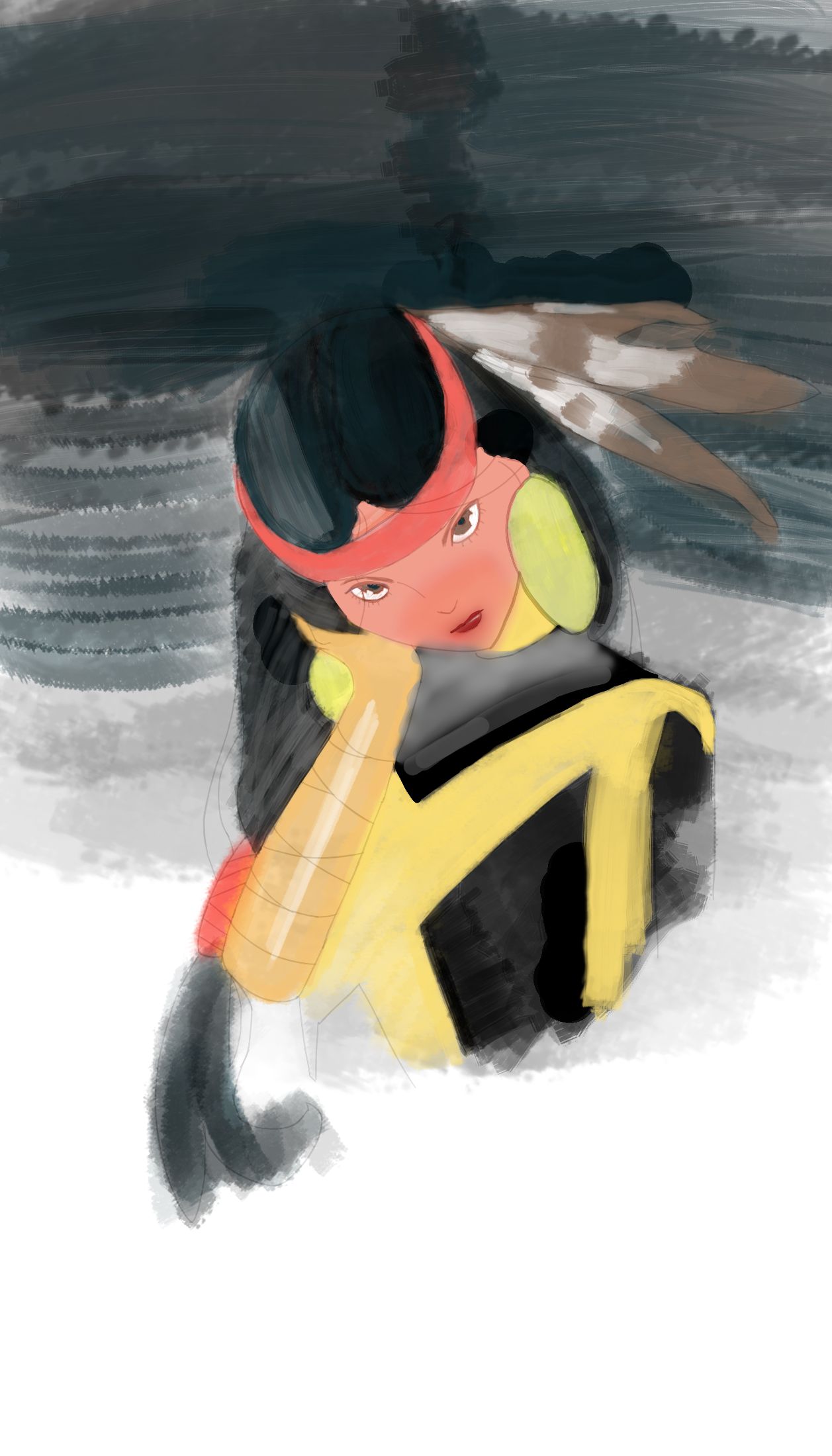
I really want to draw this picture with paint brushes, but cant get the same textures at the black parts of the shirts and the hair, hopefully there is somebody that can help me.
I have a picture of the brushes i use, and also the reference with my painting
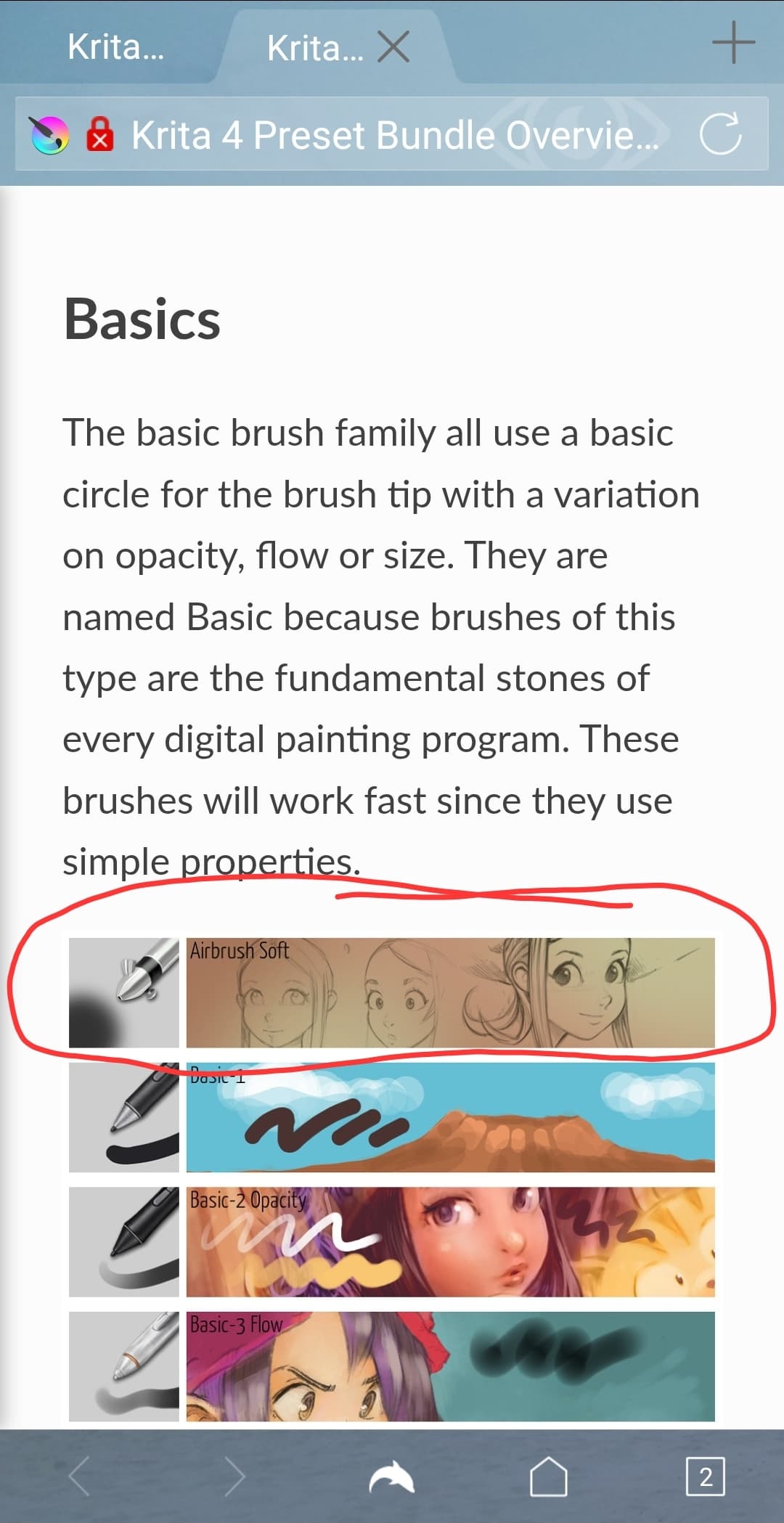
So different can views be, @CrazyCatBird thinks it was achieved using an airbrush, what must not be wrong, these are very versatile tools. In my eyes a good part of the shown reference, like shirt a part of the hair and a lot of the “heaven” was done using watercolor. Therefore, you can use Krita’s stock watercolor brushes, these are quite good brushes, although many don’t recognize this fact, or you can go and try the brushes from the three bundles I present below. In case you haven’t found it out by yourself so far, Krita’s watercolor brushes are those with the light-blue stroke in their icons (and a few with green and white) and their names begin with j) Water.....
You should try it with the watercolor brushes Krita comes with, or you should try the following watercolor brushes you can get for free from different sources and which are all excellent watercolor brushes.
This set is my all-time favorite, it is presented in this topic →
and can be downloaded from GumRoad, you just have to enter 0 in the input box asking how much you want to pay and then click on the button below that field:
The next bundle I want to suggest is Jack The Vulture's Jackpack RealWater V1 & V2 Krita - Brush Bundle for Krita, you can get it from here:
And here you can get all the other bundles he offers for Krita, if you do not want to search the whole forum for them:
By the way, I had to move your topic into a better fitting category because Artists & Testing is more meant for artists reporting things for our developers (often issues). Please try to find categories that are dedicated to the issue/question you have in the future. We have a little help to decide where your topics have to go, every main category has a little description on the forum homepage https://krita-artists.org/ and in every sub-category you will find a topic pinned to the top of the list following the scheme About the XYZ-Category which holds a small description of its dedication.
Thank you!
Michelist
Add/Edit: In case you don’t know how to install bundles, here is a small template I prepared for that:
A bundle is installed in Krita via the menu ‘‘Settings’’ >> ‘‘Manage Resource Libraries…’’ and in the opening dialog you have to click the button + Import in the next dialog browse to the downloaded bundle, select it and confirm the selection. Now Krita imports that bundle, and you can use its content, so the brushes in case of this bundle.
In case this BUNDLE comes in an archive-file, like ZIP or RAR for instance, then you have to unpack the archive to get the BUNDLE-File it contains, then you can proceed as described above.
 Hello
Hello