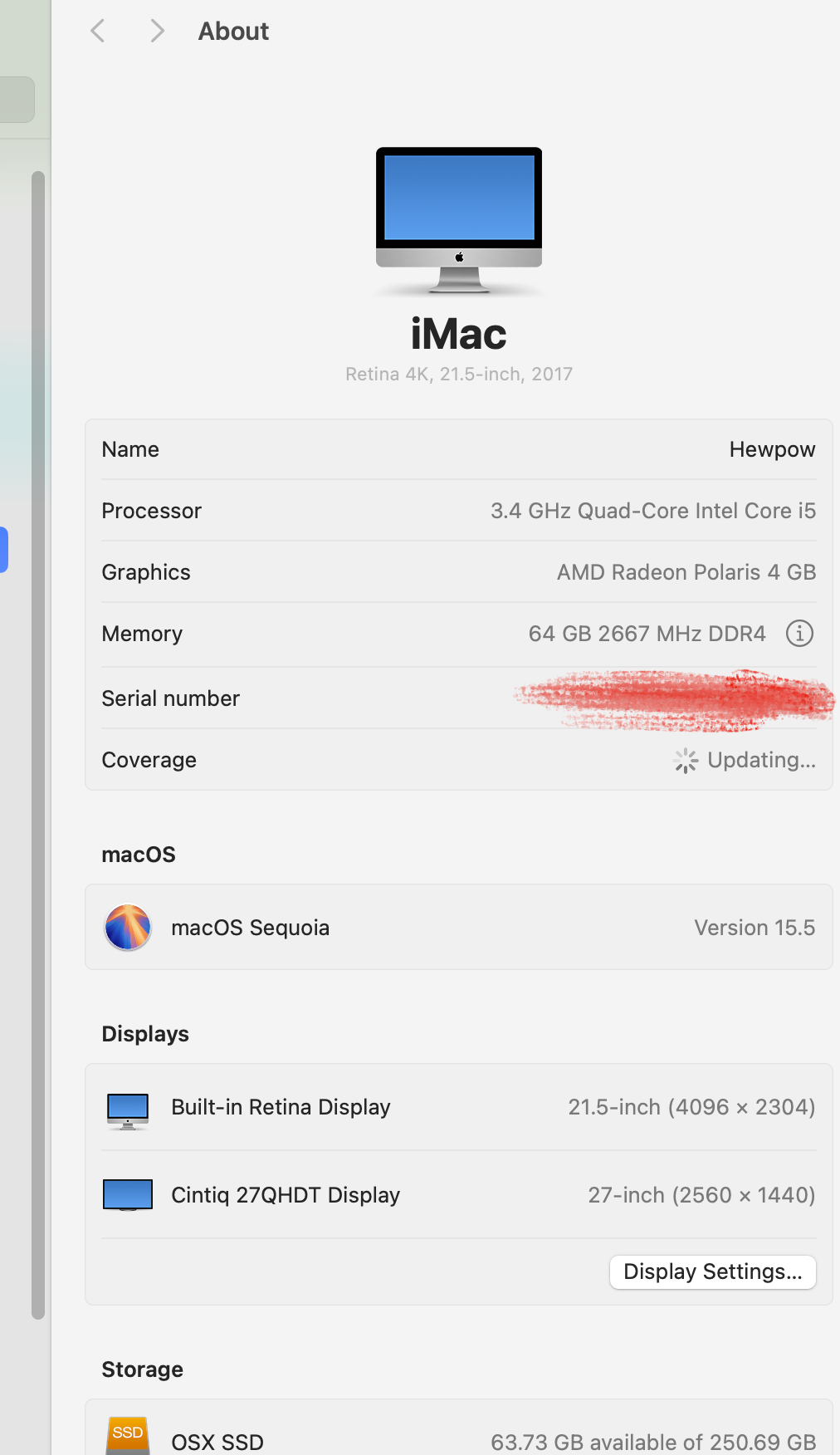
i dont know how to get previews for .kra files to show in finder like how it works for photoshop clipstudio and sketchbook pro files
.clip .psd .tif all show image previews except for .kra , i am using macos sequoia
Sorry, bad news, it is currently not possible because Apple has changed something with the thumbnailer and Krita has not created/made a new thumbnailer for Krita files:
The bug report is found here:
I know this because @freyalupen or @Lynx3d answered a similar request not long ago, and I made a bookmark with a notice about the bug report. I just checked it, and so far it is not set to solved, but vanyossi has already assigned to it, so it is not going unnoticed it only may take some time.
Michelist
i usually only use the native file extension for each program but is it okay to save new stuff made from now on in krita as .psd as a work around ? or would doing that make it lose color or look weird ,or something not being saved properly?
PSD is a very bad choice because it does NOT support all features of Krita, so there can be things you can not save in a PSD. This means you face the risk of data loss!
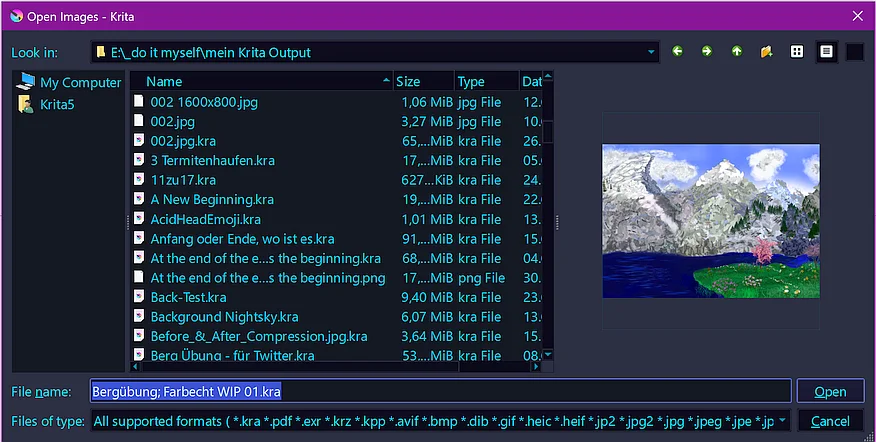
But perhaps you can use one of these workarounds:
Michelist
Add/Edit: Before I forget it:
There’s a very bad “random” bug that can occurs when opening Search window Currently not able to reproduce it systematically, it sometime randomly occurs When it occurs, there’s a really bad Krita crash
If you want to use the search function, it’s higly recommended to save all your unsaved Krita documents!
I never faced this issue, but it seems to exist, and I wanted you to be aware of this and the precautions to do not hurt yourself!
Add/Edit 2: Added a forgotten link, please excuse that slip/oversight. Thank you!
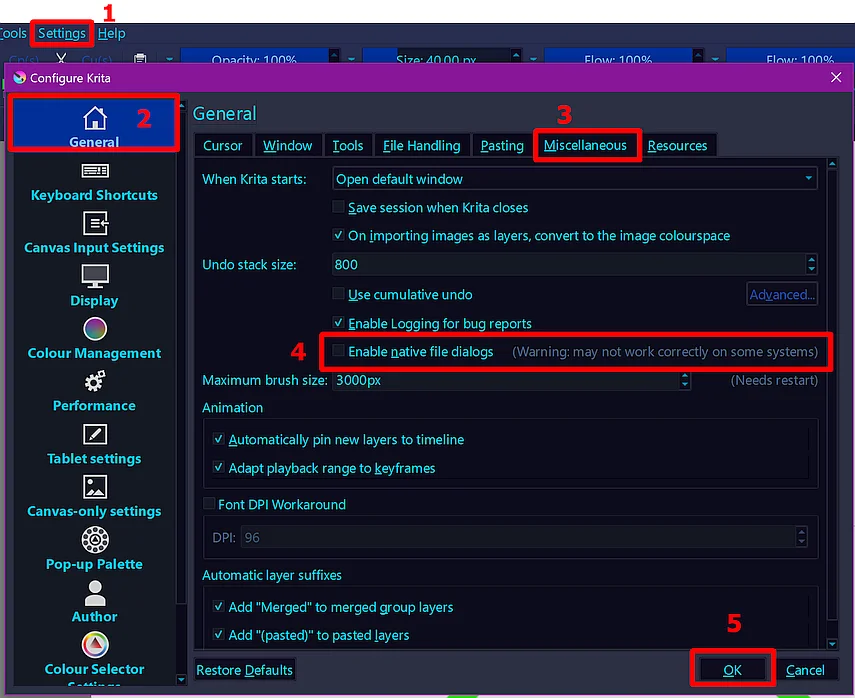
the enable native file dialogs was already checked when i went there .
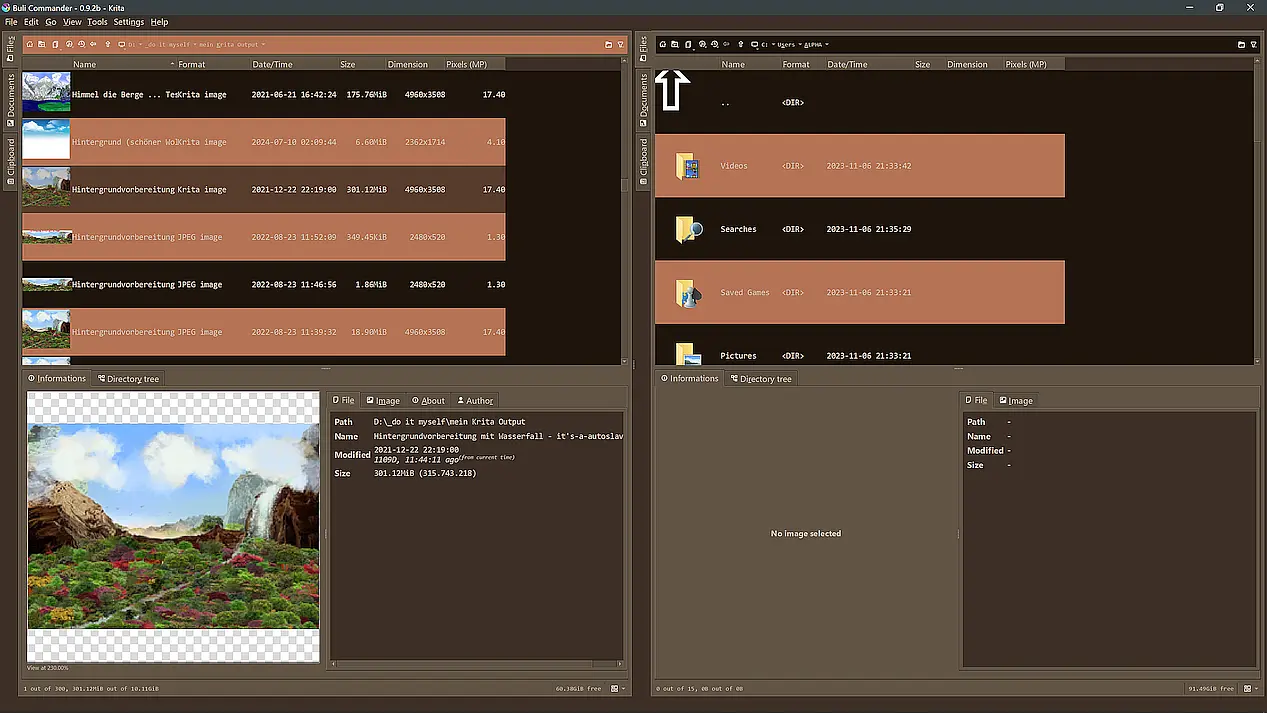
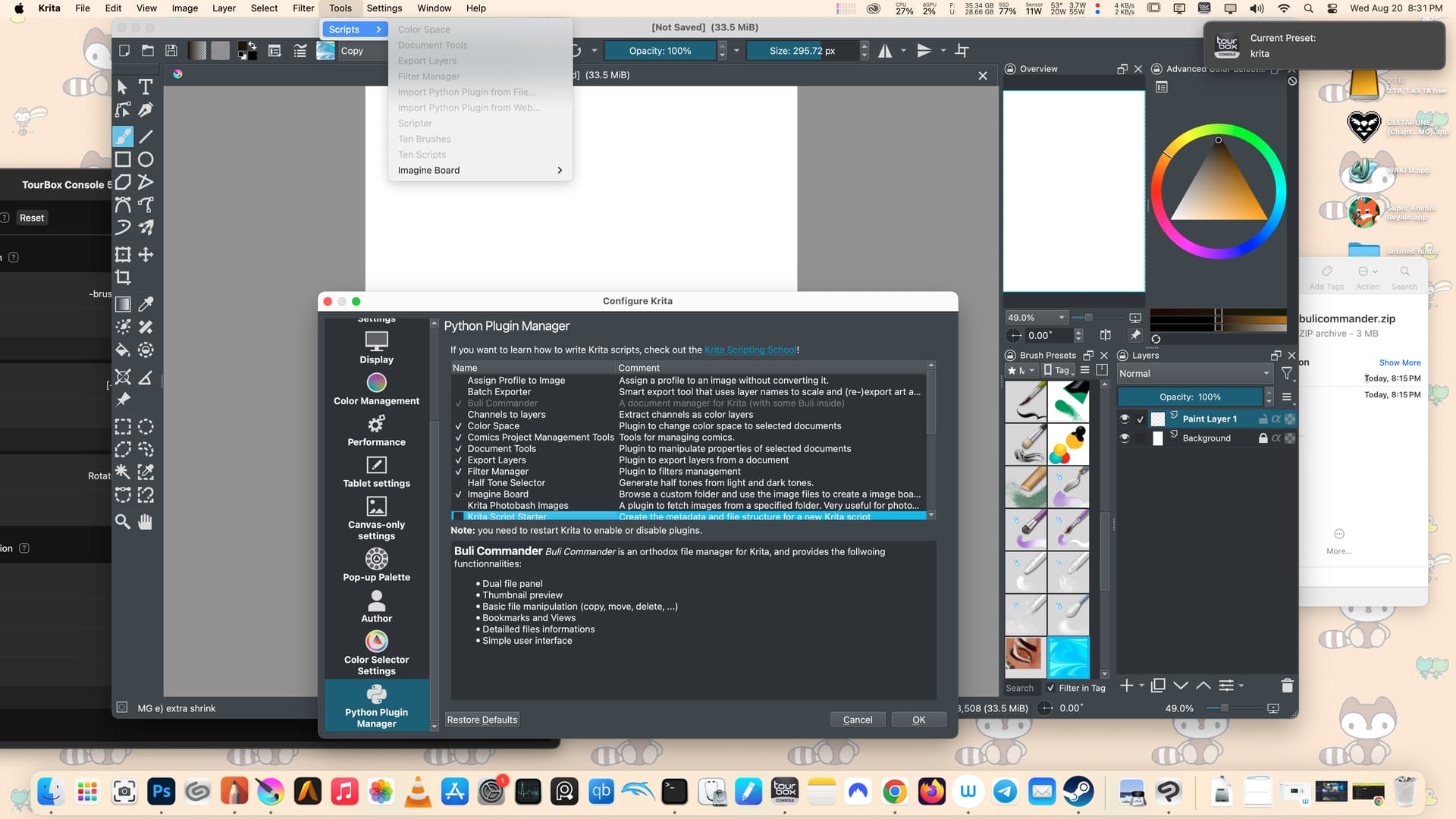
bulicommander plugin i guess doesnt work in macos, its just selected grey and cant click on it , it doesnt even show up in the tools script menu either. the only thing that works would be the imagine board plugin . thats all i have to see them, i will just have to wait for the apple and kde team to fix bugs
For Buli Commander, did you apply the fix, or did you download the version I fixed? I forgot to add the link to my fixed version, sorry, but the current version only can work when this fix is applied. For Linux and Windows, it is known to work, if you could confirm or deny this for macOS, I could also comment on functionality under macOS.
okay i just now installed this new fixed one from the link which prompted me to overwrite the first one and it works on my imac with krita 5.2.9. thanks ,it lets me browse around and has 2 panes . im glad it comes already fixed, i know absolutely nothing about scripts or python writing coding