PSD is a very bad choice because it does NOT support all features of Krita, so there can be things you can not save in a PSD. This means you face the risk of data loss!
But perhaps you can use one of these workarounds:
- I don’t know if you can set Krita on macOS to use its own file manager dialog, but if so, it offers at least a thumbnail for each KRA picture you select with it and for all the other formats too, of course.
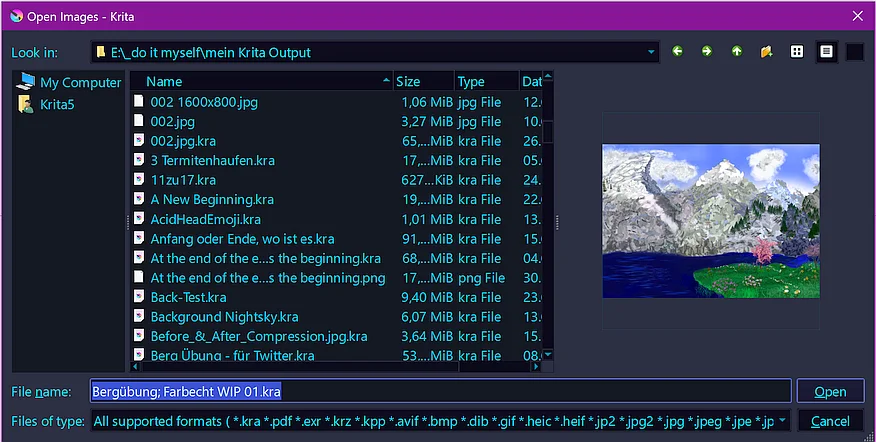
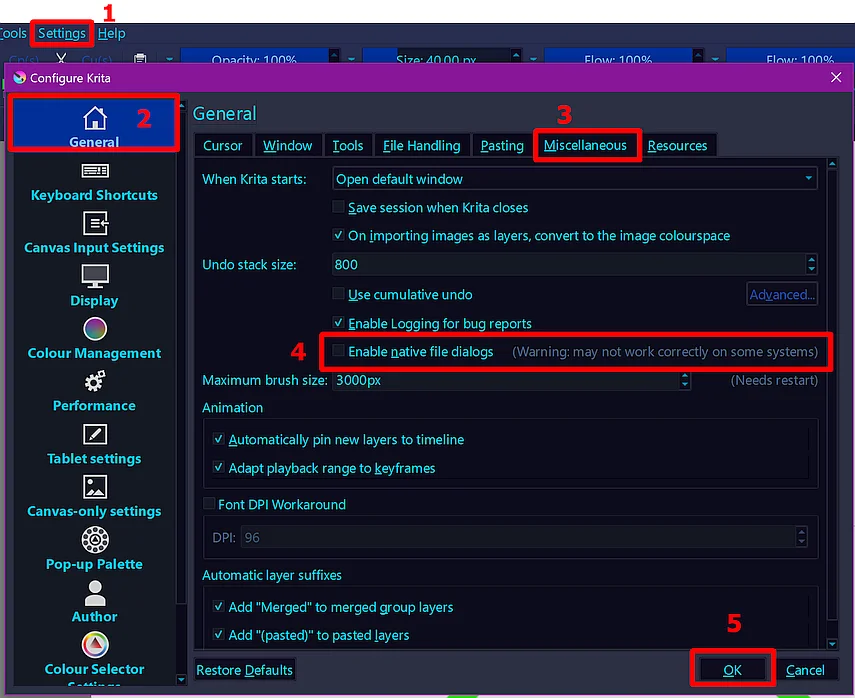
- Use the plugin Buli Commander to get a fully fledged orthodox file manager integrated into Krita with an extremely customizable interface and preview!
You can get the current version from here, it is the version fixed by me, but if you want to apply the fix yourself, you can download the most recent version from this GitHub repository and find the instructions to fix it here. That is the solution I used once when I had issues showing Krita thumbnails.
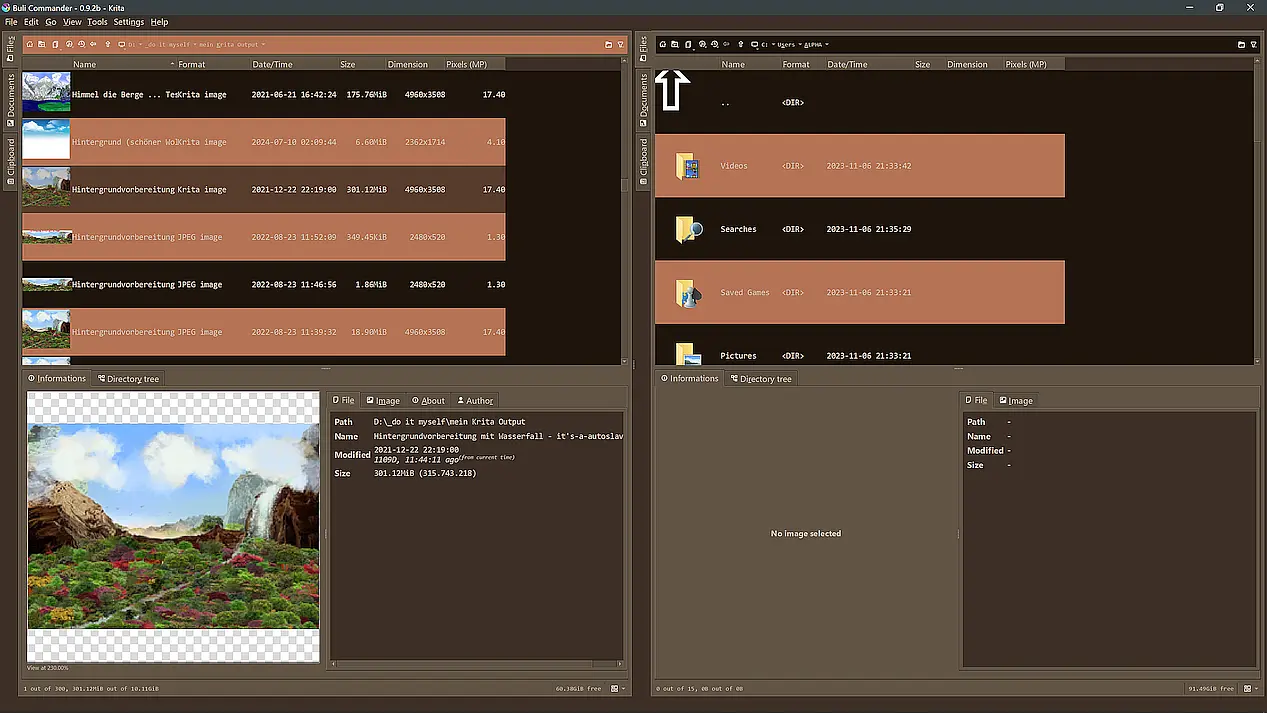
More screenshots and a manual-like description are found on the plugin page.
- Alternatively, you can use the plugin Imagine Board plugin. Some like it, but I can’t get accustomed to it, if you like it is something you have to find out for yourself.
Michelist
Add/Edit: Before I forget it:
Please obey this warning when using Buli Commander:
There’s a very bad “random” bug that can occurs when opening Search window Currently not able to reproduce it systematically, it sometime randomly occurs When it occurs, there’s a really bad Krita crash
If you want to use the search function, it’s higly recommended to save all your unsaved Krita documents!

I never faced this issue, but it seems to exist, and I wanted you to be aware of this and the precautions to do not hurt yourself!
Add/Edit 2: Added a forgotten link, please excuse that slip/oversight. Thank you!