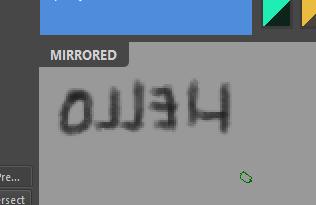
Win10, Krita 5.2.9
I’m trying to find out which document/view/canvas is visible to me (the user). I have the setting subwindows set since a long time ago because the tabs used up space. Same for scrollbars and status bar. I only ever use one “view” of a document.
If you have multiple documents open this should print
from krita import *
app = Krita.instance()
win = app.activeWindow()
for view in win.views():
    print(view, view.visible())
<PyKrita.krita.View object at 0x000002458109CA60> True
<PyKrita.krita.View object at 0x000002458109C670> True
Using PluginDevTools inspector I see each QWidget (KisView) has objectName like view_0, view_1, view_2, etc. It also shows the value for “visible” is also True for every single one.
My motivation here is I’ve been trying to make a simple indicator for if the view is mirrored, since I often lose track, especially when going between documents.
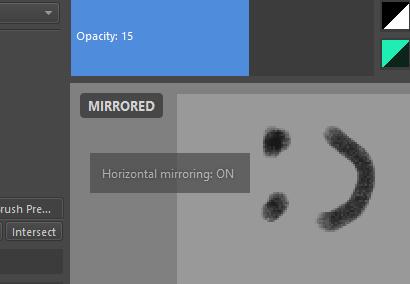
I have tried using signals, the notifier signals: viewCreated, viewClosed, and the window signal: activeViewChanged. The first 2 worked ok, but activeViewChanged seemed only to include opening a new document, and changing the view, but it didn’t really help since I still don’t know which “view” is active.
I also found the signal canvasMirrorModeChanged(bool) in a QAbstractScrollArea as a child of the view widget, but it seemed to not work once the view changed, or closed, or a new one opened.
Here is the plugin, it adds a new action (mirror view with indicator) that also runs the action “Mirror View” (internally named mirror_canvas… ok)
I believe a sticking point is line 60. If I knew which index to pick I guess I wouldn’t have much of an issue anymore 
canvas_widget = opengl_widgets[0].parent().parent()
Relevant topic: Indicator that Mirror View is active
 thanks AkiR