Hello!
So I can’t render any animation.
I have downloaded the newest version of FFmpeg. I have unzipped it, set it to a path etc.
(I even used CMD to check if ffpmeg was working. Everything was fine)
I have the newest version of Krita aswell.
My laptop specs are
-8gb ram
-Ryzen 5000 series
-AMDA Radeon graphics
-Nvidia Geforce GTX
I have windows 11. I am using an Lenovo Ideapad Gaming laptop.
I want to render the animation as an mpeg4.
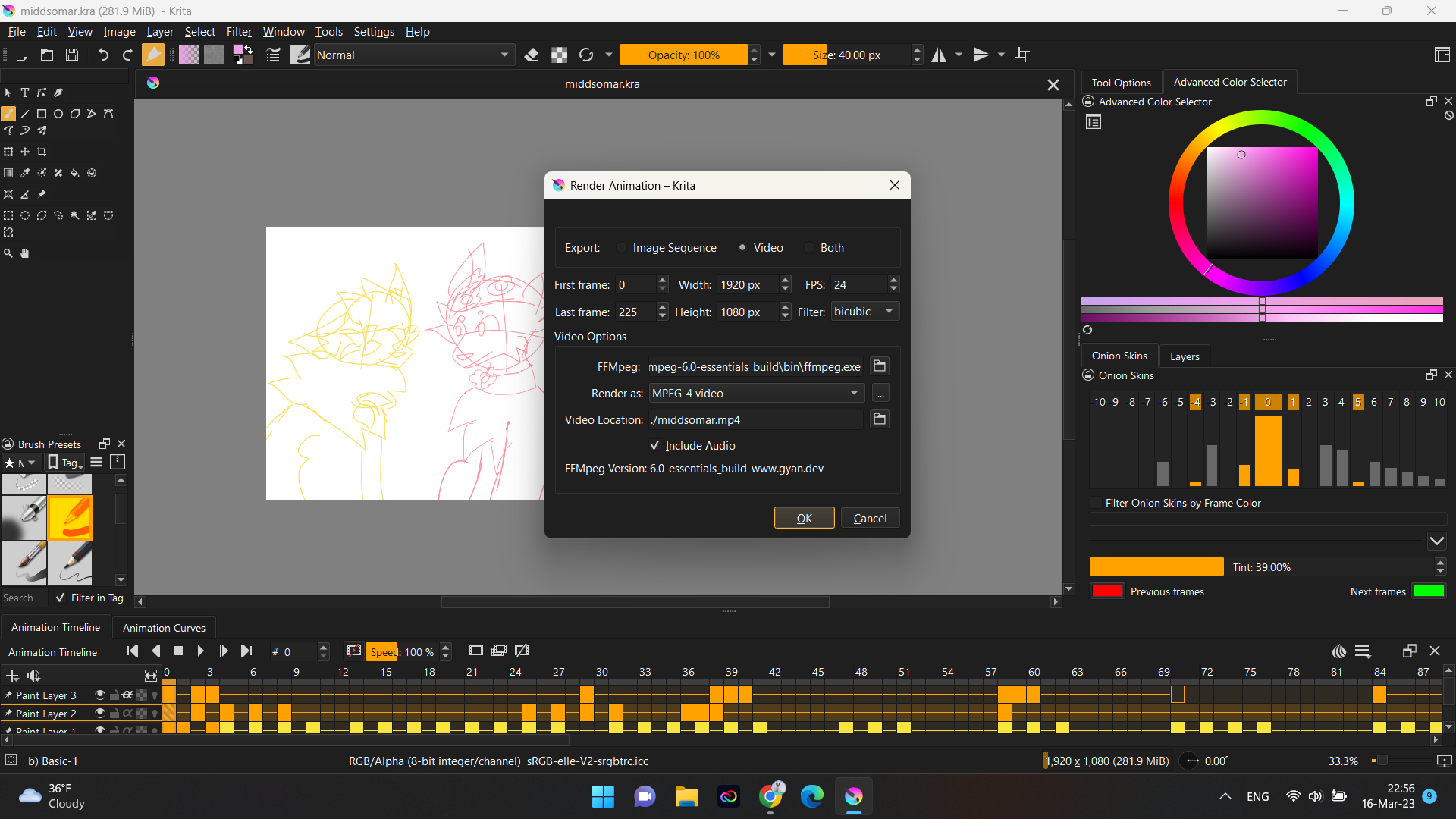
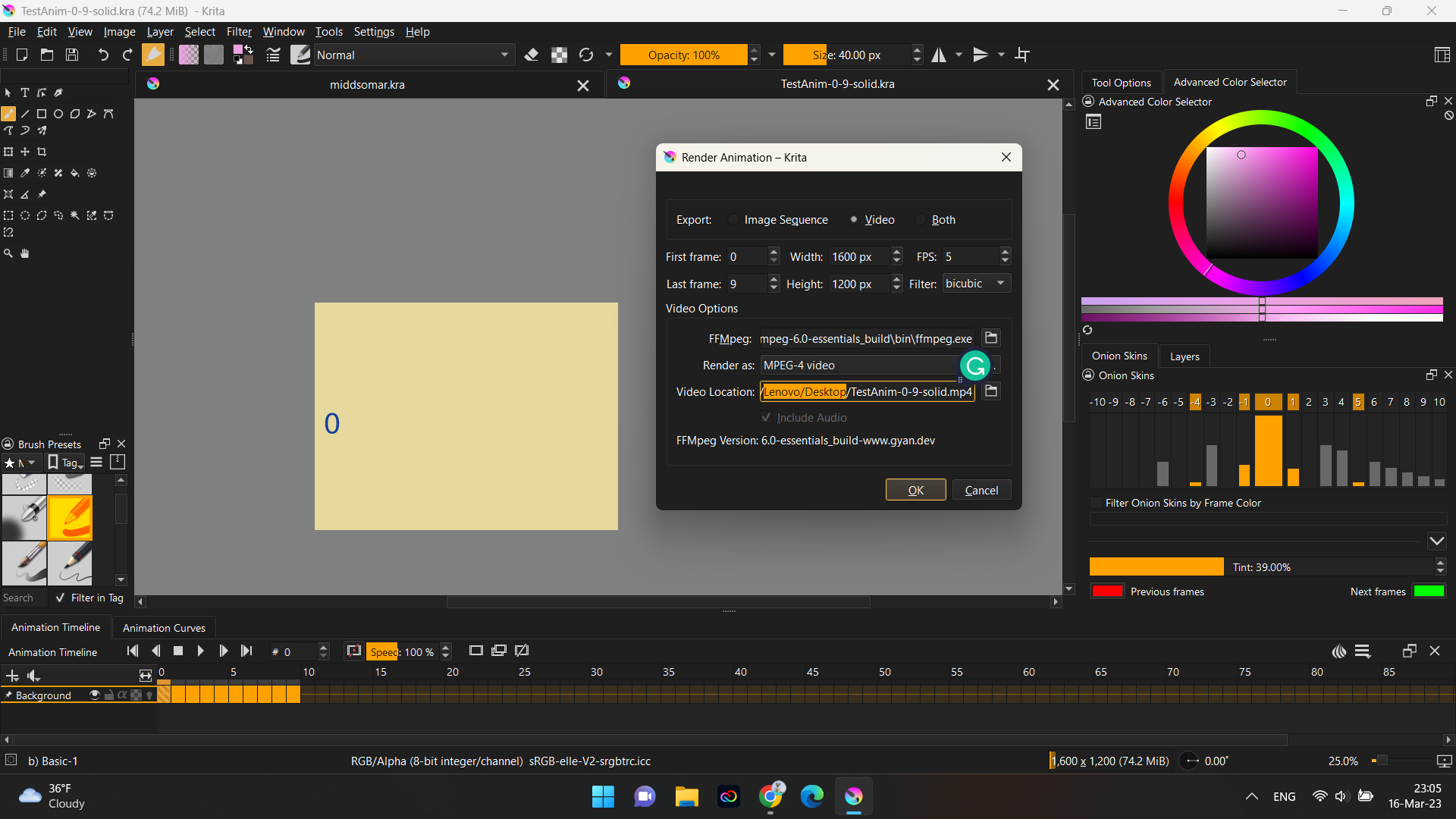
When i go to the render animation tab, i select my ffmpeg, the file format, and the place i want my animation to go.
I click on render and at first it seems like it is doing it-
It says that its rendering the frames.
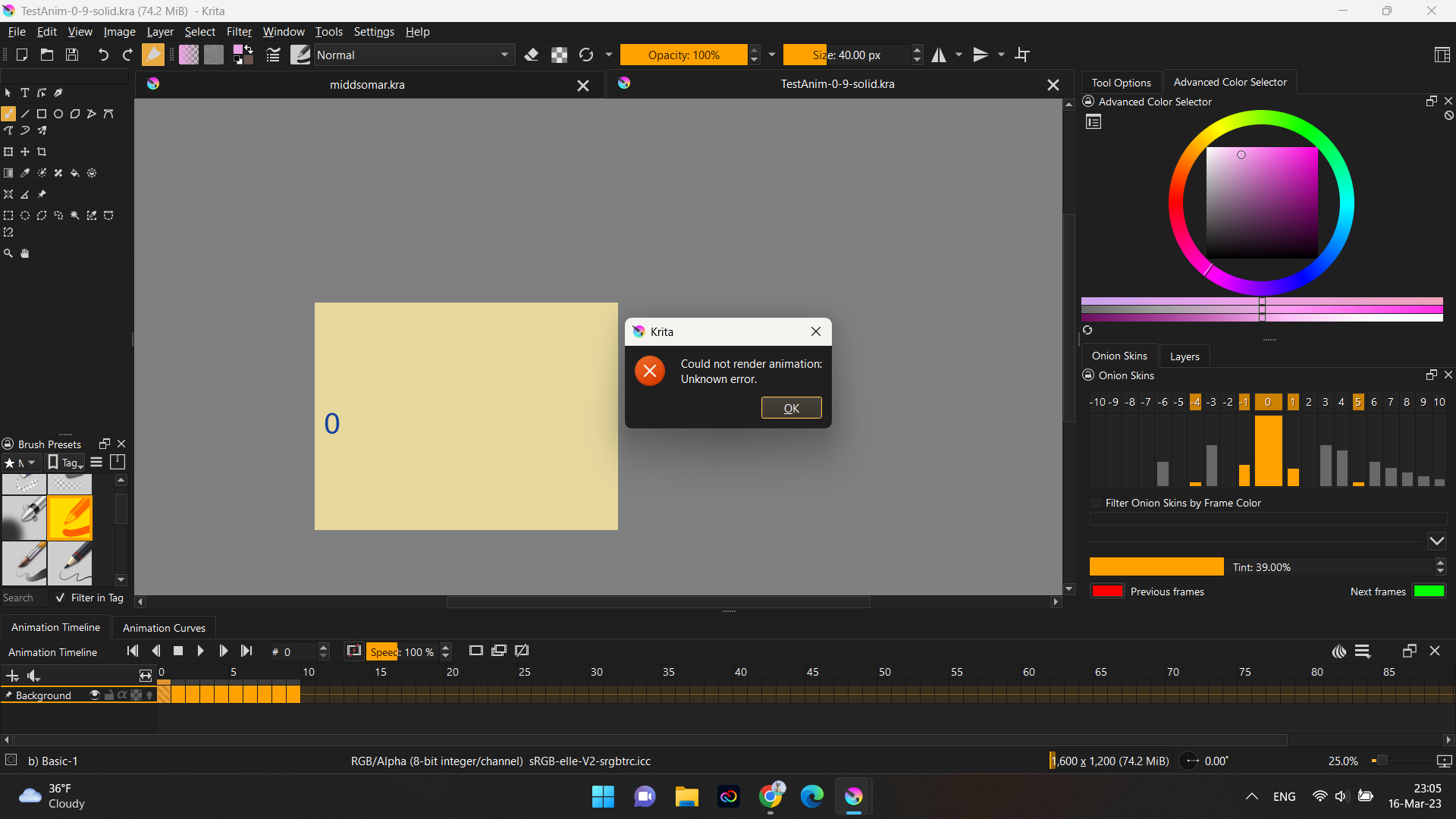
Then right after its done with that an error pops up.
,Could not render animation. Uknown error,
I have tried changing the format, setting my ram usage to a lower stat, closing all other apps, lowering the resolution down. All in all i tried everything. But it still doesn’t work!
If anyone has any idea about this , please , please ,PLEASE, help!
I have been struggling for AGES!
Tysm for taking your time to read 
Someone who’s been using krita longer can give you a better answer, but what I’ve learned so far is that file location and permissions seem to matter a lot while rendering. I had put ffmpeg in the root directory of my c: drive, like I always have, added it to the system path, and krita couldn’t find it or use it, even when I pointed to the file. I moved that into my downloads folder, as suggested here, and it works flawlessly. So, make sure that you don’t need admin privileges to write to your output directory, and personally, I would set the ‘run as administrator’ flag in the file properties compatibility section for the krita exe. You can do that to any of the shortcuts on your desktop or in the start menu and it should work everywhere, You may want to try moving your ffmpeg directory into you downloads folder to see if that changes anything.
Beyond that, you’ll have to wait until someone with more experience sees your post 
1 Like
I’ve never had to run as administrator on Windows and I have ffmpeg in my own user area.
Make sure you are using ffmpeg from here:
https://www.gyan.dev/ffmpeg/builds/ffmpeg-release-essentials.zip
Here is a small animation .kra file that is simple and known to work with no problems:
TestAnim-0-9-solid.kra
You can try Rendering that initially.
1 Like
I am installing it as of now! Tysm! I will see if it works!
edit: Nope… it didnt work 
-Should i delete the previous paths i have made?
And the previous ffmpegs?
( my paths and stuff)
(after it ,saves, the frames)
You don’t need to delete any other versions of ffmpeg that you have stored on your hard drive. Krita will only use the one that you tell it to use in the Rendering options.
Can you try that with the test animation to keep things simple?
Also, can you render the .mp4 file to your desktop folder?
On it. this will probably be uptated alot
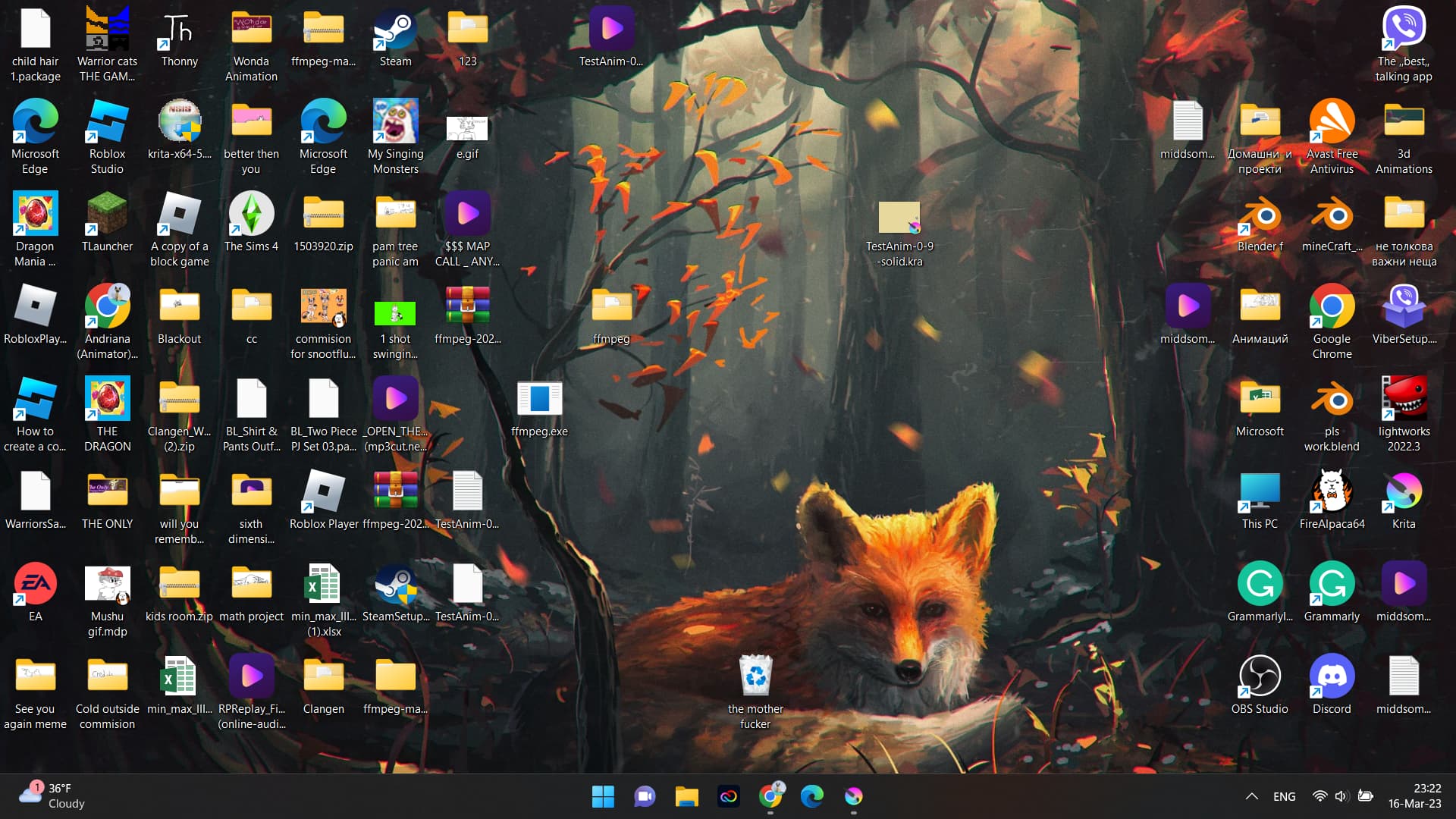
its on the desktop
Aaaand…
Nope
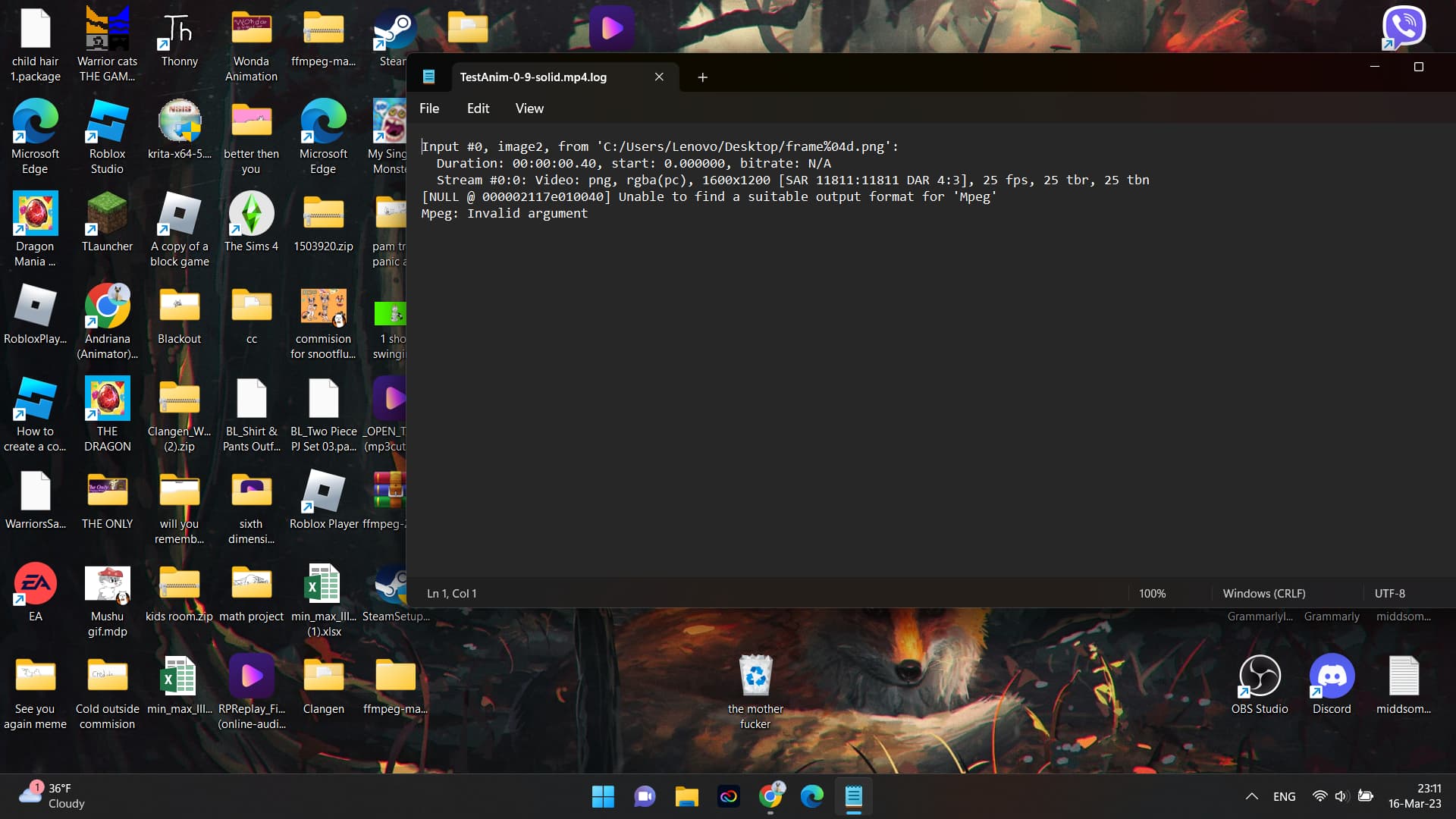
I also found this-
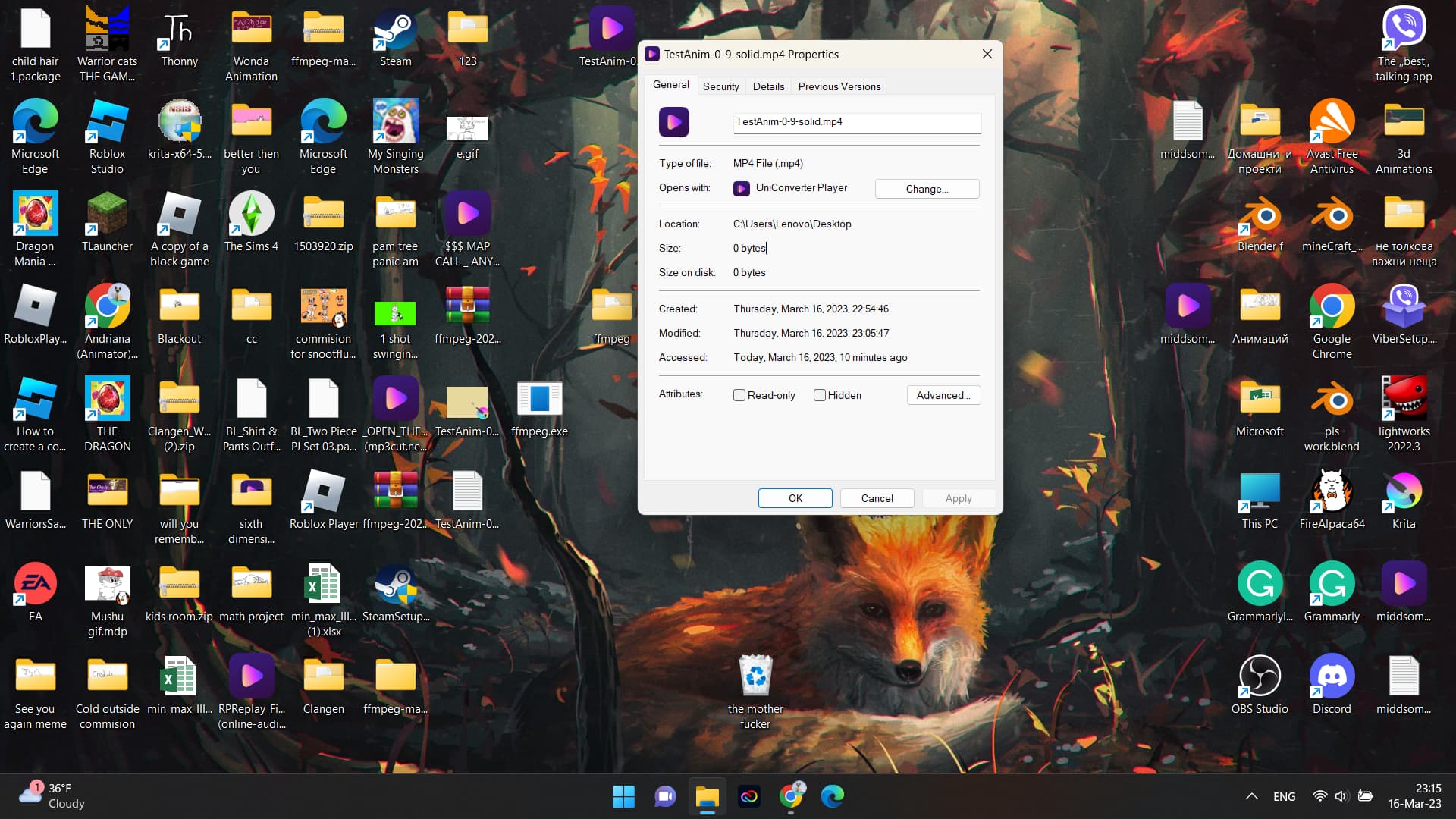
The thing is… its trying to process it but uhhh
0 bytes
IM sure that’s normal-
Can you do Save As new-test-anim.kra to your desktop?
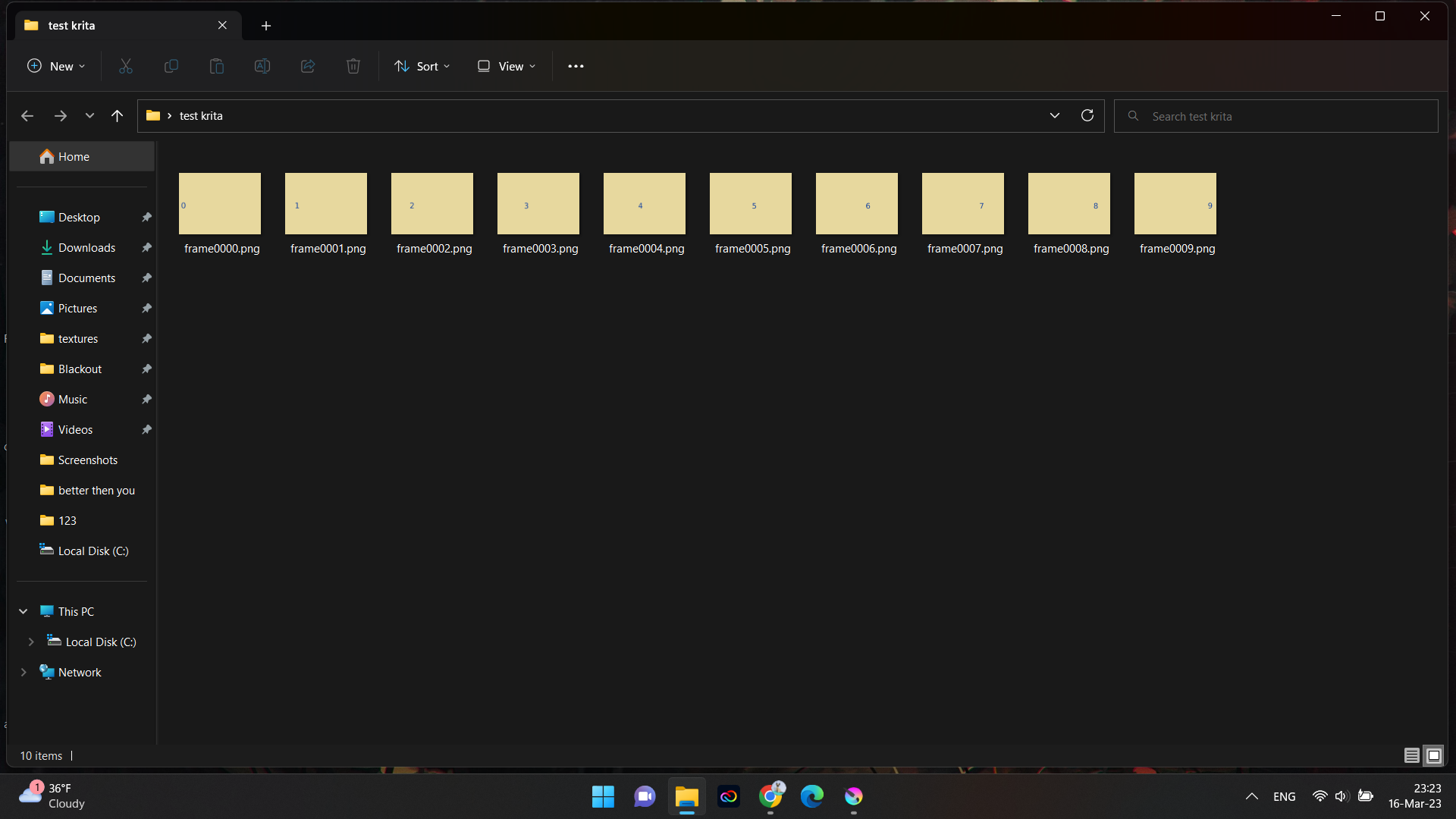
Can you Render as an Image Sequence to a suitably named folder on your desktop and check that it produces ten .png files of the correct size and content?
I don’t have the latest version ffmpeg for Windows so I’m downloading it and it’s taking a very long time  (a ridiculously long time).
1 Like
Im not sure if thats what you meant but
(its somewhere in the middle of the screen)
And also here is the sequence
also wish you gl with downloading the files
Have you put the isolated ffmpeg executable on your desktop and pointed to that?
I think you have to keep the original folder contents all together because there are other important tools in there.
I just Extract the .zip in my Downloads folder then point to the ffmpeg.exe in the extracted folder.
1 Like
So i have to put it on my desktop??
It doesn’t work
The Extracted folder has to be somewhere in your own user area, Desktop, Downloads, Documents, My Pictures, wherever, as long as you can remember where it is so that you can point to it.
I’ve just Rendered the animation out using that ffmpeg build (6.0) with no problem on Windows 10.
1 Like
Well i have tried… could it be that windows 11 is somehow going against ffmpeg??
idk. it just doesn’t work. do i have to set paths again?
I’ve never set paths, I just point to the executable (ffmpeg.exe) which has not been removed from its original folder that was Extracted from the downloaded .zip file and left in the Downloads folder:
1 Like
So i delete the path and see if it works?
Any path you’ve set at the Windows system level should have no effect on this because you specify the full file path in the Render options anyway.
You can delete them if you want to.
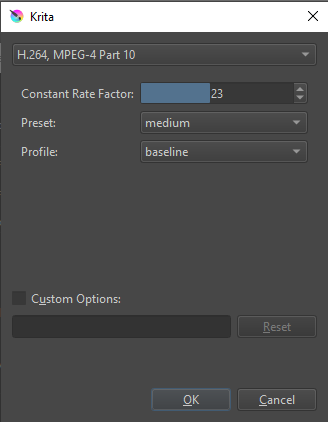
Also, check the detailed mp4 options, they should be:
1 Like
You’ve ticked Custom options for some reason. Please don’t do that because ffmpeg gave an error message about that. (Mpeg: Invalid argument)
1 Like
Yup! Will do!
EDIT:
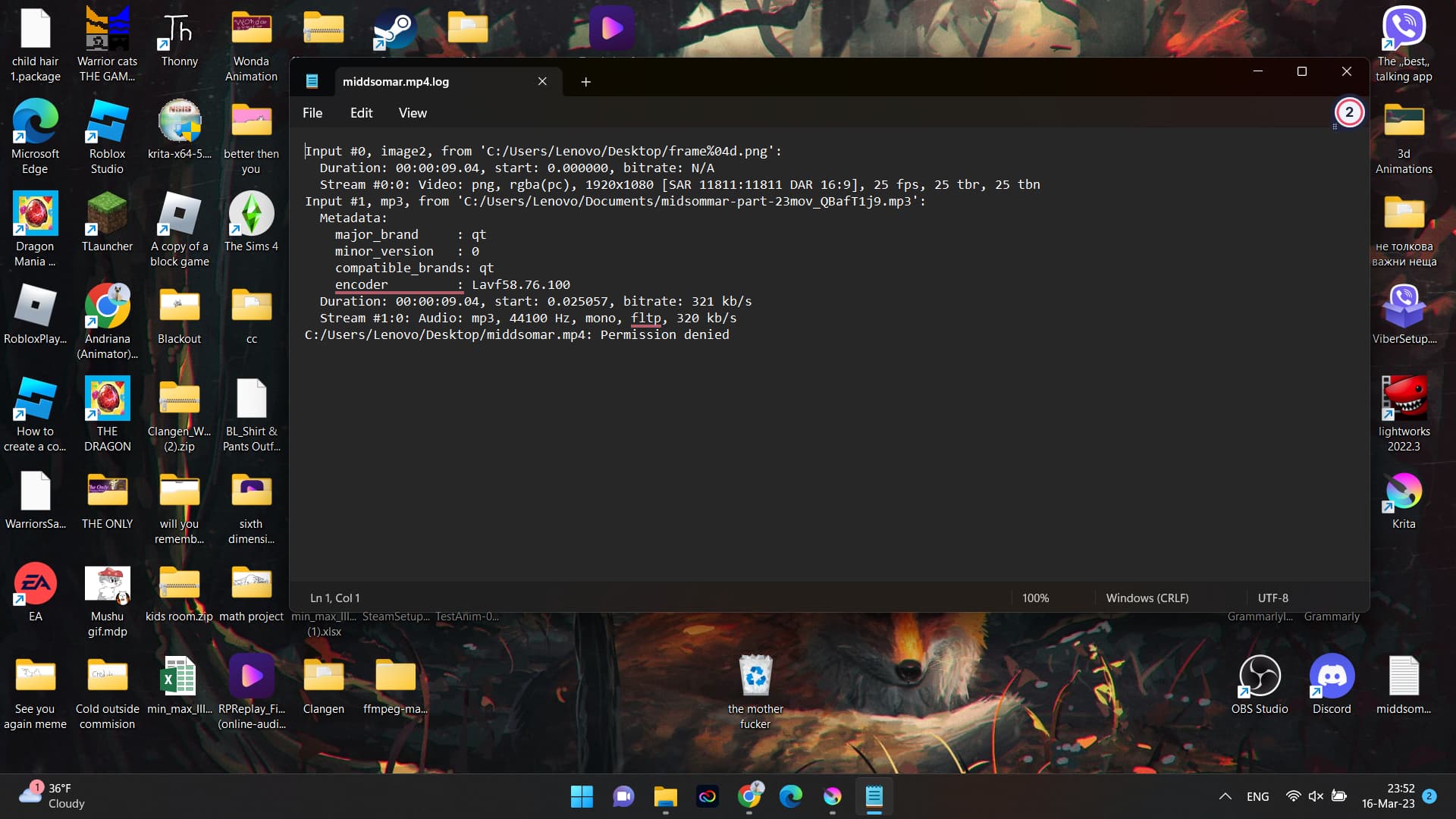
This time it didnt give me an unknown error but uhhhh
permission denied? ;-;
Also when rendering, my laptop sounded like a helicopter so it must have tried really hard to do something-
Are you logged in with the username of ‘Lenovo’?
1 Like