Chinese English
These two installation packages should be used with this abr brush (if you have Adobe Photoshop CC 2019 (or 2018) or above, you can ignore this)
English 1.0 (Compared to the previous one, this brush pack has removed the ABR file nib and replaced it with a normal nib )
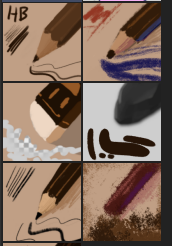
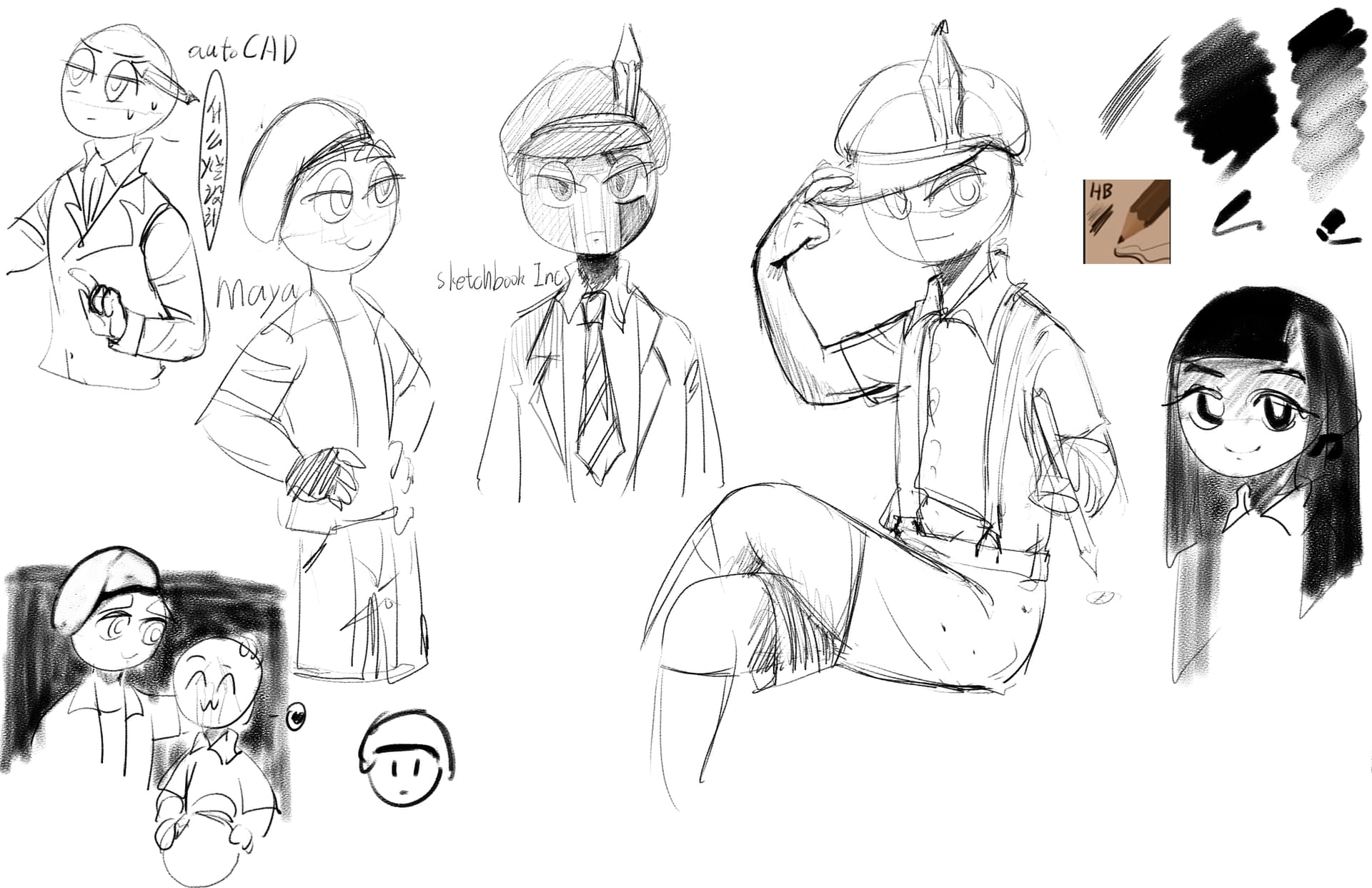
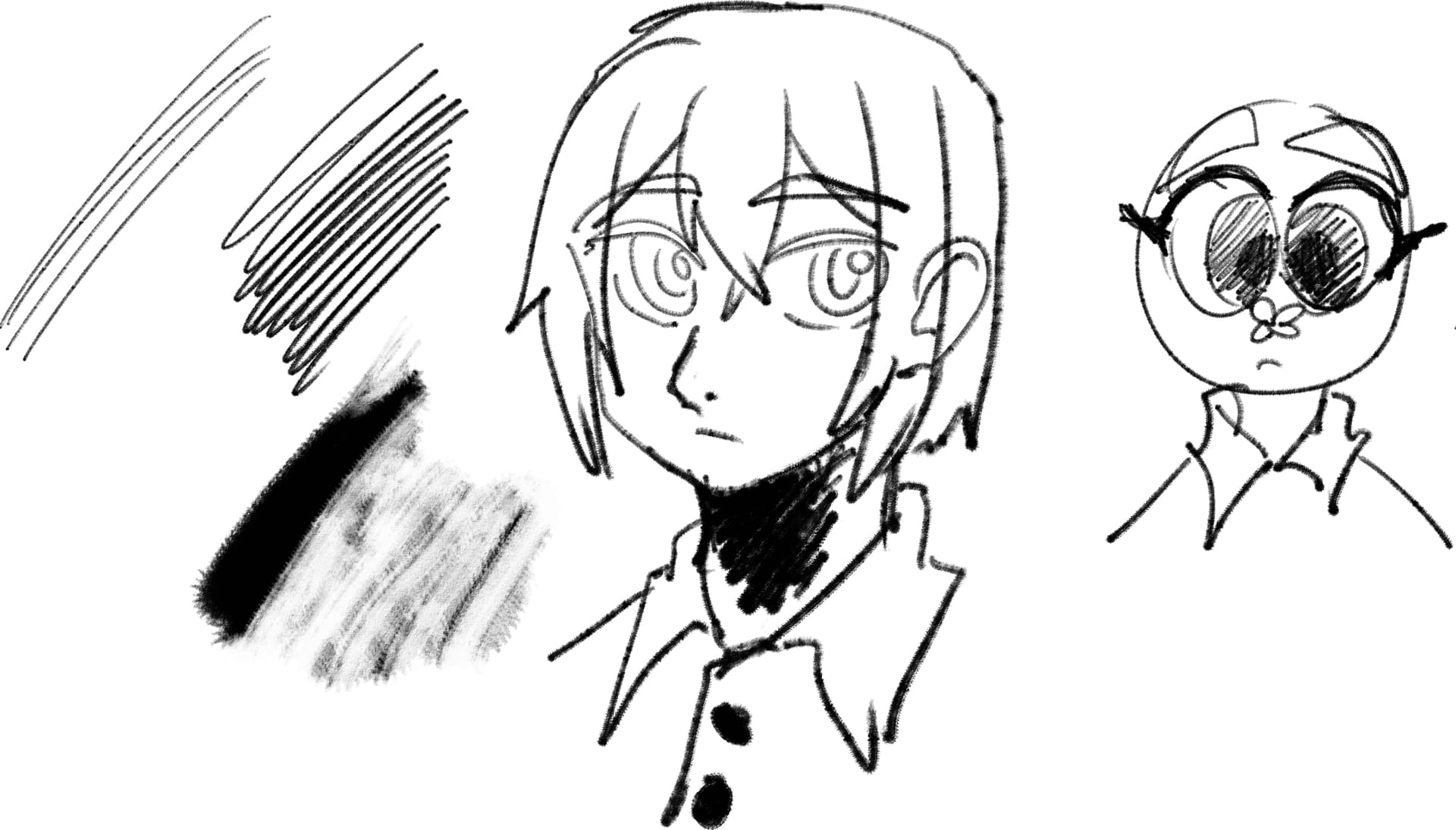
是我尝试复制Photoshop里自带的Kyle笔刷
感受就是,除了"快乐 HB"的那个,其他都是不能说一模一样,只能说毫无相关
不要问为啥只有中文的,我希望有人能提供下自带的Kyle笔刷还有文件夹的英文名字
The third brush (actually called the fourth on Twitter)
I tried to copy the Kyle brush that came with Photoshop
The feeling is that except for the “happy HB” one, everything else cannot be said to be exactly the same, only that it is irrelevant
Don’t ask why there are only Chinese, I hope someone can provide the Kyle brush that comes with it and the English name of the folder
If I understand you correctly, you are asking for the name of the Kyle-Brush, right?
The best translation for the Kyle-Brush I found so far was “The ultimate Hard Pencil”.
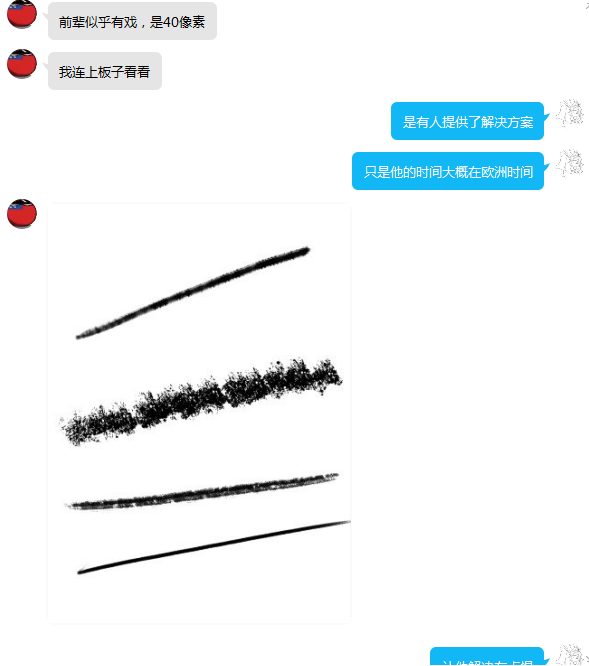
testing the english pack, i think there is something wrong with the bundle, all brushes start with 1 px i also tested the chinese bundle and had the same issue.
Edit: i noticed some other brushes having the same issue, i wonder if something broke in krita5.1.4 related to brushes. Nightly builds also having the same issue. So might be something more related to krita than the bundle.
这些笔刷和安装包在我那边是正常的
我去问下中文区使用krita的人员,看看怎么解决
These brushes and brush packs are normal on my side
I went to ask the people who use krita in the Chinese district to see how to solve it
如果我实在问不到也解决不了的,我会把设置直接发在这里
If I can’t really ask and can’t solve it, I’ll send the settings directly here
i can confirm that i was having the same problem as that person but the issue with this bundle specifically seems different. after doing what was suggested in that thread it fixed my problem with the other brushes. However tried the same with this bundle and no change. So i looked into the metadata of the kpp files to find a reason to why that was happening and i may have found a reason.
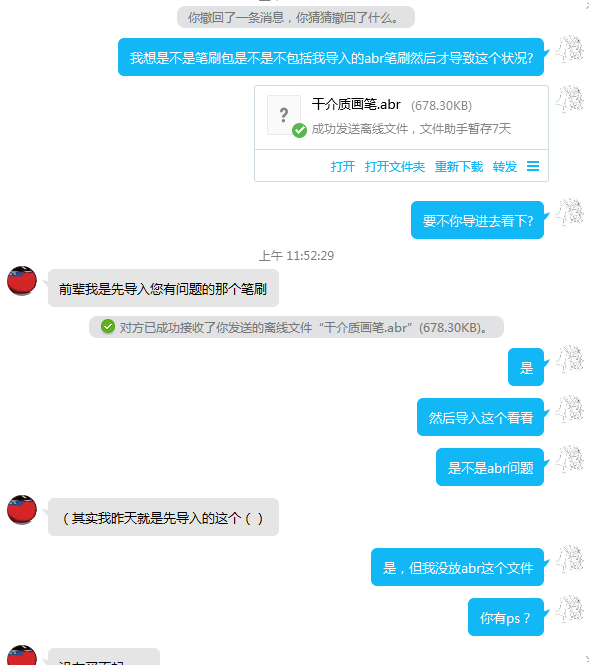
@Sakura_Snow are you using any abr brush tips with these brushes? checking the metadata for one of the brush presets i saw references to 2 abr_brush brushes 干介质画笔_8,干介质画笔_6. If thats the case then you would need to provide the abr brushes, they are not bundled with the the presets.
and what happens when krita doesnt find the brush tip file is exactly change the brush to 1 px. so i am assuming its that.
这个笔刷包相比之前的,去掉了abr文件笔尖并替换成普通笔尖
Compared to the previous one, this brush pack has removed the ABR file nib and replaced it with a normal nib
I wish you a pleasant use
在这里感谢LunarKreatures指出这个笔刷包的错误和解决方案(或者叫假设的解决方案)
Thanks to Lunar Kreatures for pointing out the bugs and solutions (or hypothetical solutions) of this brush pack
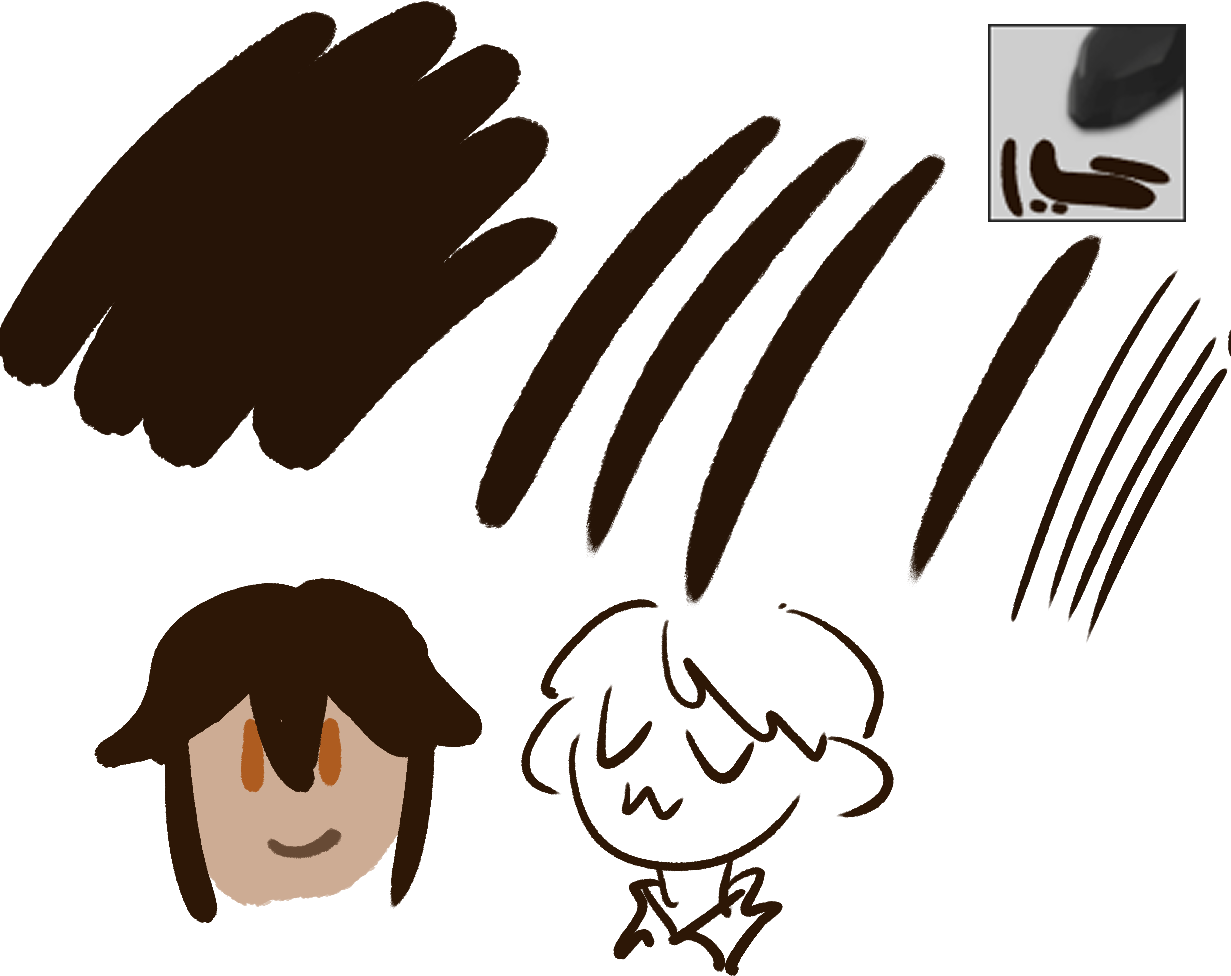
我今天去看了下有关水彩痕迹制作帖子
结果做出ummm…有点像我在我的手机绘画软件上做的一个笔刷
I went to see the post about watercolor trace making today
The result is that UMMM…is a bit like a brush I made on my phone painting software
笔刷名字由你们来定,懒的给名字了
The name of the brush is up to you, lazy to give the name
Download:名字随意改.zip - Google Drive
没显示出来是你太大力了或鼠标不支持
It doesn’t show that you’re too hard (Graphics tablet) or computer mouse doesn’t support it
 )
)








 you can always give an updated bundle.