
Hello @spiro and welcome to the forum 
Without knowing exactly what you’ve done, it’s difficult to figure out what may have gone wrong. So, please answer some questions:
It looks like this involves the ‘Sketch V2’ brush bundle from here?:
Sketch V2. (SK2) Pleasure to draw. including colored pencils and blenders
Did you use this download link:?
https://files.kde.org/krita/extras/Sketch%20V2%20for%20KRITA5.zip
I’m guessing this. So please tell me if my guess is correct.
Yes and yes
Thanks for answering
Did you get and install krita from the krita website or did you get it from the Microsoft store or did you install it using Steam?
Also, which version of krita is it?
It was from their official website And if I remember correctly it was 5.1.5
PTT:Thanks for answering
I think the best thing to do is try to ‘erase’ the error condition then you can start again with trying to install the ‘Sketch V2’ bundle.
Note: The ‘Sketch V2 for KRITA5.zip’ file is not the bundle file. We can deal with that later after fixing the error condition.
Are you comfortable with using the Windows File Manager for moving around the file system and looking for and deleting files?
I deleted everything, files that were related and restarted my PC, the error still persisted
I have a feeling that you didn’t delete the files that I was going to suggest that you delete.
So, which files did you delete and where did you delete them from?
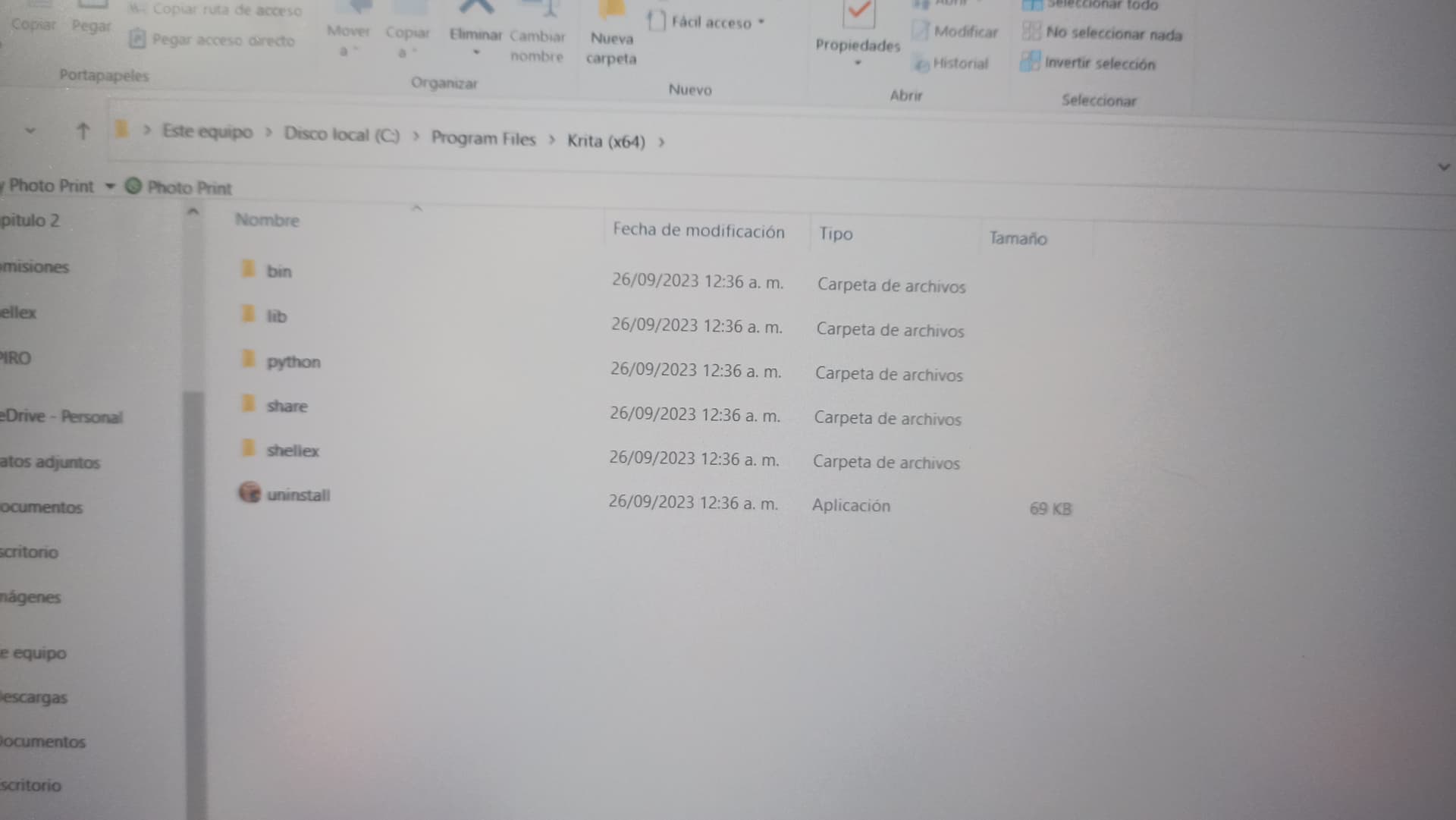
You should not have deleted anything from there.
Did you put things in there? If you did, you should not have done that.
That is not a place where users should do anything.
What exactly did you do there?
Delete the folder So where do I have to go?
Which folder did you delete? They have names. What was its name?
All The ones I found
I deleted all the folders that krita had and reinstalled it and from there I have not moved anything again
So, you reinstalled the krita application by deleting everything in the Krita (x64) program folder and then used the installer .exe to reinstall it?
That does work for reinstalling krita but reinstalling krita does not fix problems.
There is a quicker way of doing this. How long have you been using krita?
Have you made many personal resources?
Have you imported many resources or bundle files?
If you have, would you be willing to lose them all and have to start again?
Like two years And it’s the first time I try it so I don’t lose much , Anything to be able to use krita again and I won’t move anything at all again
Ok, we’ll try a fresh start with the resources.
Using the Windows File Manager, go to C:\Users\Mariana\AppData\Roaming
In that folder you should see a folder called krita
That is the resources folder.
Delete that krita folder.
Then run krita and see if it starts ok.
@AhabGreybeard, I suspect @spiro has reached the limit of contributions possible today and can’t tell us about the success or failure of this cleanup until tomorrow.
@spiro, don’t worry, you have not been banned, this is just a measure to stop spam spreading bots and trolls, this restriction will be lifted after a short time if you are active here in the forum.
Michelist
The error still remains