Ah, I didn’t know it was a bad thing. I thought it was to help the previous owner identify their laptop.
My operating system is Microsoft Windows 11 Home Single Language according to the system information in my laptop. As for the drives, I don’t think they’re broken. So far, my laptop hasn’t explicitly stated (no popups) that the drives are broken or unavailable. I can still access them by going through “This PC”. I have two called Acer (C:) and Google Drive (G:)
Sure, I wouldn’t mind going through the file explorer tree. How should I go about it?
Edit: I forgot to mention the plugin is missing from the “Dockers” section even though I have it enabled. Just in case it’s important to mention
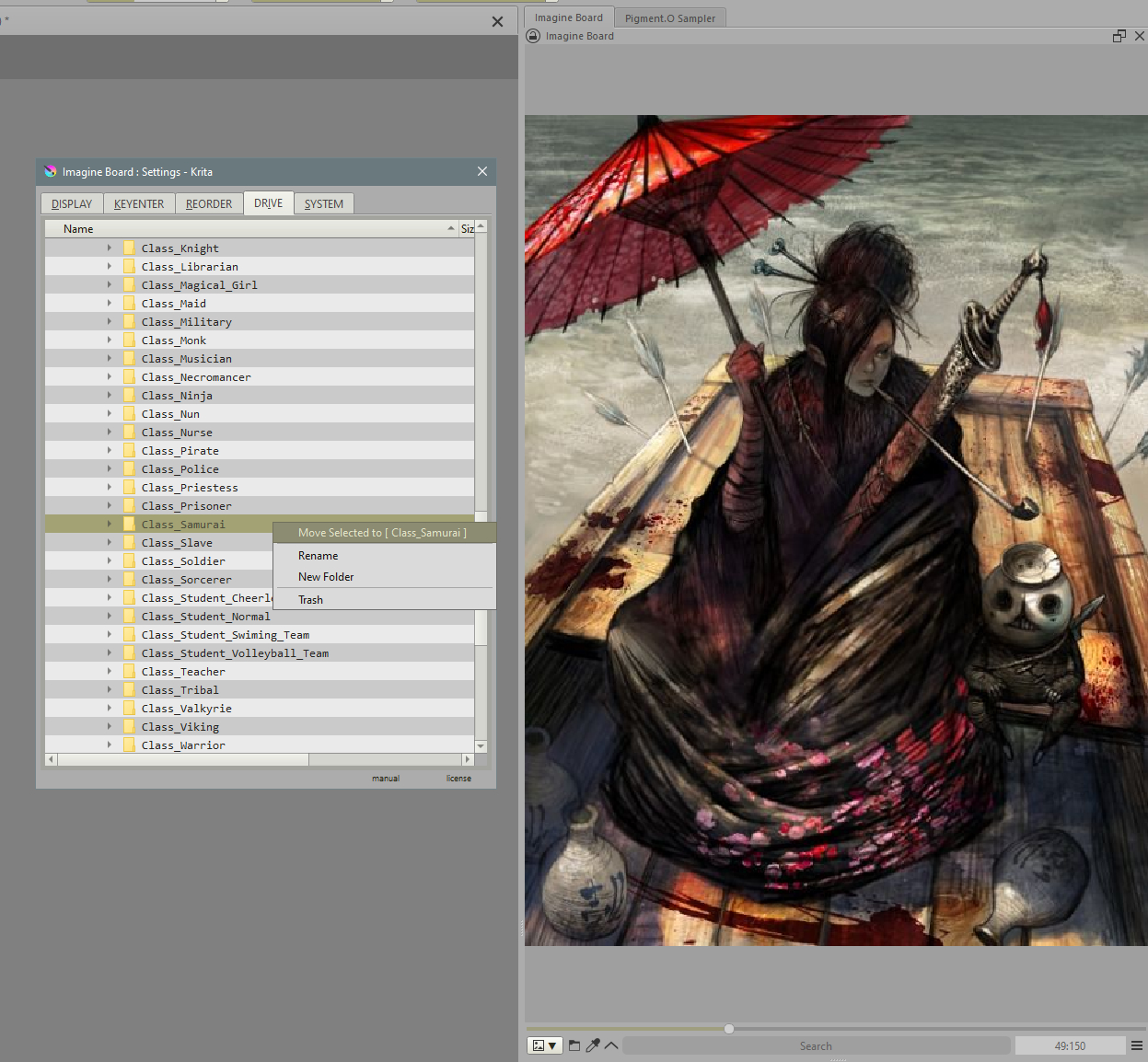
Right click to open the context menu and send the selected files to that folder. Being in Preview mode will send the image in display, in Grid Mode it will send the images selected, and in Reference mode it will send also the pins with a selection or active.
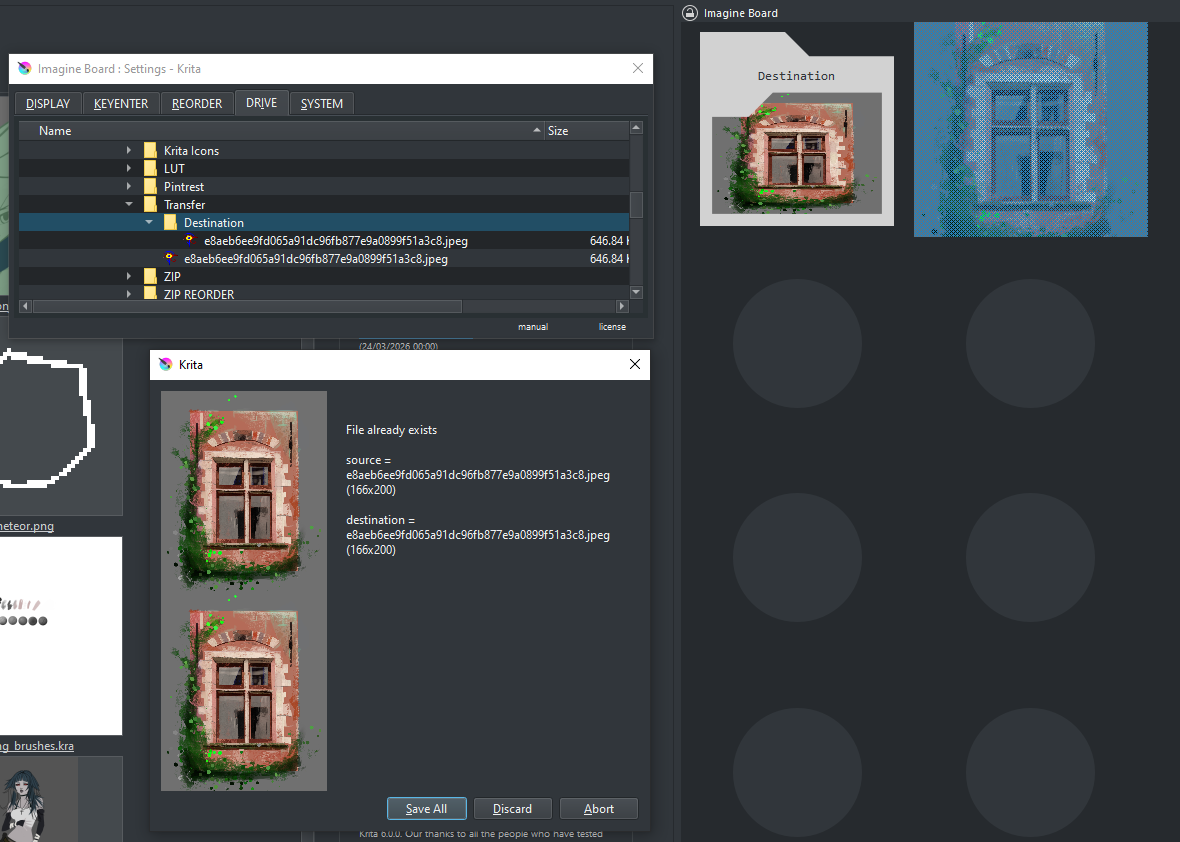
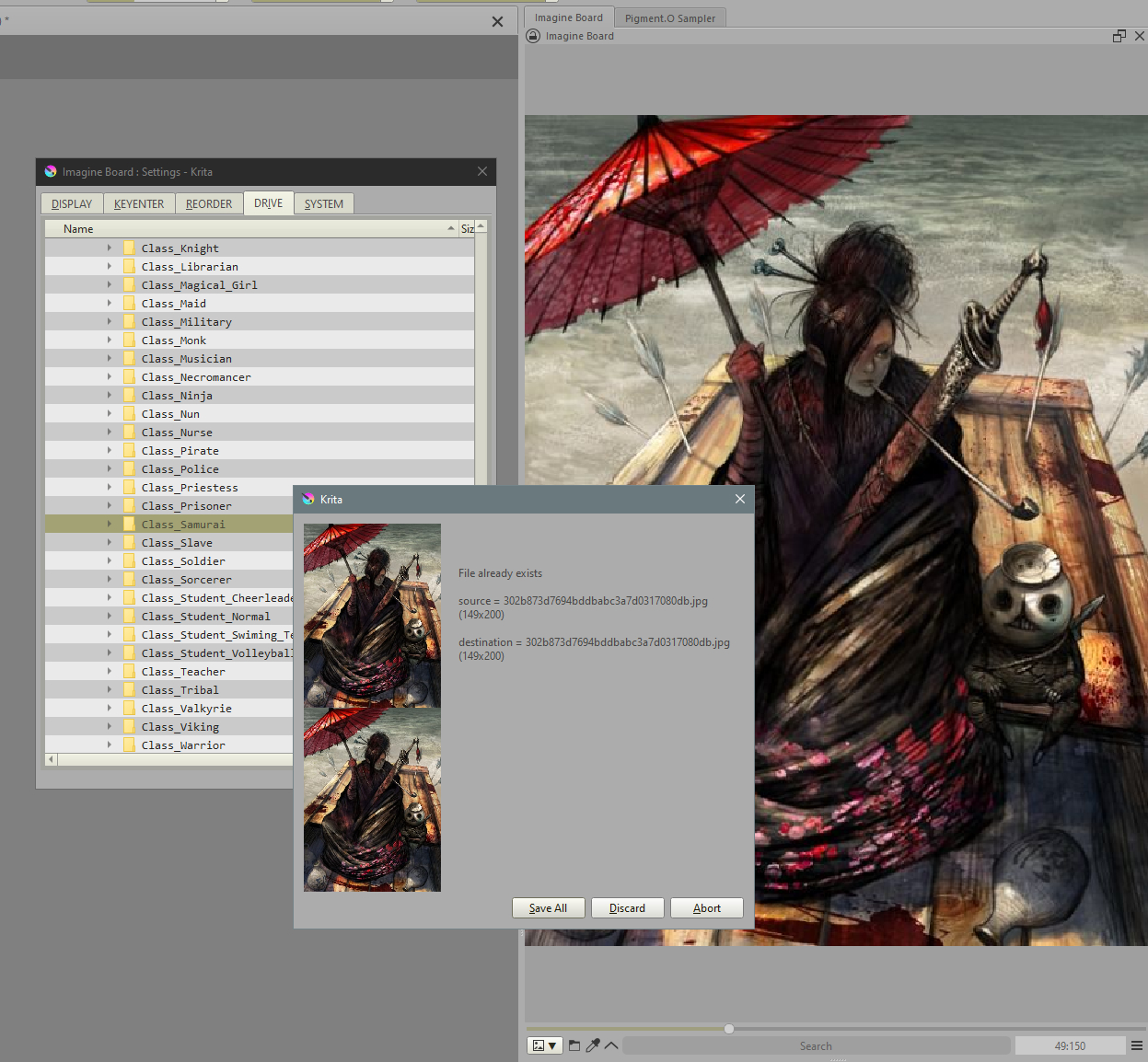
When moving files with Drive if there was a conflict Drive would not move the file or solve the conflict and now it does. Now a new window pops up with the following options:
Fixed the Grid display load parent folder offset ( showing repeated files in reverse fashion to the actual start to the line ). This Bug took me a long while to find the cause and was really annoying I am sorry for the problems it might have caused.
Folder Recursiveness now unchecks automatically when the folder changes in order to safe guard against changing to a folder with too much recursive-ness to go through and crash by loading the entire drive at once.
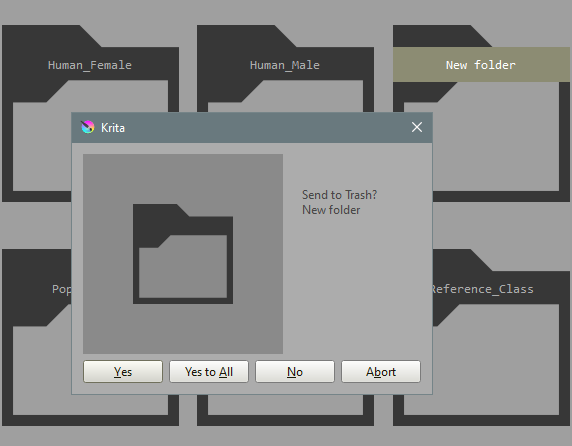
While deleting single files the option “YesAll” is no longer present.
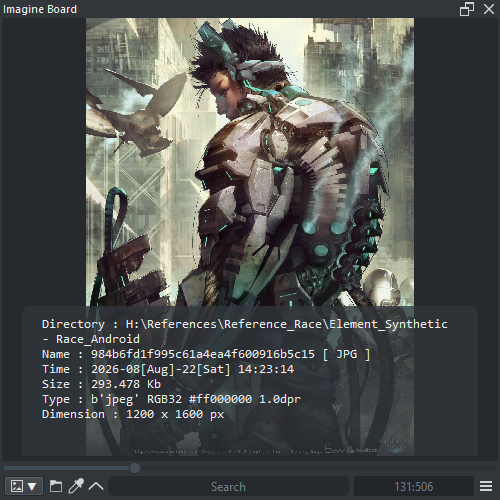
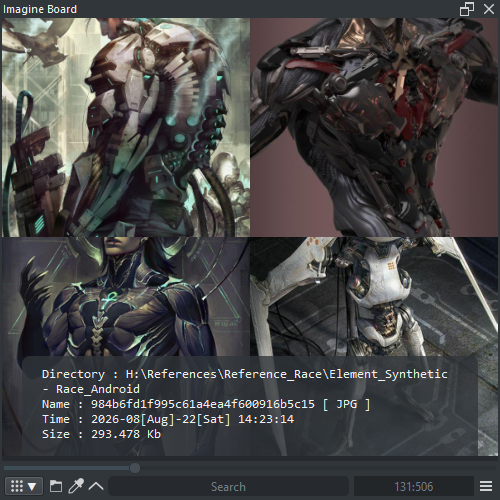
As before press LMB on the lower side of the panel and while pressing drag up or down to see the Information panel or not. However in Grid mode the information panel does not have access to as much information so use it for very little information. An important note about differences is the image type, dimension and metadata are not accessible through Grid mode due to how it is constructed.
On Preview Mode, you can select now File > Copy Metadata. to copy to the clipboard the information in the metadata section of the information.