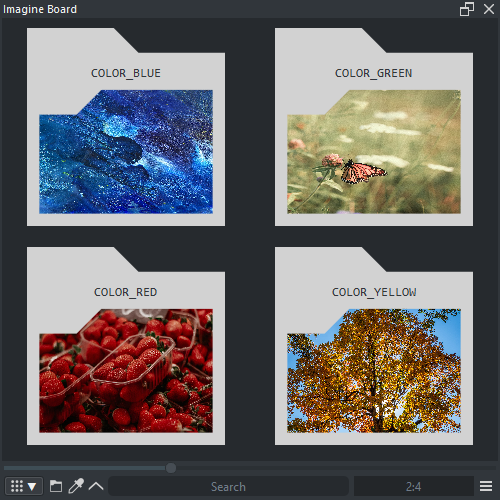
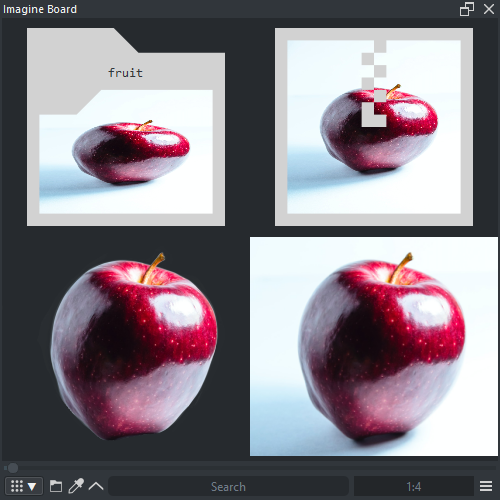
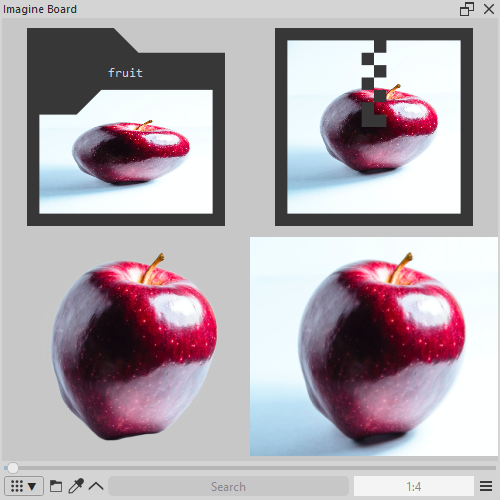
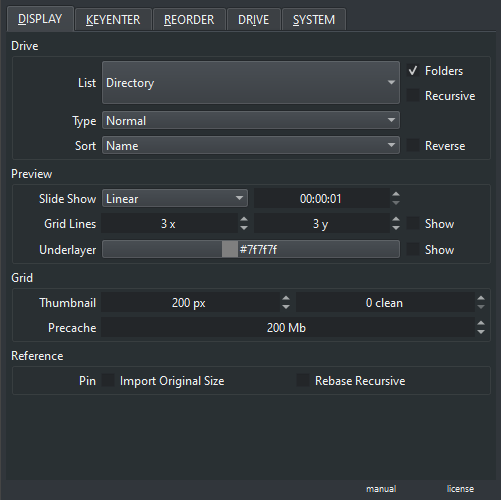
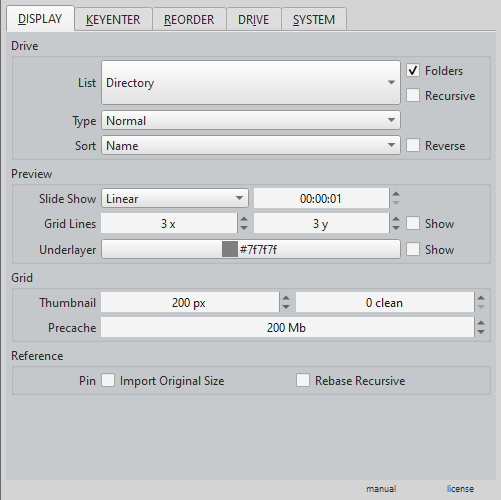
For me, it is sufficient, I couldn’t ask for more. Don’t know how others see it.
Michelist
For me, it is sufficient, I couldn’t ask for more. Don’t know how others see it.
Michelist
I am easily confused.
Went to the github but could not figure out where the plugin *.zip file is. What do I download, and how do I find it?
I know, I sound like an AOLer.
Never mind, I found the answer reading another post. Thanks anyhow.
its cool Github is confusing at first.
this is a very good idea but can we also just copy paste images to the board?
like i prefer when i can copy paste rather than hving to download the files everytime
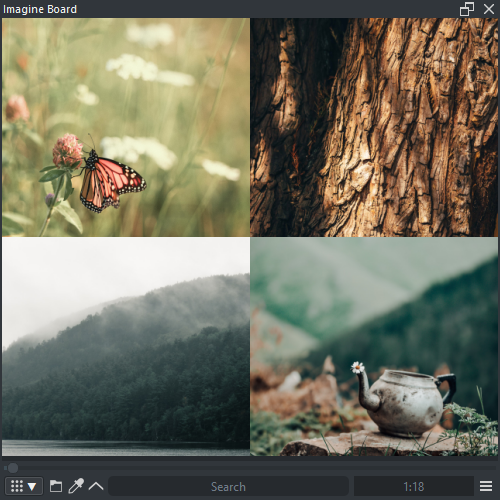
Imagine board is a image reade, so it does like that the files are on your computer it makes everything faster and more reliable.
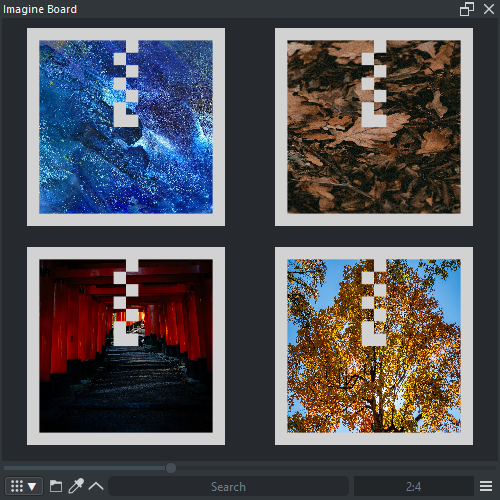
For reference mode, copy paste is a shortcut reserved for krita itself. What you can do is drag and drop from anywhere and if it is not working you can always copy the path of it instead of the image itself and right click and select “insert pin” and paste that path in and then it will spawn in that pin from whatever source. Just don’t expect all the options to be open if it’s from the internet.
Also I forgot to say if you have a board from the internet you can download the images into your drive in case you want them in storage. I do not recommend keeping forever the links to websites because the internet changes over time.
This plugin is bad on mac osx . it made it crash.
and the color picker is way off and doesn’t work right
Termination Reason: Namespace SIGNAL, Code 11 Segmentation fault: 11
Terminating Process: exc handler [61756]
sorry to hear about that
Just a 
Wanted to say i enjoy this plug slot, works great for me and my workflow
Tysm!!
Cheers man!!
I have a problem with color selection, which I think is due to HiDPI. Is there a solution?
Thank you very much in advance.
I have a hi dpi monitor and there is no problem. I donno if it is Krita or Qt the source of it but widgets dont react well with “enabled fractional scale factor” active. turn that off and the mouse click will have the correct value again.
Thank you very much, it works perfectly now 
One last question: I usually work a lot in canvas-only mode, but occasionally I have to switch back to normal mode to activate a filter or two. Is there an option to prevent Imagine Board from disappearing again when I switch to canvas-only mode, or is this not implemented?
Krita does the docker managment. That would be a feature request to krita to have that option.
I updated pigment.o so I had to update the signals that Imagine Board sends to it. In case you use both and or Tela I suggest updating all three as they might just break out of the blue because of it. if you don’t use the other plugins it wont affect you.
yes. I had noticed it and already fixed it. but currently imagine board is in work under progress so the fix will have to wait a bit still. sorry for the delay.
This is gonna be the last Qt5 version if no bugs arise. and was updated so the trio of plugins Pigmento, Imagine Board and Tela are okay to work fully well in Qt5.


The insert feature should be fixed now.
Great! I’ll update it right away 
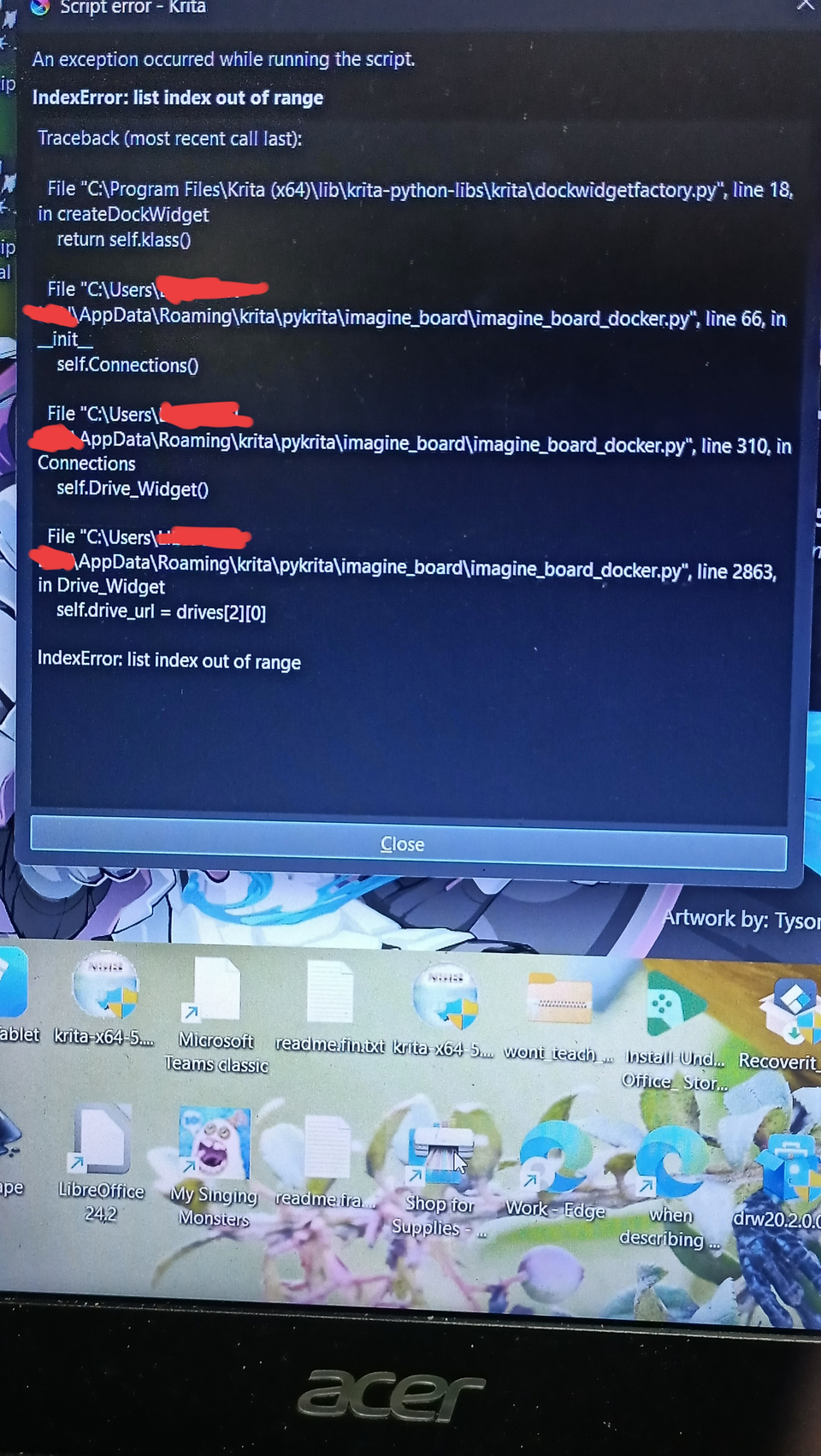
Hi there! Coding noob here. I’ve been using the plugin since 2025 and I love how it has been helping me for displaying references. I’ve just updated the plugin but then I encountered this problem.
Sorry for the red censoring. These bits contain personal info (aka someone’s name).
This happened after I switch Krita 5.3 to Krita 5.2.14 then I updated the the plugin. I’ve tried to delete and install the plugin in pykrita and switch Krita’s version to 5.2.16, but I still encountered the same problem. Help is much appreciated : D
never put real life names on your computer name or user accounts. because then you will always be running into those issues.
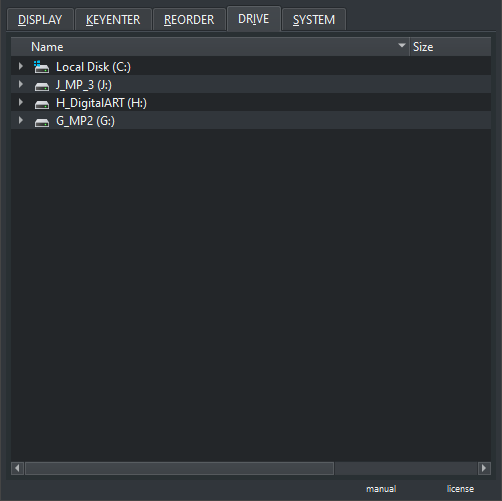
So what is your operating system ? do you have issues with one of your drives in the sense it is broken maybe or maybe you don’t have a drive ? that is just the python request to know the drives because it has a file explorer tree that you can use if you want.