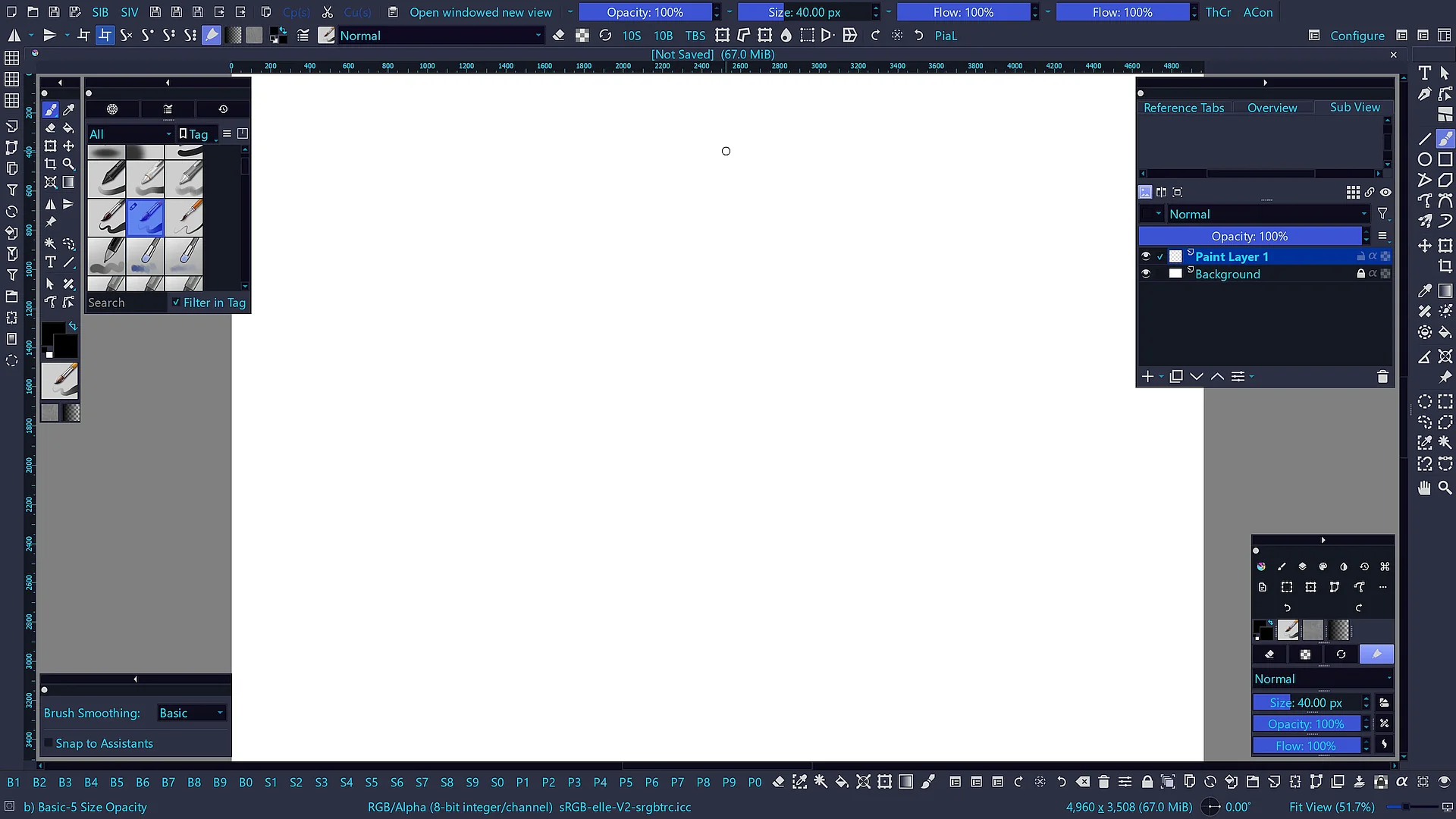
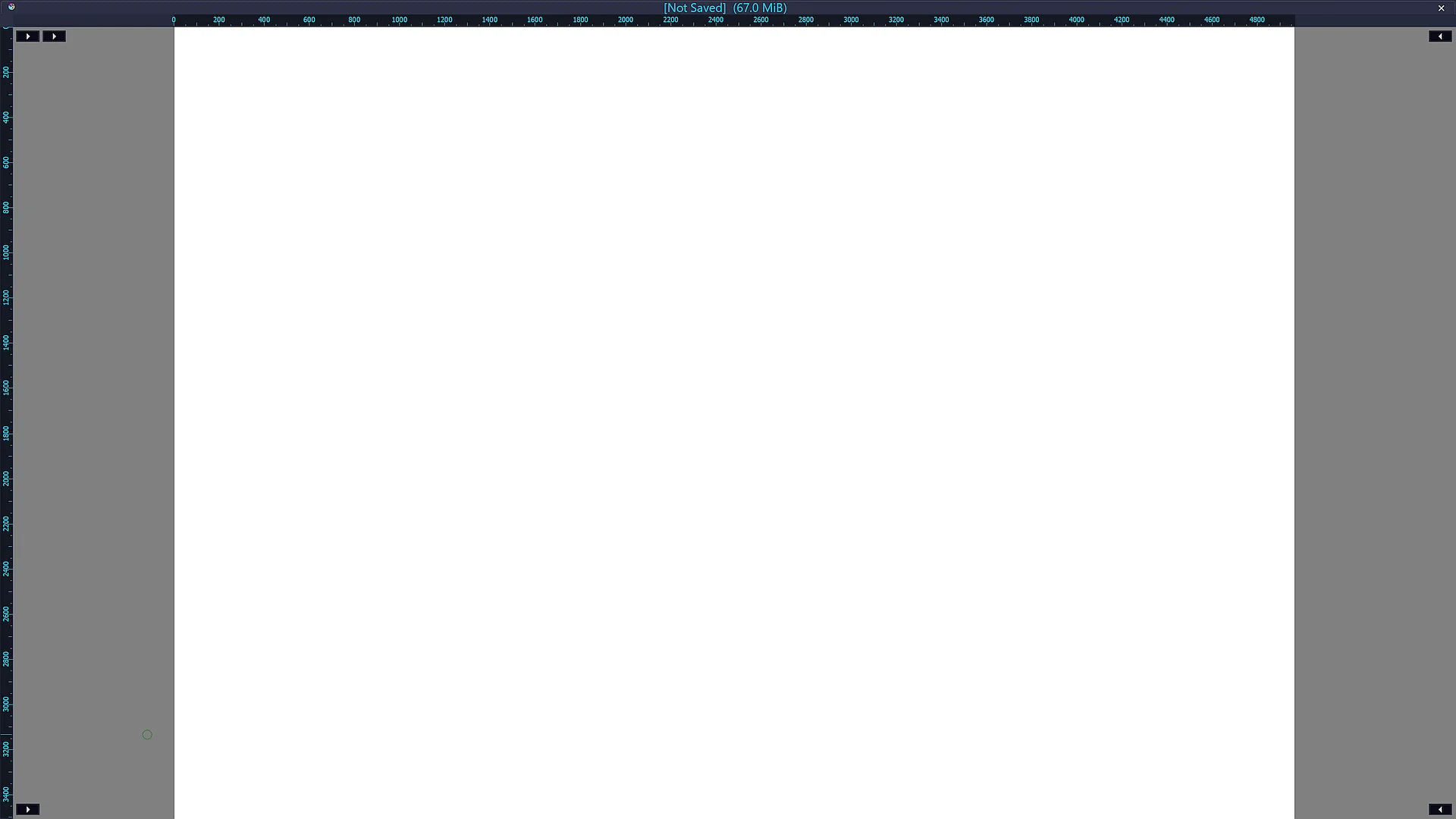
First of all, thank you for this amazing software. I would like to propose a feature request focused on improving the full-screen workflow for a more immersive and distraction-free painting experience.
Currently, Canvas-Only mode is great, but it completely hides the UI. I would love to see an Immersive Full-Screen Mode with an On-Demand Minimal UI.
Here are the specific capabilities I am envisioning:
On-Demand Minimal Interface: The ability to work in full-screen with a hidden UI that can be temporarily summoned via a shortcut, a hot corner, or by hovering the pen/mouse near the screen edges.
Temporary Layer Stack Overlay: A way to quickly view, toggle, or manage layers while remaining in full-screen mode, perhaps through a pop-up overlay that disappears as soon as you resume painting.
Quick Access to Top Bar Functions: The possibility to trigger functions typically found in the top menu bar (such as Filters, Image/Layer adjustments, etc.) directly from this minimal interface or via a dedicated shortcut menu without leaving the full-screen view.
The goal is to maximize drawing space while keeping essential organization and adjustment tools just a click or a shortcut away, reducing the need to constantly toggle between full UI and Canvas-Only mode.
Thank you for your time and for considering this suggestion!
You will have access to any menu, you can adapt the number of Toolshelves as well as their content, and you can even create your own Toolshelves to how you like them to be. Direct download link of the most recent version as of 2026.06.15.
Thank you so much for the recommendation! I wasn’t aware of Touchify, and looking at the screenshots, it seems very close to what I am looking for in terms of space optimization and minimalism.
I will download the latest version from your link right away and give it a try. Thanks again for your time and help!
Not exactly what you mean, but have you considered to create a minimal workspace with toolbars configured that’s just the things you want to access? That way the full screen short cut would give you that (and selecting another workspace would be like going out of full screen)
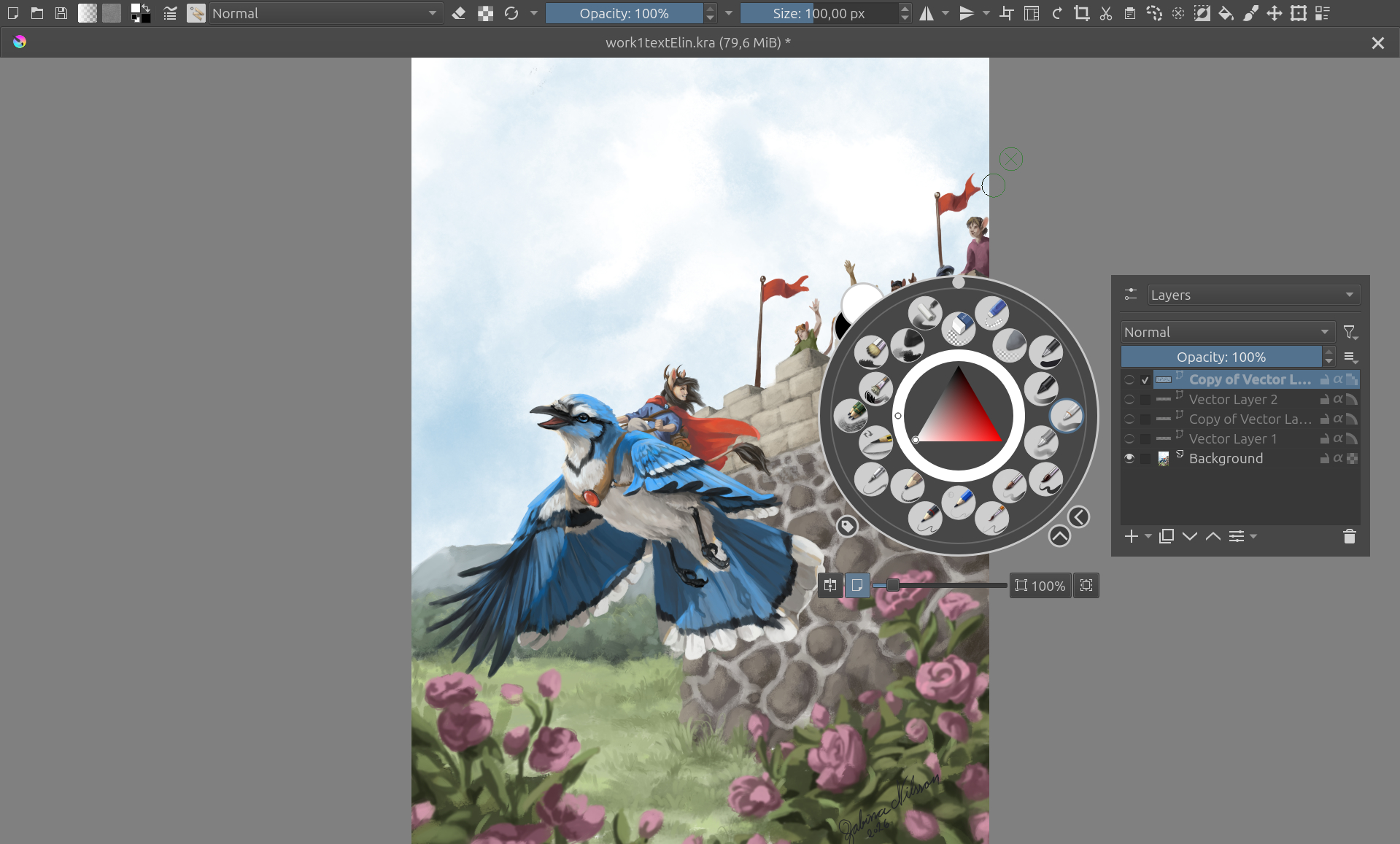
You can also add toolboxes and stuff to the popup now.
I have a custom workspace like this on my movinkpad.
How is this different from having the layers docker in the pop-up palette that already exist?
You could again have a minimized standard workspace with those options and toggle between that and canvas only mode. And you can choose to only have the top menu or any toolbar visible in canvas only mode.
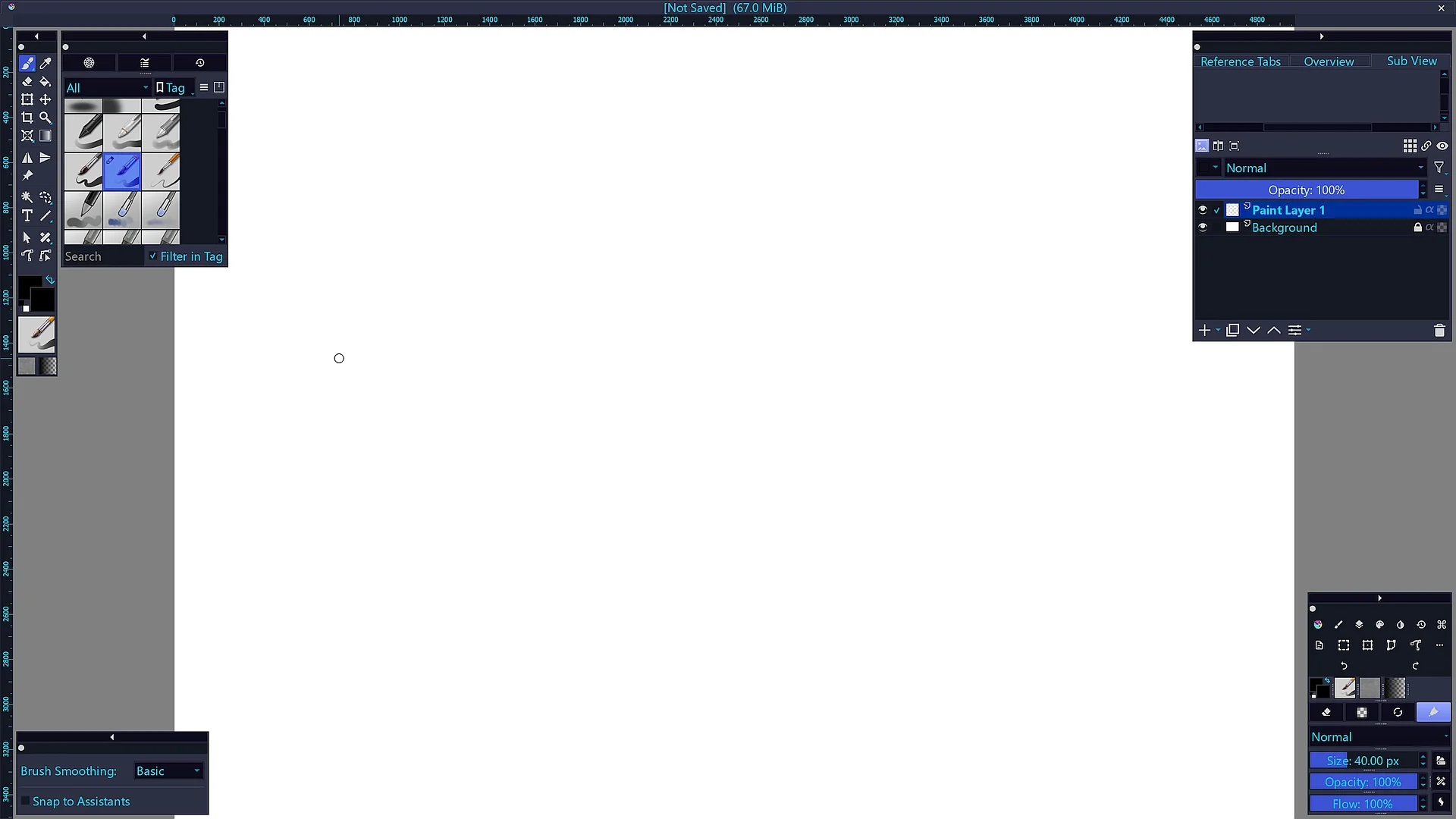
It’s not exactly what you’re after and perhaps Michelists suggestion is closer to what you need. I just wanted to put it out there as this is how I maximized my workspace and removed stuff I don’t use
This is how my workspace looks in canvas only mode (at the moment and n my laptop anyway).