Would it be possible to make the right hand side of the canvas moveable? Even just 1.5 cm would be good to make more room for the canvas on mobile. See screenshot. @sh-zam
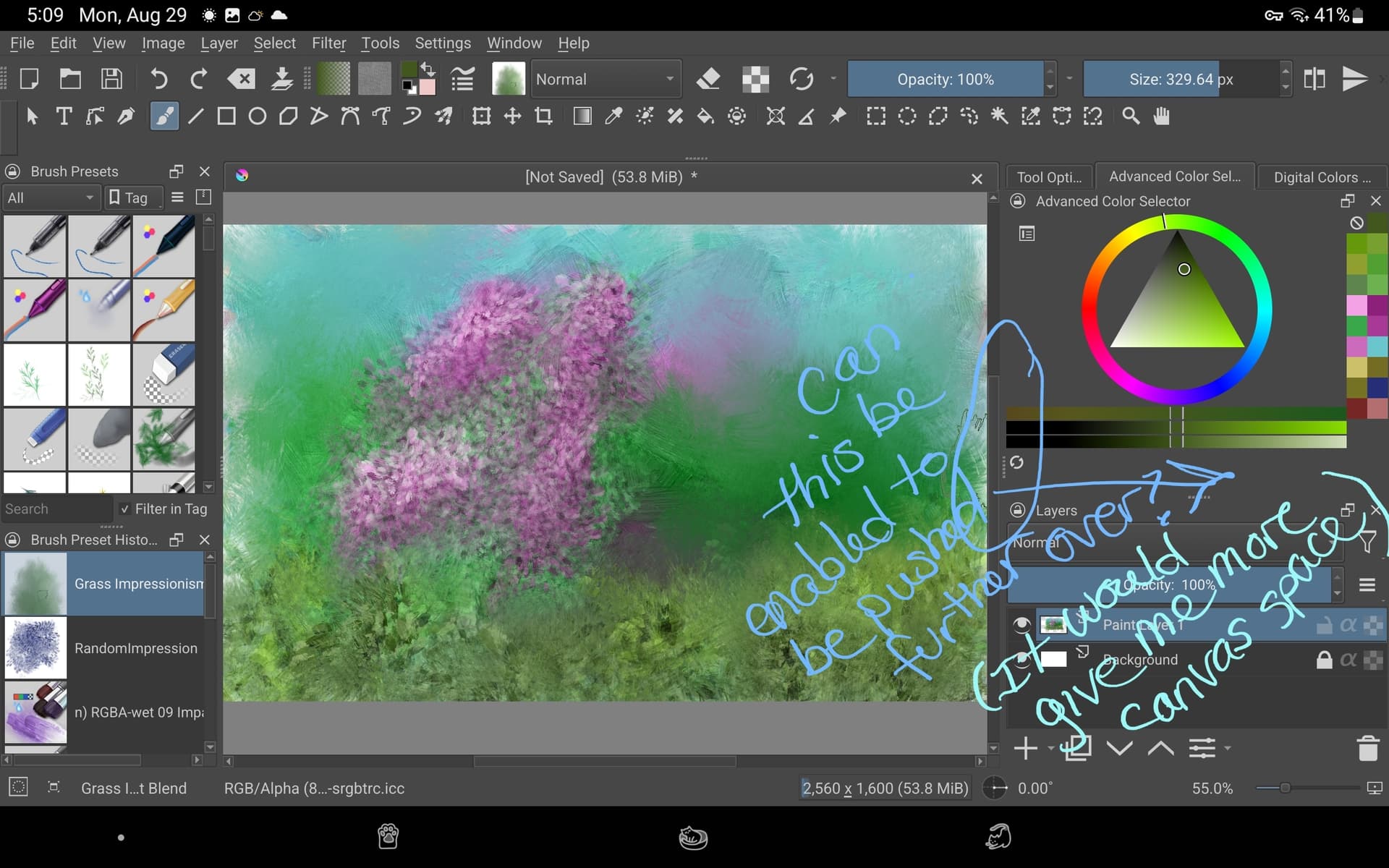
No, I don’t think so. this constraint is currently something that is set in code. You could check which docker out of them doesn’t get resized to a shorter size, if you remove it then it should resize to a shorter size.
Also, I checked there is no way to hide just the dockers using touch shortcut, would having that be helpful?
1 Like
You can close unnesesary tabs, that will reduce width
.
Hide dockers can be added to toolbar. This is my current setup:
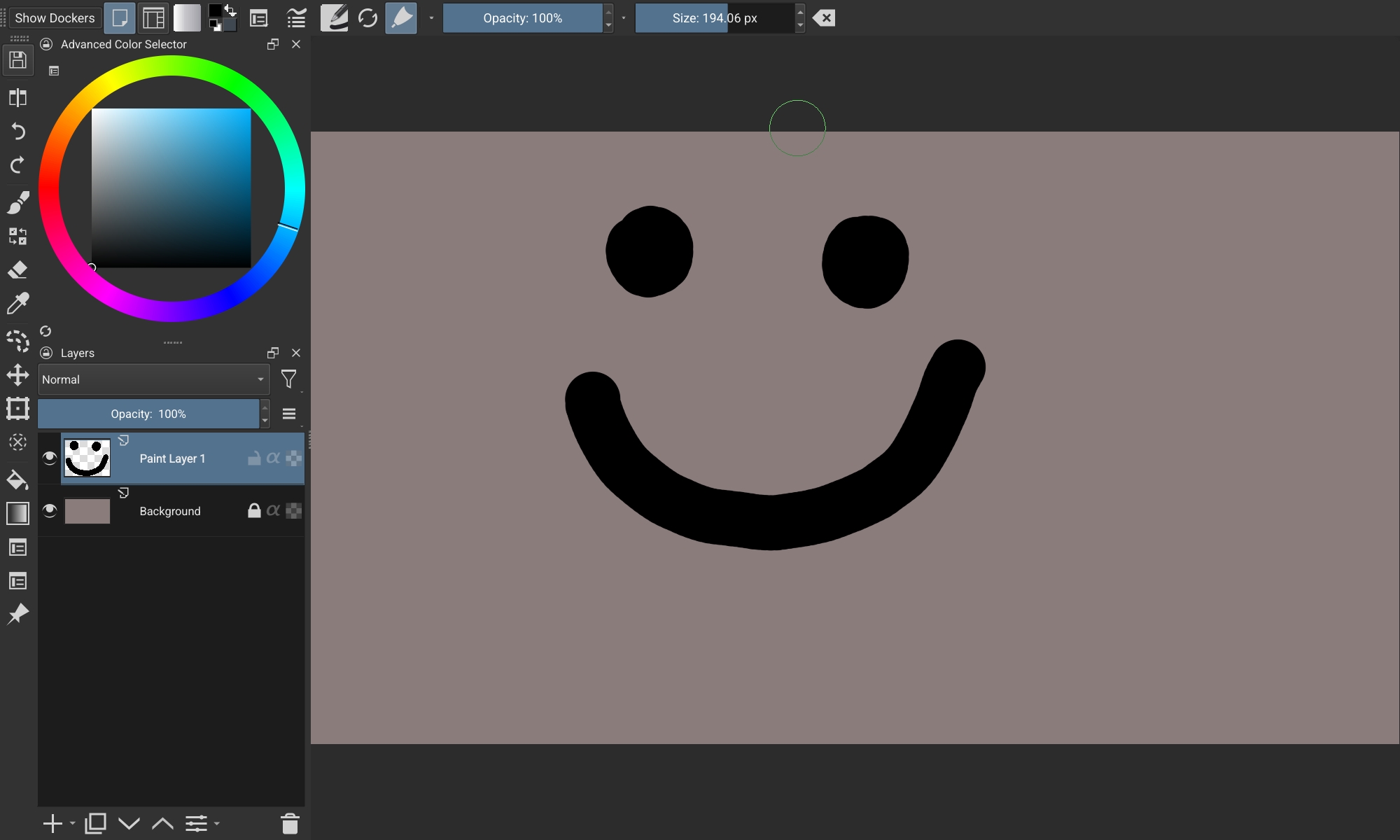
Further organization can be made with workspaces
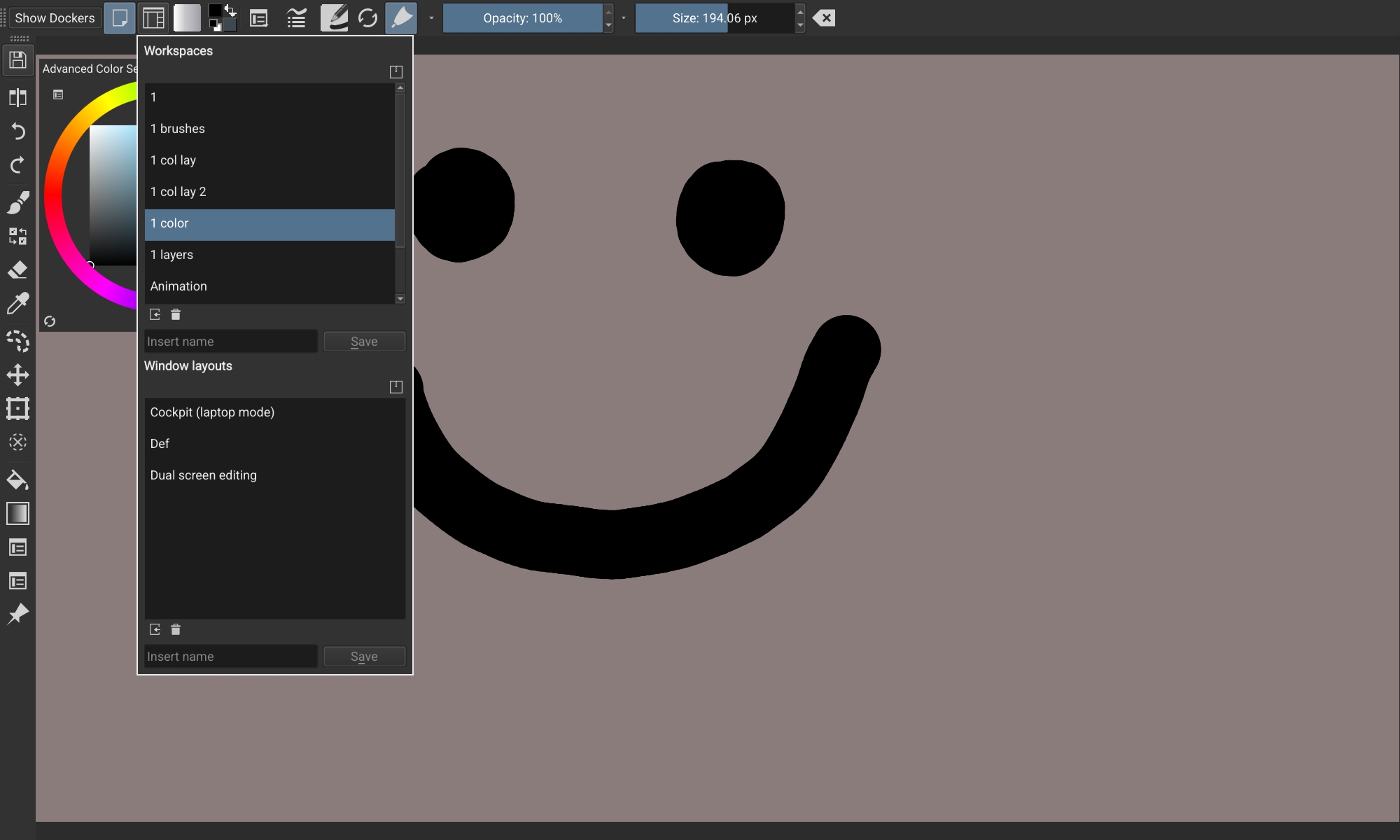
More tips in this thread Krita Setup Galaxy Tab S6 - Maximise Canvas Space - S Pen Button and Workspaces & More.
1 Like
Thanks you two! I’ll look into that. 
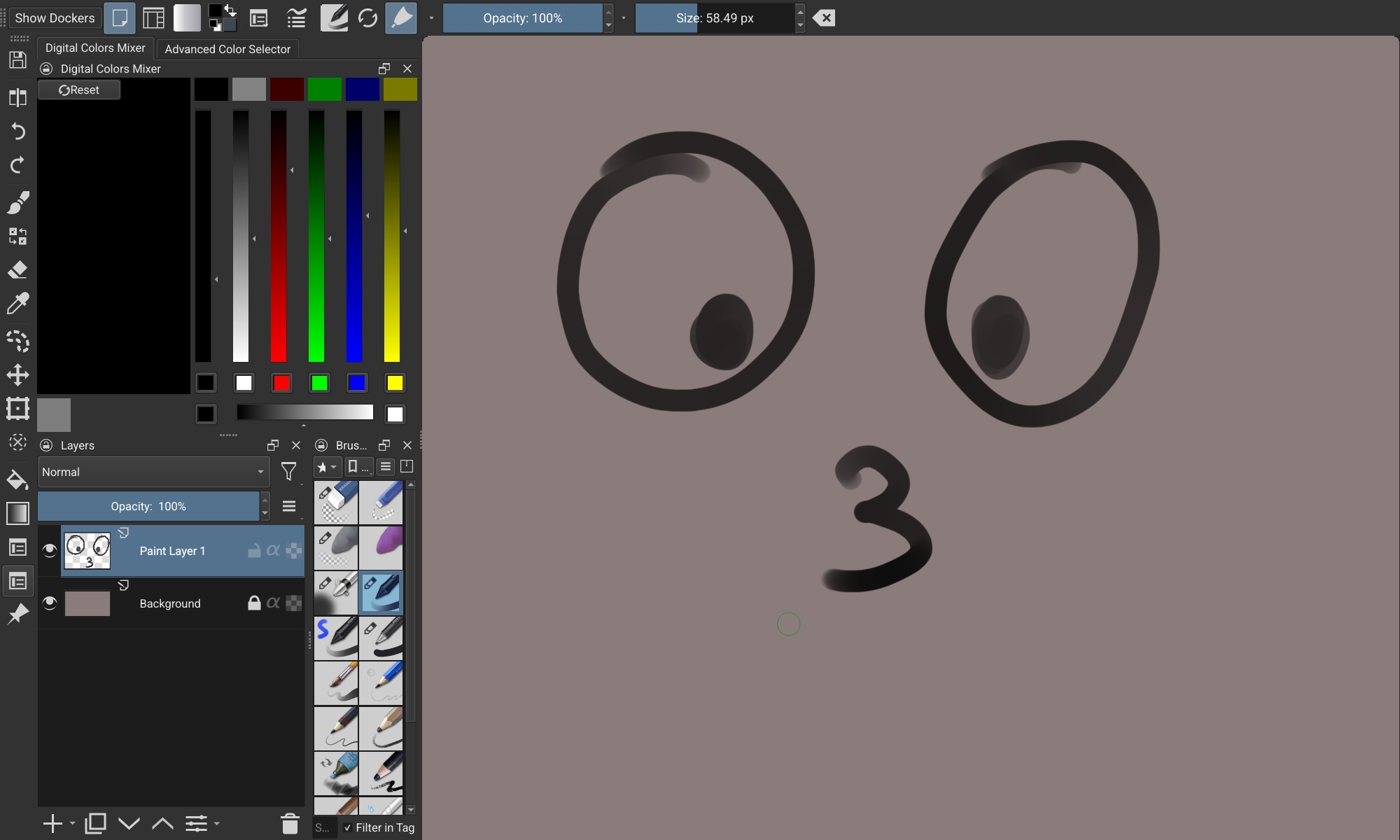
I found out it was the Digital Color Mixer docker that is wider than the others. I really like and use that one though so I guess I’ll just keep it.
I wish there were a quick button that I could put on the toolbar to show or hide it. (I looked at the configure toolbar option and most of the Show commands were text, that won’t do.  )
)
Yeah, one of my FR’s https://krita-artists.org/t/shortcuts-for-dockers-ability-to-put-them-on-toolbars/25822
For now You can try something like this
1 Like
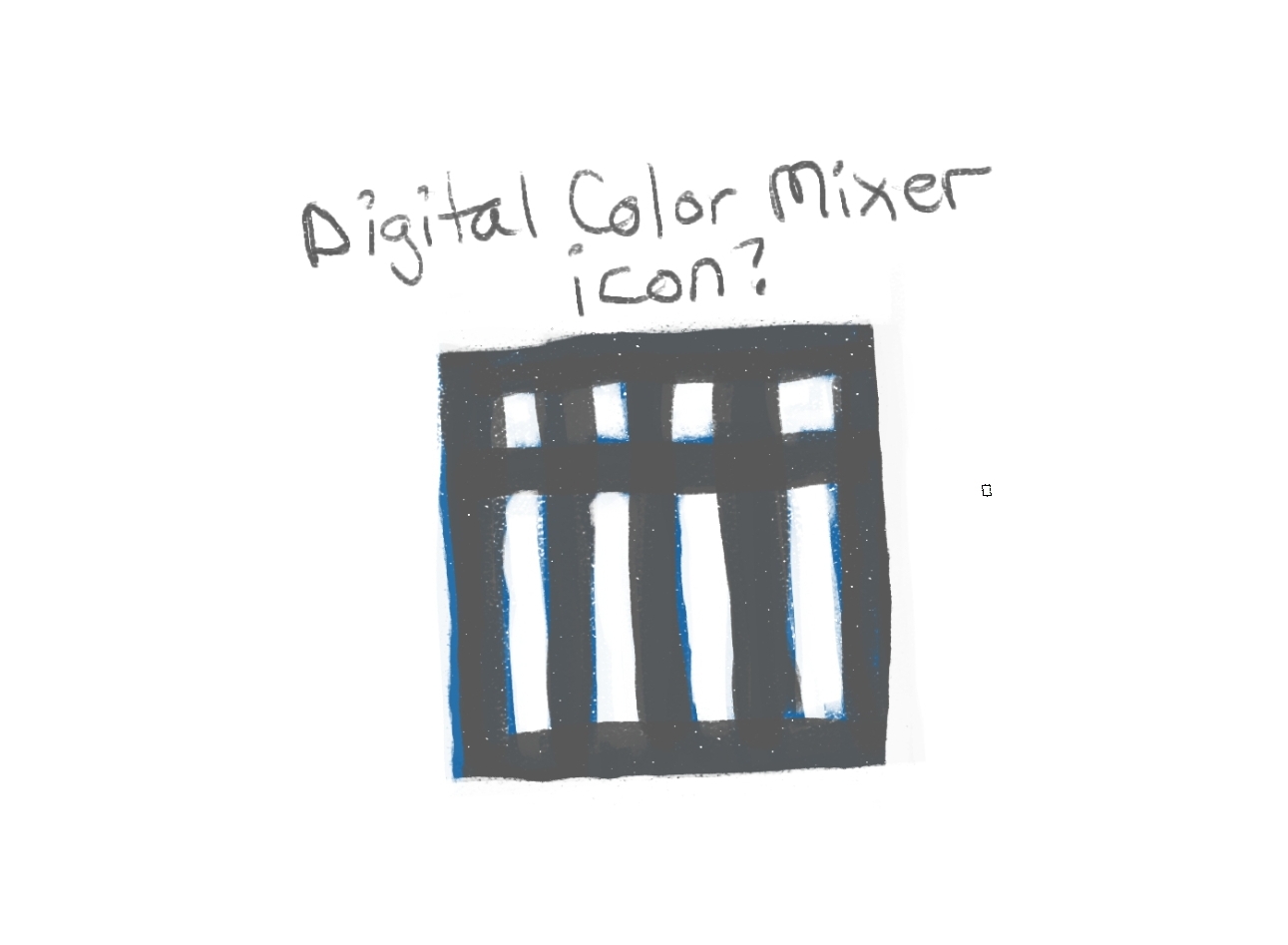
How about a Digital Color Mixer icon for the toolbar? It could look like this (but cleaner, of course.)
I use a lot more buttons them you do. Adding that would push a few off. I have trouble with the overflow of the buttons - hard to work it.