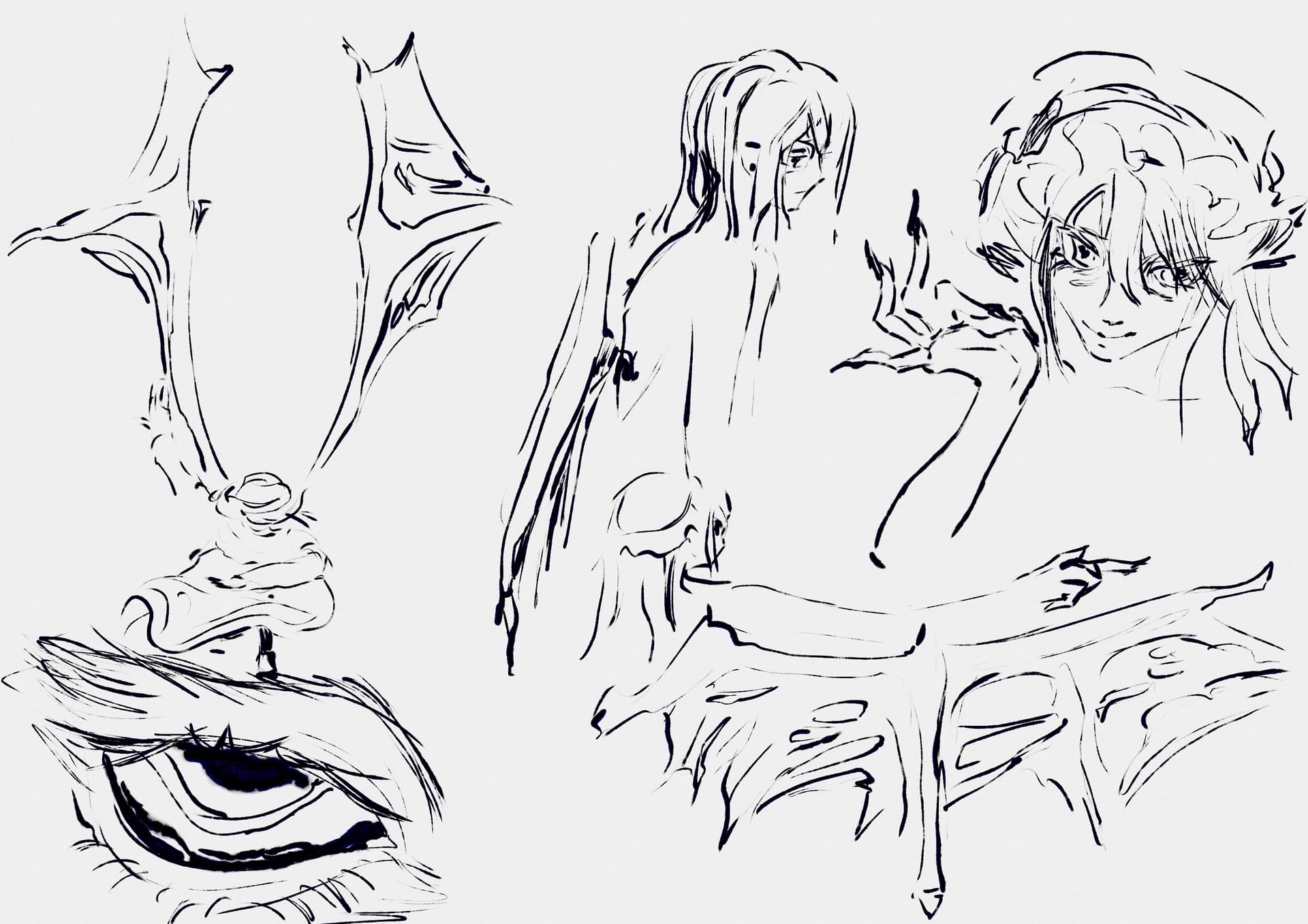
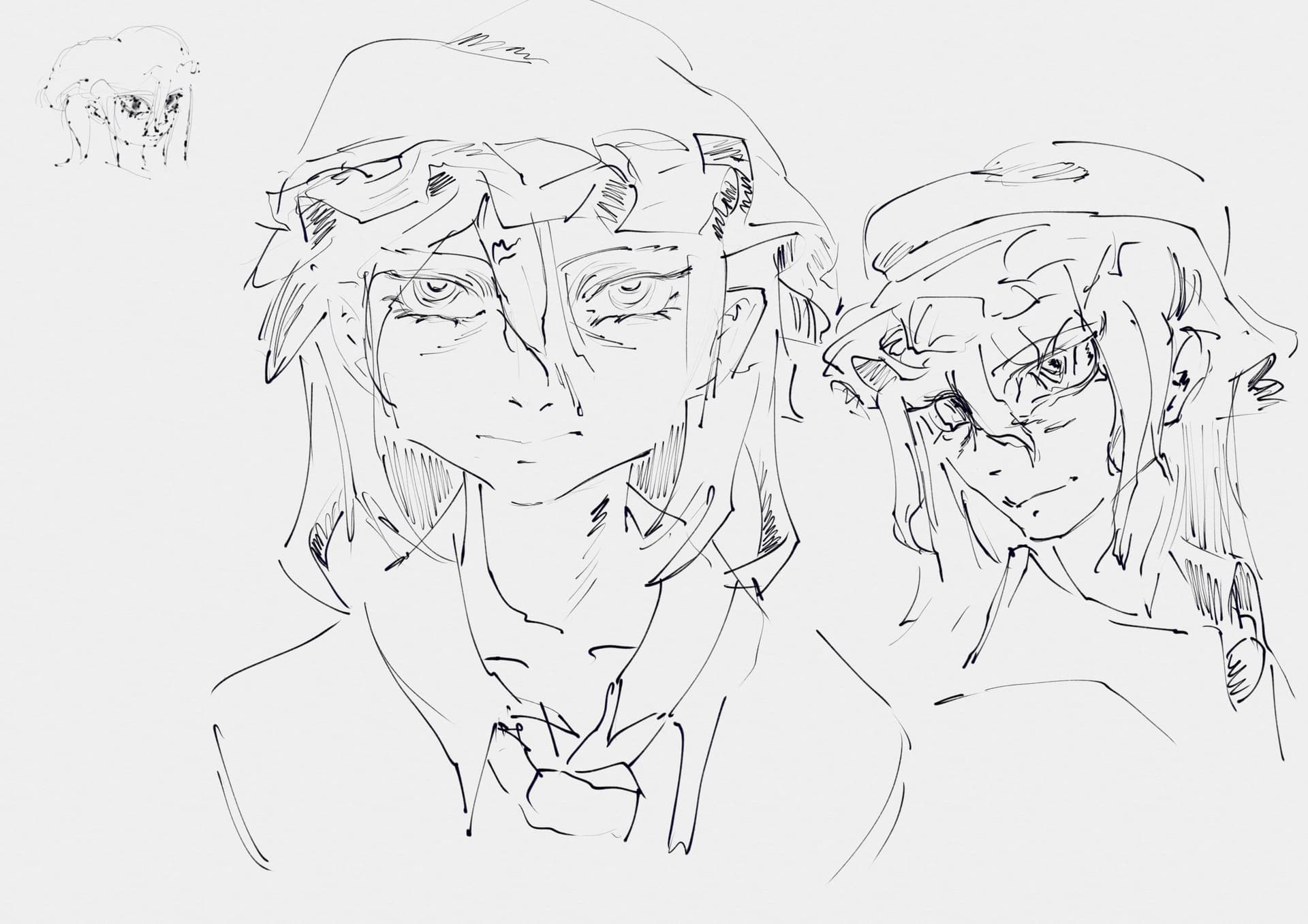
Not so hyped about Inktober? Maybe some new inks will provide a little motivation ✧(•̀ᴗ•́)✧
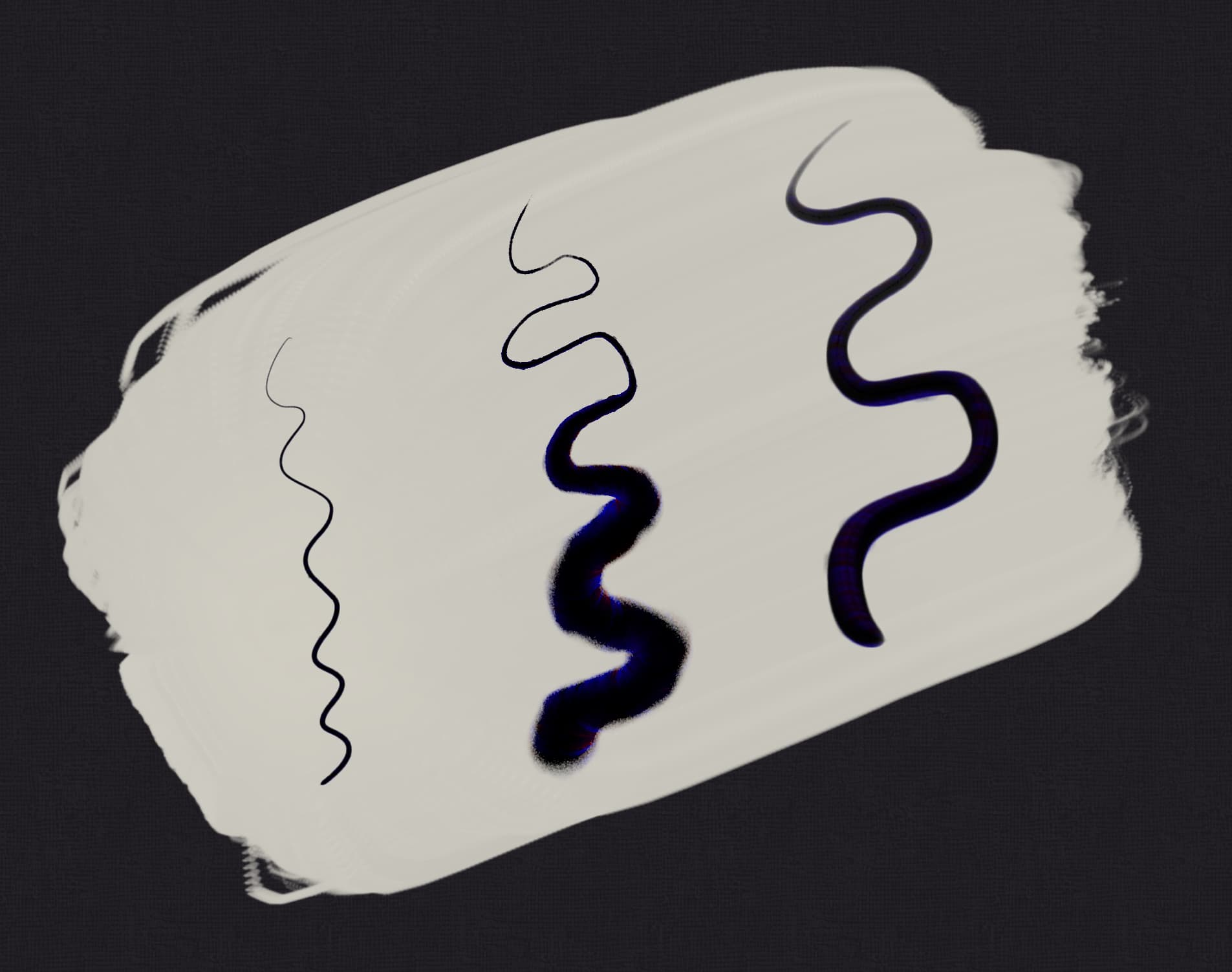
Download Here! : This is a set of 3 black (only!) inks, with built in dye-bleed effects.
⊰-⊱
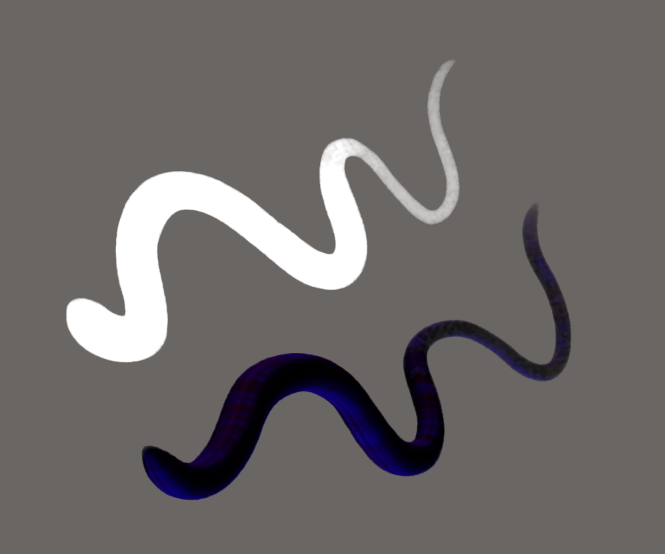
✦ Added blue/red chroma to simulate how colours emerge when you mix ink and water together. ✦ Responsive to speed and pressure! ✦ Simulates the slight randomness and unpredictability of natural inks, but balanced with accuracy. You’ll see subtle softness changes, splodges and other features.
⊰-⊱
How to use:
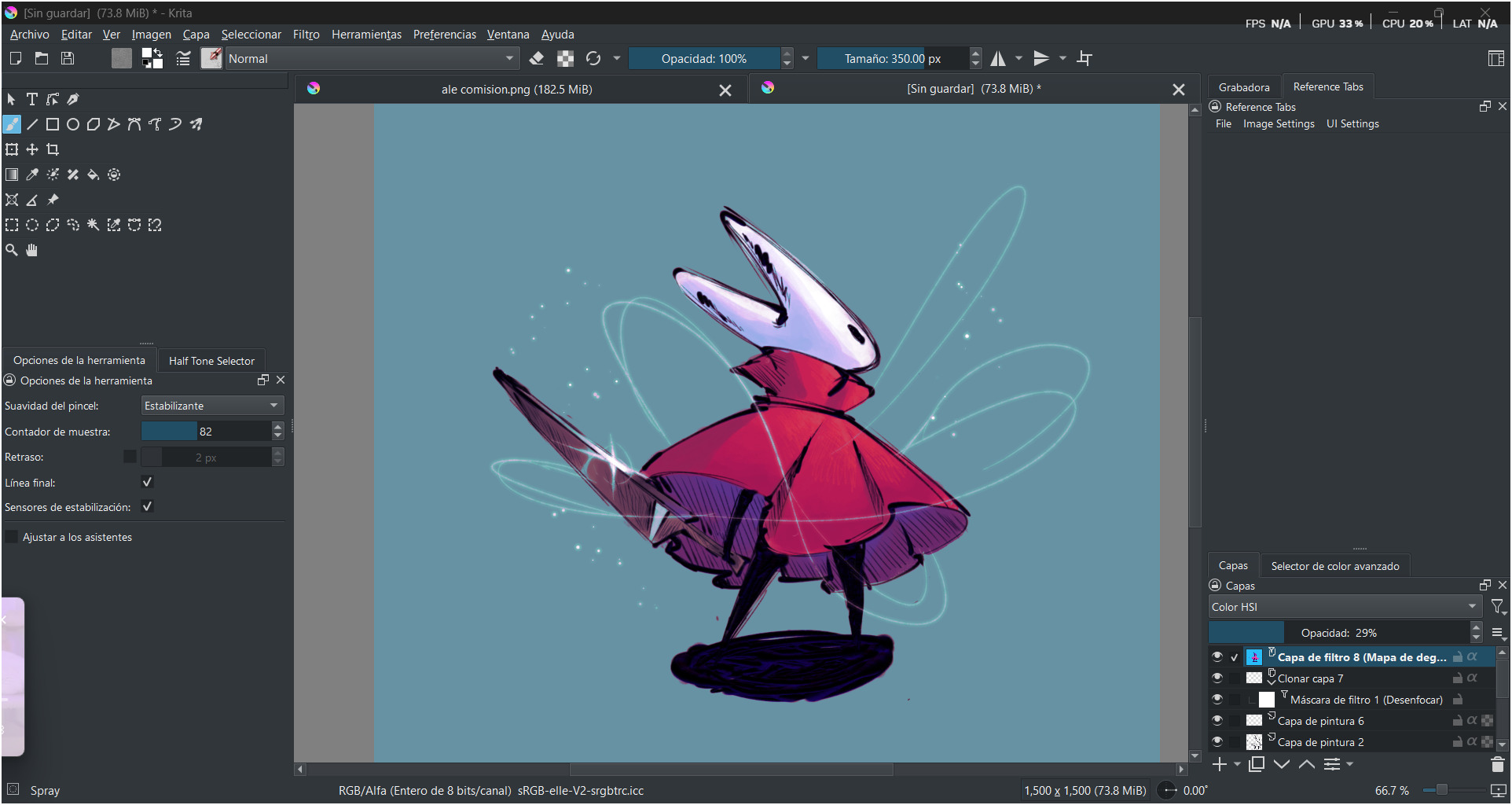
First install Krita and import the bundle (Settings > Manage Resources Libraries > Import, then close and restart).
Use as normal inks - there is a fineliner, and an adaptable hard/soft brushes to suit whatever you need.
Never worry about your colour picker again! For better (or worse lol) - these inks are always black.
⊰-⊱
Why still prerelease? It’s not pen-and-mouse optimised, nor performance optimised. I also have more coloured inks I’d like to do such as chinese brown ink. I’d love to hear your feedback on them! There also isn’t any documentation for it yet.
I really wanted to release all brushpacks with a PDF, since the community enjoyed it so much.
…buuuut, I just couldn’t find the time, it’s a hefty amount of work xD Instead of succumbing to perfectionism I felt it was more important to just get the free stuff out there for people ദ്ദി/ᐠ。‸。ᐟ\
⊰-⊱
P.S Super new to Krita and not sure how to install brush bundles? Have a look at this or the link below:
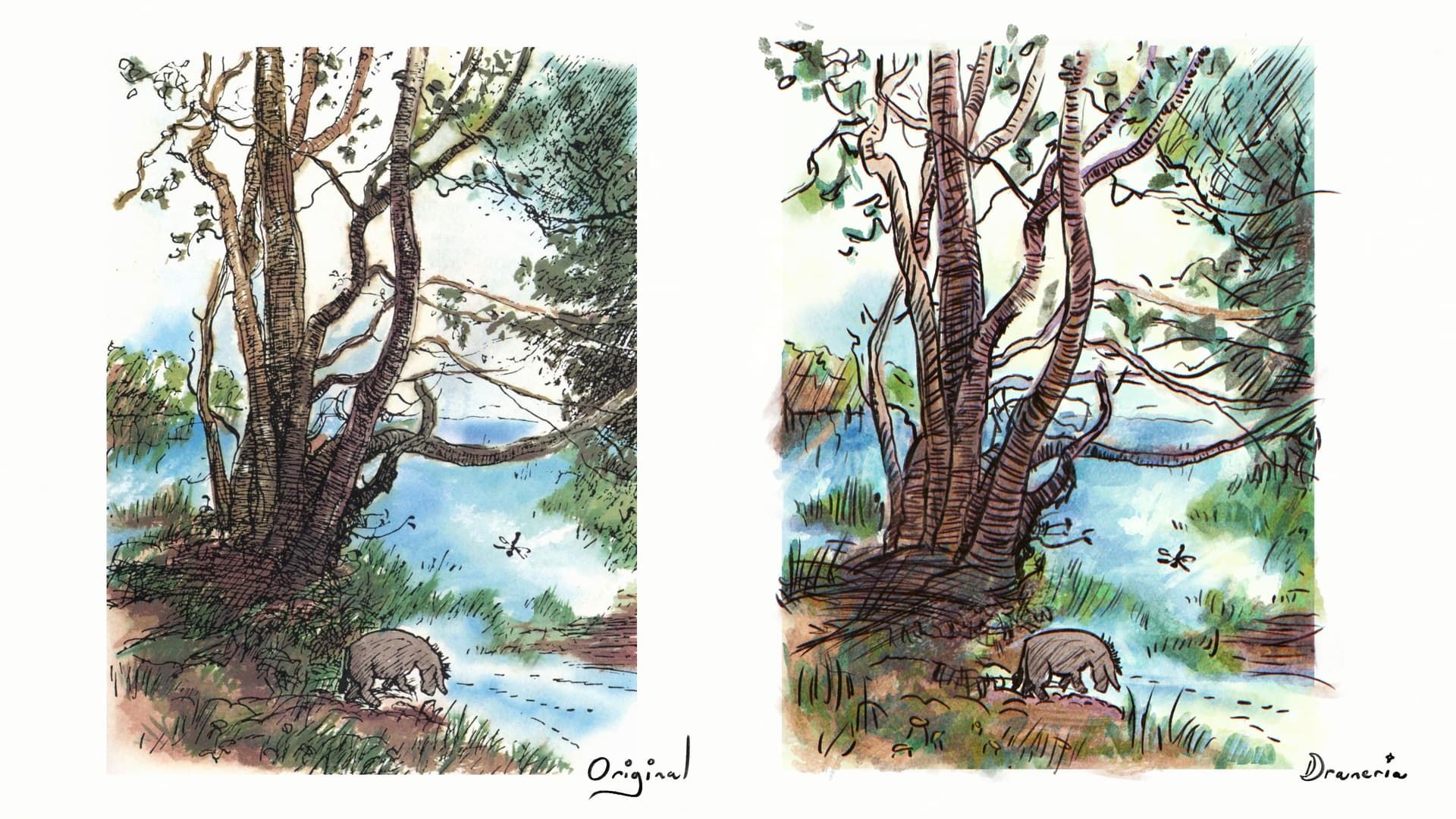
It was painted using the fineliner with a slight chromatic aberration filter, alongside the Krita default watercolours (kindly contributed by Ramon) and Pesi Watercolours.
WOW Thank you for sharing this!!! Honestly nothing makes me happier then seeing other people make cool stuff with my brushes xD
Would you be interested in having this artwork featured on my ko-fi? (any art made with the inks works too). There will full credits to yourself, and link to a social media/portfolio of your choice and his page has examples of how it works. Absolutely no pressure, either way thank you again so much!
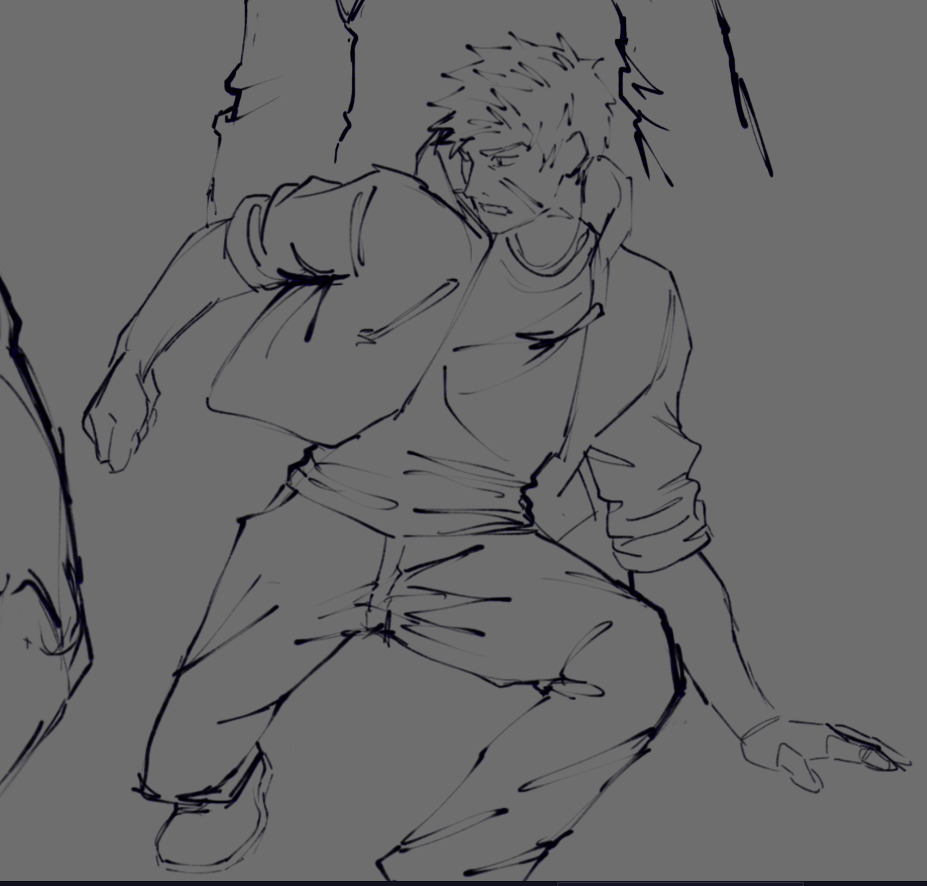
This was my result, It’s a really good brush, Even though I don’t have a great lineart technique, I loved the result
(P.S. I’m a huge fan of your work, thank you so much for everything!)
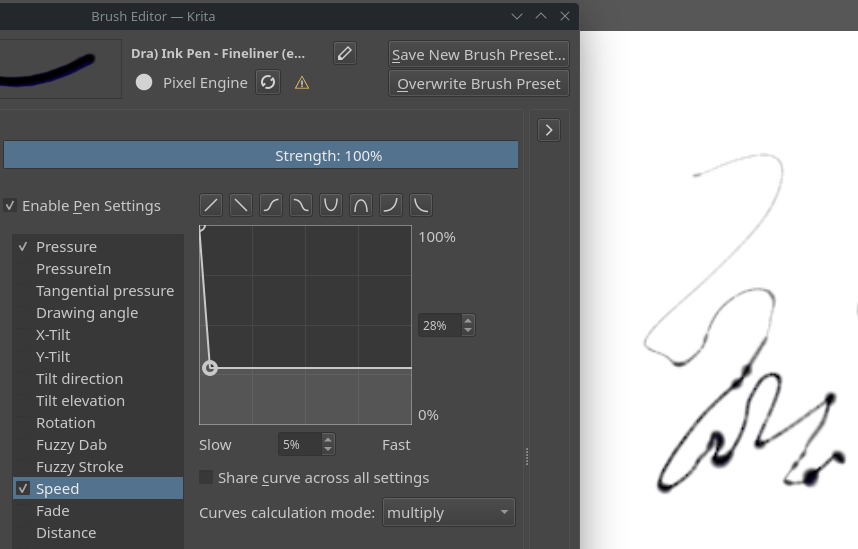
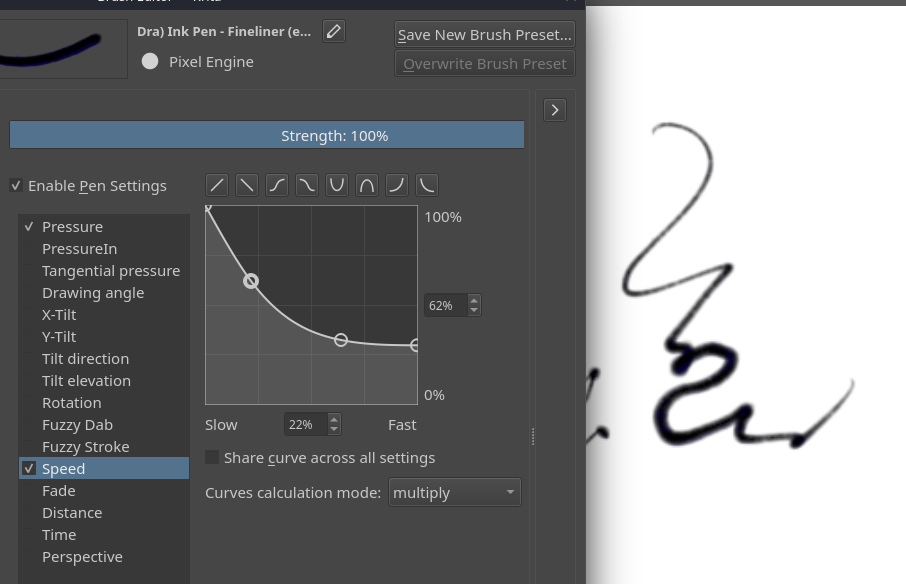
although i did change some settings:
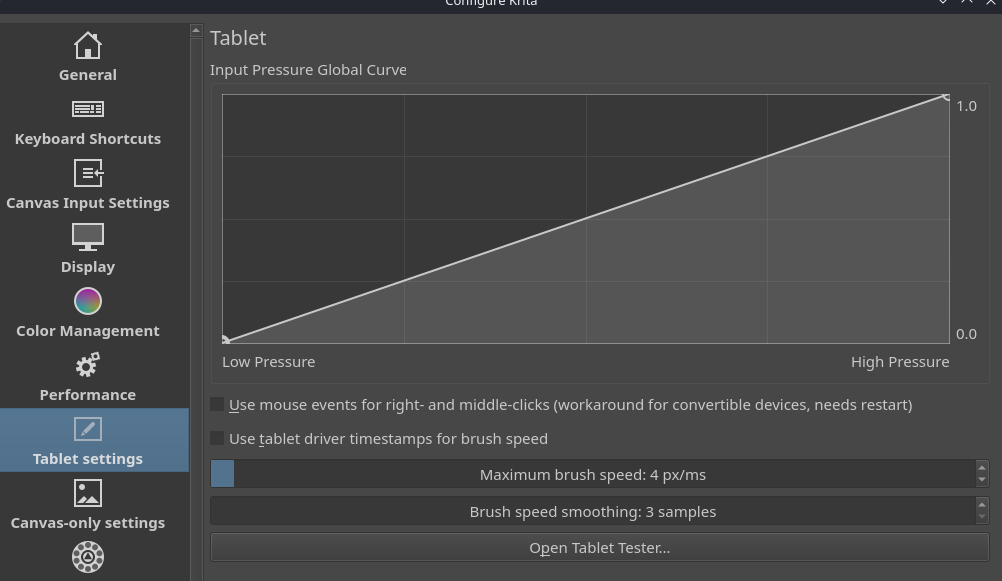
the speed was affecting the size a bit strange (i figured from the brush icons that it was not intended to be like that) so i changed the curve
i think the reason for that is my tablet settings
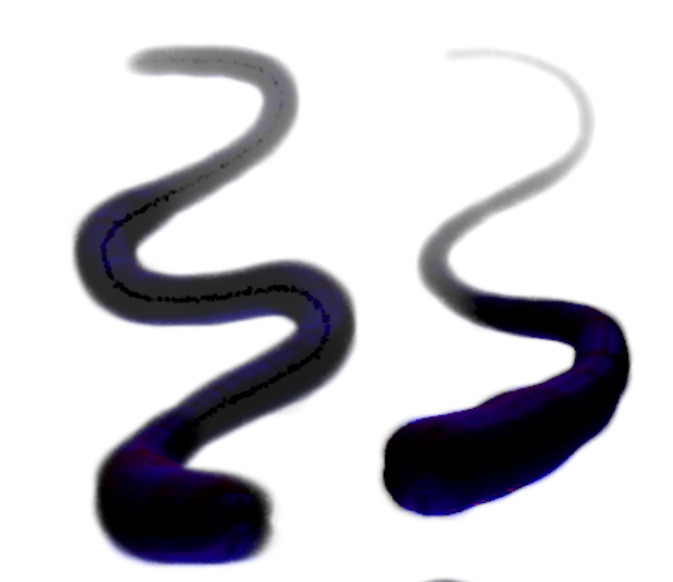
and also the thing that i noticed with the Ink Pen - Soft brush and thought was not intended (probably?) you can see on this pic below to the left is the small trail inside of a brushstroke. i changed the Masked Brush Brush Tip size setting, made it bigger to get the result on the right which i think (from seeing the brush icon) is a more intended result:
@GrayGGK wonderful, I’ll send you a link when the article is up in case you’d like any corrections!
@SoyFufu and @ramram Would you guys also like to be featured? Feel free to mention/post/dm whichever work (and link) you’d like put on display if so. Opening up the Krita forums and seeing these posts made my day Thank you too so much!!
As for the technical side - for speed it is supposed to be a bit of a harsh effect, but there certainly shouldn’t be blobs that are that blobby per se. Since you sorted it out on your own end I’ll keep an eye on it and see if anyone else reports issues with speed.
Soft brush: That odd inner trail thing definitely shouldn’t be happening! I’ll see what I can do to get that fixed ദ്ദി/ᐠ。‸。ᐟ\
Soft brush masked tip issue has been fixed - effect has been replaced with a subtle canvas grain effect.
Brush names have been updated, it’s better organised and no more ugly “(experimental)” lol
I’ve added a duplicate of each brush with colour enabled!
⊰•⊱
To upgrade/get this version, just download the bundle from ko-fi (same place as before), install it then disable/remove the original. Also the google drive backup has both of them!
 Download Here!
 : This is a set of 3 black (only!) inks, with built in dye-bleed effects.
 ✦ Added blue/red chroma to simulate how colours emerge when you mix ink and water together.
 ✦ Responsive to speed and pressure!
 ✦ Simulates the slight randomness and unpredictability of natural inks, but balanced with accuracy. You’ll see subtle softness changes, splodges and other features.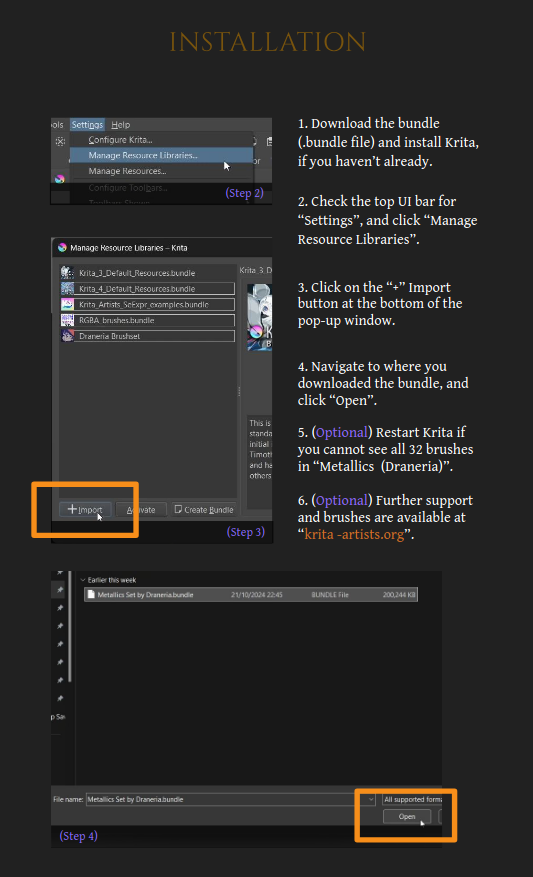
 :
: