No, you won’t be able to give Krita your artworks for it to learn quickly and make you a lineart in that style (it would have to be a type of input - which does indeed give me some ideas… but unlikely to happen).
It probably won’t be that nuanced.
If you donate some of your artworks for the training process, I guess it could skew the training a little bit in “your” direction - for example imagine a dataset full of line arts with very variable line weights vs a dataset with mostly just simple tapering off of the lines, while most lines keep consistent thickness. I don’t think it would change it drastically though.
You could train your own network or retrain the network we will make using your artworks. There will be code for that. Though it would probably require some technological knowledge and maybe even specific domain knowledge (like knowing that you probably should freeze all the layers except for last few for the retraining). I don’t think we’re going to have the feature of retraining the network in Krita - at least it’s not planned now.
No, it can’t. And how should an assistant tool do it, their purpose is a completely different one. Assistants help in a completely different way.
By the way, the AI used here is somewhat different from that kind of AI many of us dislike, currently, I am not able to see a danger behind this feature.
About the training data… Will there be sketches for us to download, redraw and upload? I imagine, that it will be the best for training, if you have the same sketches but lineart from many different artists.
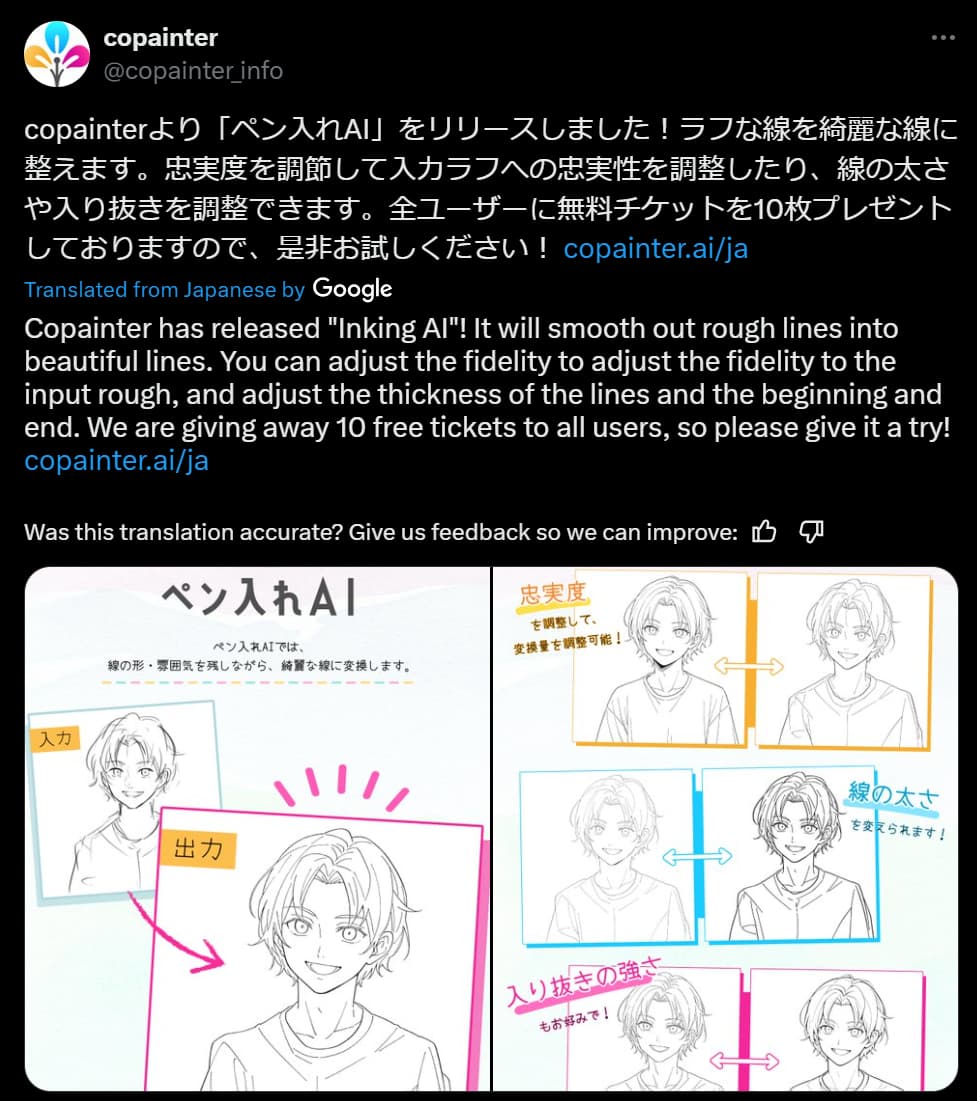
Have you guys heard about a similar ai thing making the rounds on twitter? It’s called copainter and it’s claiming to be able to transform sketches into finished, lined art. https://x.com/copainter_info/status/1805069584548176068
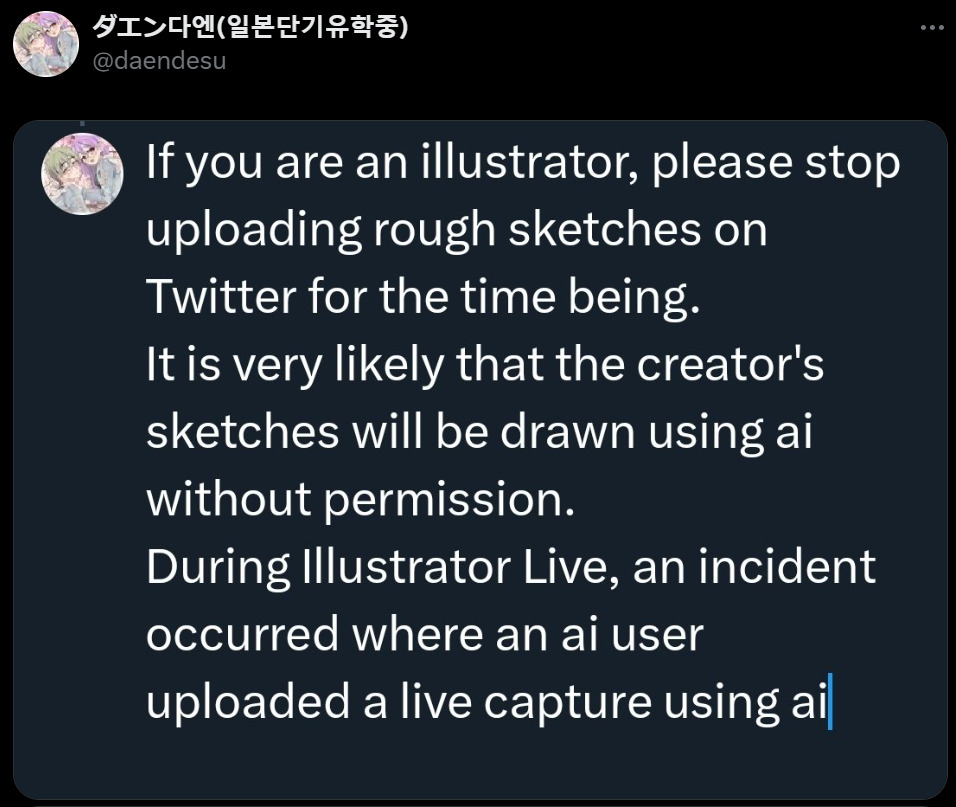
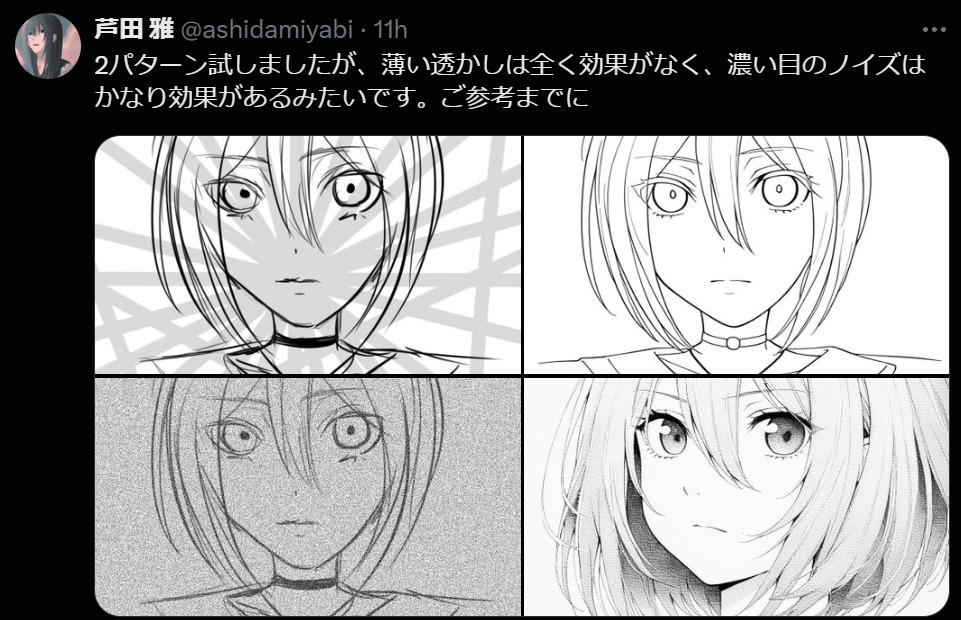
A lot of artists are understandably concerned that malicious people could, as an example, take a commission artist’s sketches and get them completed somewhere else. I do remember a case similar to this already happening with an artist livestreaming on twitch and someone using the sketch as a seed for a finished ai piece. Many users are already coming up with ways to circumvent this such as by adding noise filters to the sketches before they’re posted.
twitter user experimenting with noise filter to circumvent copainter
The general vibe I’m getting from artists is more concerned than excited. I’m a little apprehensive myself. As much as I’d love to see more tools that relieve the tedious parts of creation I don’t think fast line art fits squarely in that hole.
I’m really uncertain about letting a tool like this get unleashed. Like it’s already out there but having it in Krita (which is free and not a subscription thing like i believe copainter is) would simply make it more accessible to bad actors.
I don’t have any answers myself and I know that Krita team has always placed artists first. It hurts to see people scramble in panic every time something new comes up that could affect artists and their livelihoods. Do you think there could be any way to assuage these fears?
How clean must the sketch be to be of use for Copainter? For what is proposed here the sketch, at this point, has to be so close to the finished line art, that all it would save is tracing over it (basically), which everyone already can do without any AI or art knowledge. I can totally understand the fear though, since it makes it so much easier.
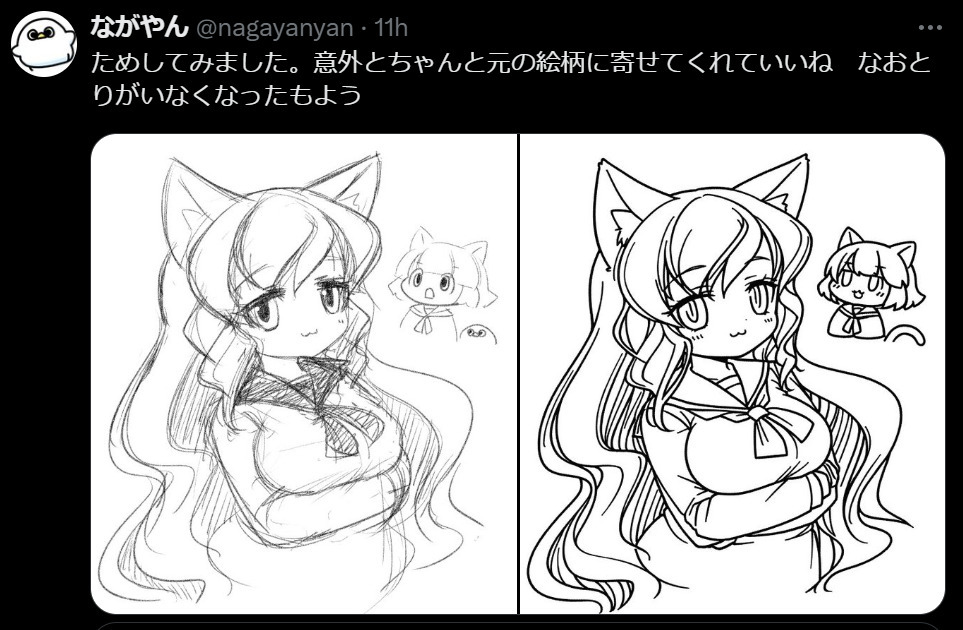
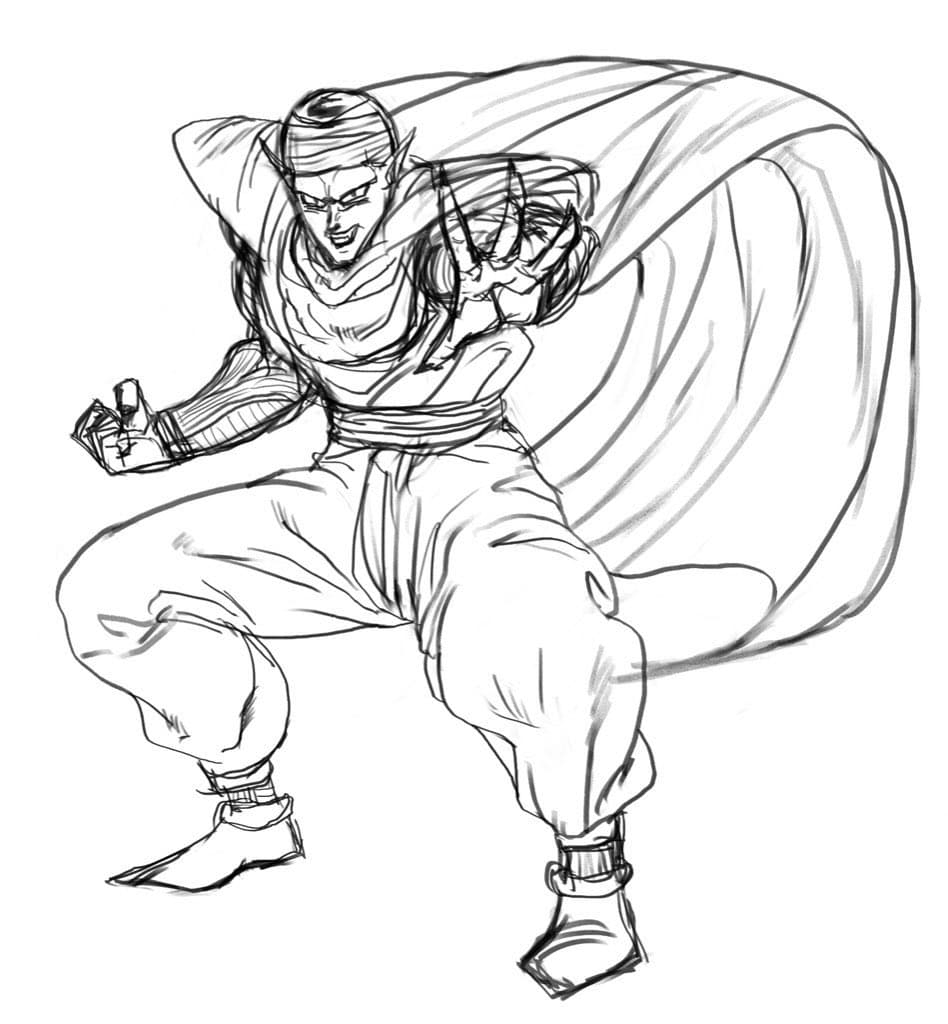
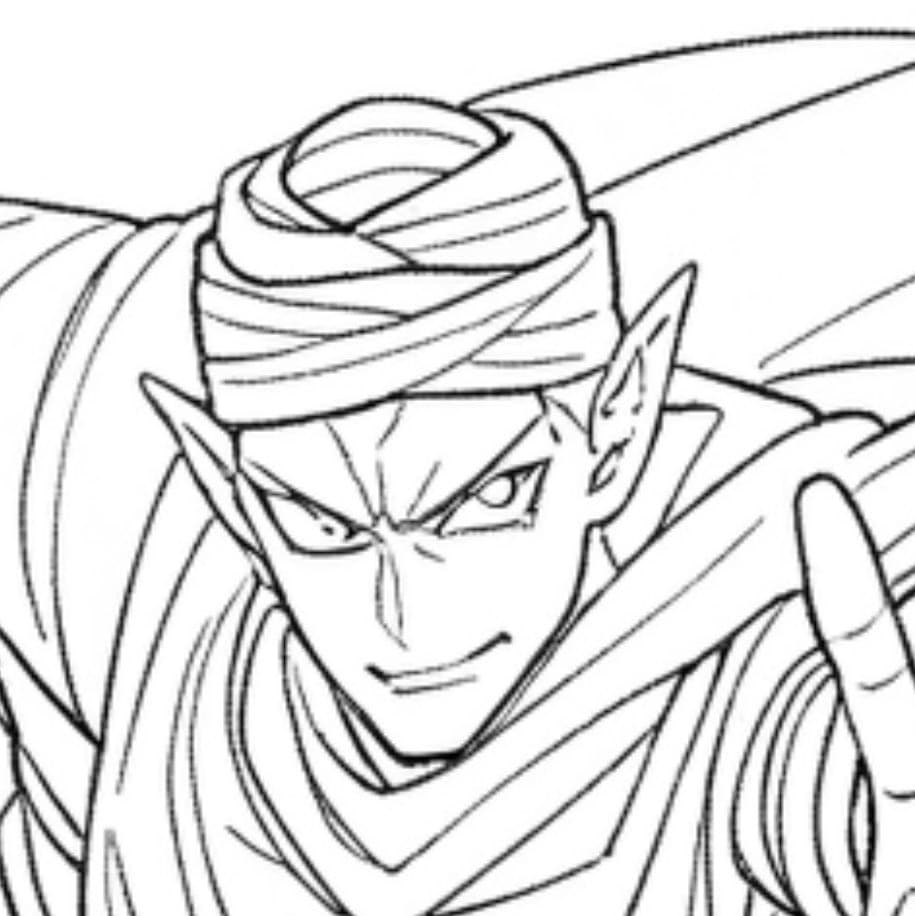
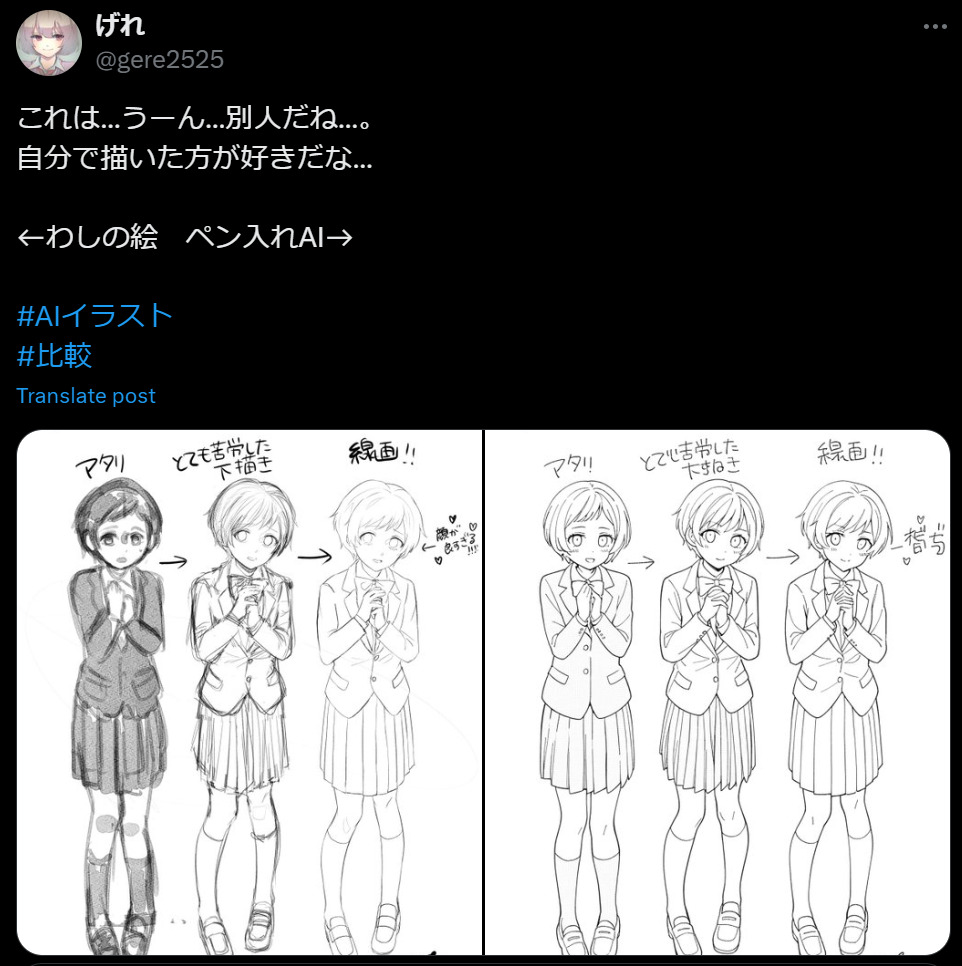
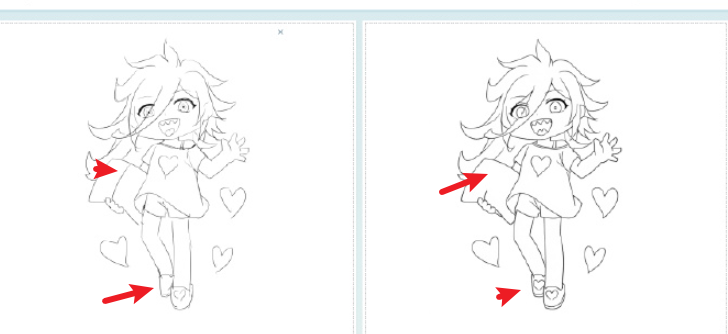
I think it does not have to be very clean at all, although the rougher it is the more likely it is that the ai will simply make up details. I’m not willing to feed the ai so please excuse me using examples from users who have tried it: https://twitter.com/nagayanyan/status/1805428932701044818
We can simply make a restriction, that only drawn layers can be redrawn.
Importing an image as a paint layer will not be considered as a reference layer. But then again, krita is open source, so those guys will just have to rebuild it without restriction… so let’s ignore the restriction.
Well, either way, this technology already exists, and if someone wants to steal you art, they will. That is the sad truth.
That’s a bit cynical take but I understand. Artists have been disrespected for centuries its nothing new. I just don’t want krita to introduce more harm to the world is all I wanted to get across. I hope you have a wonderful day.
I am very interested in this project and will gladly follow the news on its development. In fact, I bumped into this thread while working on yet another incredibly clumsy sketch that I’m far too lazy to properly outline by hand, LOL.
I’ve been seriously researching a lot of AI possibilities for actual enhancement of already existing works and/or works in progress, and I am very happy to know you’re working on an excellent tool that might speed up the whole process for me and possibly the other artists, too. Because there ARE, indeed, incredibly tedious aspects in creative work. I am now glad to know that I won’t necessarily have to trace my linearts through Inkscape’s Trace Bitmap function in order to quickly refine them and get a result I kinda (maybe probably perhaps) find acceptable.
I just have a quick question. My sketches are usually incredibly dirty and have multiple thick lines on top of each other just because, when sketching, the only thing that matters to me is the approximation of where the final line should be; I do all the refinement when I work on the final lineart.
So, how “clean” should the sketch actually be to be “traced” properly? I understand that post-tracing refinement by hand is necessary though.
I suspect it would be very dependent on your actual material. The cleaner your sketch is, the better the result will be. And it’d be up to you to be satisfied with it or not.
I have some questions regarding the drawings that will be used;
Will there be some sort of tag, like “fastlinetraining” or something like that, to show that the drawing in question can be used for such?
Would it be more efficient if the “training art” looked like a messy geometrical scribble? Something with a lot of angles, curves, dots, and random lines?
 Hello
Hello