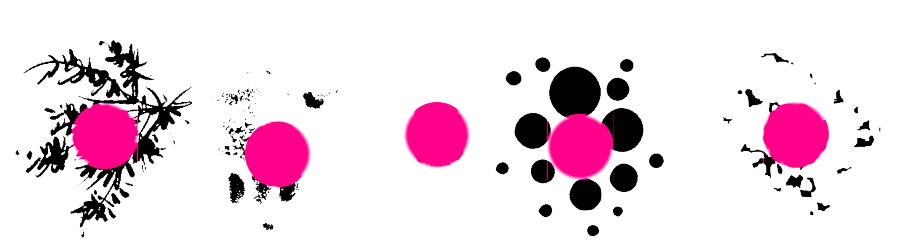
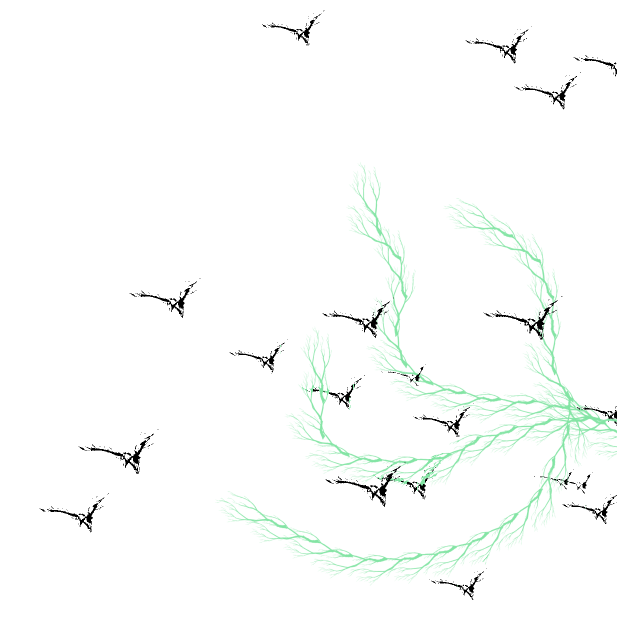
My English is not good, I use Google Translate
I use steam version 4.4 of krita
There are some black textures around the color dodge mode of the mask brush, which does not match the preview
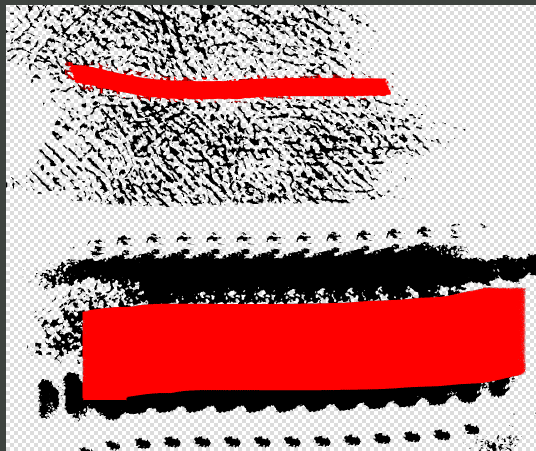

My English is not good, I use Google Translate
I use steam version 4.4 of krita
There are some black textures around the color dodge mode of the mask brush, which does not match the preview
What is the radius of the main brush? It might be a bug and if it can be reproduced by everyone then I think we can report it.
What is the name of the brush you are using. If you have made the brush yourself is it possible for you to upload it somewhere on a cloud service and give the link here? So that we can test it.
This phenomenon occurs with any mask brush using color dodge mode
The basic-2 opacity of 200px is used here
I also found that this will only appear when the strength is greatest
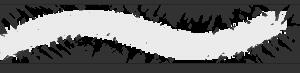
Mask brush
Color Dodge mode
The brush mask is very large
Opacity 100
Thanks I will check this out and may be report the bug. If you have time you can report it too at - bugs.kde.org with specific steps and details to reproduce this. Please link the bug report here so that others can track it.
Sorry, the language problem confused me a little. If you have time to help feedback, thank you very much
ps. Although this is a bug. But it can do some very interesting effects. The main brush and the sub brush use different parameters.Can be connected separately or scattered. Maybe it is not bad to change it into one function?