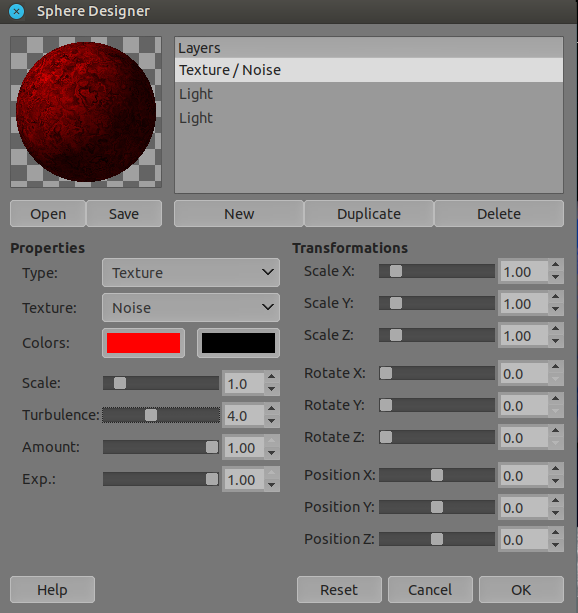
Perhaps that wasn’t finished and made available as a usable plug-in? @EyeOdin would be able to tell you that.
In the meantime, you can run krita and GIMP at the same time and Copy-Paste selections between them.
Or throw Exported .png files between them and open the .png files as new layers in the destination application.
Hey, I did something with a sphere but it is pre rendered. You can’t generate new ones with it.
The sphere I did is a colour picker under pre made lighting conditions and you can adjust the colours with a fake baked light from the mask. The original sphere was made in Blender where I rendered it and then made each pass into a layer. All layers composed give you the Sphere colour picker. So it is a fake sphere in 2d. I wanted to make more objects just have not decided on what.
If your curious abou it is in the pigmento plugin in the OBJ panel.
The panel is the GUI section to select colours. You have various modes for it like RGB, HSV and such and the last one is OBJ as in object and the default one is a Sphere.
If you know how to make masks you can edit those is User and have your own object picker. The manual explains the layout order and such. You can make any shape really and paint the mask after on the fly. It’s funny I still need to make a tutorial on it better later on though.
But the jist is go to the user folder edit the images inside it, save and let it update. The select a colour for that mask you saved