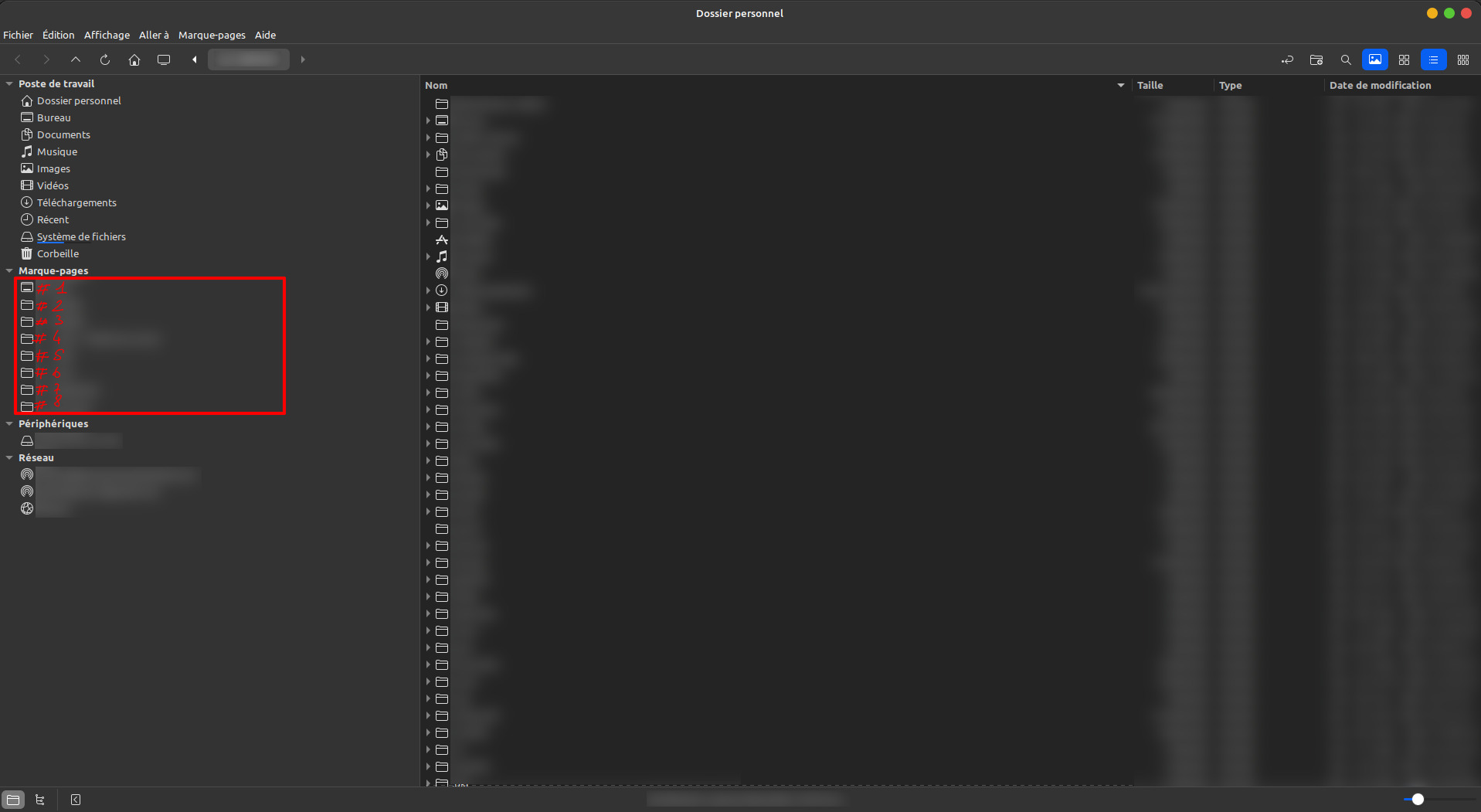
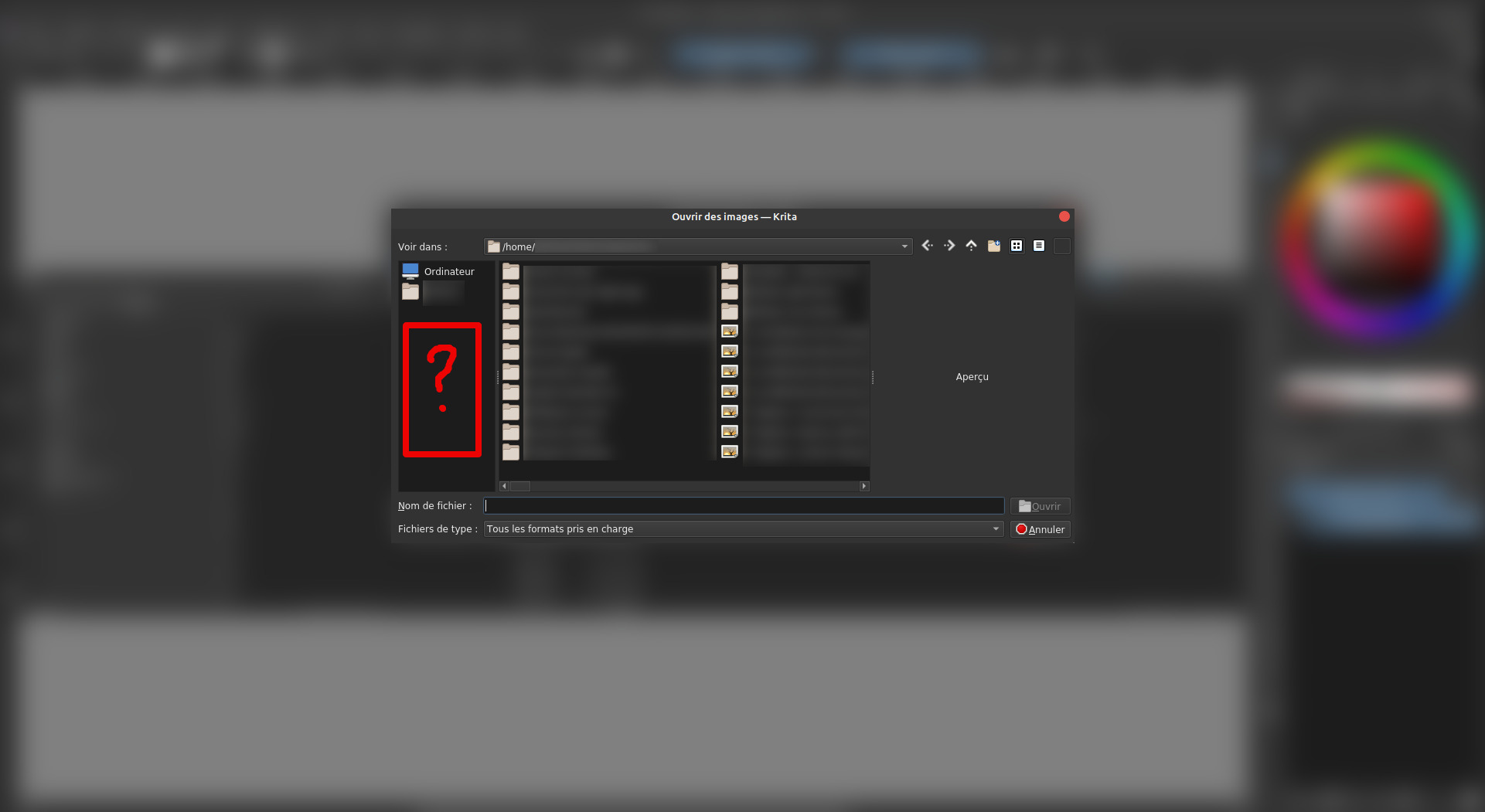
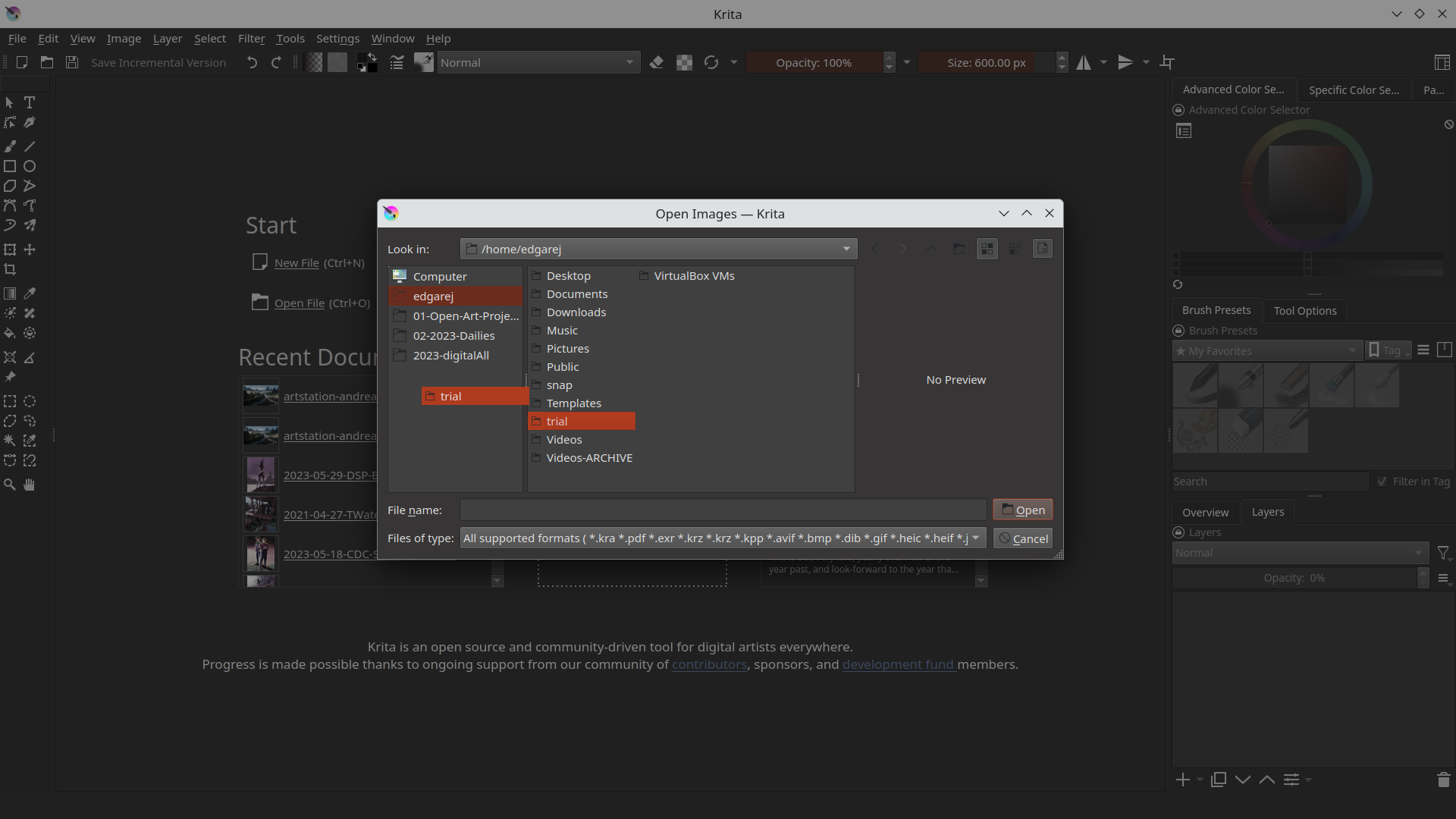
In Krita under ‘‘Settings’’ >> ‘‘Configure Krita’’ >> ‘‘General’’ in the tab ‘‘Miscellaneous’’ you can enable/disable ‘‘Enable native file dialogs’’, this should do what you want, but it is reported to not work on every system.
It specifically doesn’t work with the appimage, because the appimage contains its own version of Qt, which means it cannot load the distribution-wide platform plugins – and those provide the native file dialogs.
It’s a limitation that’s unfortunately impossible to lift.
What is the difference between the Appimage version and the Flatpak version ?
I’m just seeing right now that i can Download Krita from the Native Software manager, so everything will be the same except i could have the native file dialog is that correct ? (it is currently greyed out as i’m using the appimage i guess)
You can try the flatpak version or the version from your distribution’s repo. If you are lucky, it will work for you. I’ll guess that you can use your file manager using it.
But I’m honest to you, the repo versions are the versions responsible for most of Krita’s “problems” from Linux-Users, at least that is what users state when they come here and ask for support, in the end it is very, very often the incorrectly built version from the repo. But not a bug in Krita. LOL
The problem is that at least the repo versions are quite often missing this or that because the repo maintainers didn’t follow the build instructions. For example, they leave out G’MIC, and when you ask them about the missing G’MIC in their versions, they say they “forgot” it, “because G’MIC was always an extra package” blah blah, yes it was, but now it’s part of Krita, but apparently they didn’t read the build instructions again, because, they did before.
Another thing that some don’t seem to consider are a few libraries that were patched specifically for Krita. They use the standard libraries!
These are possible issues you might face if you don’t use the AppImage.
That’s why the AppImage is the recommended version, it’s made by the makers of Krita, and everything you need is included in an AppImage.
But you can find working repo-versions. Until I switched to the AppImage on Linux, I always used the Repo version of SUSE-Linux Tumbleweed, and didn’t discover any difficulties. There are also well-built versions.
I can’t say much about Flatpak, since I only know that it exists and what it is (I’m mainly using Krita on Windows, Linux is only installed for support purposes), but also many problems of Flatpak users are solved the moment they switch to the AppImage.
I’m not 100% sure what you mean with “pin your files in your file manager”, do you speak of Quick-links, a jump-list? From what I just have seen there, I would say that it is not available.