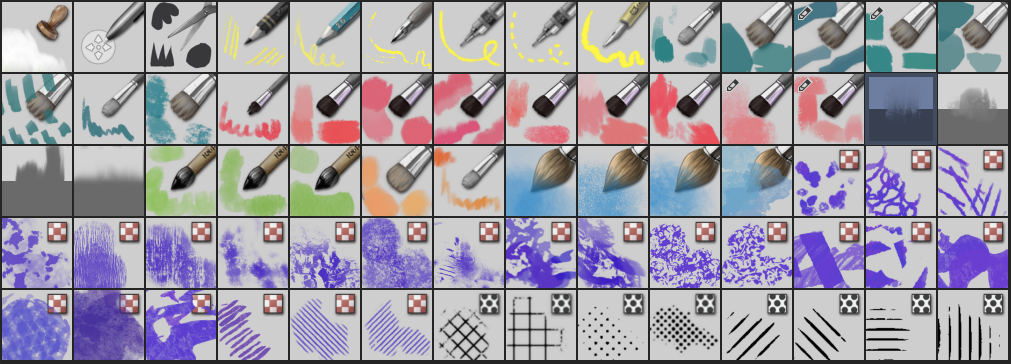
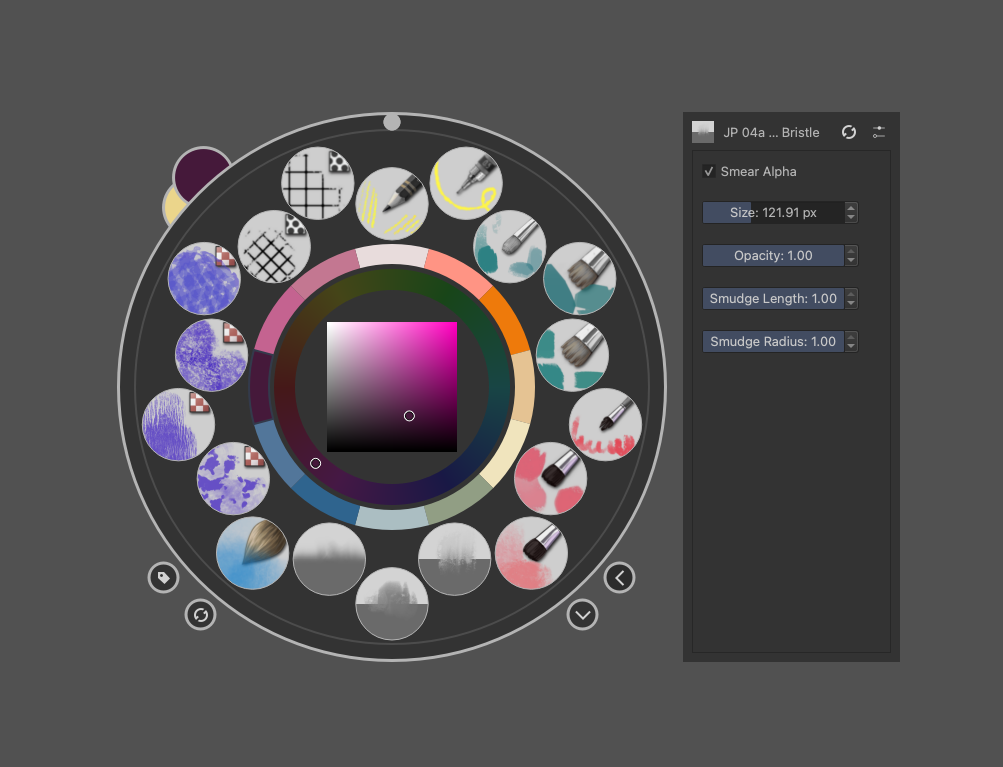
I updated the original brush set to include the additional brushes. I also updated the naming system to be make it easier to sort the brushes or add to a category. It now includes 70 brushes. To keep it manageable, I added some additional tags for smaller sets.
I added several more texture brushes to add various effects and add depth. I also included a set of Blocker brushes (green) that don’t have color mixing. These are meant for quick painting and can be used at larger sizes. I tweaked these to include some texture too. These work well with the blender brushes (which have new brush icons to make them easier to recognise).
The brushes are organized in 9 categories:
00 Special Utility
01 Draw
02 Blocker
03 Gouache
04 Blenders and Smudgers
05 Watercolor
06 Oily
07 Wash
08 Texture
09 Grid and Halftone
You can download the Bundle file here: Drime
And my Textured canvas template here: Drime
These brushes are free to use and share and can be used for personal and commercial work.
I hope to update the documentation file too to include the new brushes and names.
…
As this set has grown quite beyond what I originally planned, I decided to create a small selection of brushes (12) from the larger bundle with what I consider my most useful brushes for 90% of my work. If you download the big bundle, this smaller set is tagged “JP Essential”. If you want only the smaller set, download them here: Drime
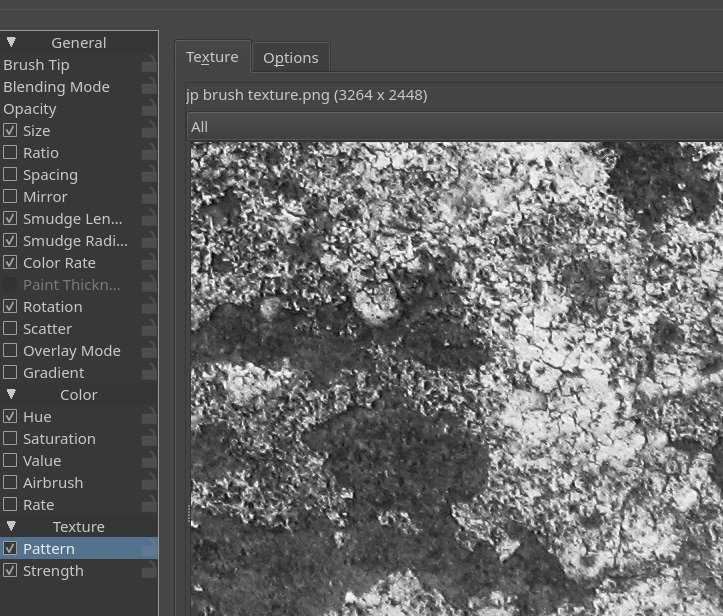
i have a question what if i want to lower the resolution of a pattern (look the screenshot) then where i can find it? i didn’t find it in the “krita/patterns” directory
I am not sure what system you are on? But if you go to under Settings > Manage Resources and select patterns, you should be able to locate it. If you are in the Patterns category, You can choose to show the resource folder. I am guessing it is in the Patterns folder (it is in my case).
In the second dropdown menu, you should probably select the associated bundle for the resource to show? But as I create the resource I can not test how it would look on your side.
I have a question to the devs or other brush creators: I created the bundle and installed it on another computer to test. It seems that at least one resource (brush tip)was not correctly transferred, leading to a brush that does not work correctly. I have not been able to test all of them yet, but I am a bit concerned that other brushes might also be malfunctioning.
I did not get any notices or errors exporting the bundle, so this has caught me by surprise. It is perhaps a problem with the way the resources are named?
When i create bundles i remove temporarily the Krita user folder and Local files located in Appdata/local in my machine relative to Krita. So i started with a “new” Krita simulating i was another user.
When a brush give me too much problems I create a copy and assign the same resources.
Maybe this helps? I am going to test your brushes a bit.
3 Videos testing and verifying there is an issue wtih the bundle.
Patterns are inside the bundle as I unzipped and i see they are there
That is the reason why I use several different user accounts. Most of them are only for testing purposes for forum requests on issue XYZ on version ABC, but I have one account only for creating bundles.
This account is cleared from its resources before I begin creating a new bundle, and after clearing, I copy those things into that account that I like to bundle. Furthermore, I have deleted all the resources Krita can bundle from Krita’s installation directory of that account. This setup lets me use my standard installation all the time, without the need to change anything on it.
Also, it enables me to have more than one Krita running at the same time. That is very handy, for instance when you run into an issue while bundling, and you need to create or manipulate a resource for the bundle you are working on, but with a resource that is not in the bundle you create, then I don’t need to revert my Krita like it would be with @RamonM’s approach, I just open the other Krita and am ready to do whatever is needed, and when that manipulation is done I copy it back over.
Another advantage is that you can run all installations from one account, you don’t need to constantly log off and log on back and forth, because you can run every software from one account under a different user via runas using Windows. And Linux or macOS offer similar ways to run a software with different rights, that is no issue or obstacle.
Once I showed how this works, and it sounds more difficult to set up as it is:
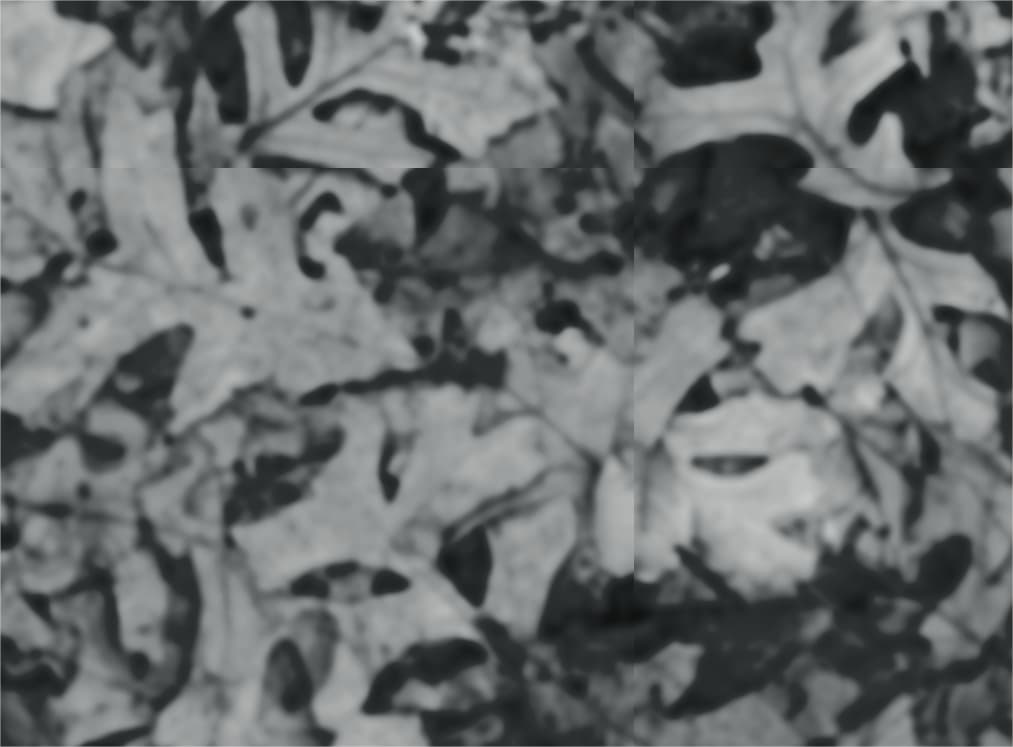
The brush tip was wrong. The naming of the correct brush and it’s replacement were almost identical, perhaps that caused the issue. I noticed another issue with a textured brush, but perhaps the texture I used there was from another bundle and hence not taken in? I have tried to only work with my own created brush tips and textures (and some from Wootha, which are public domain)
I will test the brushes on the 2nd machine and will try to rectify the issues and unpload a new version soon.
For future brush sets I will have to look into the User settings as mentioned above. Although creating a bundle is not that hard, managing resources in Krita is a bit of a pain.