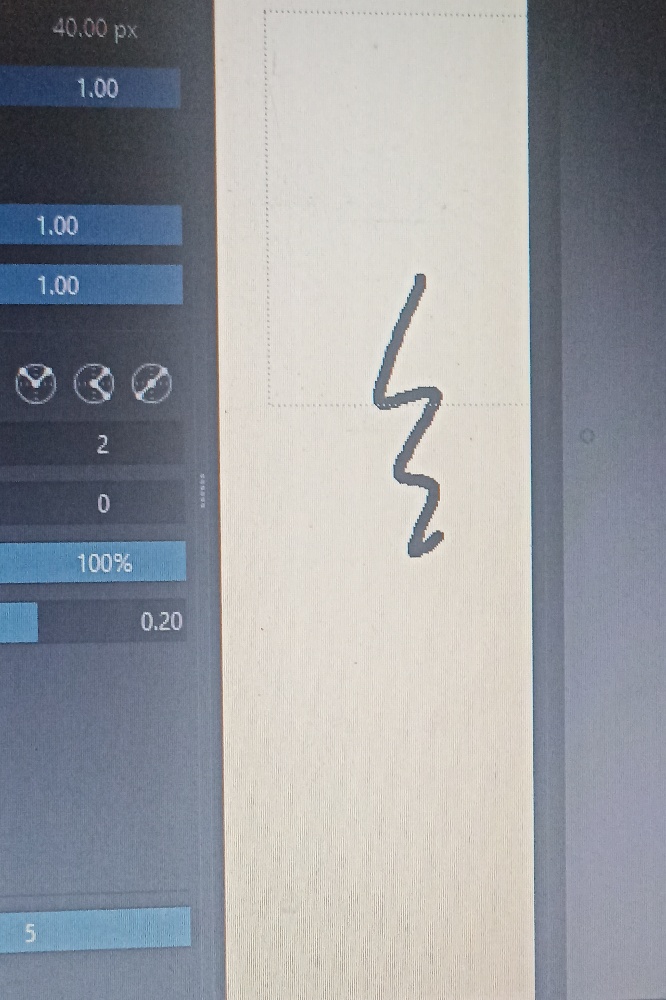
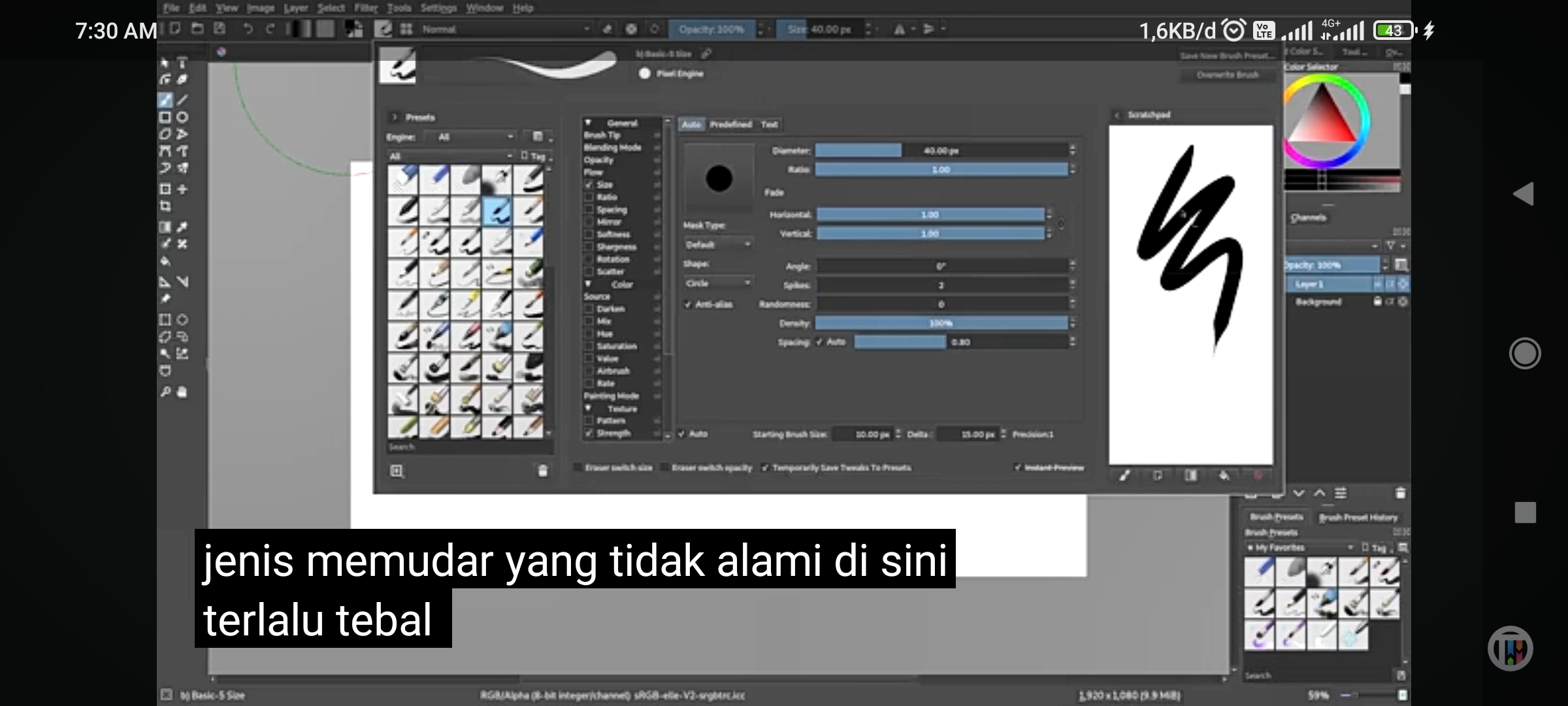
Hi, I’m new on Krita, and I keep asking why my brush didn’t look like any other person. I have already follow some instructions to custom the brush, but it all look the same. I want a brush that have a tail and like a real brush where when the pressure not that hard it look like fade away, and I want the brush to move (thick or thin) depends on the position of the pen. But all I got was just same circle flat line that didn’t have a tail that fade away. I wonder where do I go wrong.
The firs picture was the brush that I already edited and use. And the second picture was the look of the brush that I want.
By the way, I use XP Pen Deco 640 and Krita 5.2 version. Thank you very much of your help
You don’t have to make your own brushes, you can just install brushes from the Resources section from this forum. You might find brushes you like from Ramon Miranda, David Revoy and many others.
While using brush presets from other people might be the easier solution, learning how to make brushes yourself is a useful skill to have. It allows you to customize brushes from bundles to your own needs, exactly how you want them. In your case it looks like you simply forgot to activate the pressure sensor for Size in your preset. Unfortunately it’s hard to tell because your photo (please make proper screenshots in the future) doesn’t show anything of the important parts of the preset editor.
If you want to learn about making brushes, then there are two resources you should have at hand, Krita’s manual of course, which you can reach via the key F1, and the currently most comprehensive series of tutorials on the matter: