In this month’s quick tip, I’d like to remind you that G’mic is your best friend. For those of you who don’t know G’MIC, it is a plugin that is used as additional software with Krita. I believe it’s also with GIMP, Photoshop, Affinity Photo, PaintShop Pro, PhotoLine, and Paint.NET.
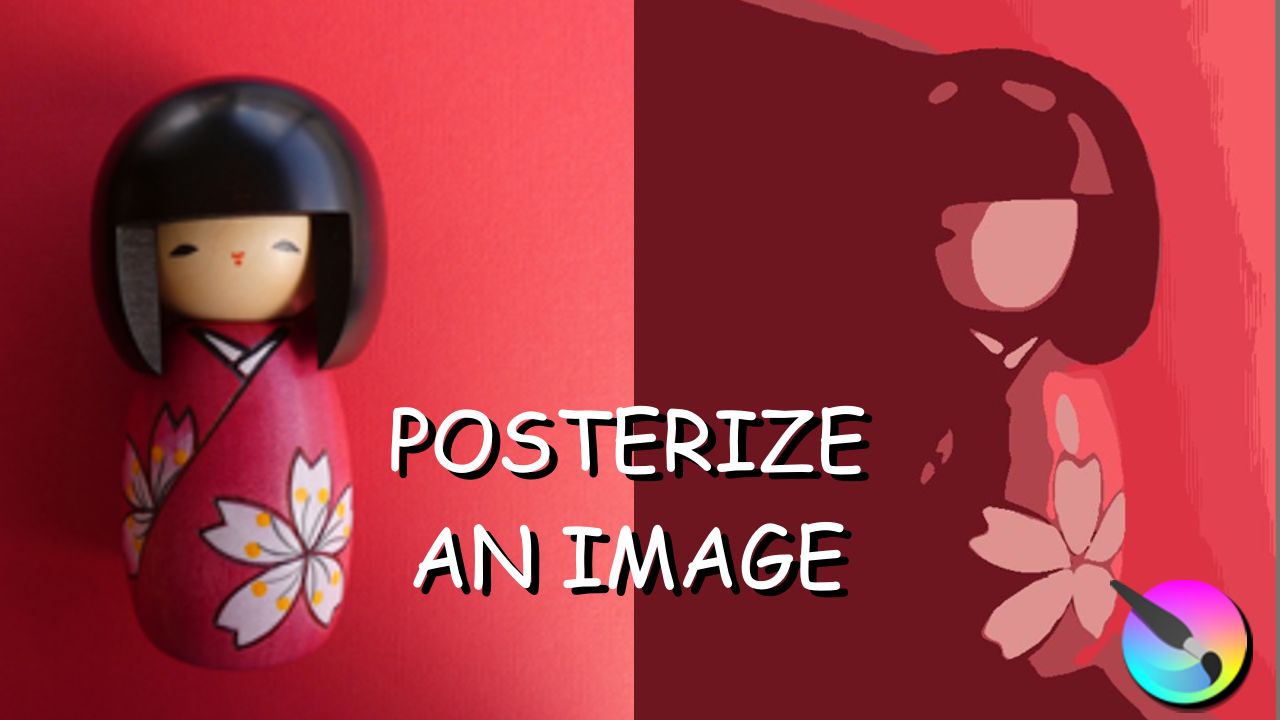
Before showing you how to posterize an image, this quick tutorial will show you why you would want to use the filter. These are just suggestions!!!
As you will see, the filter is super useful and it would be a shame if you didn’t take full advantage of it.
This is the link to the video that will help customize the color wheel docker:
Chapters:
00:00 Introduction
00:13 Why do we posterize images?
01:53 Posterizing an image can help you vectorize a photograph!
03:28 How to posterize an image
04:55 Conclusion
Voila. I hope this will help.
Have a great time creating beautiful designs and art.
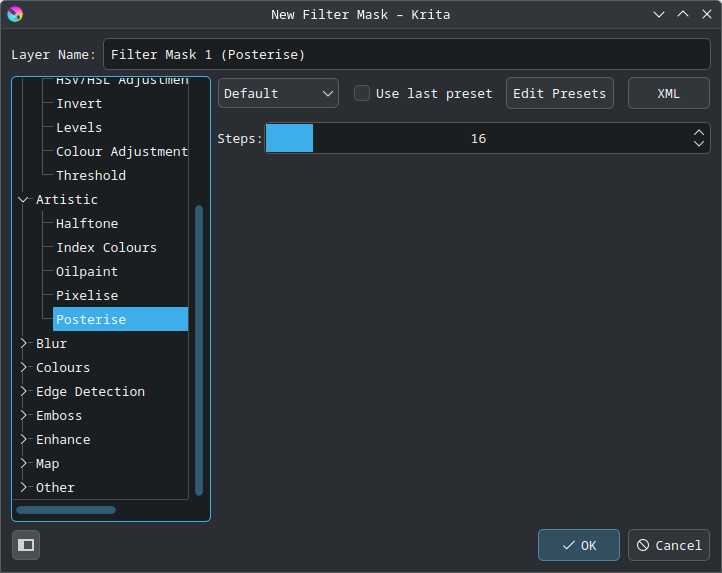
I didn’t expect it to be considered to be a filter, considering how posterisation appears to be a destructive action. Most image modifiers I’ve used use the term to refer to a removable layer of sorts (which dynamically modifies how the underlying image is displayed).
That’s a Filter Mask which modifies/filters the composited content of a layer or group, or a Filter Layer which modifies/filters the composited content of everything below it.
Try the options in the Layers docker to get them. Right-click → Add to get them.