thanks for the idea. I will edit this post later
1 Like
Select from menu it doesn´t work. Yesterday worked, today no. It works well with real mouse combinations but not with stylus. why? idon´t know i think i have tested too much this feature for 2 days.
maybe tomorrow. I have deleted krita folder starting from scratch. Maybe is kritarc file or kritashortcut? my last try.
Now it worksagain with real mouse not with tablet. neither wacom or ugee here, maybe other shortcuts create conflicts (i don´t think so , There is no info about conflict as in usual shortcuts., also i am using empty keys.) maybe is locking for anterior shortcuts, or mix things, i don´t know.
Maybe is a tool only for real mouse? definately for me is not ready.
Based on @Konstrukto’s report, I have just unpacked the file “krita-x64-5.2.0-setup.exe” and can confirm that the file “FFmpeg.exe” is missing in it. In the archive of the portable version, however, the file “FFmpeg.exe” is present. Since I myself only work with portable versions of Krita, I didn’t notice this, and I hadn’t explored the absence of the “FFmpeg.exe” file more deeply with @Konstrukto, during the RC phase, for some unknown reason.
I just have reported it as bug:
@Konstrukto, can you please confirm this bug in the bug-tracker?
Michelist
Add/Edit: The fixed file is now downloadable via Krita’s homepage and as well from Jenkins.
Add: These were the posts from the RC-Topic belonging to this issue:
3 Likes
Yes, will do @Michelist
Thank you for reporting it!
1 Like
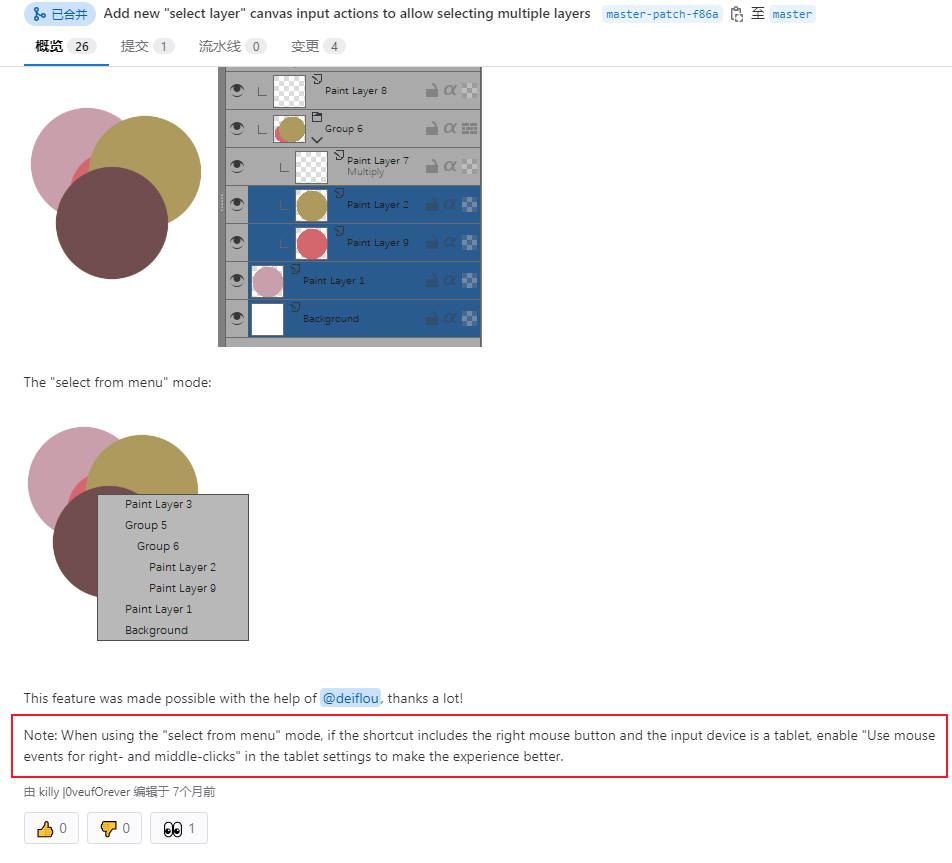
If you are referring to Layer selection from menu I tried “Use mouse events for right- and middle-clicks” in Tablet settings (restarted Krita), then worked for me with stylus.
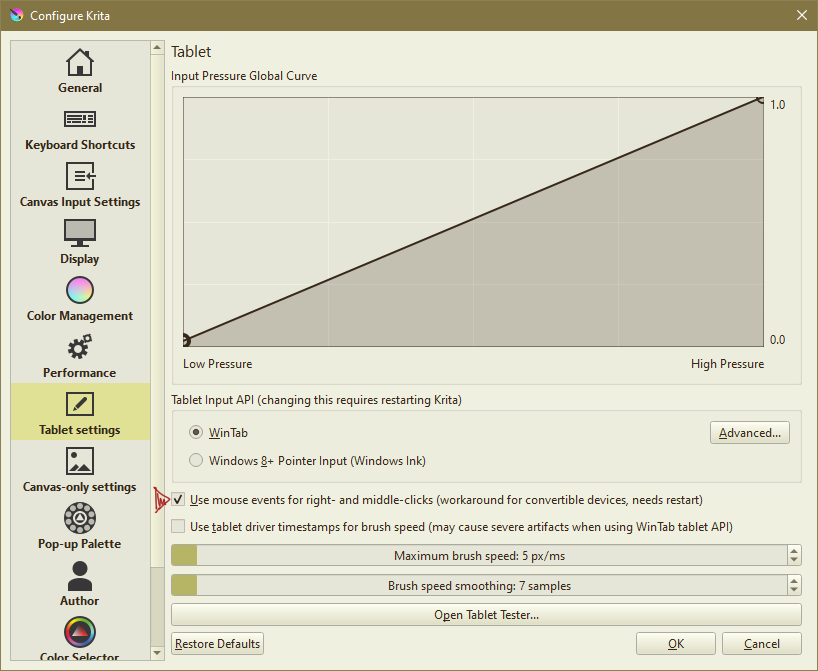
Which one is your shortcut? i am testing your reply, mine 0+LMB doesn´t work (i have tried also letters)
but 0+RMB with your adjustment yes.
1 Like
Mine is S+RMB
1 Like
so the problem is LMB at least here, and taking into account that this feature needs the LMB to get the info…i am starting to think this is a bug. More people have the same behavior? At lest I have a good behavior with Right click now. Now i go back to my Krita-old folder.
Yes, it works that way. Activating

Then restart Krita and select the command here
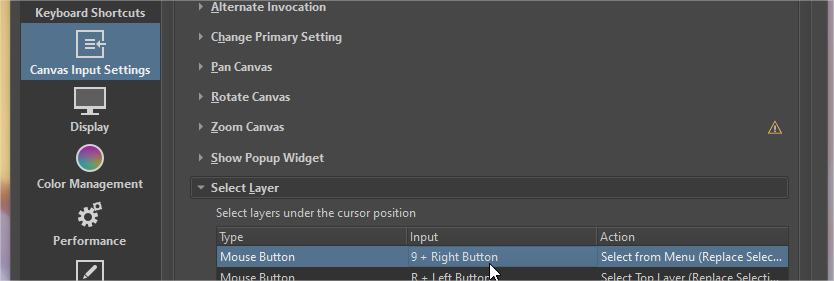
At least that way works,
Note: no mouse wheel, no shortcut without click input. Maybe that was the original idea. Is a great feature but needs polishing. thanks to @Skess01 for the trick. We need more feedback here @raghukamath and @other users.
2 Likes
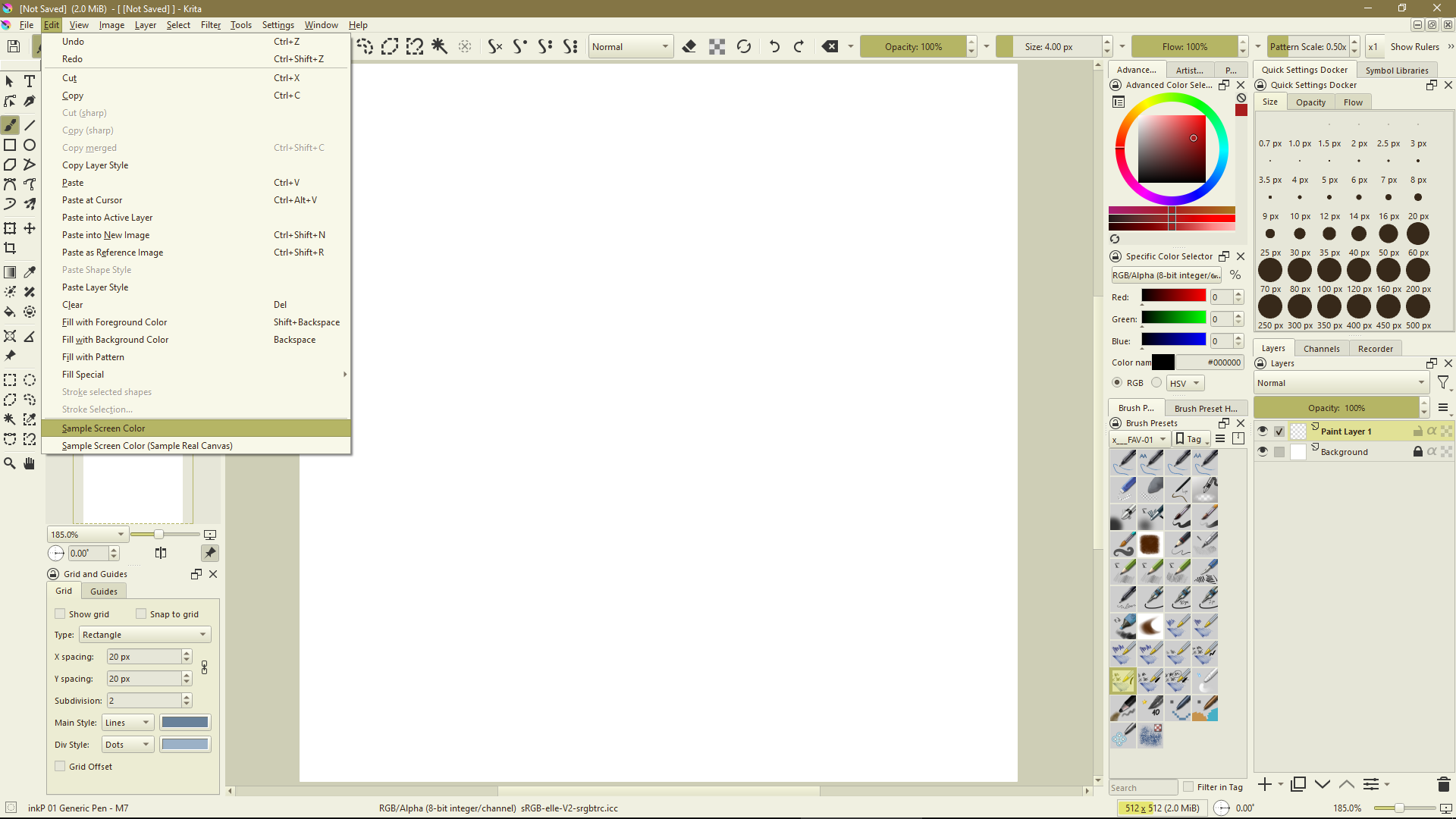
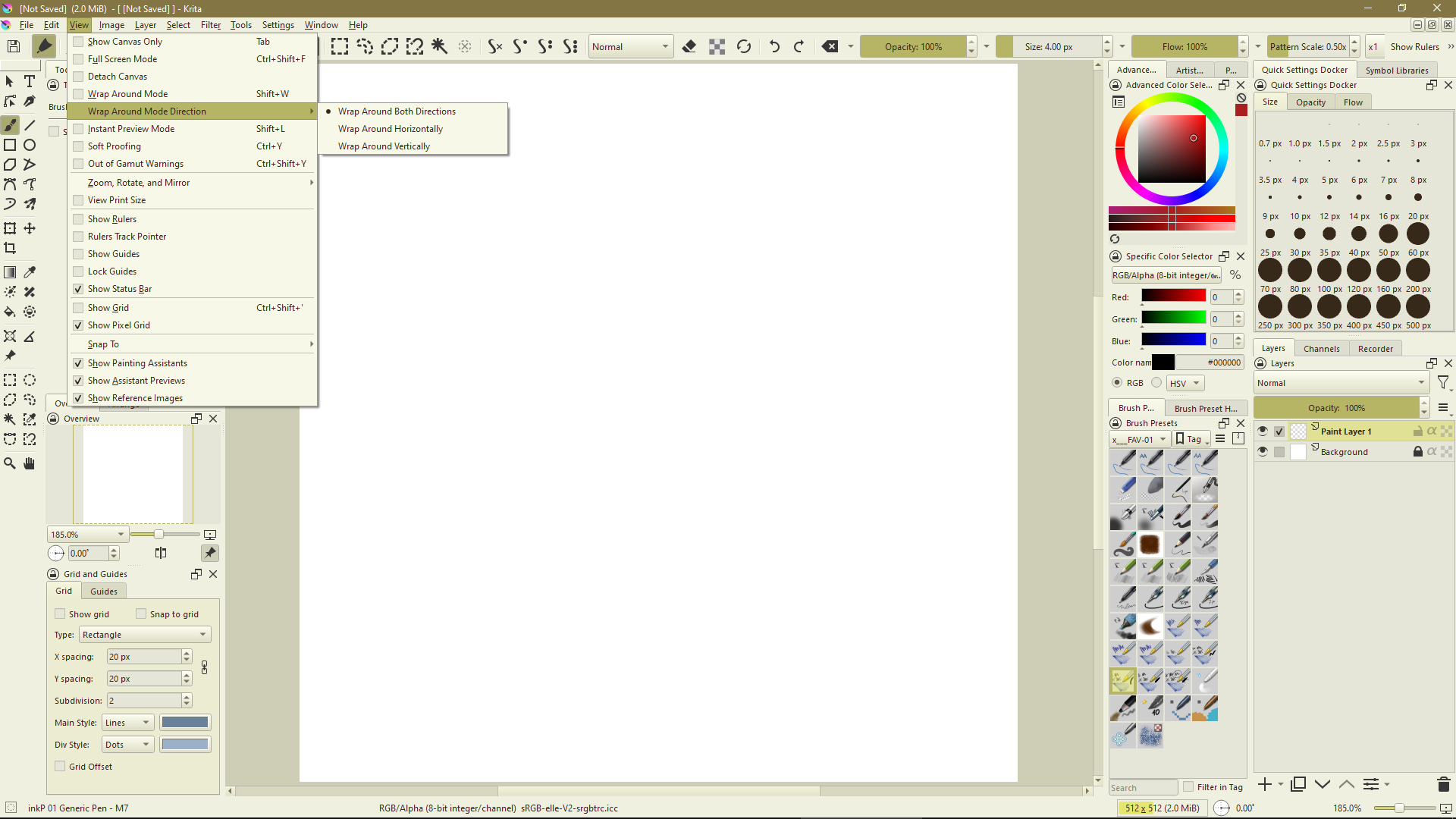
In the end I chose to redo all of Krita’s customization (brushes, workspaces, themes and toolbars - the other configurations seem to me to have been retained) however I think it might be enough to rename krita5.xmlgui (to be safe I generally don’t delete) and redo the toolbar customization to get the new options in the menus - like Sample Screen Color and Wrap Around Mode Directions.
I don’t know if is enough to change something inside krita5.xmlgui, but to be sure to have a clean situation I preferred redo it.
1 Like
Yes, as stated in the merge request, perhaps this explanation should be added to the official document.
2 Likes
Somehow this missed from testing phase. I think the RC version had ffmpeg?
No, it has not, I have just downloaded the “krita-x64-5.2.0-rc1-setup.exe” and extracted the files from the setup-file, and also in there the file is missing.
I totally missed that as @Konstrukto asked in the RC-Topic for the missing FFmpeg.exe, because I thought he had messed it up in some way using the old FFmpeg, that he mentioned in his help-request. And since I was having migraine attacks at the time, I didn’t investigate further and let it go, assuming my guess was correct.
Michelist
ADD/Edit: BTW, in the portable versions it is present.
Yes, please remember we are not coders used to navigate through MR. The feature will be very useful, for sure. Any idea why it doesn’t work with left click shortcuts? (i am sorry for not giving you all these feedback while developing the feature. I was focused in other complex things.) Thanks for your hard work.
Another issue that i find annoying is that we need to remove the ‘krita’ user folder to make vissible some new features like sample screen color another impressive feature for sampling color from other apps.
Any idea how to solve that, please?
1 Like
As I wrote here Krita 5.2 is released! - #29 by Skess01 there’s perhaps a partial solution (thanks to @SchrodingerCat and @freyalupen) redoing only toolbars customization, but of course is really better to solve this with a patch, otherwise a lot of users will never see the new features.
1 Like
Sorry, I can’t do anything about this matter. I guess the reason is that krita didn’t update the newly added resources in a timely manner because the resources were already cached in the user’s directory during the first use. Afterwards, krita will not compare the resources in the cache directory with those in the krita directory when starting. This is probably to speed up the startup time, so the user needs to manually delete the cached resources and have krita cache again.
I was thinking - about toolbars - something like having the complete file with Krita menus and features in the installation folder and keeping in the user folder only the custom settings.
At startup Krita will read the first (full) file and then read the one in the user folder to prepare the toolbar for display.
The options that are no longer there in the new version will disappear and the new ones will appear, vice versa in the case of downgrade.
How the .xmlgui file is supposed to work is, it contains a version number, which gets incremented every time the file is updated. Whichever version has the highest number (between the default and the user’s file) is used. The version number for 5.2.0’s default .xmlgui is “505”. Uh, I found the problem… 5.1.5’s .xmlgui version is “529”. So it’s definitely a bug…
4 Likes
make this better for almost everyone, we spent some time to include a basic build of FFmpeg into Krita itself, which should include “out-of-the-box” support
Fantastic!! I can finally drop ClipStudio JUST because of this feature.
All the updates blew me out of the water, but this definitively help all of us Storyboarders to do our jobs “out of the box” with Krita.
The Text engine, H00 boy! This is awesome!! Look at that antialias!
Great work!
4 Likes
If you are using the Windows-Setup installation, you have to wait til the next fix is rolled out →
But Alvin has confirmed it and assigned to the bug, so I guess it won’t take long.
Michelist
Add/Edit: The fixed file is now downloadable via Krita’s homepage and as well from Jenkins.
4 Likes
Congratulations all!