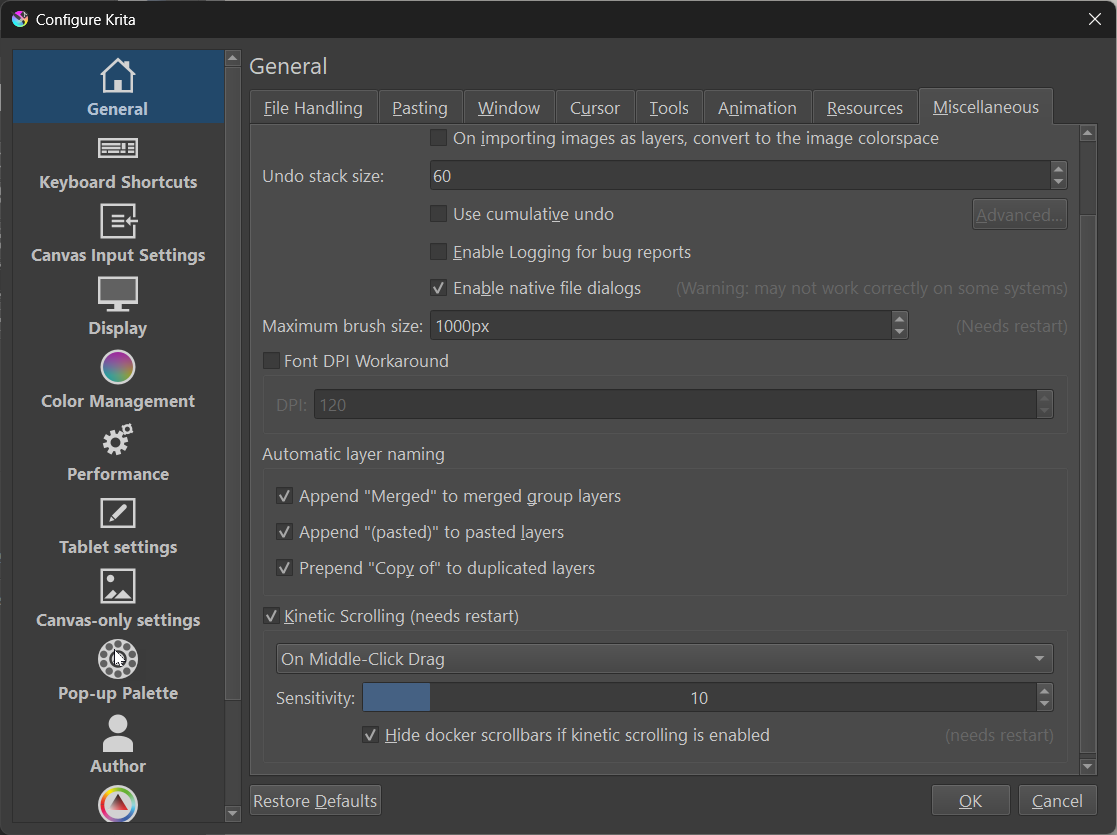
Krita 5.3 (git 34f6765) - UI "On Canvas Brush Editor docker" does not respect Kinetic Scrolling

Kinetic Scrolling does not work within the docker “On Canvas Brush Editor”.

STEPS TO REPRODUCE

  1. Enable On Canvas Brush Editor docker
  2. try to use Kinetic Scrolling

OBSERVED RESULT
Kinetic Scrolling does not work

EXPECTED RESULT
Kinetic Scrolling does work

Krita 5.3 prealpha (git 34f6765) on Windows 11.

Link to bug report:

Would you please specify further? When you say that kinetic scrolling does not work, do you mean that you aren’t scrolling when you click and hold, or do you mean that you are, but something else is wrong with the function?

Your are right, the description is lacking a bit.

I tried using:

  • a pen on drawing tablet.
  • finger on notebook touchpad
  • mouse with left click

Example pen on tablet:
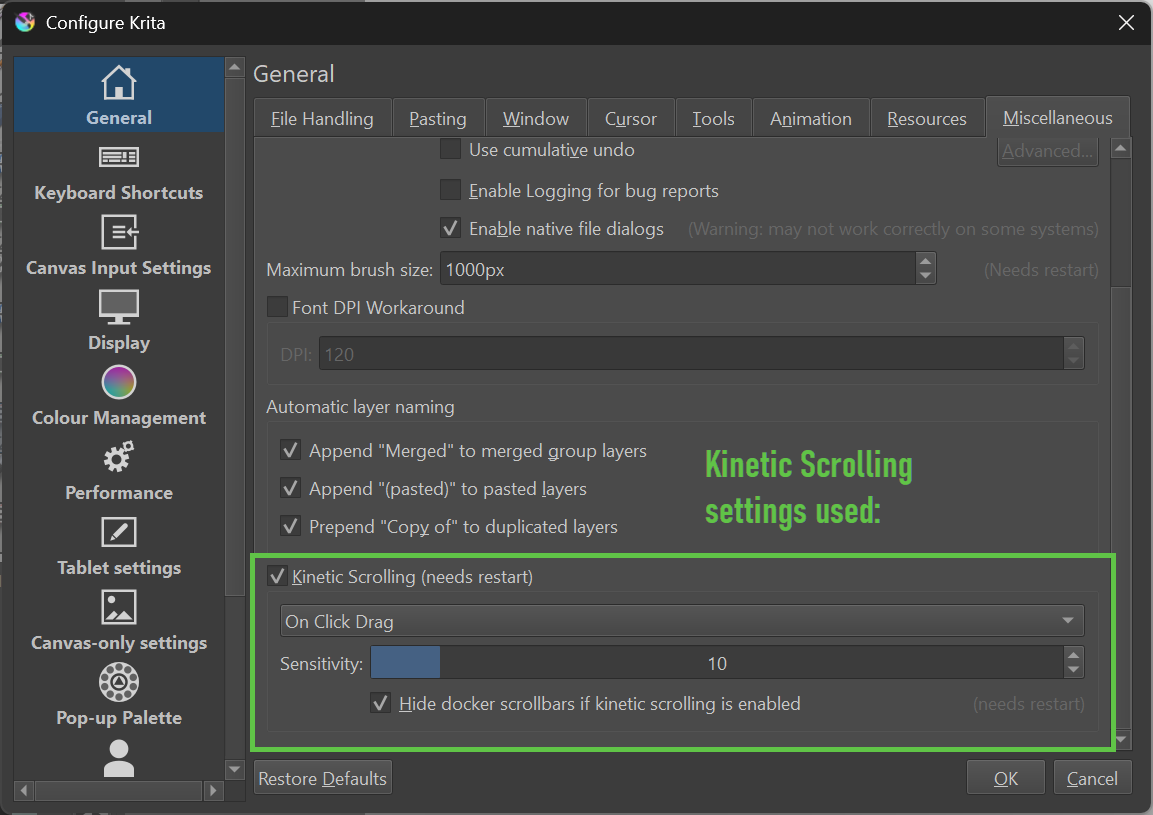
I tab the docker with the pen tip and then move the pen up and down - this represents “on click drag”.
Result: no movement of the docker’s content.

It is the same with all the combinations I tried (also with different settings in the preferences).
I think Kinetic Scrolling isn’t enabled at all in the mentioned docker.

Hey Wolfgang, I added a comment on Bugzilla, because I’m unsure of how you got the scroll bad into the docler. You gotta be using some kind of display size adjustment because I cant get that to appear, not even with 175% dpi scaling. Could you maybe add that to your reproducing steps? Thanks!

Hi Lukas,

thanks for checking. I have updated the bug report, but will do in this thread as well:

The system:
Notebook display with 1920 x 1080 pixel (15.6 inch)
Windows scaling set to 125%

I think to get the scroll bar you need to have enough controls in the docker.

Krita settings:

Please note though:

The scroll bar is not the primary issue:
It is that kinetic scrolling is not working in this docker.

There is another report which already got confirmed:

Both have the same cause - python dockers do not support kinetic scrolling.

I have linked both in the bug tracker.

1 Like