Thank You for this video, I recently bought s6-lite and made similar setup, this helped me optimize few additional things.
My looks like this

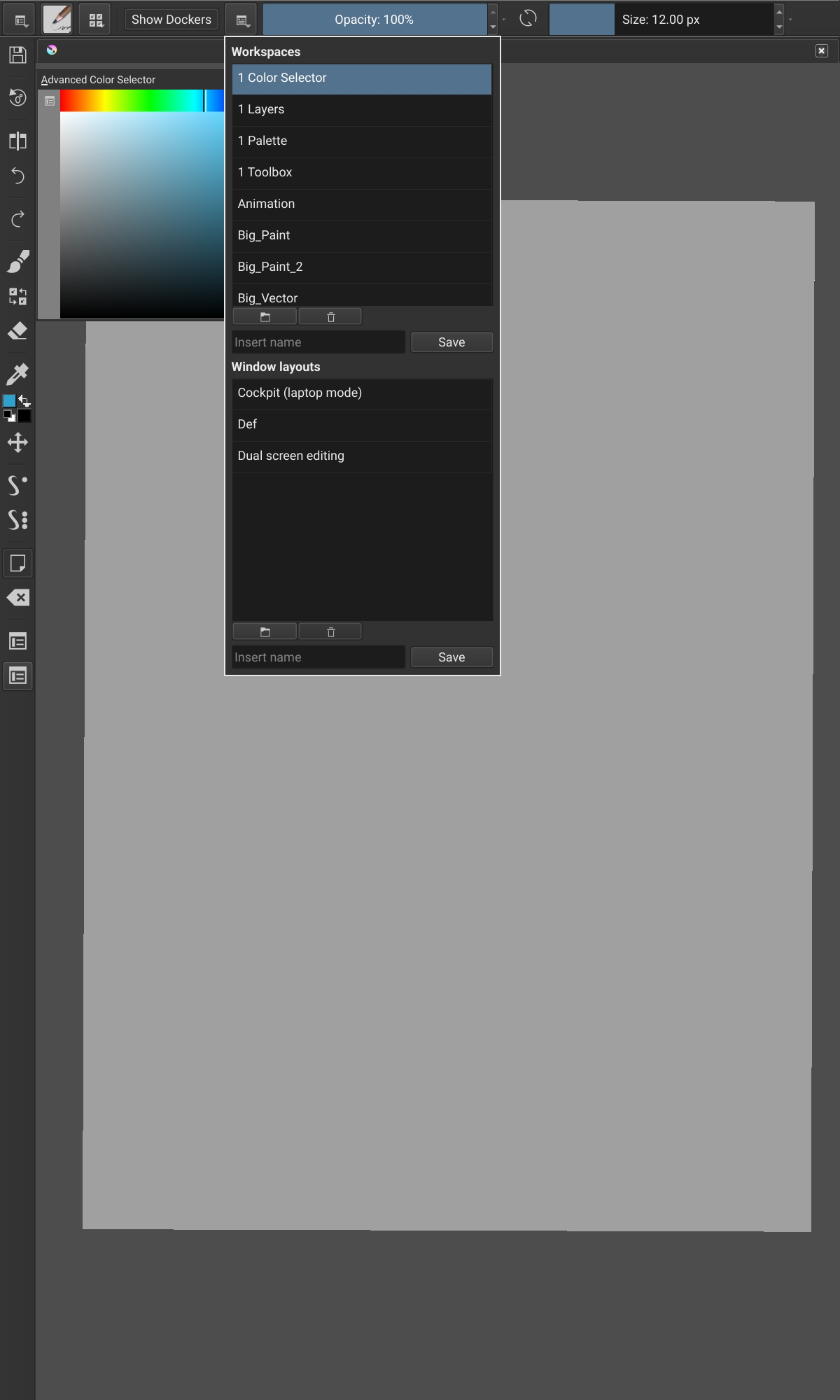
I’v put file toolbar on the left thanks to that this setup works both (kinda) for landscape and portrait modes.
Some time ago I’v made few feature requests that would be even more useful on mobile without any keys.
This one hurts more on android, especially that plugins don’t work. Thankfully there is at least reset rotation.
https://krita-artists.org/t/shortcuts-for-dockers-ability-to-put-them-on-toolbars/25822
Hacked this with few workspaces, still would prefer separate icons though.
Hack here is that windows snap when moved but not when resized that allowed me to put floating closer to screen edges.
Trying not to use toolbox as it mostly waste of space for me, out of 36 options I’m only using 7.

Unfortunately on toolbar some toolbox options don’t have icons which is weird as they obviously exist.

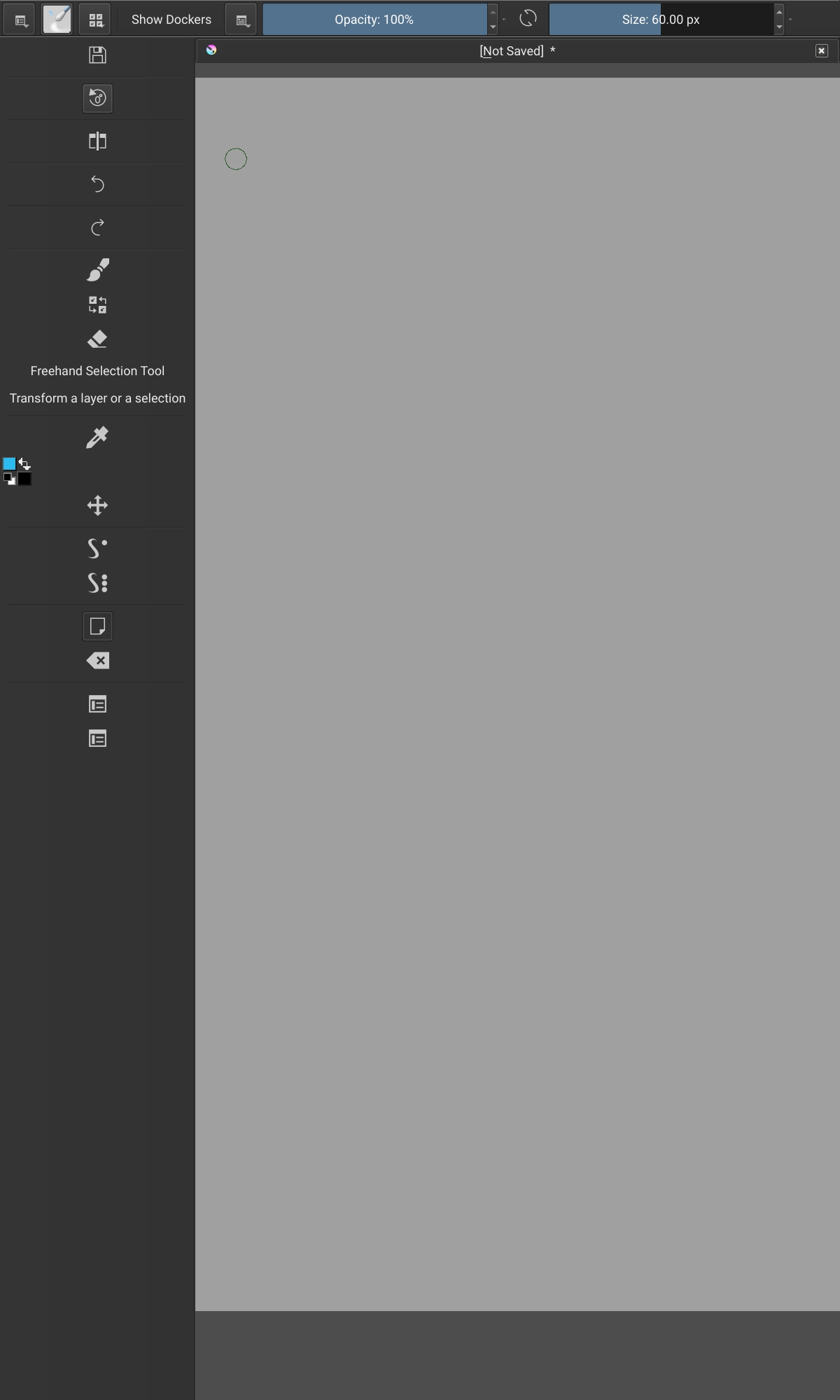
This is my setup for toolbars


https://imgur.com/a/9aSCAmY