@w4ldurr Apologies for spamming you like this. Please download the development version (main.zip) again and re-test when you are online.
@vurentjie I’m always glad to help, no worries about pinging me anytime you need some tests !
Right now it works way better (donwloaded main.zip after your last commit ab8067d ) I’d say it probably get a little jerky once every 10 pane resizes, but i’m not using it this way. I usually set it up first and then lock it, might move a few things around once every two hours, so right now for me this is perfect for my use ! If you decide to keep tweaking it and improving, you can ping me anytime you want for testing specific features or whatever ! Thanks a lot !
@w4ldurr Thanks. I pushed one more change, can you check, I think this will help for other scenarios, as an extra alternative. I added ctrl-drag resizing, which will always scale the zoom when resizing.
Maybe I can add an option to flip the behaviour as well: ie normal drag resize will do what ctrl-drag does and vice versa.
I created new release v1.0.5. Downloads and info available on GitHub.
This version has a significant performance improvement over the previous version.
(edit: patched the release, tweak the ctrl-drag so it is accurate)
1 Like
Patched v1.0.5 again. Just tweaked ctrl-drag resizing some more. Going to take a break from this for a while (unless there is a serious bug). I am very happy with how it works now. Good luck for the start of the year.
(edit: patched one more time, tweak for a resizing edge case)
Noticed this morning when I started working I introduced an annoying new issue in one of my last commits yeterday.
Updated to v1.0.6. Downloads on Github.
(edit: I might patch a few minor issues in 1.0.6 over the next couple of weeks, I will add it to the info under the v1.0.6 link on the GitHub page, you can check there occasionally if you are interested)
1 Like
just tested your latest update and the behavior is wonderful, definitely a plugin that should be bundled with krita’s default plugins ! Thanks again !
Thanks. I want to improve a few things still (mainly related to your auto scaling feature request - I can make it better with a bit more time). I have some other obligations so will get back to it when I can.
I did a bit of work on this today. I think I will try aim for another update next weekend. I am trying to just get the very last items and code improvements across the line to make it feel completed. There are still a few bugs and edge cases I have found (and fixed) but nothing that will completely break. For example:
- If the view is rotated, and fit to view is use it can act strangely when resizing
- I finally figured out why the floating message in the top-left of the canvas disappears for some windows, so that will be corrected.
I am in the process of refactoring the resize-scaling feature, I think this is the last hurdle but it will work so much better when done. It will probably take a few more days because I can only allocate a bit of time each day toward it.
3 Likes
Released v1.0.7 now with fixes and updates. Downloads available on the GitHub page.
New features:
- Split handle size can be set in options.
- Press ctrl when drag and dropping tabs to move all tabs
- Scaling modes: Apply scaling modes when resizing splits
- Toolbar action to center canvas
- Fit to View actions are now all toggles
- Fit to View Height now works correctly
- Added reset buttons to restore default options
Bug Fixes:
- Fixed issues with rotated views
- Fixed issue where canvas floating messages disappear
- Correctly restore layout sizes. Layout needs to be re-saved for this fix
Removed:
- Ctrl-drag resizing is replaced by scaling modes
There are also some performance and general usability improvements included.
Hopefully no new bugs 
Some notes related to scaling modes:
I ended up adding 3 variations of scaling modes, each is slightly different.
If you end up using this feature, you can also set a default to be enabled when Krita starts up.
The fit-to-view actions are now toggles, so that it is easier to see when one of them is enabled.
I have also fixed the fit-to-height action to work with this plugin.
I added a center canvas action, I am not sure if Krita has one, I couldn’t find it. It will center the canvas without changing the zoom level.
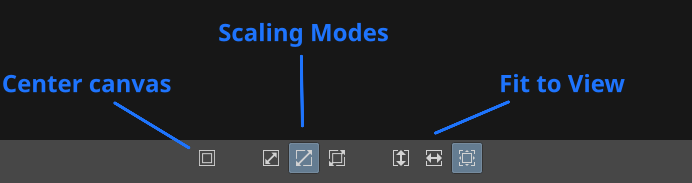
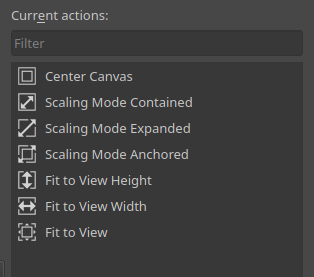
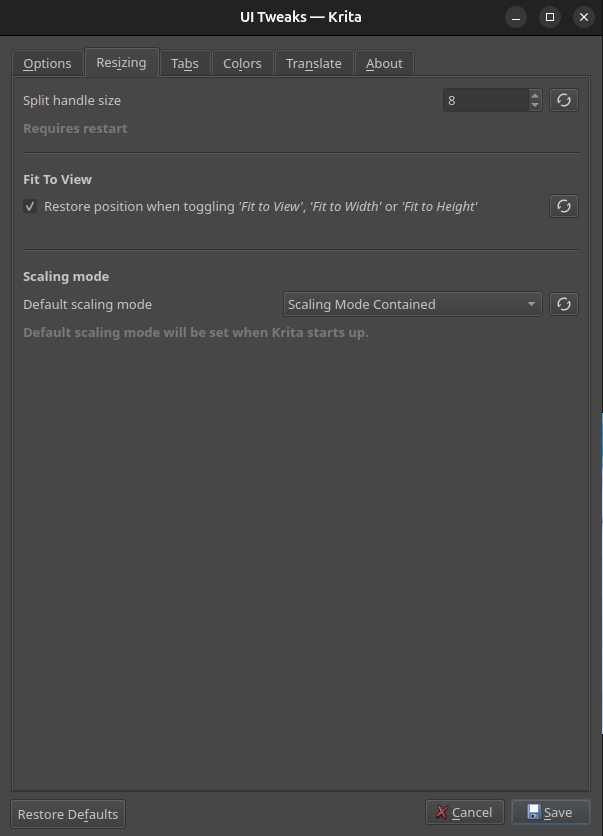
At some point I will try find time to update the GitHub readme and consolidate all the info since the first release.
So there was one bug because of some last minute change this morning. It will cause layout restoring to freeze for a specific case. I just patched the v1.0.7 release to fix it.
1 Like
I patched the release v.1.0.7 one more time this evening. This time just to add 3 new config options for the scaling feature, basically just extra conditions to help avoid scaling images that are already zoomed-in and don’t need to be adjusted in any way.
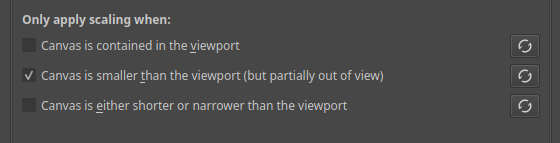
(edit: I might need to tweak these a bit, will look into at some point later this week)
(edit: I think these options work best with the “contained” scaling mode)
1 Like
I have found a small bug with the contained scaling mode, I will only be able to fix it tomorrow. In one case it does not work as expected. Will post back here once fixed.
1 Like
It ended up being an quick fix, so just patched v1.0.7 release now with the fix.
1 Like
Small change. Patched the v1.0.7 to add another config option to apply scaling mode per-view instead of globally. This way it works more similarly to a fit-to-view mode.

Unless I find any bug, not sure when the next update will happen. I think I will take a break from this to concentrate on a few other things.
As it stands the plugin feels like it is in a finished state. I had a few ideas for other things I personally want but will revisit those later this year.
1 Like
Small change again. Patched the v1.0.7 release again.
This time to add a fix for toggling “Show Rulers”. I noticed that Krita will only update rulers on the current view, and you have to focus another view to make the rulers show.
With the fix all views will update at the same time.
3 Likes
I created a v1.0.8 release today. It only contains one small fix for a regression I spotted with the window flashing in a smaller size when splitting from the menu options.
(edit) Patched v1.0.8 to add another different bugfix. If the “Restore layout” option is enabled, sometime when you close a tab, on the next restart the tab is still there because the restore layout was not updated.
3 Likes
Created v1.0.9 earlier.
Just another small set of updates.
Addressed the following things:
-
On startup when recovering an auto-save and recovering previous layout, don’t show warning about modified documents.
-
A few style tweaks:
- The tab separator was short by 1px at the top
- Take into account saturation and lightness when calculating default colors (I think this works better for themes that are not grayscale) -
I have now added a callback on theme change to fully refresh all widgets. Because I noticed that whenever I switch themes, some items in Krita’s interface don’t update so end up restarting to preview the theme.
2 Likes
Created v1.1.0 today.
Was not planning on this release today, but had some time to experiment and ended up adding one new feature.
Release notes:
- Tabs can now render in the default Krita style (this is also the default option now)
- Added a drop shadow to the drag 'n drop placeholder
- Added config option
Use Krita's default style for tabs(disable this to revert to the original flat tab styles)
Some previews with different themes:
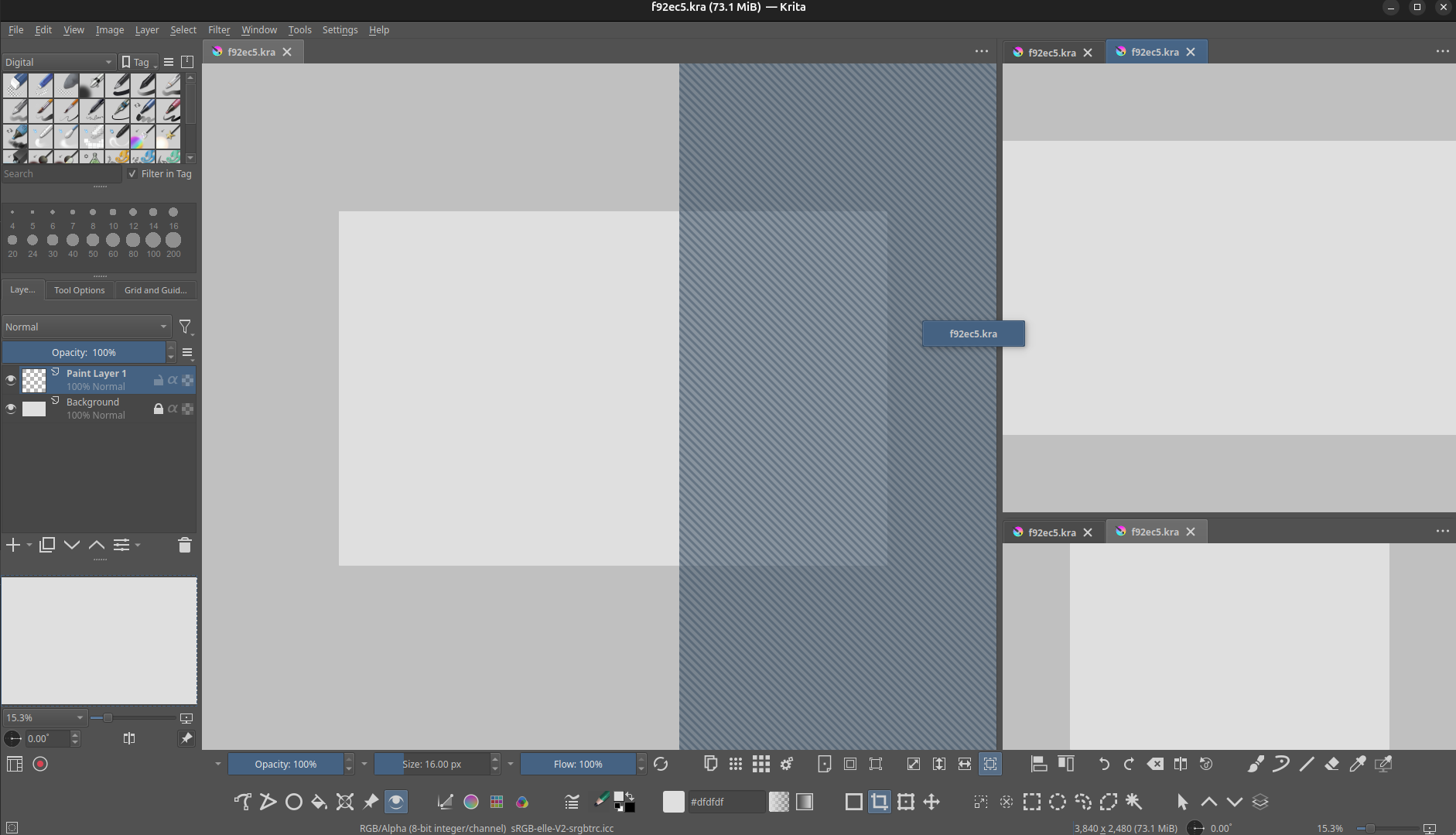
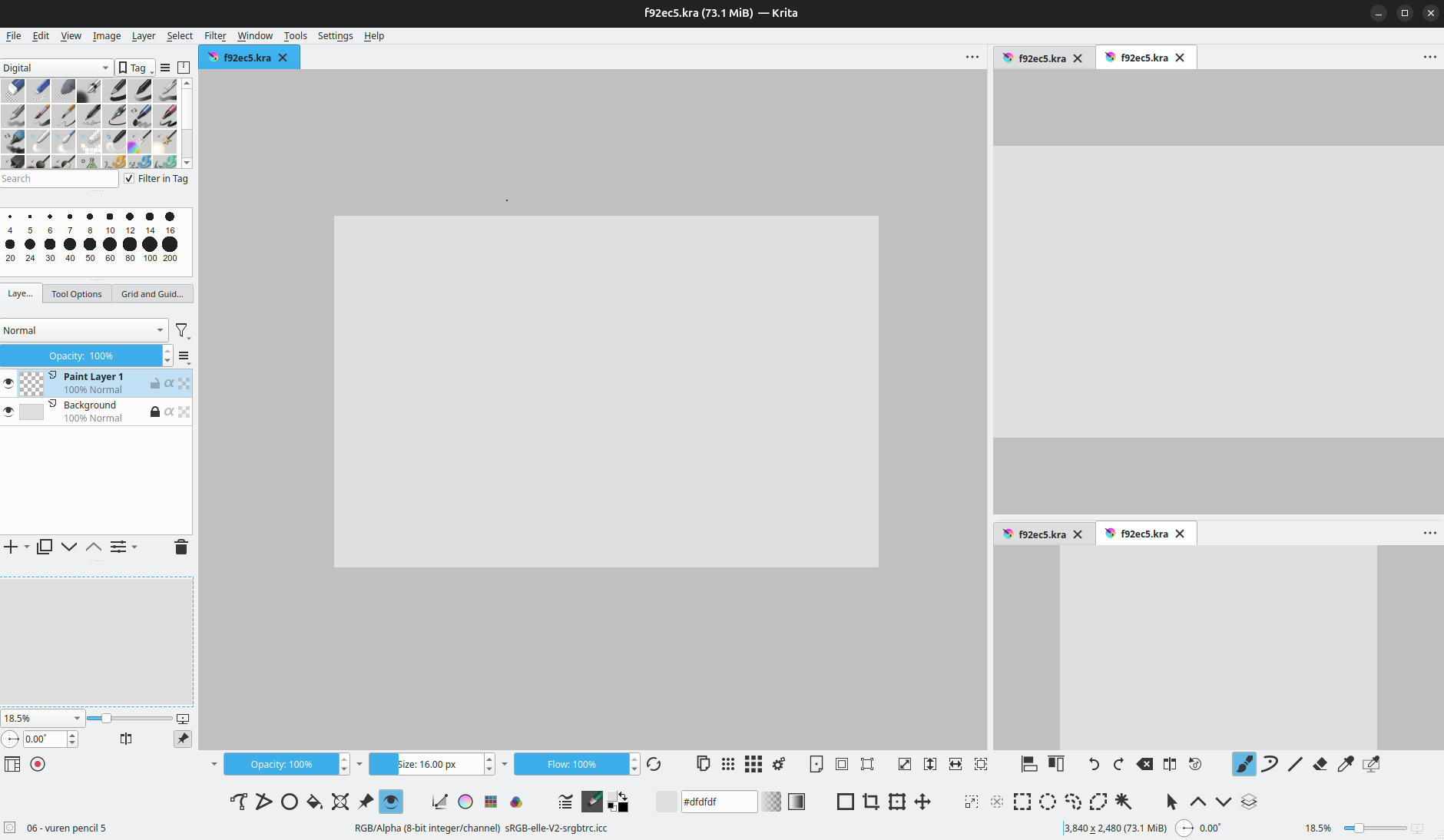
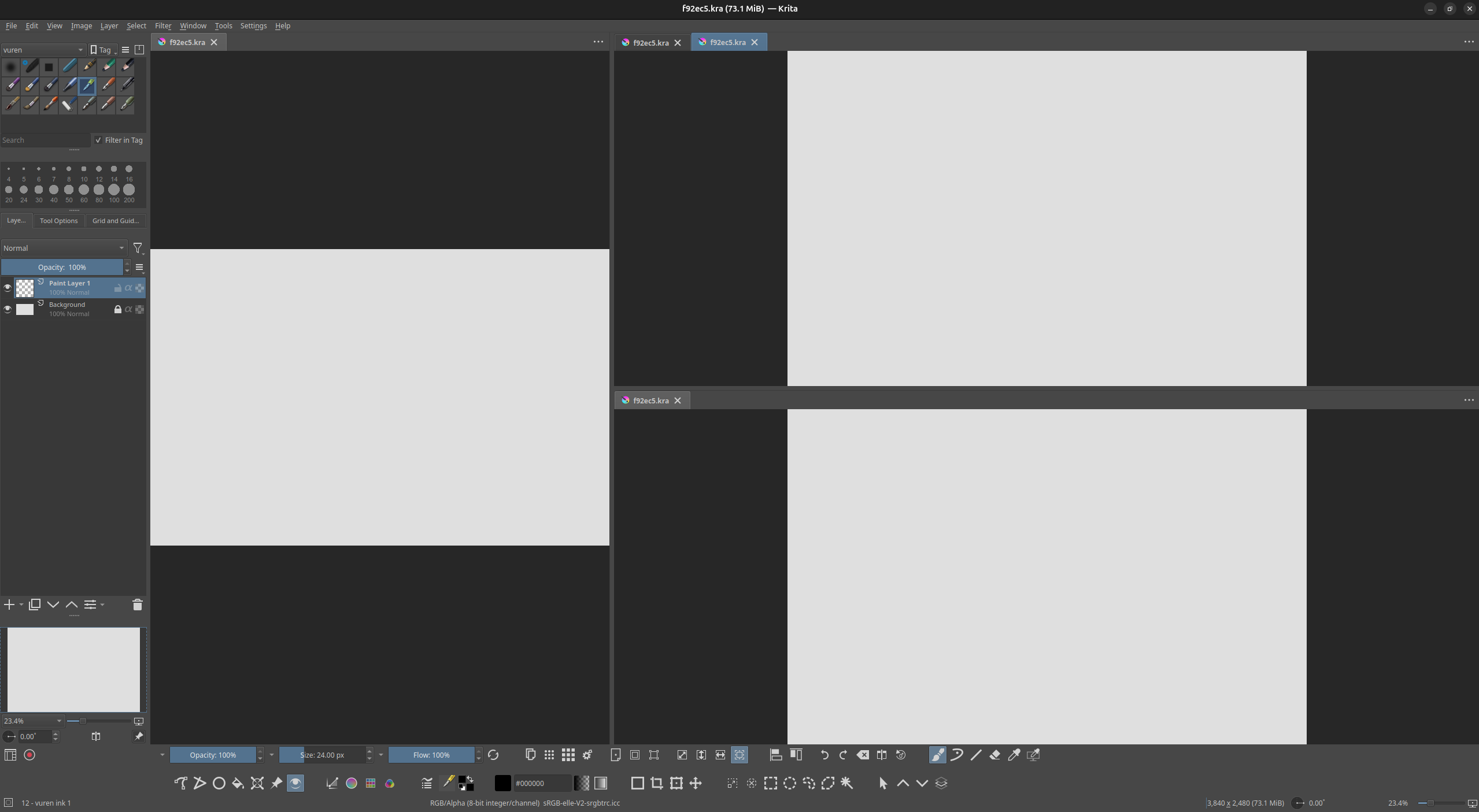
(edit: patched the release to add 2 other unrelated cosmetic fixes)
- Fix the issue where the tab bar is unfilled on startup
- Fix issue with section separator in the options dialog
There seems to be some crash bug in my latest release. So will probably remove the download link temporarily until I can fix it. Will update here again tomorrow.
1 Like