Many of the issues listed here are probably pet peeves of mine and wether they get attention or not is obviously up to the developers, I just want to make the Krita experience as smooth and professional looking as possible.
I think most of the issues here stem from the fact that I’m using Qt on Linux and especially on Gnome, KDE users might have a much different experience than mine.
These issues have lingered on for quite a while and I wonder why they’ve never been addressed. So here are a couple of annoying small papercuts I’ve found:
- Disabled News Feed
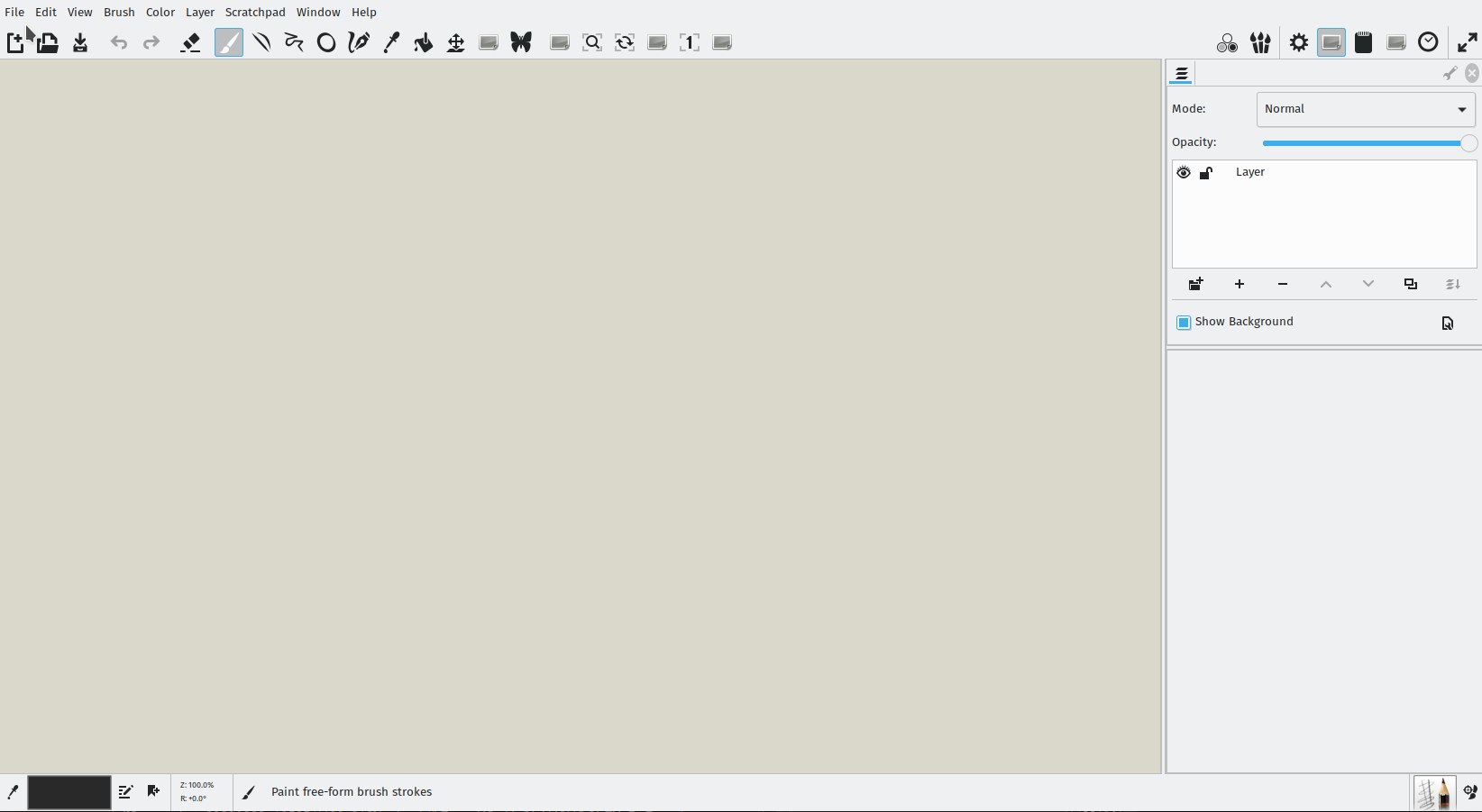
I think by default the news feed comes disabled when you first open Krita. It might be the way it is right now to enable discoverability but it looks weird when you first open Krita and it just shows a grey square with nothing on it. I think it’d be best if it were enabled by default and then if the user were to disable it, the grey box would simply disappear. Maybe you can add the option to enable/disable to the Krita settings?

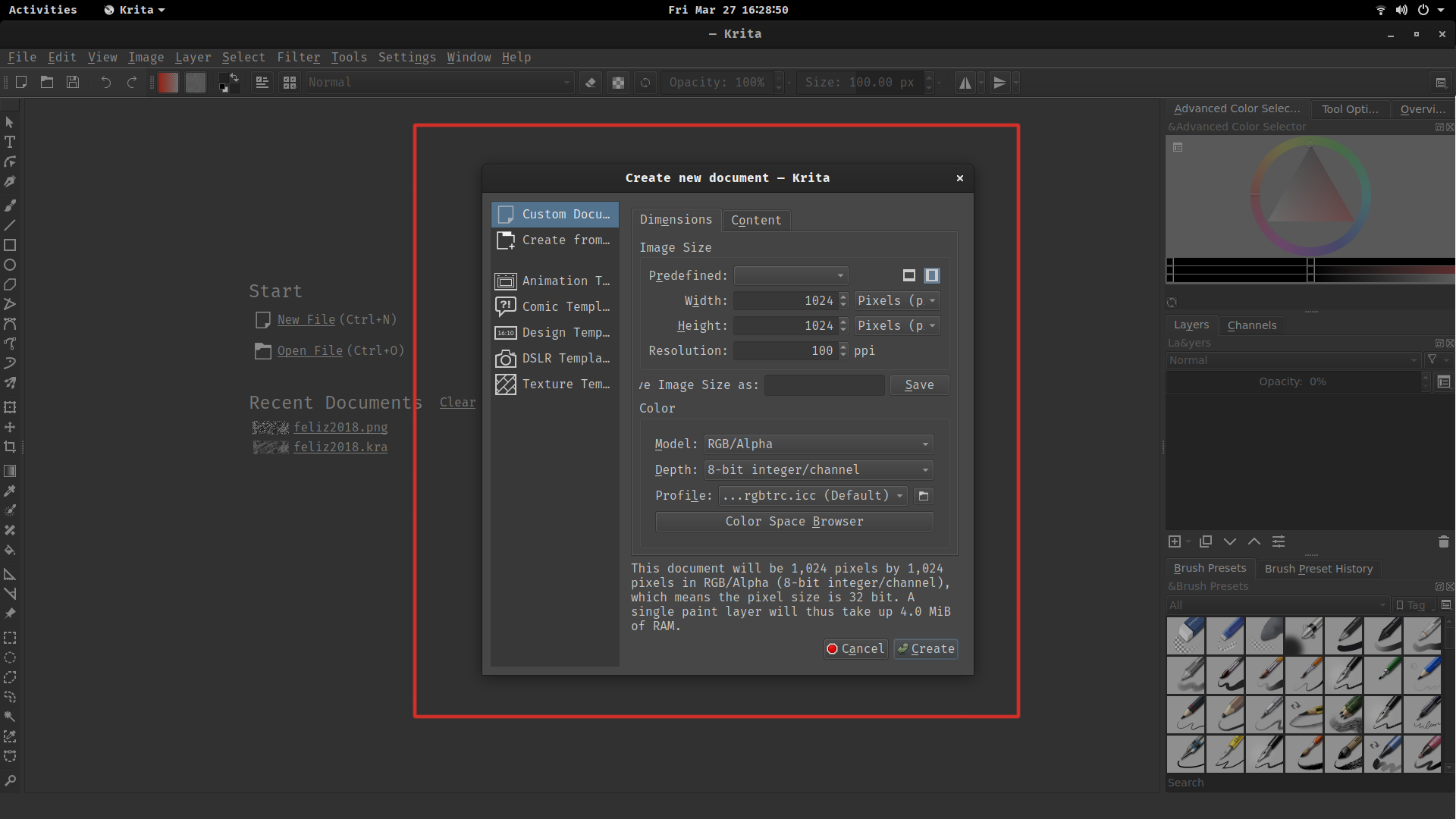
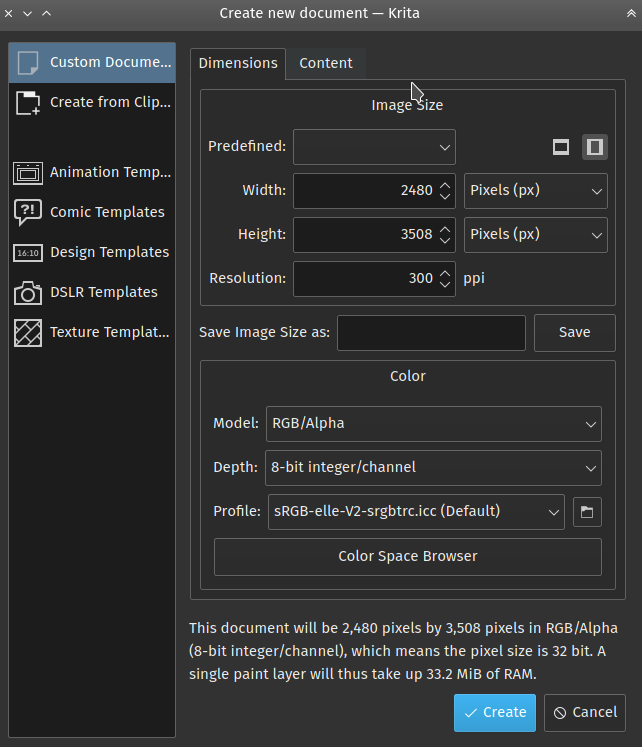
- Create New Document Dialog
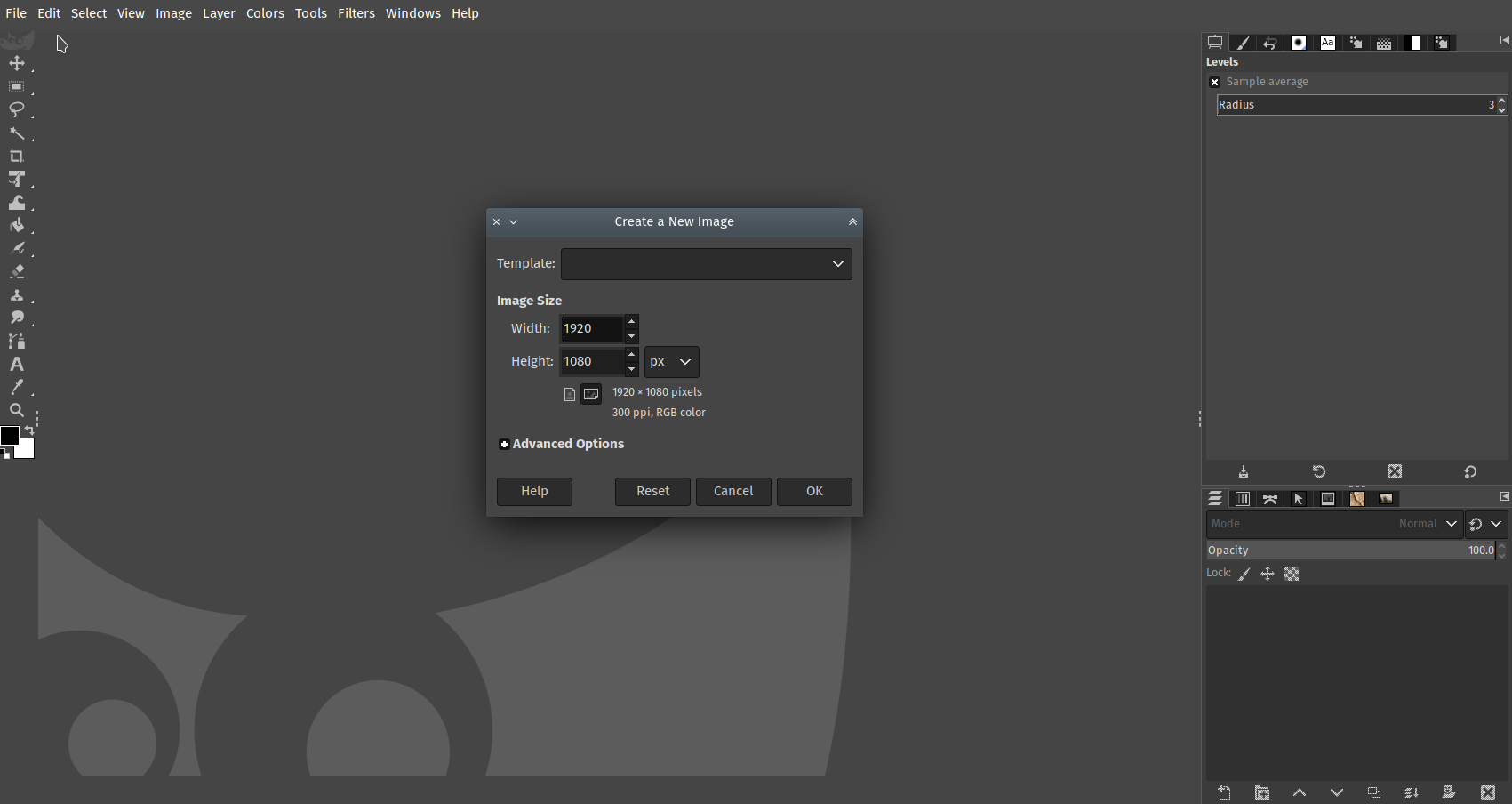
By default, the create document dialog is not wide enough which causes some of the text being cut off and looking just kind of ugly. No biggie here, just make it wider by default, there’s plenty of space to the sides, easy fix.
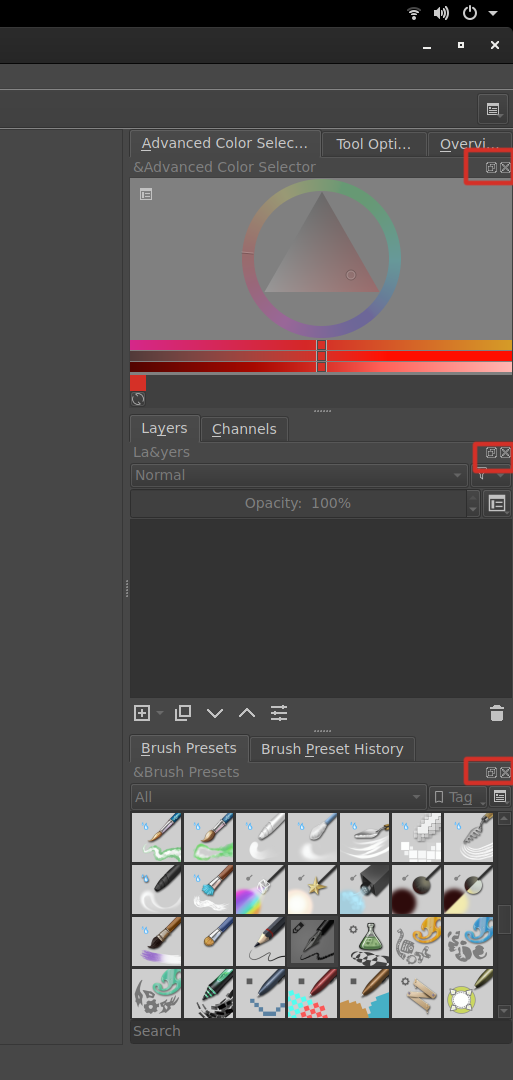
- Docker/Panel Name Ampersands
This too has been going on forever. The dockers show ampersands “&” all over the place. Easy fix?

- Duplicate Names on Dockers/Panels
Why does every docker with tabs have its name duplicated right below? Vertical real estate is always precious. Maybe the duplicate text could be removed when tabs are shown and the user could undock by dragging out the tab?
- Docker Close and Undock Buttons
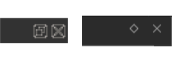
I remember when these still had a nice icon. Why did they get removed and replaced by some sort of unrecognizable placeholder?
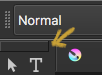
- Tool Docker
Why doesn’t it show the same close and undock icons at the top like the other dockers/panels? It used to be there before if I remember correctly.

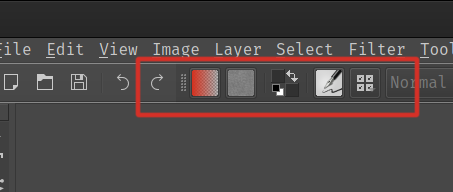
Maybe you could use the same “braille dots” like the top bar.
- Tool Options Docker is missing its close button
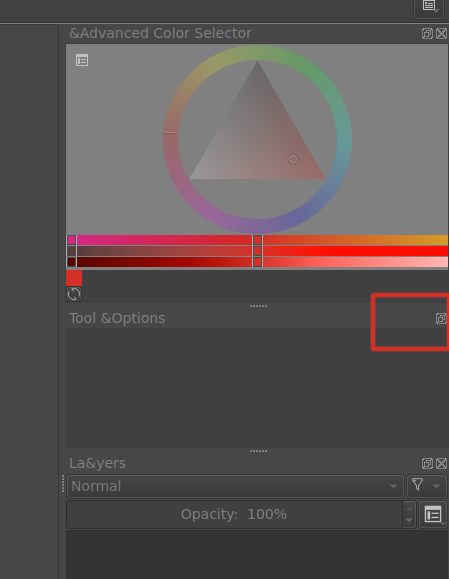
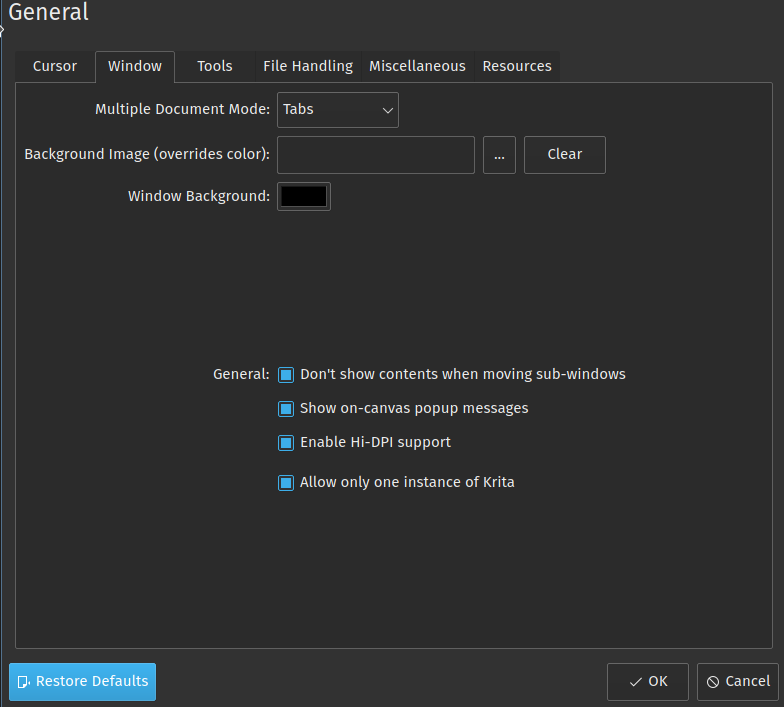
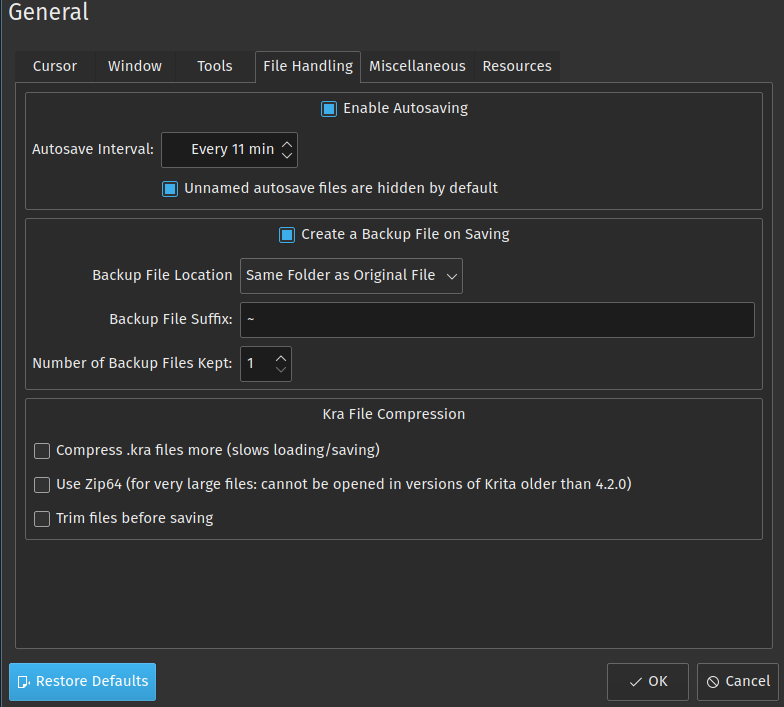
- Krita’s Configure Settings Lack Uniformity
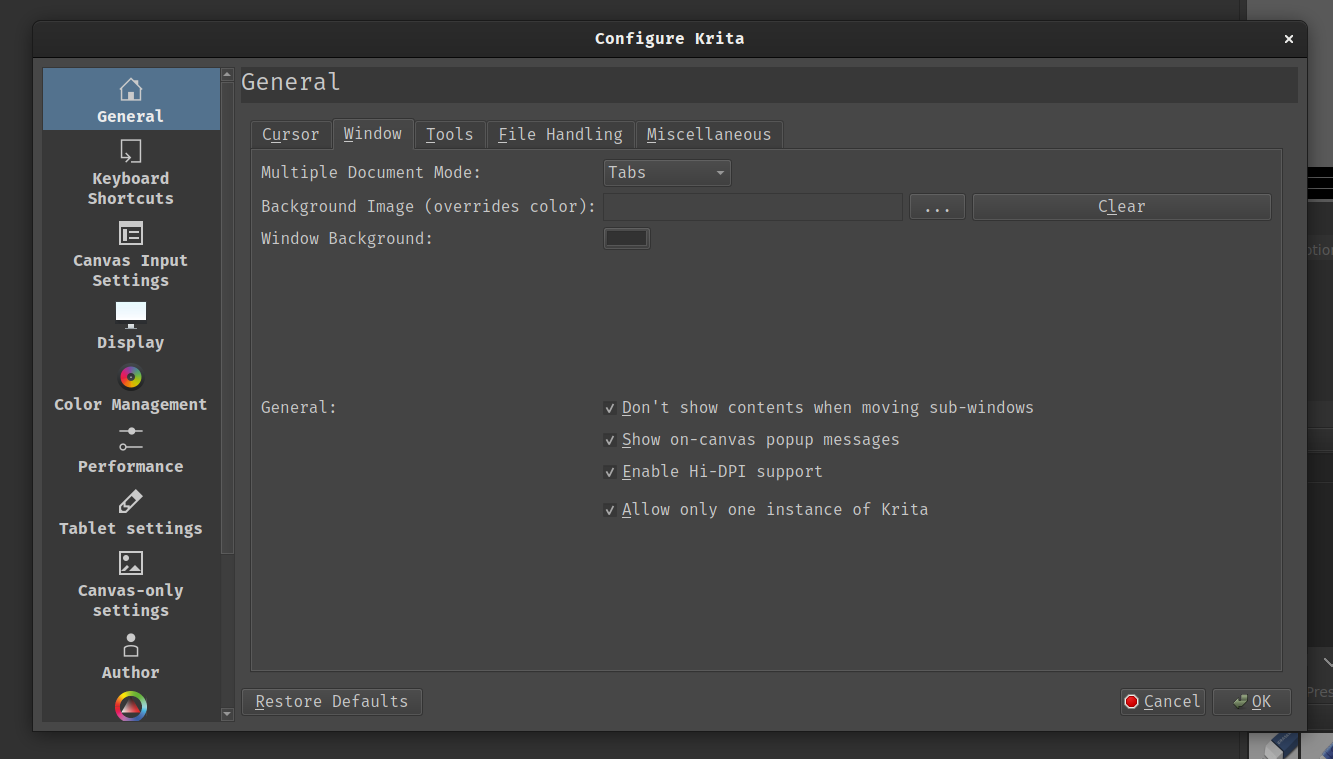
Most of Krita’s settings don’t align, jump all over the place and lack coherence.

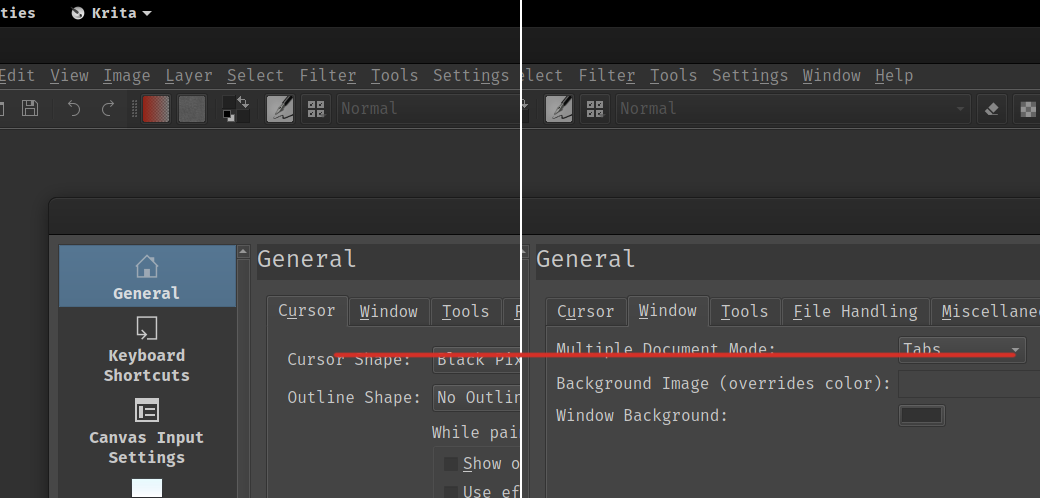
Example of a nicely laid out panel:

Against a not so nicely laid out panel (what’s with all the wasted space?):
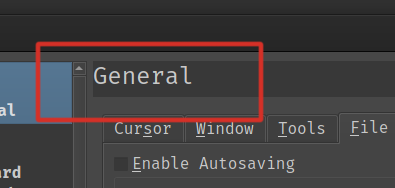
This header could use some padding to the left and maybe could be centered vertically too:
And that’s it. Whether it’s my OCD talking or valid concerns, I really think it would make Krita a little bit better if some of these could get addressed, some don’t seem that difficult to fix, others, I really don’t know.
Thanks

 And one thing that will make gtk and gnome devs aware of this scenario is when gnome/gtk users report such bugs to them.