Hello! Let’s see what Krita has in store for a new user. I created a list of issues I think worth mentioning. I’ve used Krita only as a drawing program as I paint traditionally.
1) Let’s setup the UI.
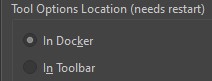
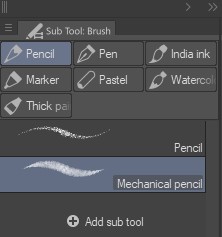
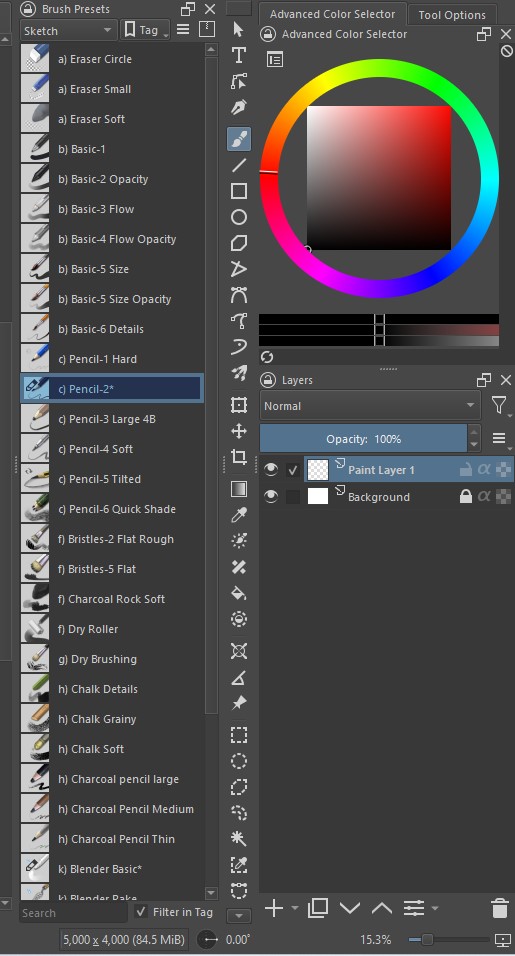
Feeling up to the challenge? Try to replicate this setup. There’re definitely some issues with the dockers. Also, the toolbar doesn’t fit if you make it in one row, we should probably be allowed to group tools in one category with a subtool docker.
2) Let’s setup shortcuts.
This is a big one. I decided to change every button I need. But I failed.
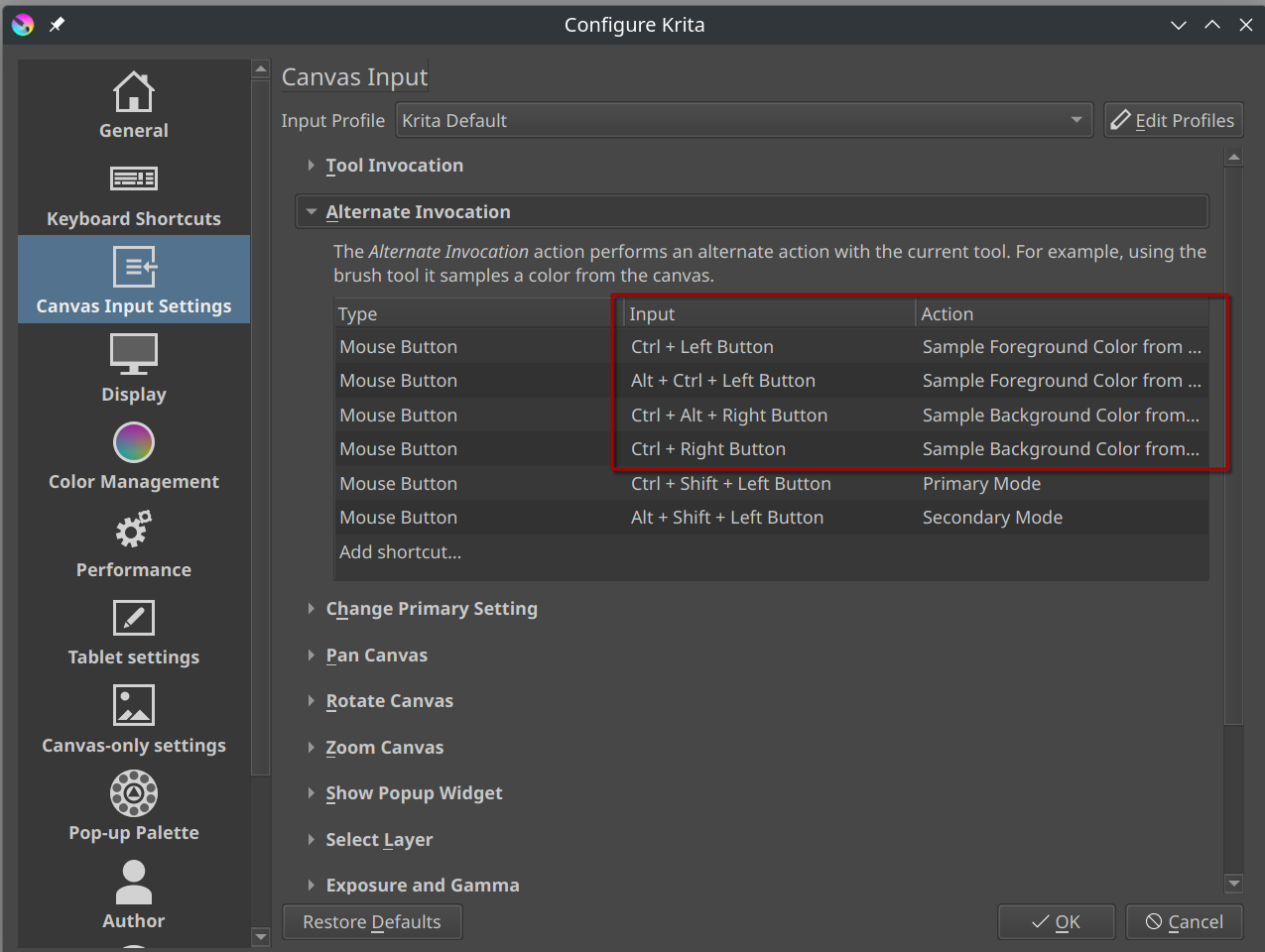
First, I could not find how to rebind color picker from ctrl to alt. I’ve searched both keyboard and canvas settings.
Second, the canvas rotation rebind didn’t work. I’ve tried to remap the “rotation mode” and no use. Reset rotation worked well though.
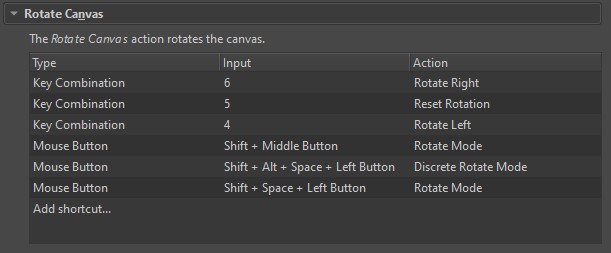
After these attempts I just changed the hotkeys to CSP profile. But still I couldn’t change canvas rotation. And also there’s a problem with a line tool so I couldn’t change it to shift (when you use lasso and press shift, a line tool activates and you can’t add to selection)
And lastly, I hope I changed the correct tool to simply flip canvas pressing F1
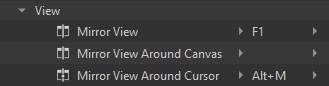
Phew, that was something. This part definitely needs simplification.
3) Let’s choose a brush!
That’s minor, but in my opinion brush presets are too cluttered. Many brushes are repeated in several tag groups. Groups themselves are too broad. I think it would be better just to group them by media name (ex. Digital, Pen, Pencil, Charcoal…) and don’t put the same brushes in all groups.
And maybe create a beginner’s set, picking few essential brushes with distinct names (sketch, line art, color…) so any new person could create an art from scratch with that set.
4) Let’s draw and erase!
And finally, we can start drawing! I’ve picked a Pencil-2 brush. And now I want to erase something. I go to settings and click both options “Eraser switch…”, then press E and erase. But the opacity is still there. Alright, I go to the settings and turn opacity off. But it’s still there! I switch between modes trying to play with opacity setting, doesn’t matter, it doesn’t work that way.
After playing a bit more with different brushes I came to a conclusion: I can’t use any brush with pen pressure opacity since the hard eraser doesn’t work with them.
Bonus:
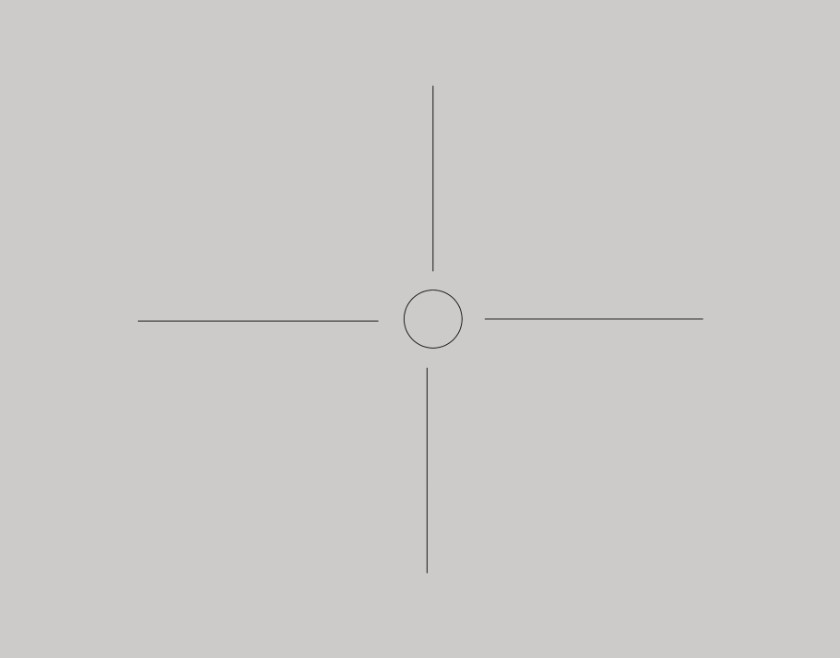
I hid a brush cursor, try to find it!

P.S. If you have a Tool Options docker hidden, it’s hard to say which tool do you use since the top bar always remains the same, and you have to scan a toolbar for that.
 ]
]