This Spanish tutorial by Luis Espitia shows how to lip sync a character in 2D animation using Krita and Audacity:
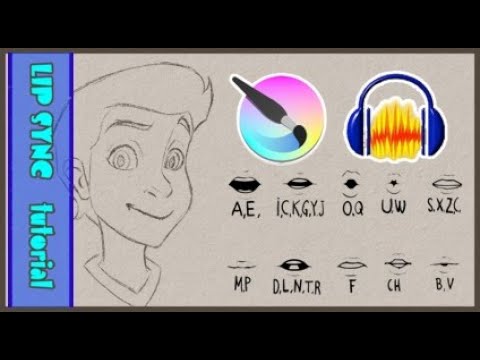
This Spanish tutorial by Luis Espitia shows how to lip sync a character in 2D animation using Krita and Audacity:
Audacity was used to record a short sound track and export it to an .mp3 file for use in krita.
After that, Audacity was not used as part of the lip sync process. That was done by timeline scrubbing and listening and making a judgement about where the lip positions should change.
Yes, that’s correct. But at no point did I say that the two programs would be used all the time, nor that their use would be simultaneous… and it doesn’t even have to be. 
I take the opportunity to say that the tutorial is a great starting point and for that reason, I posted it. However, it should not be taken as “the only technique”.  I personally like to move the character’s jaw when his mouth is opening, I think it makes it more natural (although it does add some extra work).
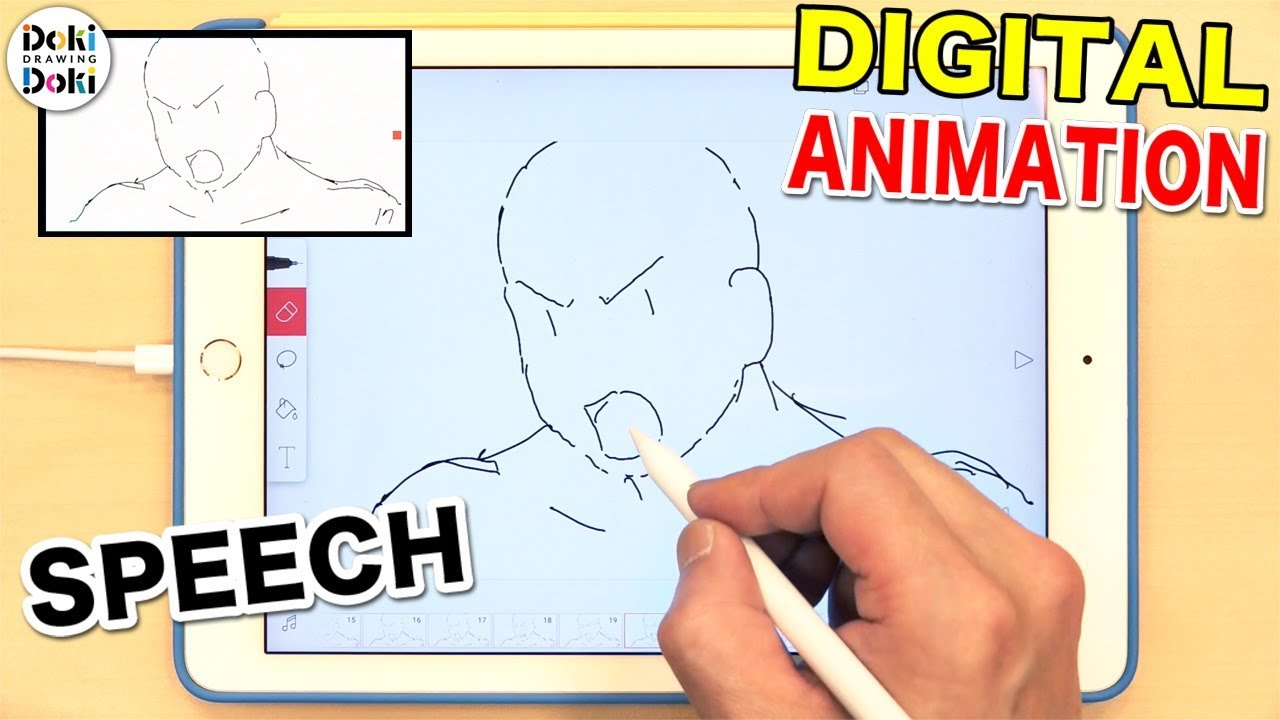
Japanese animators, from the videos I’ve watched, use another method to lip sync. Everything is choices, different ways of doing things…
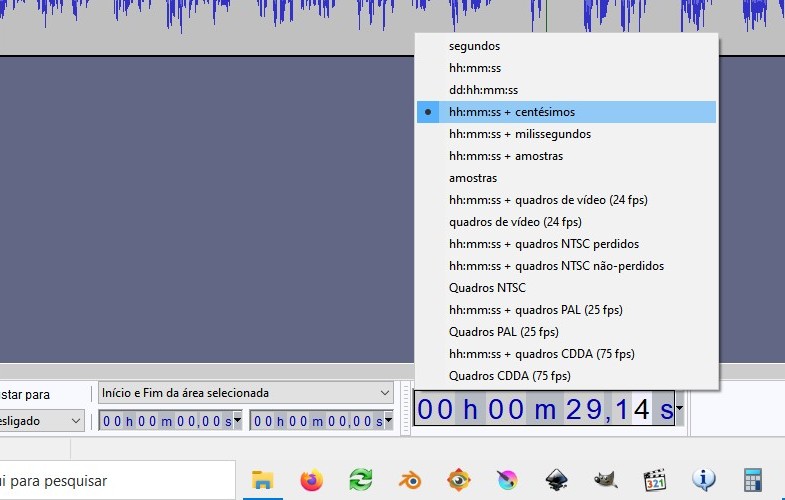
I haven’t tried using Audacity for this yet… but it might help if you configure the program to show the time in frames. You will find this option at the bottom of the window. My Audacity is in Brazilian Portuguese, but it’s a similar path in other languages:
EDIT: To make the topic more complete, here is a video showing how a Japanese animator does lip sync: